Best AI Video Editors To Streamline Your Workflow in 2026
Compare the best AI video editors of 2026 to use for social media, branded content, and podcast clips—with no editing experience required.

.png)
.avif)
AI video editors are reshaping the way creators and businesses produce content. By automating repetitive video editing tasks, like captioning, scene detection, and trimming, AI tools help streamline the editing process without sacrificing quality.
As demand grows for short-form branded videos on platforms like TikTok, Instagram, and YouTube Shorts, content creators and freelancers need tools that can move fast. AI-powered video editors offer a way to meet that demand, making high-quality edits accessible even without advanced skills.
In this guide, you’ll find the best AI video editors available in 2026. We’ll compare features, pricing, and ideal use cases—plus explain how freelancers use these tools to deliver standout content with less effort.
What makes a great AI video editor?
The best AI video editors go beyond basic trimming and transitions. They use automation and machine learning to speed up common editing tasks like background noise removal, auto-captioning, and resizing for different aspect ratios. Many also support features like text-to-video generation, AI avatars, and voiceovers—ideal for quick-turn content creation.
For freelancers, these tools can significantly reduce editing time while maintaining high-quality results. That means faster turnaround for client projects, more bandwidth for new work, and better outcomes without needing advanced editing skills.
AI video editors are especially useful for content types that thrive on speed and engagement, such as:
- YouTube clips that require consistent formatting and polish
- TikTok and Instagram Reels where quick edits and smart captions boost performance
- Podcast videos with highlights, subtitles, and dynamic templates
- Branded short-form content that needs to look polished without being overproduced
Top AI video editing tools to try in 2026
These AI-powered video editors offer advanced automation, real-time editing features, and built-in tools for generating subtitles, transitions, and even avatars. They're especially popular with content creators, freelancers, and social media marketers who need to produce high-quality video content quickly. Whether you’re cutting clips for a YouTube channel or generating short-form branded content for TikTok, these platforms help streamline your workflow and elevate your editing process.
Adobe Premiere Pro

Adobe Premiere Pro is an industry-standard video editing software program widely used by professionals in video production, marketing, and branded content. Its integration with Adobe Sensei brings advanced AI features that improve efficiency, from auto-captioning to color correction. Premiere Pro is known for its precision, powerful editing suite, and seamless collaboration across other Adobe tools. It's a top pick for freelancers and agencies that need high-quality video editing backed by automation.
Best for: Professional video creators and editors
Key AI features:
- Text-based editing and auto-transcription
- AI-powered color grading and speech-to-text
- Morph cut and audio remix for seamless transitions
Pricing: Starts at $22.99/month; bundle options available in Adobe Creative Cloud
Higgsfield AI
Higgsfield’s AI video generator is a generative video platform built around one capability most tools don't offer: directed camera motion. Instead of letting the model decide how a scene moves, you specify if it dollies, pans, orbits, zooms directly from a text or image prompt. The result is cinematic, intentional footage with strong character and scene consistency across multiple clips, making it a practical choice for freelancers producing brand content, campaign sequences, or premium social video without a physical production setup.
Best for: Freelance video creators, brand content producers, and creative directors who need cinematic motion control and consistent multi-clip output.
Key AI features:
- Directed camera motion (dolly, pan, orbit, zoom) from text or image prompts
- Scene and character consistency across multiple generated clips
- Text-to-video and image-to-video generation
- Physics-aware motion for natural, believable movement
- Browser-based workflow no installation required
Pricing: Plans start at approximately $9/month (~90 generations), with mid-tier at $29/month (~350 generations) and top-tier at $79/month (~1,100 generations). No permanent free tier. Commercial use is included on all paid plans.
Wondershare Filmora
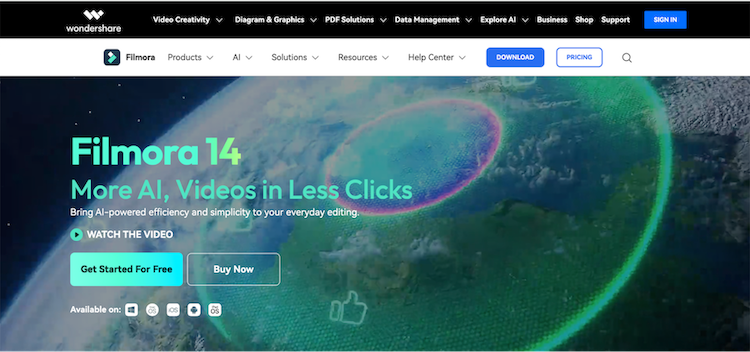
Filmora is a go-to AI video editor for beginners and content creators who want a fast, easy-to-use platform. Its user-friendly interface makes it ideal for social media influencers, vloggers, and YouTubers. Filmora automates several editing tasks like removing background noise and detecting silence, helping users speed up video production. With mobile and desktop compatibility, it’s a solid choice for freelancers working across devices.
Best for: YouTubers, bloggers, and social media influencers
Key AI features:
- Smart Cutout, auto frame detection, and audio denoise
- Silence detection and auto audio sync
- AI audio stretch and background cleanup
Pricing: Starts at $49.99 per year; perpetual license and business plans available
Runway
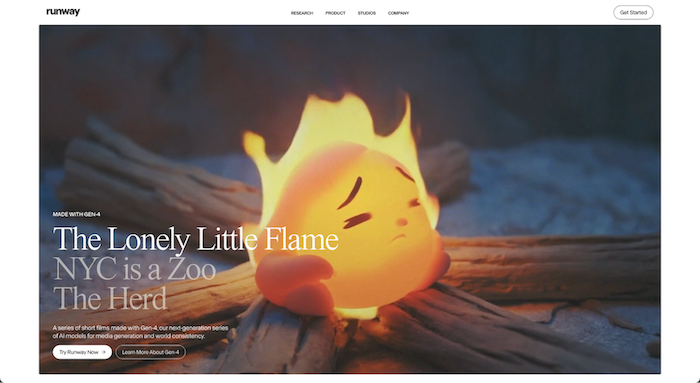
Runway is a browser-based AI video editor used heavily by short-form video creators. It's powered by Gen-3 Alpha, which allows real-time editing and text-to-video generation. With collaboration tools and intuitive scene detection, it's great for freelancers or small teams managing content for social media platforms. It also includes inpainting, background blur, and face anonymization for polished, shareable clips.
Best for: TikTok and Instagram content creators
Key AI features:
- Text-to-color and background removal
- Silence detection and auto subtitles
- Real-time collaboration and scene segmentation
Pricing: Free plan available; paid plans start at $12 per month
Synthesia

Synthesia is a leading AI video generator used in corporate training, HR, and marketing departments. It allows users to convert scripts into full videos with AI-generated avatars and voiceovers. It's perfect for freelance creators building explainer content or handling localization projects. The platform is multilingual and template-driven, making it easy to scale content production without a traditional video team.
Best for: Corporate teams, trainers, and freelance content producers
Key AI features:
- AI-generated avatars with natural voiceovers
- Custom templates and brand styling
- Script-to-video automation in 120+ languages
Pricing: Paid plans start at $18 per month; enterprise pricing available
TimeBolt
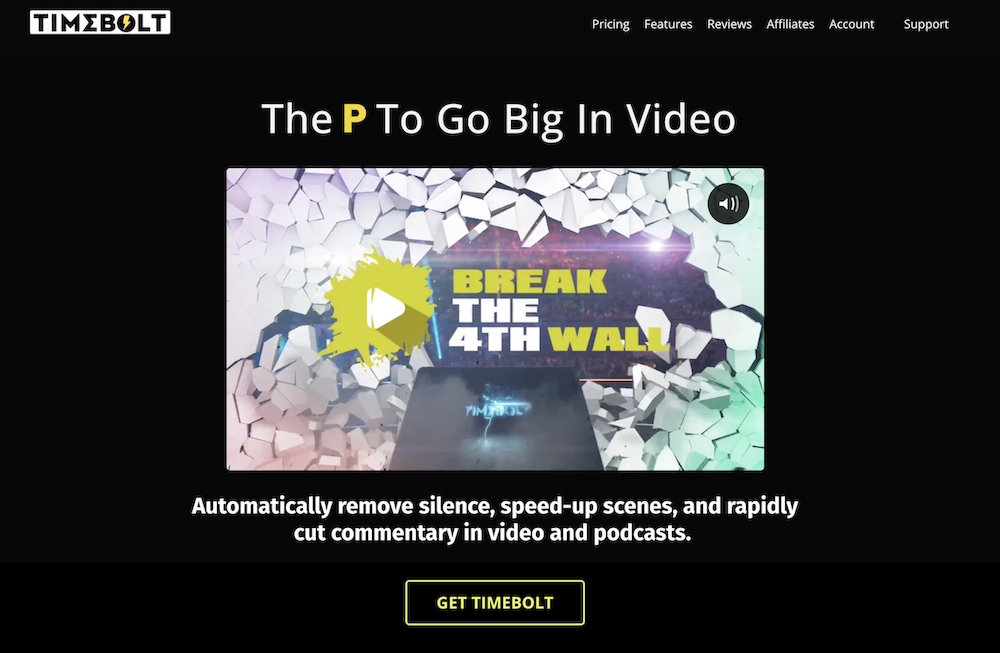
TimeBolt is tailored for podcast editors, educators, and creators who work with long-form content. It helps cut filler words, reduce silences, and highlight key moments automatically. This AI tool is a favorite among freelancers creating shorts from webinars, courses, or explainers. Its intuitive sculpting feature also makes it easy to trim videos down for TikTok or YouTube Shorts.
Best for: Podcast editors and explainer video creators
Key AI features:
- Umcheck to detect filler words
- Silence detection and scene sculpting
- Highlight marker for standout clips
Pricing: Pro plan is $17 per month or $97 per year; free plan available with export restrictions
Quso.ai

Quso.ai specializes in turning long-form videos into optimized, captioned shorts for social media. It's used by marketing teams and freelance editors repurposing webinars, podcasts, and YouTube content. AI features include auto-captioning, emoji overlays, and smart trimming. It’s ideal for content creators managing a large library of video content who want to stay consistent across platforms.
Best for: Content repurposers and social media marketers
Key AI features:
- Auto chapters and highlights
- Emoji and subtitle generation
- One-click repurposing from YouTube links
Pricing: Free plan available; paid plans start at $24 per month
inVideo AI
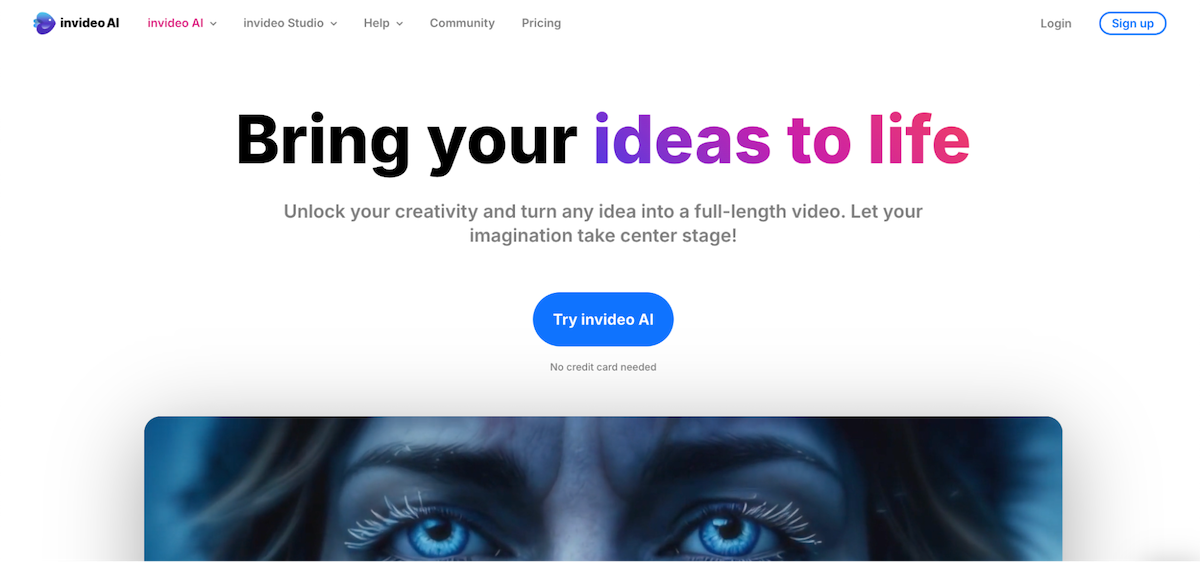
inVideo AI is a full-featured platform designed for vloggers and marketers who need scalable video creation. With a large template library and AI co-pilot, it's great for generating clips from text prompts or refining brand videos quickly. Freelancers use it for social media campaigns, product videos, and ad reels. The platform’s automation tools simplify the entire editing process.
Best for: Small business owners and content marketers
Key AI features:
- Text-to-video generation and drag-and-drop builder
- AI voiceovers and scene suggestions
- Branded templates and smart editing guidance
Pricing: Paid plans start at $28 per month; free option available with limitations
DeepBrain AI

DeepBrain AI is known for hyper-realistic avatars and voice models, making it ideal for explainer content, localization, and global training programs. Freelancers use it to create avatar-led content in dozens of languages. Its AI models are trained on large datasets for accuracy and tone matching. It stands out for its combination of natural delivery and language flexibility.
Best for: Training videos, localization projects, and educational content
Key AI features:
- Over 150 avatar styles with lip-syncing
- Voice and language variety (80+ languages)
- Script-to-video creation with editing controls
Pricing: Plans start at $24 per month; custom enterprise options available
Pictory

Pictory is a top pick for marketers and agencies who want to create short-form video content from blogs, meetings, or long-form videos. It automates highlight extraction, captioning, and short clip generation. Freelancers love it for turning Zoom calls or podcasts into engaging clips with minimal manual editing. It’s perfect for building a social media presence fast.
Best for: Marketing teams and podcast producers
Key AI features:
- Blog-to-video generation
- Auto-subtitles and short clip creation
- Zoom and webinar repurposing
Pricing: Paid plans start at $19 per month; discounts for annual billing
FlexClip
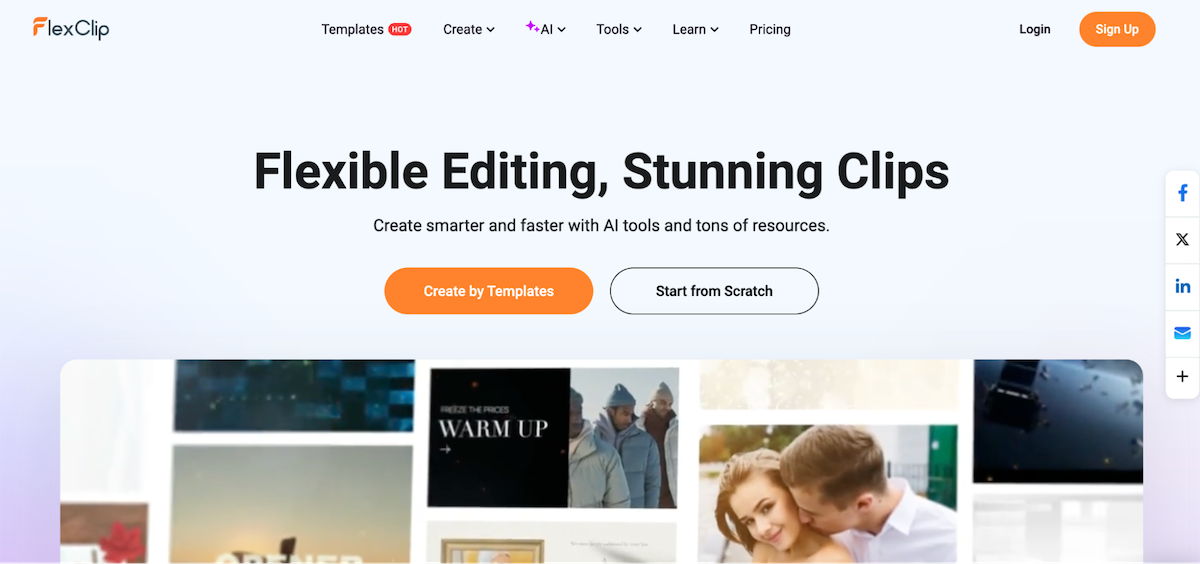
FlexClip combines AI features with a broad asset library, making it useful for education, small businesses, and real estate marketing. With text-to-speech, subtitle automation, and aspect ratio optimization, FlexClip is a well-rounded choice for basic editing and content creation. It’s especially helpful for freelancers producing videos across multiple social media platforms.
Best for: Educators, small business owners, and beginner editors
Key AI features:
- Text-to-speech and subtitle generation
- Background remover and script writer
- Aspect ratio detection and auto-resize
Pricing: Plans start at $11.99 per month; team pricing available
How AI video editors help freelancers stand out
AI-powered video editors give freelancers a major edge—especially in fast-paced content creation environments. By automating repetitive steps like trimming silence, adding subtitles, or adjusting aspect ratios, these tools let you spend more time refining the creative side and less on the technical work.
They also simplify collaboration with clients. AI editing tools make it easy to generate draft videos, apply quick revisions, and deliver high-quality content on tight deadlines. Faster turnaround means happier clients—and often more repeat business.
For beginners, AI video editors act like a built-in production assistant. With prebuilt templates, smart transitions, and auto-captions, you can match pro-level polish even without years of editing experience. Whether you're creating TikToks, podcast clips, or YouTube intros, AI tools help you deliver standout results with less effort.
Choosing the right tool for your content
Not all AI video editing tools are created equal. The best AI video editor for you depends on the type of video content you want to create, as well as your goals, platforms, and how much automation you need in your editing workflow.
Branded content on social media platforms
For platforms like TikTok, Instagram, or LinkedIn, choose tools that specialize in short-form video creation. Look for AI-powered video editors with features like auto-captions, text-to-video, aspect ratio adjustment, and emoji generation. Tools like Quso.ai and FlexClip are great for quickly turning video clips into polished, shareable assets without needing advanced editing skills.
For corporate videos or tutorials
For more corporate work, prioritize high-quality exports, voiceovers, and customization. Editors like Synthesia or Pictory support AI avatars, multilingual narration, and subtitles, making them perfect for employee training, Zoom presentations, or branded explainer content. Consider watermark policies and pricing tiers—some “free AI video” tools limit export quality or include watermarks unless upgraded.
Repurposing podcasts and YouTube content
Look for AI video editing tools with auto-cut, silence detection, and B-roll recommendations. TimeBolt and Runway are excellent for streamlining this type of content creation, helping freelancers extract highlight reels, make vertical clips, or create high-quality video recaps.
Across all use cases, consider factors like platform compatibility (Mac, Windows, iOS), editing features, export resolution, and whether the tool offers customizable templates. AI tools don’t just save time—they also help content creators and freelancers deliver standout results that meet the changing demands of video production.
Work with expert video editors on Upwork
Even with the best AI video editors, there’s no replacement for the creativity and precision of a skilled professional. On Upwork, you can connect with freelance video editors who use the latest AI-powered tools to speed up workflows and deliver polished, on-brand results across all types of video content.
Whether you're producing social media videos, corporate tutorials, or podcast clips, these editors blend automation with hands-on craftsmanship. They know how to use AI features like auto-captioning, text-to-video, and background removal, and they also bring experience in storytelling, timing, and visual style that AI can’t replicate.
If you're a content creator or business looking to elevate your video production, hire top professional video editors on Upwork. And if you're a video editor with AI tools in your workflow, Upwork is the place to showcase your skills and grow your client base.
Upwork is not affiliated with and does not sponsor or endorse any of the tools or services discussed in this article. These tools and services are provided only as potential options, and each reader and company should take the time needed to adequately analyze and determine the tools or services that would best fit their specific needs and situation.
Prices are current at the time of writing and may change over time based on each service’s offerings.

.avif)

Author Spotlight

Upwork is the world’s largest human and AI-powered work marketplace that connects businesses with independent talent from across the globe. We serve everyone from one-person startups to large organizations with a powerful, trust-driven platform that enables companies and talent to work together in new ways that unlock their potential.