Top 8 Free Apps for Freelancers: Project Management, Marketing, and Productivity Tools
Discover the best free apps for freelancers to streamline your work, boost productivity, and manage tasks, invoicing, and projects effortlessly.

.png)
.avif)
In today's competitive job market, independent professionals need every advantage to stay efficient while keeping overhead costs low. Countless free apps are available for managing workflows, tracking finances, and delivering professional results without straining limited resources. We're here to help you choose the right ones for your workflow.
From project management platforms that organize client work to invoicing systems that streamline payments, these digital solutions help self-employed individuals address the unique challenges they encounter when juggling multiple projects.
This guide explores the most valuable free tools across categories including project organization, financial management, design resources, and productivity enhancement—all designed to help independent talent automate routine tasks and focus on delivering exceptional work.
Best free project management tools for freelancers
Project management software and apps have become essential for freelancers and entrepreneurs looking to organize their workload and deliver projects on time. These platforms create structured workspaces where independent professionals can visualize workflows, track deadlines, and collaborate with clients in real time.
Let's examine the best free options for your freelance business. These two project management applications have intuitive interfaces that adapt to various working styles using robust free versions that sync across devices.
Trello: a simple and user-friendly project management tool

Trello's intuitive interface makes project management accessible for freelancers of all technical backgrounds. The platform provides sufficient organization through its free plan, which includes up to 10 team boards per workspace—enough for many independent professionals managing multiple clients.
This app simplifies client collaboration, helping clients easily understand project progress and helping you follow up with them as needed. While advanced features like custom fields and automation require paid tiers, the free version delivers essential tools with virtually no learning curve.
Key features:
- Visual workflow management. The intuitive kanban board system lets you move cards between columns to track project progress in real time.
- Mobile-friendly organization. The iOS and Android apps provide seamless task management, with notifications for deadlines and client comments.
- Simplified client collaboration. The visual interface requires minimal explanation, making it easy for clients to understand project status and progress.
Asana: a powerful project management tool for small businesses
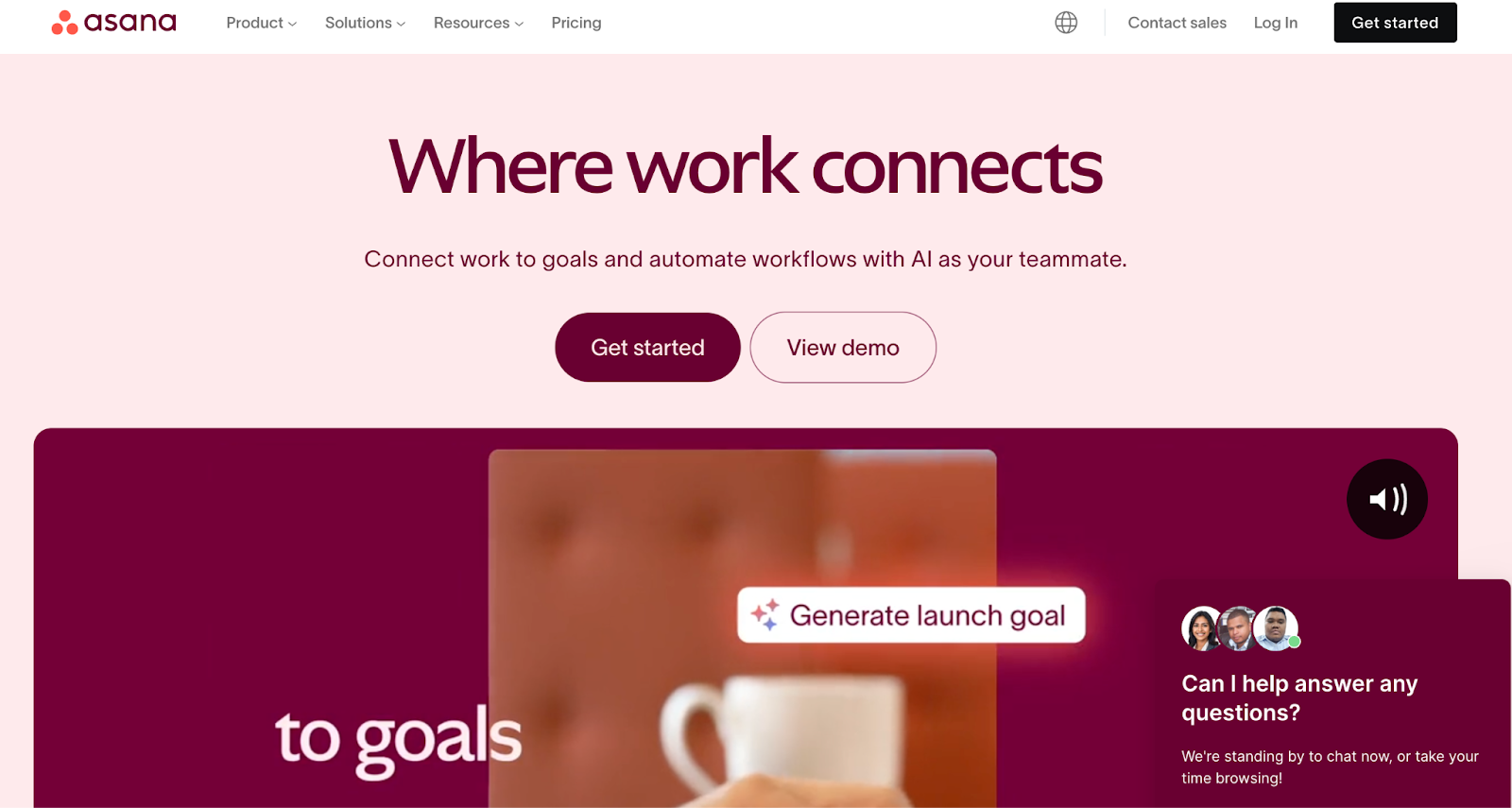
Asana elevates project organization with robust features that scale from individual work to small business operations. The platform adapts to different management styles and project complexities through its versatile interface.
The free plan creates a functional workspace for basic projects, though those handling complex workflows or requiring client privacy may need to consider premium options.
Key features:
- Flexible project visualization. The platform provides multiple views including lists, boards, and calendars that adapt to different project management styles.
- Comprehensive task organization. The system supports subtasks, due dates, and assignees for teams of up to 10 members in the free version.
- Team collaboration tools. The workspace enables direct commenting on tasks, file attachments, and progress tracking toward shared goals.
Best free invoicing and bookkeeping apps for freelancers
Managing finances can be one of the most challenging aspects of freelance work, but modern invoicing and bookkeeping apps have simplified these essential tasks. Unlike popular accounting software options like QuickBooks, many of them are free, making them more accessible for startups and self-employed individuals.
Let's look at two top free solutions that can help freelancers maintain financial organization while connecting seamlessly with bank accounts and payment systems.
Akaunting: a free open-source bookkeeping solution

Akaunting stands out with its zero-cost approach to financial management, making it an ideal solution for independent professionals operating with limited resources. The platform offers complete ownership of financial data—a major plus for freelancers concerned about privacy and data security.
The software's versatility makes it particularly valuable for freelancers working with international clients, supporting transactions across different currencies and regional tax requirements. Its clean design prioritizes accessibility without sacrificing professional functionality.
Key features:
- Comprehensive financial tools. This free, open-source platform offers professional invoicing, streamlined expense tracking, and detailed cash flow management capabilities.
- Client collaboration portal. Dedicated workspaces let clients view invoices and make payments, and help you manage multiple transactions simultaneously.
- Global accessibility. Multilingual support spans over 50 languages with customized date formats and regional tax configurations.
Wave: a cloud-based invoicing and accounting tool
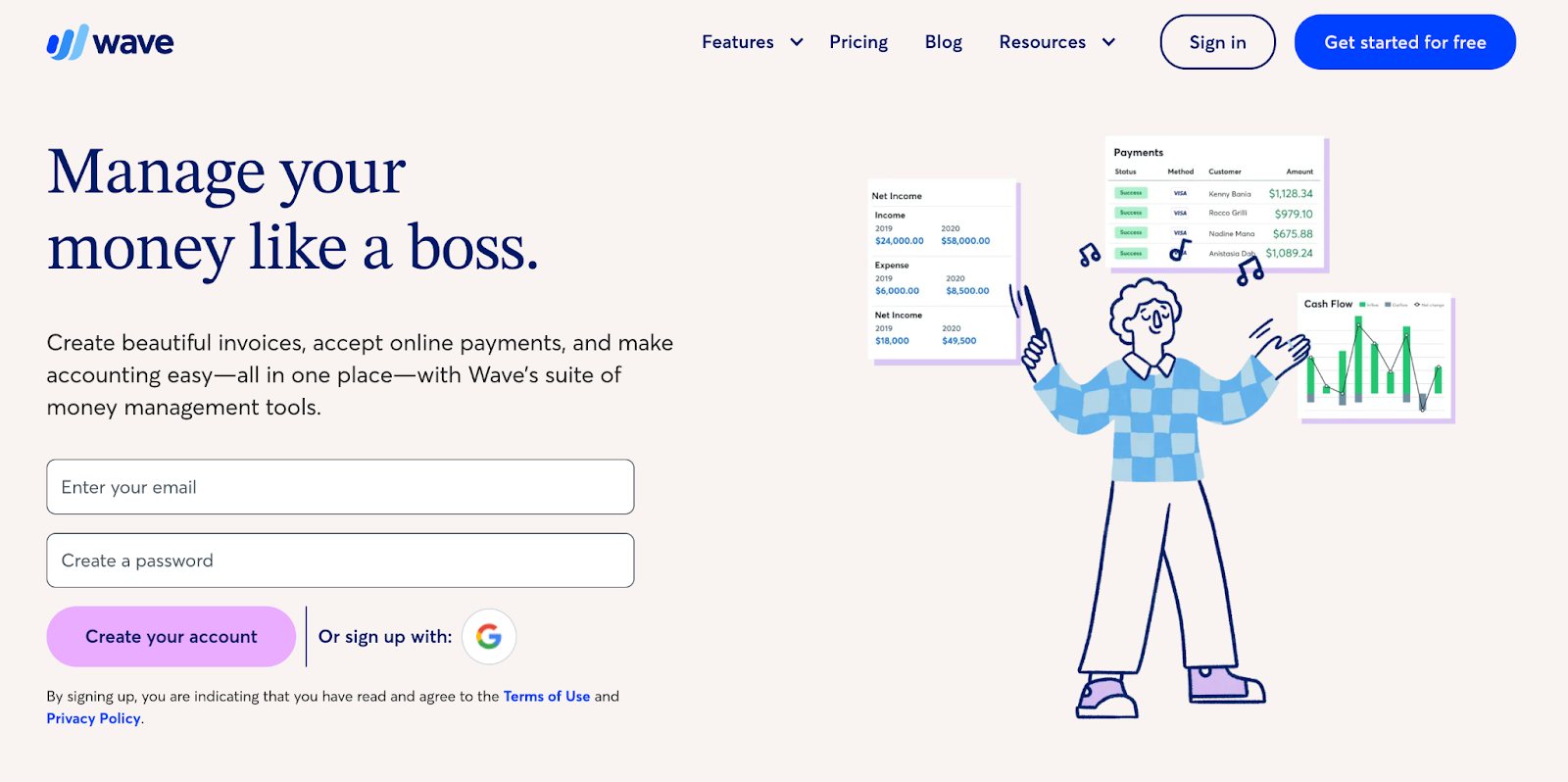
Wave's streamlined cloud-based approach removes technical barriers to professional financial management. The platform's intuitive design makes complex accounting concepts accessible to independent professionals without specialized backgrounds.
The platform creates a unified ecosystem for financial management without requiring subscription fees for essential features. This accessibility makes Wave particularly valuable for small businesses transitioning from basic spreadsheets to more structured accounting systems.
Key features:
- Unlimited core functionality. This cloud-based system offers unrestricted accounting, invoicing, and expense tracking capabilities, even in the free version.
- Comprehensive tax preparation. The automated categorization and reporting features are specifically designed to simplify U.S. tax filing for self-employed professionals.
- Flexible payment options. The platform includes integrated processing for both bank transfers and credit card payments, with customizable mobile-friendly invoice templates.
Best free graphic design tools for freelancers
Independent professionals often need digital design capabilities without significant investment in specialized graphic or web design software. Today's free graphic design tools offer professional-grade functionality through intuitive interfaces that require minimal training.
These platforms provide customizable templates and collaborative workspaces that help freelancers deliver polished client deliverables.
Canva: a free graphic design tool for freelancers
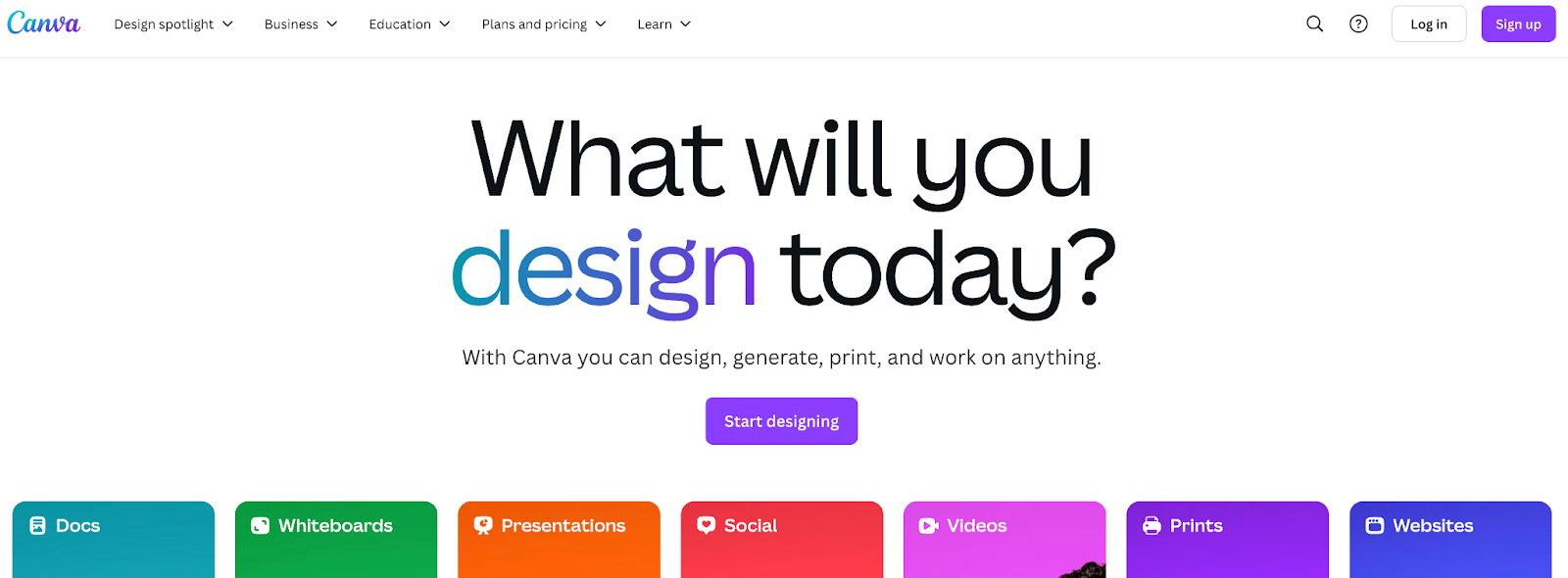
Canva democratizes design through its intuitive drag-and-drop interface that requires no specialized training. The platform emphasizes accessibility for small businesses needing professional-quality marketing materials without dedicated design staff.
With extensive collaboration features, freelancers can easily incorporate client feedback directly within projects. The system works across devices, supporting professionals who need design capabilities while traveling or meeting with clients.
Key features:
- Intuitive design environment. This drag-and-drop editor lets you create designs without professional design experience or specialized training.
- Extensive template library. The platform offers 250,000+ free templates for social media, presentations, posters, and other marketing materials.
- Comprehensive media resources. Users gain access to free stock photos, graphics, videos, and audio tracks to enhance design projects.
Figma: a web development and design tool for freelancers
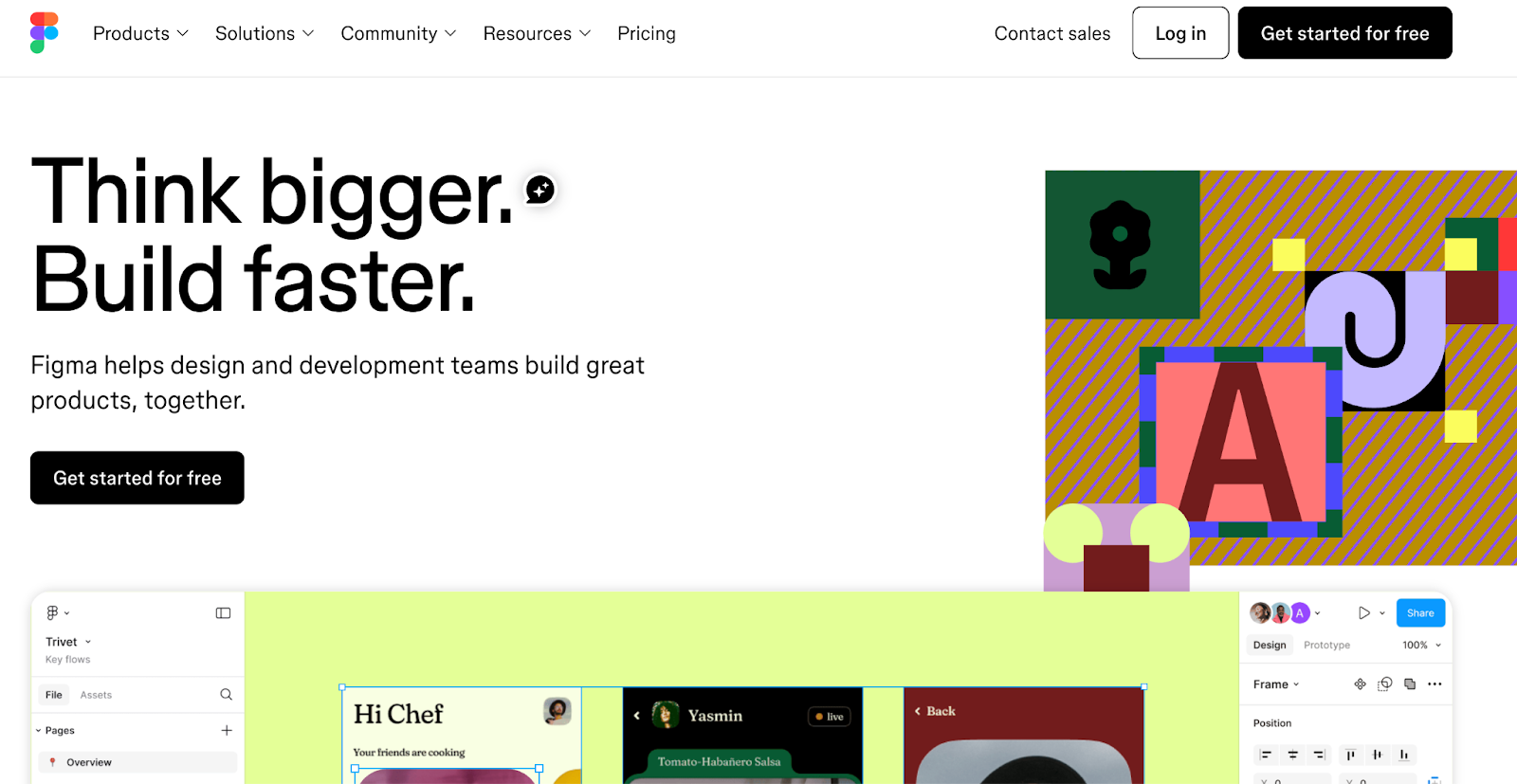
Figma provides professional-grade web development and design capabilities through a browser-based platform that eliminates software installation requirements. The system's cloud-based architecture enables access across operating systems while ensuring work remains synchronized.
The platform balances individual needs with team capabilities, distinguishing between personal drafts and collaborative files. This structure particularly benefits independent professionals who maintain their own design systems while occasionally engaging in client collaboration.
Key features:
- Unlimited personal workspace. The free plan provides unlimited personal drafts for individual design experimentation and development.
- Collaborative design environment. The platform supports real-time collaboration with up to three editors per file in team projects.
- Professional prototyping tools. Users can create interactive previews with basic screen linking and preview capabilities for client presentations.
Best free productivity and time management apps for freelancers
Independent professionals often juggle multiple projects simultaneously, making efficient task and time management essential. Digital productivity tools help self-employed business owners organize workloads, automate repetitive processes, track time spent on tasks, and maintain focus across various client commitments.
These platforms create streamlined workflows that enhance consistency and reliability—critical qualities for small businesses building professional reputations.
Todoist: a task management app for freelancers
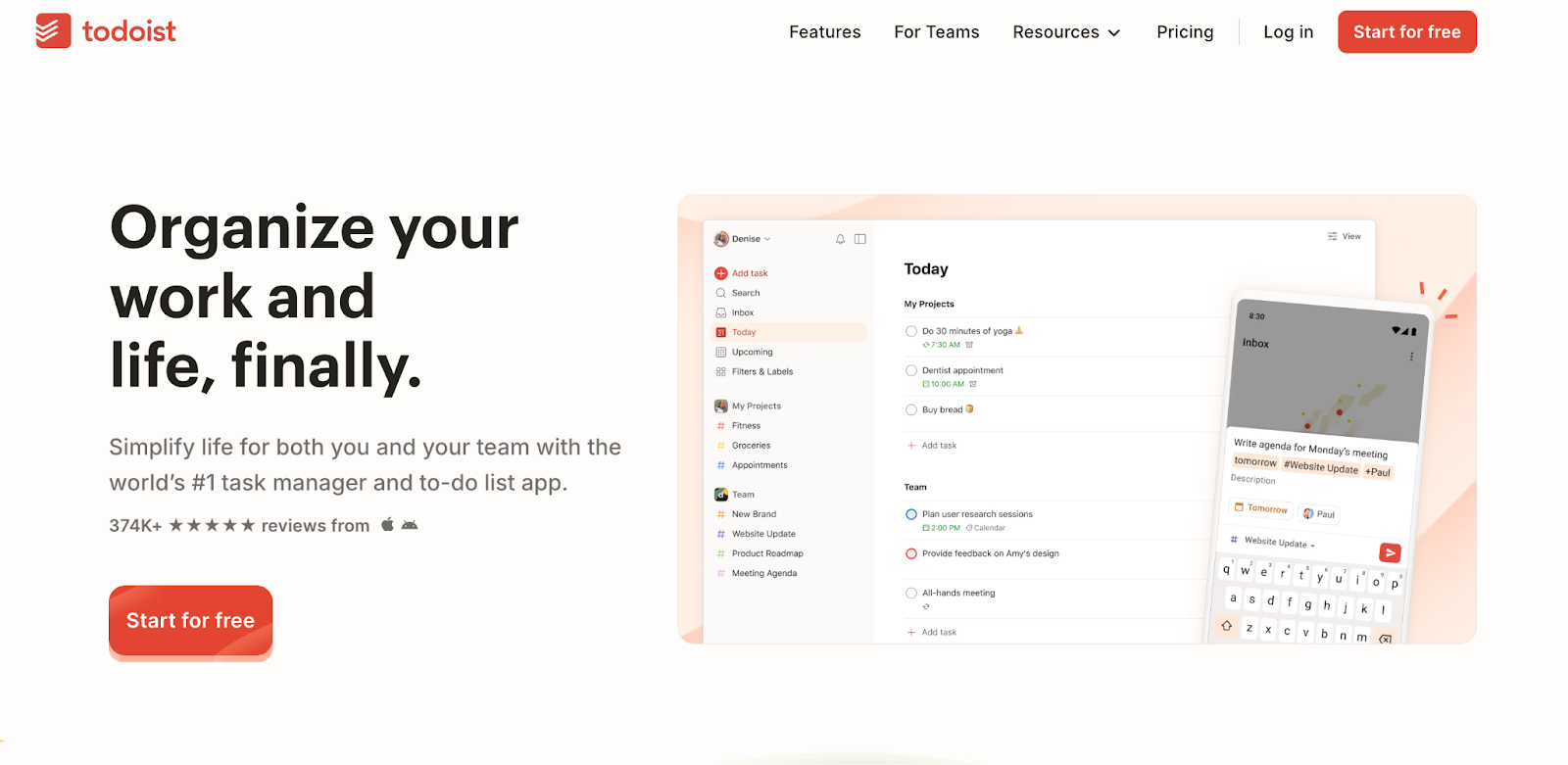
Todoist brings structured organization to independent professionals through its intuitive task management system. The platform's simple interface is a gateway to powerful organization capabilities that adapt to various work styles through flexible list and board layouts.
The system integrates seamlessly with essential productivity tools, extending functionality beyond basic to-do lists. With its limited but focused feature set, the platform offers significant value without overwhelming users with unnecessary complexity.
Key features:
- Focused project organization. The free plan supports up to five active projects with natural language task creation for quick entry during client calls or meetings.
- Cross-project visibility. Users can apply labels to tasks and create up to three custom filters to track work across multiple client projects.
- Enhanced communication tools. The system provides task commenting with file attachments up to 5MB and converts emails to tasks through a dedicated forwarding address.
Toggl Track: a simple and effective time-tracking app

Toggl Track simplifies time tracking for independent professionals through its one-click timer functionality and cross-platform synchronization. The system emphasizes accessibility with offline capabilities that maintain accurate records regardless of internet connectivity.
This time tracker balances simplicity with comprehensive tracking features that support small teams of up to five users. With its productivity-focused approach, Toggl Track helps self-employed individuals maintain accurate time records and log billable hours while minimizing administrative overhead.
Key features:
- Versatile time capture. The system offers manual timers, automatic tracking of digital activity, and idle detection to maintain accurate records.
- Comprehensive platform coverage. Time data synchronizes across web, desktop, and mobile apps on iOS and Android for consistent workflow management.
- Enhanced productivity tools. The free plan includes time targets for personal accountability and scheduled reminders to maintain consistent tracking habits.
Build your freelancer toolkit
Today's independent talent has an impressive array of free tools to streamline operations without straining limited resources. These apps help create integrated workflows that enhance productivity while reducing administrative burden.
Before investing in premium subscriptions and paid plans, thoroughly explore these free versions to make sure they offer everything you need for managing client work without additional investment. As your business grows, targeted upgrades can provide enhanced functionality in the most critical areas of your workflow.
Whether you're looking to expand your client roster or find talent for your next project, Upwork provides the connections you need. Find clients for your specialized skills or hire freelancers to complement your existing team.

.avif)

Author Spotlight

Upwork is the world’s largest human and AI-powered work marketplace that connects businesses with independent talent from across the globe. We serve everyone from one-person startups to large organizations with a powerful, trust-driven platform that enables companies and talent to work together in new ways that unlock their potential.