The Best Software Developer Tools for Your Next Project
Learn how to choose the best code editors and development environments with the most useful features for developers.

.png)
.avif)
Software developers play an integral role in today’s tech-driven business world. Based on an analysis of user needs, they design, develop, and update applications used by everyone from e-commerce businesses to healthcare providers. They rely on modern software development tools to get their job done efficiently.
However, the best software development teams don’t operate in a bubble. Developers must also understand how the cutting-edge technology they use fits into the larger organization and factors in as part of a collaborative effort with the larger team.
Understanding software tools and their purposes will help you identify your team’s technical needs and structure work processes when managing development projects. This guide provides a categorical overview of some of the best software development tools that developers use and breaks down some criteria to look for—as well as three of the best tools in each category that are worth trying.
Code editors and development environments
Software development is rooted in coding, the process of creating machine-readable instructions or scripts. These codes can determine how a website will react. For example, when a user clicks on a button, the webpage opens a dialogue box. Front-end development determines what the user sees, while back-end development directs this “reaction.”
Editors allow for fast and easy code writing and editing. Aside from serving as the basic building block for code creation, editors also make the software development process more efficient, for example, by providing preloaded user interface (UI) themes or offering templates that streamline workflows. Many editors now include drag-and-drop functionality, which can make designing user interfaces faster and easier, even in no-code environments.
Here's what to look for when choosing code editors and development environments:
- Compatible operating system. Most code editors work across platforms, but there are also platform-specific programming tools. The editor should be compatible with whatever operating system your developers use.
- Preferred language. Coding relies on languages such as Java, PHP, Ruby, Python, C++, and Perl (see this programming language 101 article). The editor needs to support whatever coding language software developers are supposed to work with. Skilled developers often master multiple coding languages.
- Online access. For individuals working independently, a downloadable code editor is appropriate. However, for larger software development teams collaborating across multiple devices, online-based code editors are ideal because everyone can access updates remotely on their own devices.
IntelliJ IDEA

IntelliJ IDEA is a powerful integrated development environment (IDE) developed by JetBrains. It's designed to maximize developer productivity for various software projects, providing robust tools for Java development and support for many other programming languages.
One of IntelliJ's standout features is its intelligent code assistance, which includes advanced code completion, on-the-fly error detection, and quick fixes. It offers powerful refactoring tools and built-in code analysis to improve code quality.
IntelliJ provides integrated developer tools like version control integration, a visual debugger, and test runners. Its plugin ecosystem allows for extensive customization, including support for popular frameworks like Node.js.
For organizations, the Ultimate Edition starts at $599 per user for the first year, with prices decreasing in subsequent years. An All Products Pack, which includes IntelliJ IDEA and other JetBrains tools, is also available starting at $779 per user for the first year. For individual users, these plans cost $169 and $289 (respectively) for the first year.
Sublime Text 4
Sublime Text is a text editor designed to create code and markup. It’s available in Windows, Mac, and Linux—making it a versatile tool for software developers across different platforms.
The editor is known for its fluid user interface. It uses GPU rendering to create a fluid design on up to 8k resolution.
One of the big draws to Sublime is its speed. Many other editors can be slower because of their extra functionality. But because Sublime is streamlined for its task, it’s lightning-fast and can run in almost every environment.
Sublime text is free to use. However, you can also register your copy of the editor for $99, which provides three years of updates.
Visual Studio Code
Visual Studio Code is a cross-platform open-source code editor offered by Microsoft. It’s a favorite in the developer community—with an extensive plug-in ecosystem and a large community. Since so many developers use this editor, you can find help quickly if the editor isn’t working for your needs.
The plug-in ecosystem allows developers to extend Visual Studio Code as they wish. They can add language-specific plug-ins to expand the IntelliSense autocomplete features and connect directly to the source code control environments they want.
The editor has several advanced features that make it useful for the entire development process—like debugger support, unit testing, setting breakpoints, and an interactive console. These features are helpful for mobile, desktop, and web developers.
Visual Studio Code is free to use, and no paid plans are available.
Codespaces

Codespaces is a web service that lets you take advantage of your favorite code editor—Visual Studio Code, Jupyter, or JetBrains—in the cloud. Instead of installing desktop software, you load the Codespaces development platform, pick the editor you want, and create a cloud instance on-demand with the tools you need to start programming. There are no dependencies or compilers required on your local machine.
Code editing with Codespaces is an alternative for people with underpowered laptops. The development environment boots within seconds and offers up to 32 cores of processing power and 64 GB of RAM.
Codespaces offers a free version for individuals starting at 500MB of storage. To use Codespaces in a team environment, expect to pay $4 per monthly seat. Larger teams pay $21 per monthly seat for the Enterprise plan.
Source control tools
Every development project has its own source code, which may be accessed by many people at once. Source control tools monitor changes. When one developer makes changes in their workspace, they are saved locally and sent to a repository where the entire team can access them. From the repository, other team members can pull updates to their local workspace.
Managing access to the source code ensures developers don’t overwrite or otherwise mess up each other’s work. This is what source control tools, also called version control tools, are for.
Here's what to look for when choosing source control tools:
- Branch support. Branching refers to how objects are duplicated in version control so that different developers can make changes to different parts in parallel. Various organizations use different branching workflows. For example, a waterfall versus a short-cycle process. The source control system should support the branching strategies of your development environment.
- Reporting functions. Source control reports show who did what and when, providing an overview of a project’s development life cycle. For instance, looking for particular changes in a specified time frame can help pinpoint previous errors.
- Remote capability. With the number of software developers working remotely, remote capabilities are essential to consider. Additionally, network communications between the on-site system and remote users should be encrypted to ensure security.
Bitbucket

Bitbucket is a Git-based source code repository management solution developed by Atlassian. It provides a centralized platform for development teams to manage Git repositories, collaborate on code, and guide projects through the development pipeline.
One of Bitbucket's key features is its seamless integration with other Atlassian products like Jira and Trello, allowing for easy tracking of issues and project management alongside code development. It also offers built-in Continuous Integration/Continuous Delivery (CI/CD) capabilities through Bitbucket Pipelines, enabling automated building, testing, and deployment of code.
Bitbucket supports customizable branching workflows and provides robust pull request features for code reviews. It's available in both cloud-hosted and self-hosted options.
Bitbucket offers a free tier for small teams of up to five users with unlimited private repositories. Paid plans start at $3 per user per month, providing access to more advanced features.
Git
Git is known as one of the best source control tools available online. It’s easy to use, doesn’t require much space, and performs extremely fast. It’s also open-source, which means it’s driven by programmers and their needs.
Some of the features that make Git stand out are local branching, staging areas, and multiple workflow support. It’s a great system for teams that want to collaborate on code and reduce the number of conflicts when committing code to a central repository.
Git is open-source and free to download and use on your own. You can also use an online Git repository offered by companies like Github, which offers a number of plans at varying price points.
Helix Core
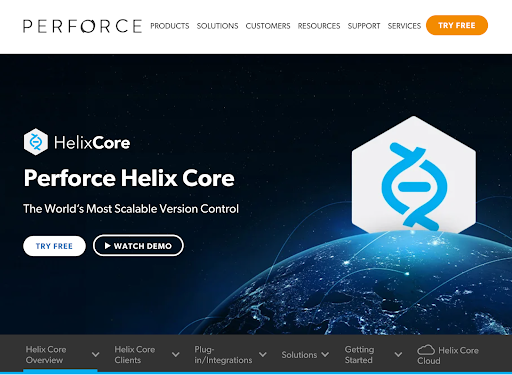
Helix Core by Perforce is a version control system designed to handle everything from small projects to large enterprise software applications. It’s software that helps project owners securely store programming code and all their digital assets.
One of the key features of Helix Core is its security capabilities. These features are useful to organizations needing security measures because of confidentiality and regulatory concerns. You can set permissions on everything from single files to IP addresses. It also offers audit histories—allowing you to see who accessed what file and when they opened it.
Helix Core is free for teams of up to five with 20 or fewer workspaces. For paid plans for teams of six or more, the company asks to be contacted to develop a plan that can best help your team grow.
Apache Subversion (SVN)
Apache Subversion (SVN) is an open-source centralized version control system created by the Apache organization. It’s known for its reliability and simplicity of usage. It offers the base operations of source control management for individuals and large organizations.
One of the things SVN is known for is its ability to handle directories and files. Its version control allows you to recover older versions of the data and see how it changed over time.
Apache Subversion is a free-to-use software with no paid plans available.
Continuous integration tools
Continuous integration is technically a philosophy of coding. In practice, it refers to making frequent small changes in code and checking these changes regularly against control repositories. Continuous integration (CI) tools allow for this process to become partially or fully automated.
The goal of CI tools is to establish a consistent, accurate, and regular means of building and packaging applications. Meanwhile, continuous delivery (CD) tools automate the delivery of application changes.
Here's what to look for when choosing continuous integration (CI) tools:
- Real-time capabilities. For maximum efficacy, CI and CD tools must provide real-time reporting. Ideally, look for tools that can be integrated with project management systems.
- Tool support. Some tools offer comprehensive support in case something goes wrong, but others don’t. Since CI/CD issues can delay an entire software development project, you want direct support or at least comprehensive trouble-shooting documentation at hand.
- Plug-ins. Many CI systems come with plug-in features designed to enhance functionality. Plug-ins ideally won’t be third-party, as this can jeopardize stability, security, or availability.
Jenkins
Jenkins is an open-source automation server that allows developers and organizations to build, deploy, and automate any project. It has an enormous number of contributors that all help advance the project and create hundreds of plug-ins to help developers in every part of the continuous integration pipeline.
The number of plug-ins available makes Jenkins one of the most flexible CI tools available. It allows developers to pick and choose how to build their integration pipeline instead of confining themselves to a set number of tools that are hard to change.
Jenkins is a free software program and doesn’t have any paid plans—making it effective for individuals and teams.
GitLab
GitLab is a DevOps platform that offers a complete continuous integration solution. GitLab helps bring teams into one application, allowing them to ship secure code more efficiently.
GitLab offers the primary tools needed to set up a CI pipeline—runners and jobs. It does so using the YAML configuration file. It also supports parallel job execution, manual execution, and Docker support.
One of the best features of GitLab is direct integration with its source control solution. This integration makes the development of CI easier.
GitLab is free for the basic features—including 400 compute minutes per month. Priced plans start with the premium team plan that runs $29 per month per user (or $348 annually) with 10,000 compute minutes per month. There is also a higher-tier Enterprise plan available via custom quote.
CircleCI
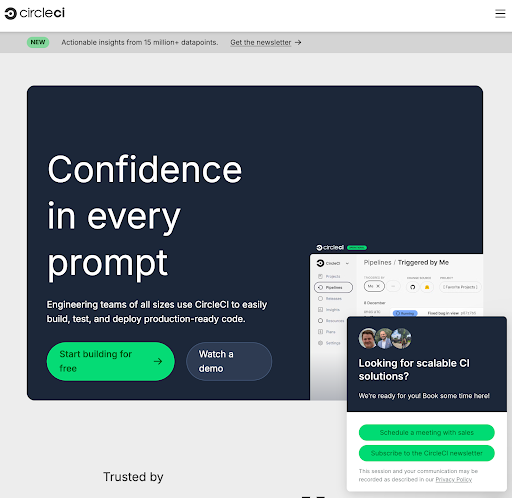
CircleCI is a continuous integration platform focused on modern teams. It helps developers optimize productivity and successfully build applications by streamlining the CI pipeline development process and integrating with external applications.
One of the things that makes CircleCI stand out is its extensibility. It integrates with Microsoft Azure, Amazon AWS, Slack, Atlassian, GitLab, and many other services. These integrations make CircleCI versatile and able to fit into almost any development environment.
Another advantage of CircleCI is the ability to install a local server. If you have sensitive information, then this can be an essential feature that makes it worth getting. Otherwise, you can use the cloud-based CI platform.
CircleCI offers a free plan with 6,000 build minutes per month. Paid plans start at $15 per month with 12,000 build minutes and five user seats. There's also a $15 per month plan and a $2,000 per month plan, depending on your needs.
Testing tools
Software development is an iterative process. Regular updates ensure functionality and keep bugs at bay. Software development testing tools help keep software up to date.
Without regular testing, the software may function improperly or not at all. Testing tools allow for the first line of defense against errors, which can then be supplemented by a dedicated quality assurance team.
Here's what to look for when choosing testing tools:
- Web versus mobile testing. Mobile technologies are part of everyday life, and software development must take this into account. Testing tools should ideally encompass web and mobile applications.
- Testing purpose. Different tools exist for different types of testing. For example, there are tools designed to test programs specifically at the UI level and others that help you analyze performance using profiling.
- Automation. The most advanced testing tools allow for some level of automation. The tool may proactively perform tests, alerting developers when issues are identified.
Postman
Postman is a testing tool for developers of API platforms. It offers a way to test your API endpoints with test data and see what response you get.
But Postman lets you do more than test your API endpoints. You can also mockup, design, debug, and test your APIs within the platform. These features make API development much easier and will help you launch products with fewer errors.
Postman offers a free plan for individuals or small teams of up to three collaborators. For teams requiring more features, there are paid tiers: Basic ($14 per user/month, billed annually), Professional ($29 per user/month, billed annually), and Enterprise ($49 per user/month, billed annually).
LambdaTest
LambdaTest is a cloud-testing platform that offers a large set of tools for testing web and mobile applications. It offers different operating systems (Linux, Windows, and MacOS), web browsers (Firefox, Chrome, and Edge), and mobile devices (Android and iOS).
LambdaTest does this by offering cloud device emulators. Developers no longer need to purchase several devices or set up different test environments. They can log into LambdaTest to test an application or web app on whatever configuration they need.
You can also automate tests on LambdaTest using automation tools like Selenium. Automation will help developers speed up testing and offer accurate results.
LambdaTest offers a free tier with basic testing features. Paid plans start at $15 per month (billed annually) for the Live plan, with the popular Real Device plan at $25 per month. An Enterprise plan is available for larger teams. Annual billing saves up to 20%.
Selenium
Selenium is an automation tool that helps developers automate the testing process. Its primary use is for web applications—but it can also handle web-based administration tasks. These automation features make it a great choice for developers who need a versatile program to streamline testing.
Selenium operates using a headless web browser—meaning it operates behind the scenes with no browser window. It creates a browser instance in the background and browses like a human would.
It comes in three forms:
- WebDriver. For creating tests using code
- IDE. To create tests using an integrated development environment
- Grid. For scalable tests that run on multiple machines
Selenium is completely free to use, making it a cost-effective choice for everyone.
AI coding assistants
The past several years have seen several new AI tools released that promise to help developers do more in less time. AI tools allow for more advanced code completion, debugging help, and code suggestions.
The goal of using AI for programming is to use it as a tool for helping developers get more done—not removing their work completely. The tools need to take input from the user and output programming code and suggestions useful in their applications.
Here's what to look for when choosing AI tools:
- Debugging ability. AI tools should be able to take problem code and give the user suggestions about potential solutions.
- Code generation ability. The user should be able to describe a problem they want to solve and get code suggestions to implement.
- Chatbot features. AI can do more than generate code—it can also help users brainstorm ideas and explain how a piece of code works (or doesn’t work) using natural language.
GitHub Copilot
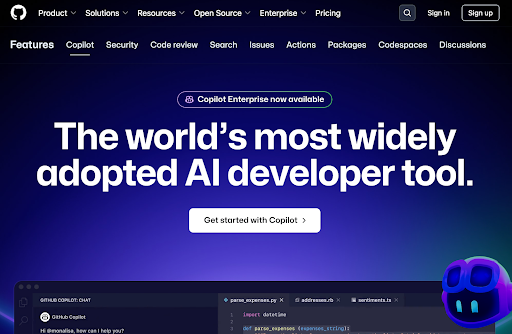
GitHub Copilot is an AI-powered coding assistant that works alongside developers to write code faster. It works as a plug-in for your code editor. Tell Copilot to give suggestions based on your feedback, and it will suggest code for your review.
GitHub used machine learning to train Copilot on the open-source repositories on the GitHub platform—giving Copilot enough high-quality training and testing data to give accurate code suggestions. It’s also trained in dozens of languages such as Javascript, HTML, and CSS, which makes it useful for almost every developer.
GitHub Copilot offers a free plan for individuals and organizations. Paid plans start at $4 per user/month for the Team plan, which provides advanced collaboration features. The Enterprise plan, recommended for security, compliance, and flexible deployment, is priced at $21 per user/month.
ChatGPT
ChatGPT is an AI chatbot developed by OpenAI and Microsoft. It was designed to generate text based on user prompts—offering instant answers and creative output.
One of the primary use cases for ChatGPT is creating programming code. Developers can chat with the application in real time and get programming code as output.
Users can then talk to the chatbot to learn about the code and request changes if the code requested doesn’t work. This iterative process allows developers to learn about new languages add tools—all while getting code they can use for internal applications.
ChatGPT is free to use for the 3.5 model. Paid plans start at $20 per month for access to GPT-4 and ChatGPT Plus.
Google Gemini
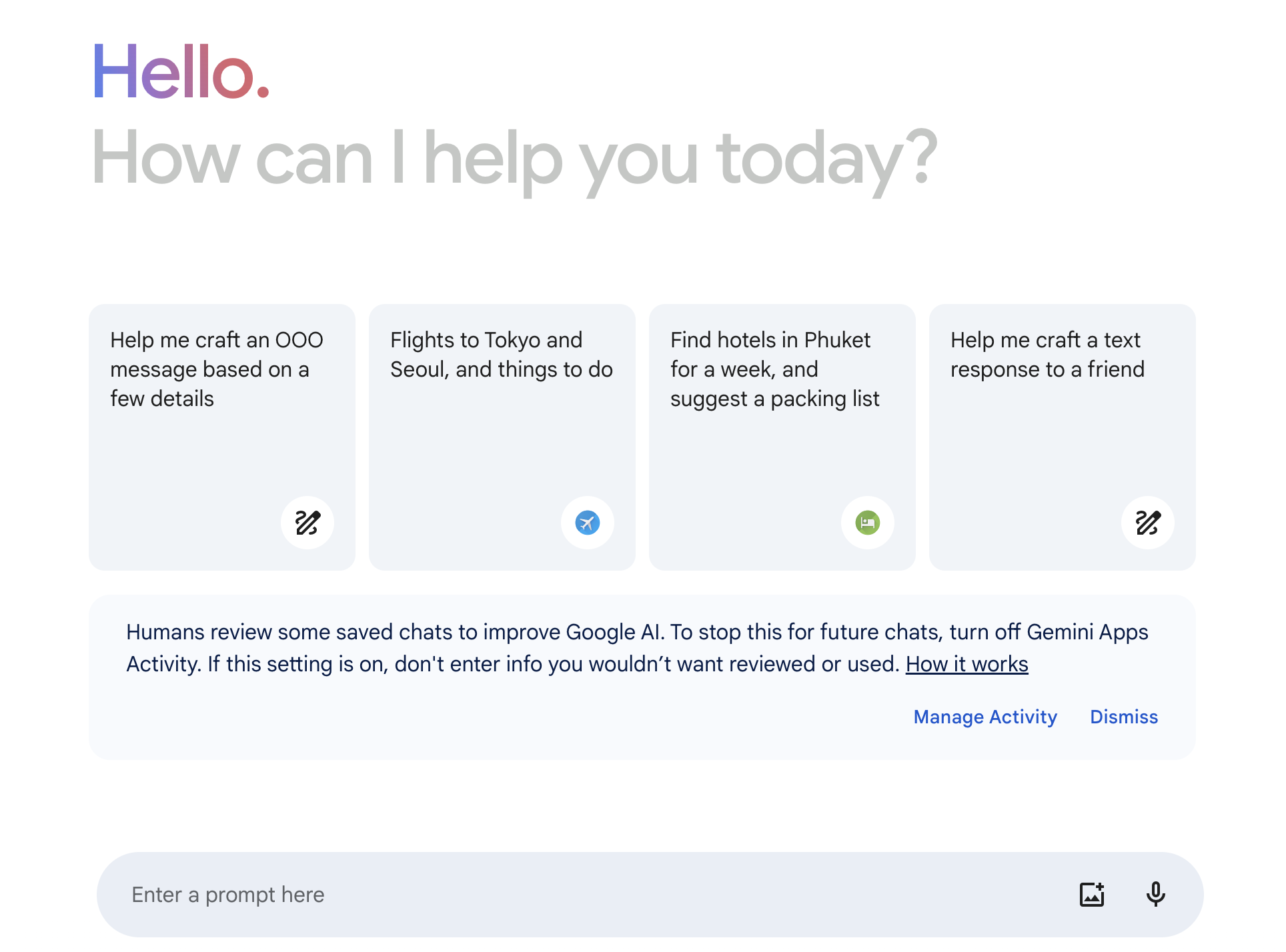
Google Gemini is a chatbot designed by Google to help users find information and aid creative writing. It’s useful for talking to users to find information on search engines and coming up with solutions to problems that would take the user longer to reach on their own
Google Bard is also capable of assisting users with code. Bard uses Google’s Large Language Model (LLM) PaLM-2, which was trained on programming code. That training makes Bard capable of helping users solve complex programming problems, debug code, and come up with project structures.
Google Bard is free to use with a Google account, making it useful for people in every situation.
Your team’s greatest tool: Top independent talent
The right software development tools in terms of editing, source control, continuous integration, debugging, and testing will make your software development team more efficient and effective. Combine this cutting-edge technology with advanced workflow management tools, and your team will be even more productive.
However, your team is only as good as the people in it. Upwork offers a global network of skilled professionals, allowing you to choose experts who best suit your needs. Even if you currently have an in-house team, you can complement their talents with cost-efficient, off-site workers on an independent or part-time basis. Find software developers for hire by checking out Upwork’s Talent Network.
If you’re a software developer and are looking for new clients to help, view Upwork’s software development jobs to find your next client.
Upwork is not affiliated with and does not sponsor or endorse any of the tools or services discussed in this article. These tools and services are provided only as potential options, and each reader and company should take the time needed to adequately analyze and determine the tools or services that would best fit their specific needs and situation.
Prices are current at the time of writing and may change over time based on each service’s offerings.

.avif)

Author Spotlight

Upwork is the world’s largest human and AI-powered work marketplace that connects businesses with independent talent from across the globe. We serve everyone from one-person startups to large organizations with a powerful, trust-driven platform that enables companies and talent to work together in new ways that unlock their potential.