How To Make AI Art: A Guide for Creatives and Businesses
Master AI art creation and find out why businesses still rely on freelance artists for professional quality, customization, and licensing.
.png)
.avif)
Generative artificial intelligence (AI) tools have seen a surge in popularity in recent years, with more than 34 million AI images created every day. A consistently popular tool has been DALL-E from OpenAI.
As new tools like Gen-3 video and diffusion-enhanced imagery arrive, AI can spark new ideas and improve work. While AI-generated art won’t replace human artists, AI can help artists do more in less time by creating a starting point for new work and streamlining the editing process.
AI-generated art is reshaping industries from marketing to product design. Businesses now use AI art generators with text prompts for rapid content production, campaign ideation, and visual experimentation. But while AI tools create a strong starting point, freelance creatives remain essential for refining, customizing, and elevating the final work.

What is AI-generated art?
AI-generated art is digital artwork created with the help of artificial intelligence models trained to interpret text prompts and produce original visuals. It stands apart from traditional digital art by using deep learning and generative AI techniques to automate parts of the creative process.
Modern AI art tools analyze millions of images and datasets across the internet. Using machine learning and neural networks, they learn artistic styles, color patterns, and composition techniques. Today’s most common AI models—like diffusion models and transformers—build on this training data to create entirely new images based on a few lines of text input.
Rather than relying on older methods like general adversarial networks (GANs), newer AI art generators typically use diffusion processes, gradually transforming random noise into high-quality, photorealistic, or stylized visuals. Transformers, the architecture behind tools like DALL-E 3, further enhance outputs with better language processing that enables them to handle more complex artistic prompts.
An AI-art generator acts as a creative collaborator, helping professionals brainstorm new ideas, generate variations quickly, and streamline parts of the creative process, while still leaving plenty of room for human creativity and refinement.
Ethical considerations
AI-generated art offers exciting possibilities, but it also raises important ethical questions. One of the most significant concerns involves the potential infringement of copyrighted works.
Many AI art models are trained on large datasets gathered from across the internet. In many cases, these training sets include copyrighted images without clear permissions, creating legal and ethical challenges for both AI developers and users. Several major lawsuits, including cases involving Getty Images, artists’ collectives, and AI developers like Stability AI and Midjourney, are shaping new legal standards for how copyrighted material can (or cannot) be used to train AI models.
Another important consideration is the role of human creativity. As of 2024, the U.S. Copyright Office clarified that artwork created entirely by AI, without substantial human contribution, cannot be copyrighted. This means that to claim copyright protection for AI-assisted art, the creator must show significant human authorship in the final product. Artists are increasingly encouraged to disclose when AI tools have been part of the creative process, especially in commissioned or commercial work.
Other ethical considerations to keep in mind when working with AI-generated art include:
- Training data transparency. Understand where AI models get their training material. Some platforms, like Adobe Firefly, now prioritize datasets from the public domain or licensed sources, reducing legal and ethical risks.
- Bias and representation. AI models reflect biases in the data they were trained on, which can unintentionally reinforce harmful stereotypes. Using diverse datasets and critically evaluating AI outputs helps mitigate these risks.
- Fairness to human artists. AI-generated art can democratize creativity, but it also raises concerns about displacing traditional artists or diluting opportunities. Supporting responsible AI use, such as collaborating with human artists to enhance AI outputs, can help balance innovation with fairness.
- Responsible disclosure. Whether you're submitting artwork to contests, posting on social media, or selling digital prints, it’s increasingly important to disclose when AI tools played a role in the creative process.
Used thoughtfully, AI-generated art can expand creative boundaries while respecting both human artistry and ethical norms.
Always check the licensing terms for each AI platform—some, like Adobe Firefly, offer fully commercial-safe outputs, while others may require extra legal review before use in branding.
Types of AI art
AI-generated artwork comes in a wide range of styles and outputs, depending on the tools, prompts, and models used. As AI art technology advances, creators have access to more ways to express different artistic visions. Here are some of the most popular types of AI art today:
- Text-to-image creations. Using a text prompt, AI image generators like DALL-E, Midjourney, and Stable Diffusion create original digital art based on written descriptions. This method is ideal for realistic images, fantasy scenes, or surreal compositions.
- Style transfer artwork. Some AI art tools, like Deep Art and Photoshop plugins, allow users to apply famous art styles—such as watercolor, anime, or abstract art—to existing images, blending traditional techniques with modern AI tools.
- Image-to-image transformations. Advanced platforms let you tweak an original image to produce new variations. Artists use this to create photorealistic improvements, experiment with new compositions, or even transform photographs into paintings.
- Synthetic photography and photorealistic renders. AI models like Leonardo.Ai and Stable Diffusion can create ultra-realistic images that closely resemble real photographs, offering new possibilities for marketing, fashion, and product design.
- Generative animation and video. Newer AI art tools such as Runway Gen-2 are branching into motion design, allowing users to generate short animated clips and dynamic video content from text prompts or images.
- 3D model generation. AI-driven 3D modeling platforms are emerging, allowing artists to create detailed 3D characters, landscapes, and objects for gaming, virtual reality, and metaverse experiences.
As AI art tools continue to be developed, artists can combine multiple methods, such as text-to-image generation with post-production editing, to craft high-quality, unique digital artwork tailored to a wide range of professional uses.
How AI-generated art fits into creative workflows
AI-generated art has become a powerful tool for creatives, brands, and businesses looking to speed up the design process. Rather than fully replacing artists, AI tools serve as creative partners, generating starting points that humans can refine, adapt, and personalize.
The general process of using AI in creative workflows typically includes:
- Defining the project vision. Set the artistic style, theme, and intended message you want the final artwork to convey. AI excels when given clear direction.
- Choosing the right AI tools. Select an AI art generator that matches your needs—whether that's a free AI art generator like Stable Diffusion or a professional platform like DALL-E, Midjourney, or Adobe Firefly.
- Crafting detailed text prompts. A strong text input can dramatically improve outputs. Refine AI prompts with specific descriptors about artistic styles, composition, color palettes, and subjects.
- Experimenting and refining outputs. Create multiple iterations by tweaking prompts, adjusting styles, and exploring different AI-generated images. AI is most powerful when used iteratively.
- Fine-tuning and personalizing results. Freelance artists often step in to polish AI-generated artwork with more input prompts, add brand-specific elements, fix inconsistencies, and ensure the work meets professional quality standards.
- Add personal touches. Use AI art generators as creative partners to get you close to the finish line. Then, take the output and make the artwork your own. Use image editors and incorporate your own artistic vision and style to enhance the artwork’s overall quality and originality.
By combining the speed of AI art generators with human creativity, businesses can achieve higher-quality outputs and bring new ideas to market faster.
Top AI art generator tools
AI art tools have exploded in popularity, giving businesses, artists, and content creators fast, creative ways to generate unique visuals. From text-to-image generation to advanced customization and model training, today’s AI art platforms offer powerful options for all skill levels. Some tools also offer templates and tutorials to help inspire you.
Here’s an updated look at some of the best AI tools for creating high-quality, AI-generated images and AI artwork in 2025.
DALL-E
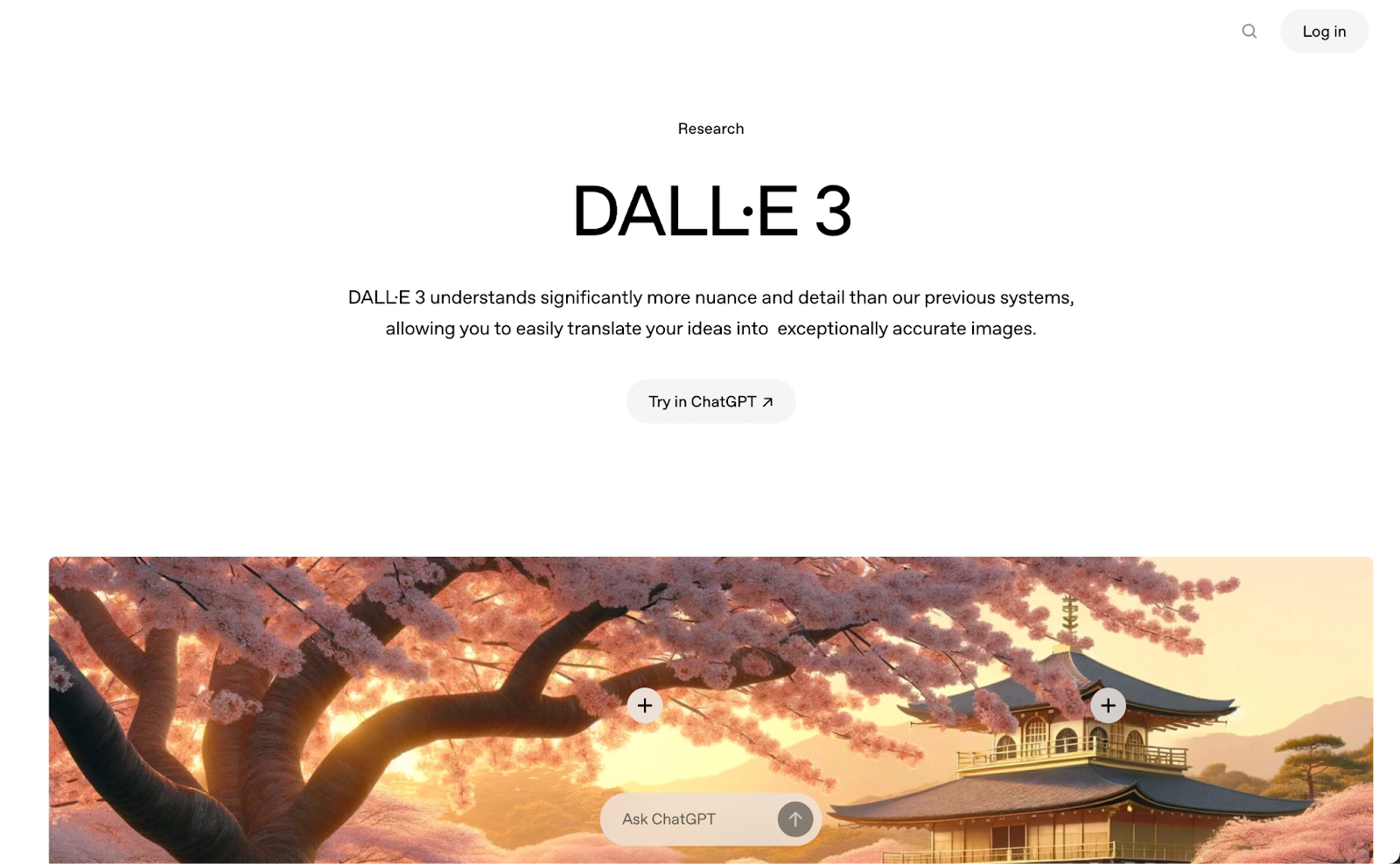
DALL-E 3, developed by OpenAI, is one of the most popular AI art generators today. It uses advanced natural language processing (NLP) as integration within ChatGPT Plus (with Vision) to analyze detailed text prompts and generate highly realistic images that closely match user intent.
Key features:
- More accurate prompt interpretation. DALL-E 3 has improved language processing and does better with nuance, making it easier to create specific images.
- Built-in editing tools. Use inpainting and outpainting to refine parts of generated images.
- Seamless integration with ChatGPT Plus. Generate, edit, and customize images directly inside conversations.
Pricing:
DALL-E 3 comes with ChatGPT Plus at $20 per month.
Midjourney (v6)
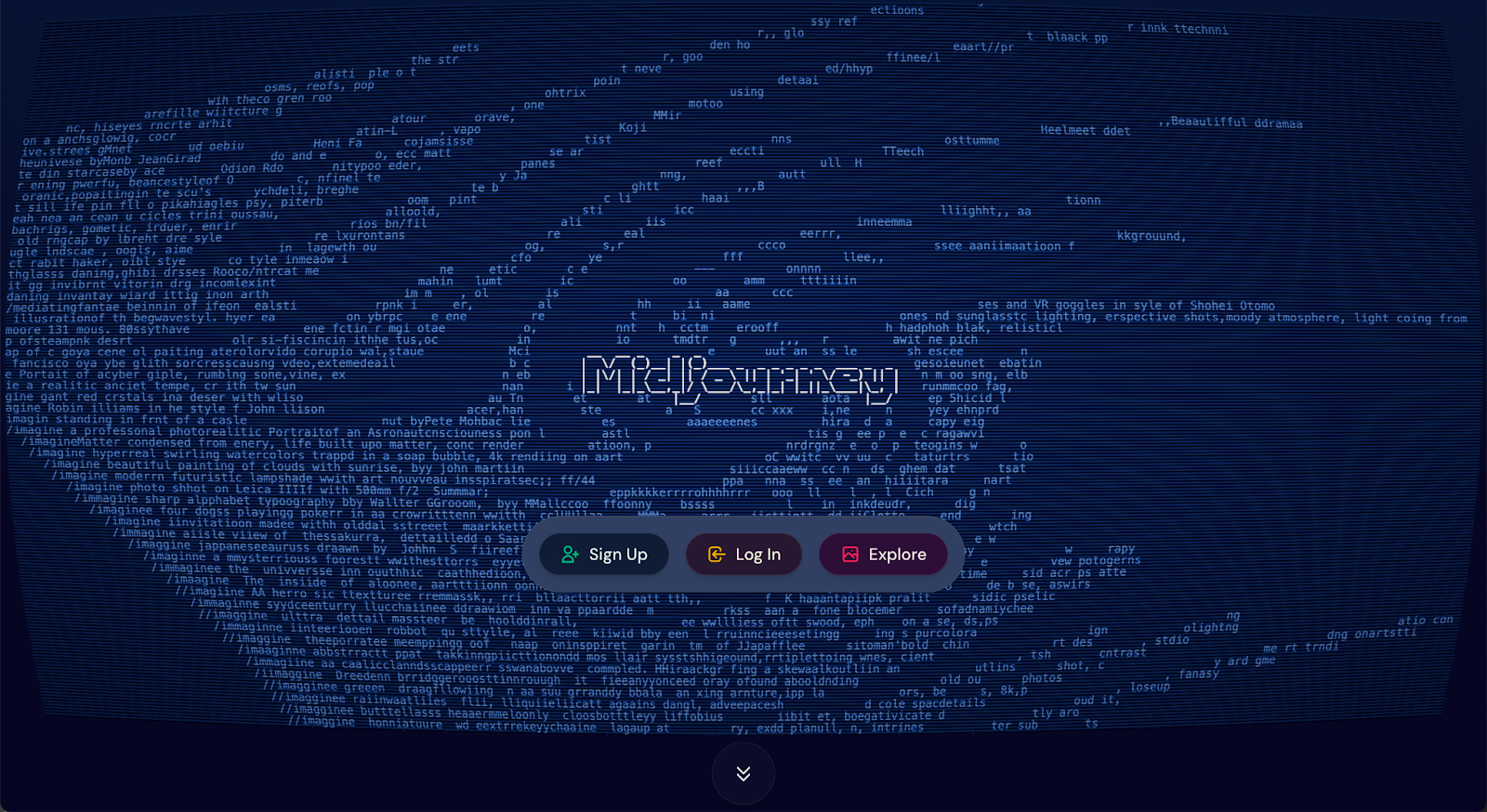
Midjourney remains a standout in the AI art community, known for producing stunning, artistic visuals with a unique style. Midjourney v6, the latest version, focuses on more photorealistic outputs, better rendering of text, and higher customization control.
Key features:
- Generated via Discord. Create art by typing prompts inside a Discord server.
- Multiple versions per prompt. Get four results to refine or remix.
- High-quality rendering. Midjourney excels at detailed, fantasy, and surreal artwork.
Midjourney is working toward more commercial-use licensing, but most outputs today still require careful review if used for branding without modification.
Pricing:
Paid subscription plans start at $10 per month.
Adobe Firefly
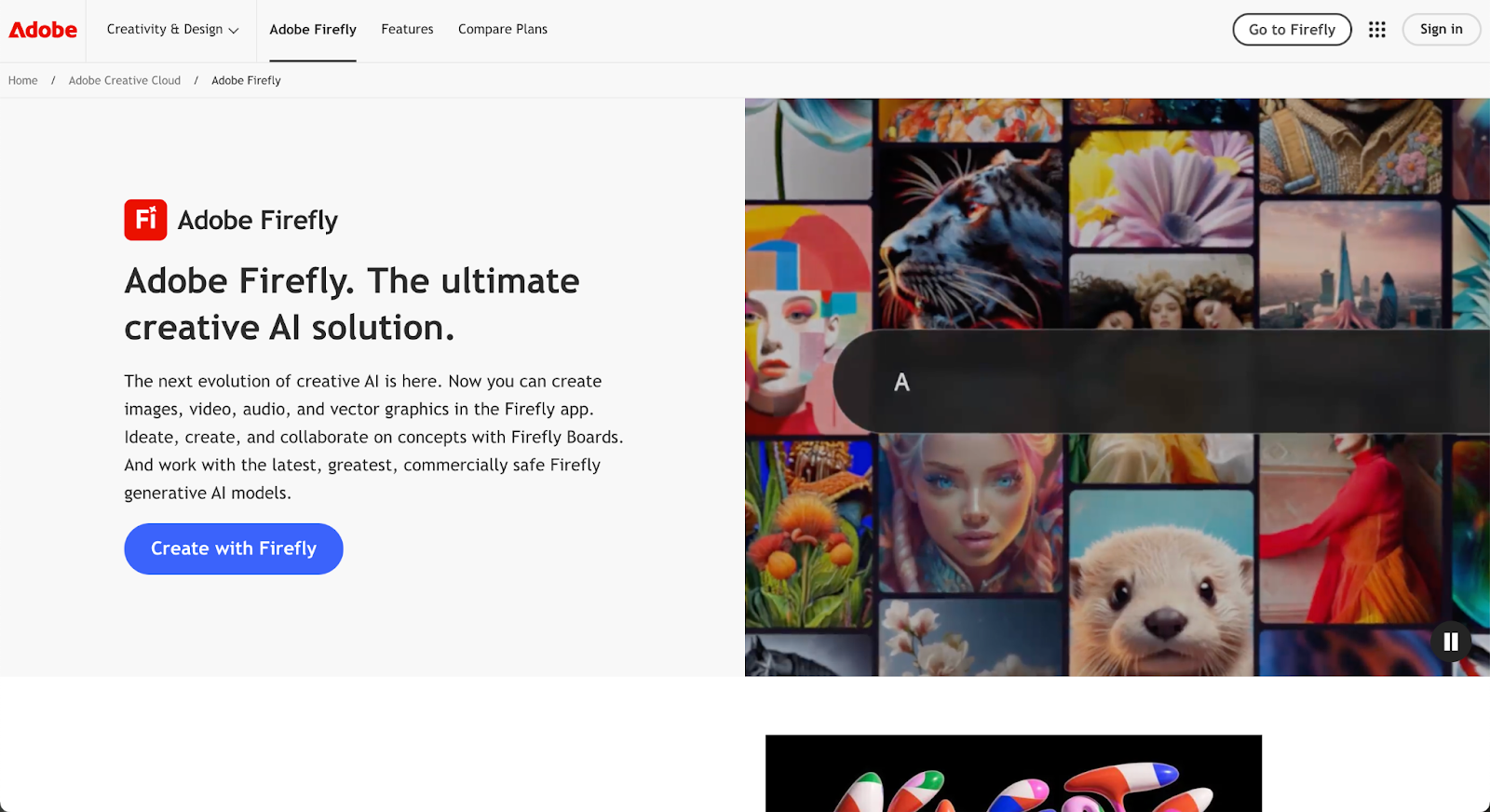
Adobe Firefly brings generative AI directly into Adobe’s creative suite, with models trained on Adobe Stock and open-licensed content for commercial safety.
Key features:
- Generative Fill in Photoshop. Edit images quickly with AI-assisted retouching.
- Text-to-vector graphics. Instantly generate customizable design elements.
- Integrated across Adobe apps. Use Firefly inside Photoshop, Illustrator, Express, and more to adjust the art style as you see fit.
Pricing:
Firefly is now fully integrated into Adobe Creative Cloud, starting at $9.99 per month.
Stable Diffusion 3 (via DreamStudio)
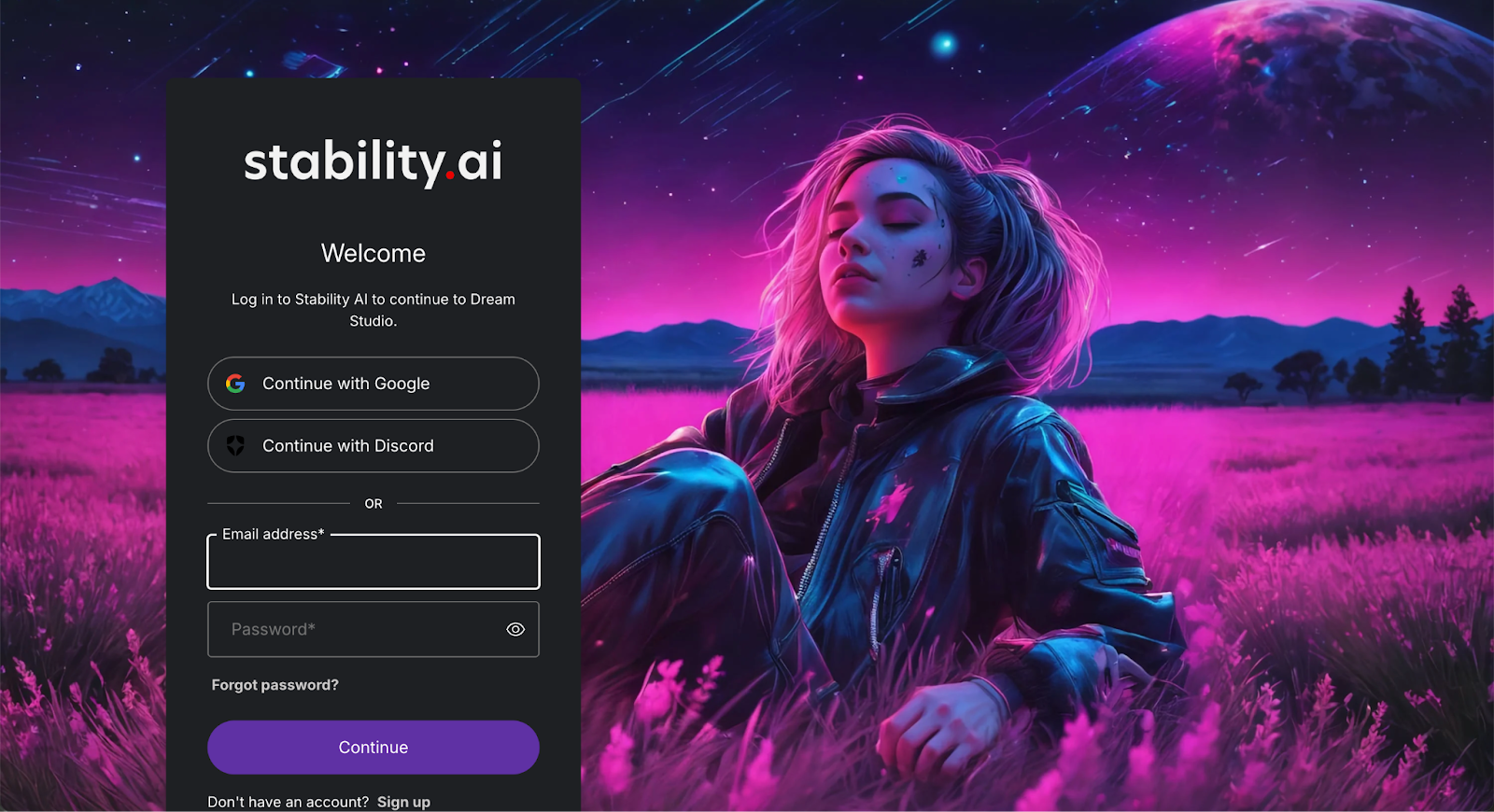
Stable Diffusion 3 is the latest open-source diffusion model for text-to-image generation, known for creating photorealistic and detailed images.
DreamStudio, developed by Stability AI, offers the official user interface for Stable Diffusion 3.
Key features:
- Open-source flexibility. Host models locally or use DreamStudio for cloud-based access.
- Custom training. Fine-tune the base Stable Diffusion model on your own datasets for improved results.
- Batch generation. Create multiple outputs at once for faster workflows.
If you have some tech experience, you can set up Stable Diffusion on your own computer and use it as a free AI art generator. If your computer isn’t powerful enough, you can rent processing power in the cloud and use Stable Diffusion there.
Pricing:
DreamStudio offers free trial credits, then pay-as-you-go pricing.
Leonardo.Ai
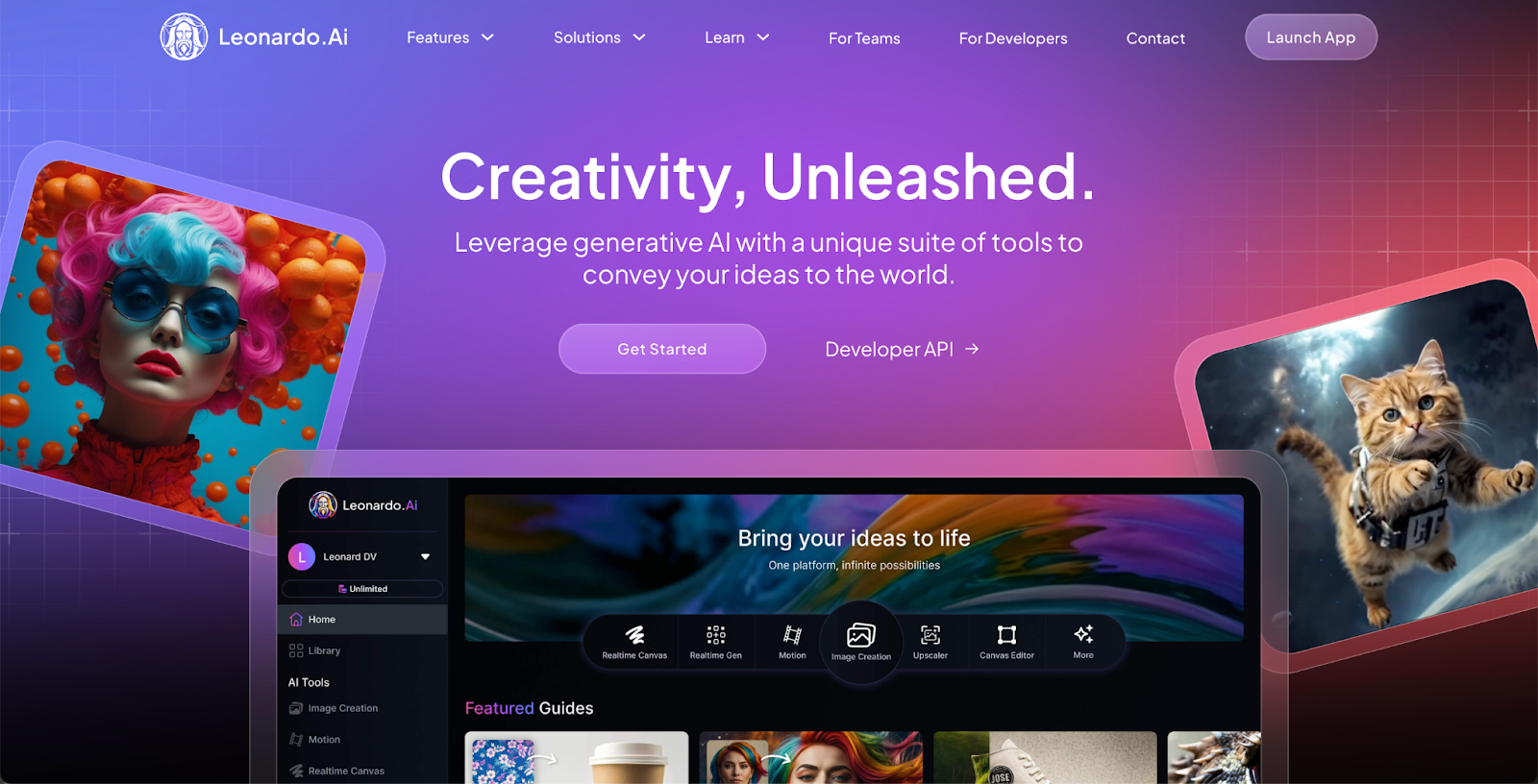
Leonardo.Ai is one of the fastest-growing AI art platforms for professional creators. It offers powerful customization and fine-tuning features without needing deep technical skills.
Key features:
- Model training. Train new AI models on your own art style.
- Commercial licenses. Outputs are safe for business use.
- Fast and flexible generation. Choose from many pre-trained models or bring your own data.
Pricing:
Freemium plans are available, with upgrades for premium access and faster generation. The Basic plan starts at $9 per month.
Runway (Gen-3)
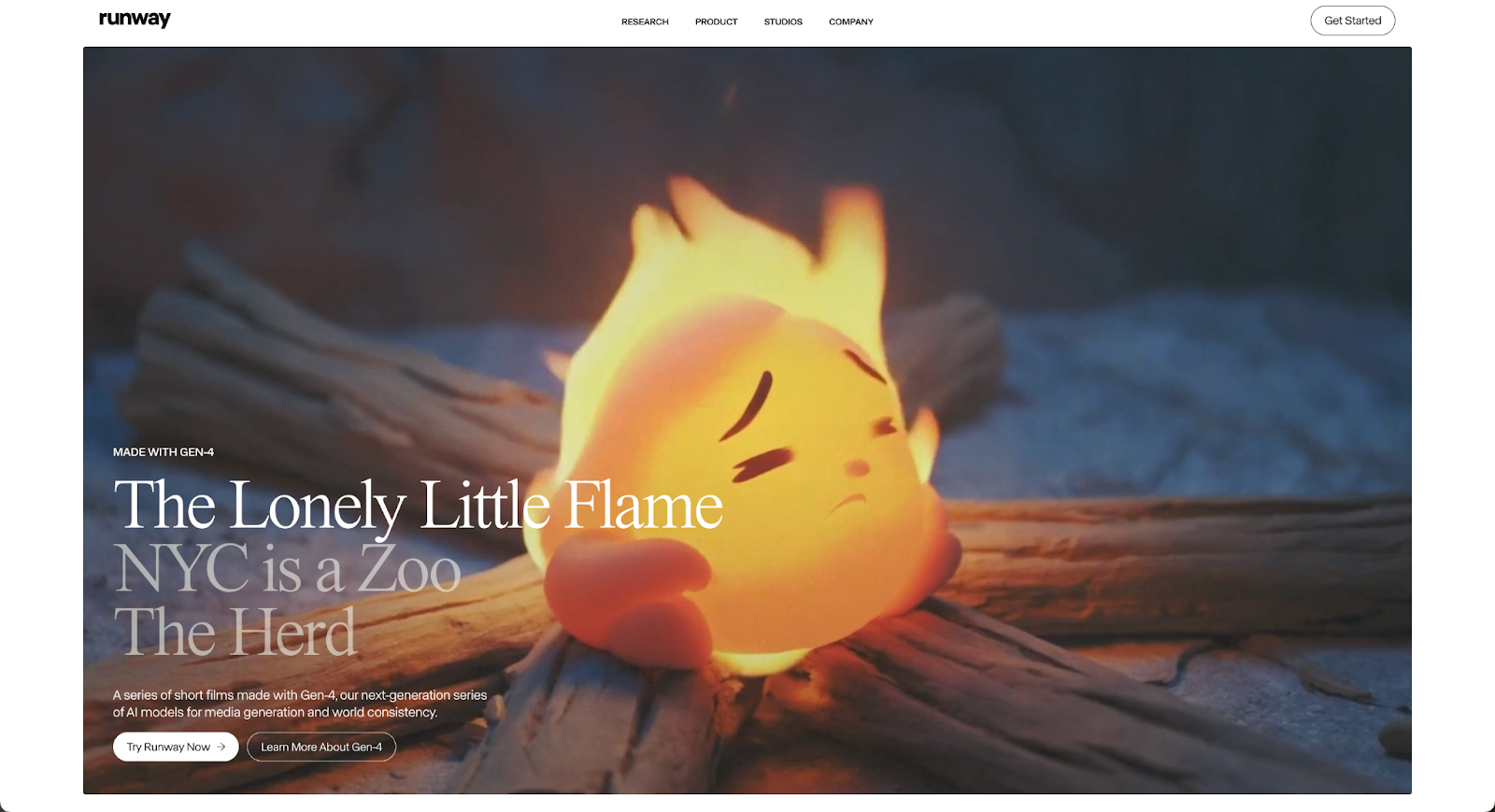
Runway goes beyond traditional image generation by enabling text-to-image, image-to-video, and even text-to-video content creation. Its Gen-3 models have made it a leader in the emerging AI video space.
Key features:
- Infinite image generation. Expand images or add new objects seamlessly.
- AI video editing. Transform photos into short, dynamic videos.
- Fine-tune AI models. Train AI with your own datasets to influence results.
Pricing:
Plans start around $12 per month with free credits for first-time users.
NightCafe Creator
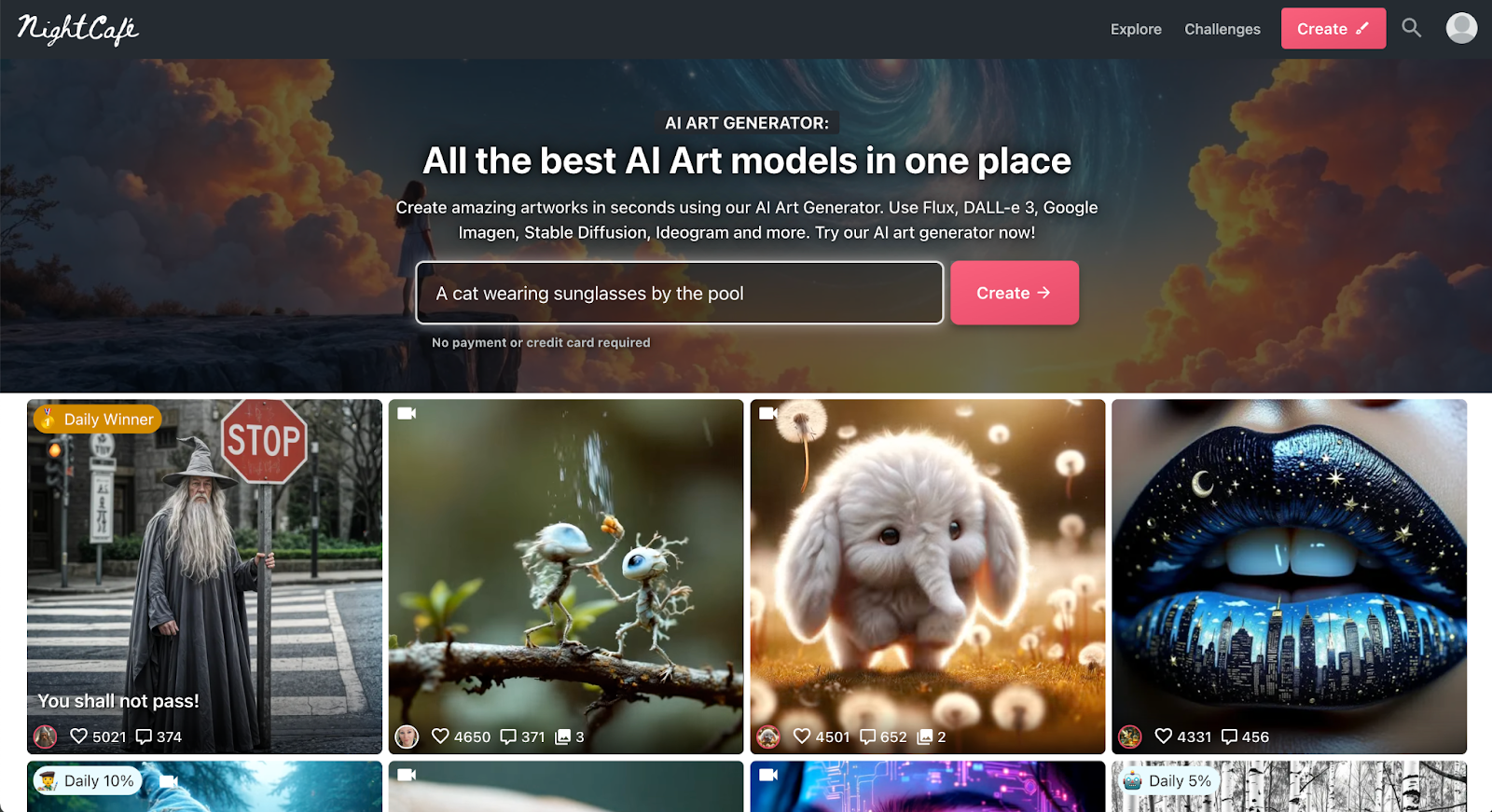
NightCafe is a user-friendly platform offering multiple AI models, including Stable Diffusion, DALL-E 3, and CLIP-Guided Diffusion.
Key features:
- Beginner-friendly UI. Great for users new to AI art.
- Multiple models and styles. Choose the engine that fits your project.
- Free daily credits. Generate artwork without upfront cost.
Pricing:
NightCafe offers free and paid plans based on credits, which start at 100 credits per month for $4.49.
Why freelance artists are critical for AI-generated art projects
While AI tools can produce impressive visuals, creating truly professional-grade digital art still requires a human touch. Businesses and brands often hire freelance artists to bridge the gap between raw AI outputs and polished deliverables.
Here’s where freelance creatives add essential value:
- Customizing for brand identity. AI outputs can look generic without human intervention. Freelancers tweak colors, typography, and design elements to align artwork with brand guidelines and target audiences.
- Refining and enhancing quality. AI algorithms generate good starting points, but freelancers elevate AI-generated artwork, correcting proportions, adding realistic textures, and enhancing fine details.
- Ensuring originality and legal compliance. Professional artists can modify AI-generated images to avoid copyright risks, ensuring deliverables meet ethical and legal standards.
- Creating cohesive visual systems. Instead of isolated images, freelance illustrators and designers can build full brand kits, ensuring consistency across websites, packaging, marketing materials, and social media.
- Bringing emotional depth and storytelling. AI can produce technically sound images, but human artists infuse their work with storytelling, emotion, and cultural context that resonates with audiences.
- Navigating licensing and usage rights. Not all AI-generated images are automatically safe for commercial use, so working with a professional ensures your final artwork complies with licensing agreements and protects your brand legally.
Combining AI art tools with freelance expertise leads to higher-quality, high-resolution outputs that are ready for real-world use, from business logos to marketing campaigns to product launches.
Find artists and illustrators on Upwork
AI art generation has a lot to offer artists and businesses needing help with the creative process. It gives you a creative partner that can offer ideas, give you a head start on the design, and make your creative process more efficient.
Whether you need a traditional illustrator, a digital painter, or AI artists, Upwork gives you access to a global pool of creative talent ready to help bring your vision to life.
Likewise, if you’re an artist or illustrator looking to create AI art for new clients, sign up on Upwork to create your profile and reach a bigger audience.
Upwork is not affiliated with and does not sponsor or endorse any of the tools or services discussed in this article. These tools and services are provided only as potential options, and each reader and company should take the time needed to adequately analyze and determine the tools or services that would best fit their specific needs and situation.
Prices are current at the time of writing and may change over time based on each service’s offerings.

.avif)

Author Spotlight

Upwork is the world’s largest human and AI-powered work marketplace that connects businesses with independent talent from across the globe. We serve everyone from one-person startups to large organizations with a powerful, trust-driven platform that enables companies and talent to work together in new ways that unlock their potential.