Top 12 AI Video Generators: Which One Is Right for You in 2026?
Compare the best AI video generators for 2026 and find out which AI video maker fits your workflow, budget, and content goals.

.png)
.avif)
AI is transforming video creation, making it faster, more affordable, and easier to access than ever before. In 2025, creators, marketers, and brands no longer need expensive gear or production teams to produce high-quality videos. Thanks to advances in artificial intelligence, anyone can use an AI video generator or an AI video maker to turn scripts, static images, or simple text prompts into stunning videos in just minutes.
But with so many AI-powered video tools available, not all of them deliver the same results. Some excel at automating content creation, while others focus on lifelike avatars, branded templates, or turning AI images into dynamic scenes. I’ve narrowed down the top tools for different use cases—whether you want to generate AI videos for social media, tutorials, or full-scale marketing campaigns.
In this guide, I’ll walk you through the best options for AI video creation (in no particular order) based on pricing, strengths, and workflows, so you can choose the tool that fits your content goals and gets your video content out the door faster.

1. Synthesia
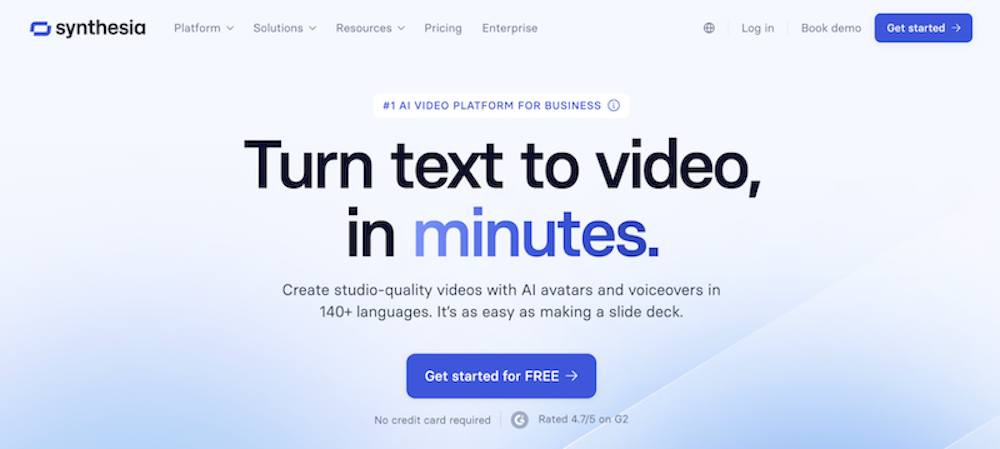
Synthesia is great for creating professional videos quickly and at scale. What sets it apart is how easily you can turn simple text prompts into high-quality, AI-generated videos that feel polished and lifelike. The AI avatars look natural, and the lip sync and voice-overs are surprisingly accurate, making it easy to produce content that feels like it was made in a studio.
The platform makes it easy to collaborate, customize scenes, and experiment with different workflows without needing advanced video editing skills. It's a strong fit for anyone producing professional videos across marketing, education, or corporate communication.
Pricing
Synthesia offers four pricing tiers that grow with your content needs:
- Free plan. A solid starting point for new users. You get three minutes of video per month, nine AI avatars, and one editor—no credit card required.
Starter plan ($18/month billed annually). This is where Synthesia starts to shine. You get 120 minutes of video per year, over 125 avatars, the ability to download videos, and support from the AI assistant. It’s ideal for solo creators or startups producing branded content without the Synthesia logo. - Creator plan ($64/month billed annually). This popular tier includes 360 minutes per year, 180+ avatars, branded video pages, API access, and up to five personal avatars.
- Enterprise plan (custom pricing). Designed for large teams producing content at volume. This plan includes unlimited video minutes, real-time team collaboration, advanced branding options, onboarding and training support, and SCORM export. It’s the right choice for organizations creating multilingual training videos or complex video production workflows.
Best for
Synthesia fits a wide range of use cases, depending on your role and content needs. Here’s who I think will get the most out of it:
- Beginners. This platform is a strong fit for anyone new to AI video creation who wants to produce lifelike videos from simple text prompts without needing editing experience.
- Solo creators and small teams. It works well for marketers, educators, and startups that need to create branded videos quickly using automation features, subtitles, and realistic voice-overs.
- Enterprises. Synthesia is ideal for large organizations that need to scale video production for training, onboarding, and internal communication with advanced branding and multilingual support.
2. Pictory
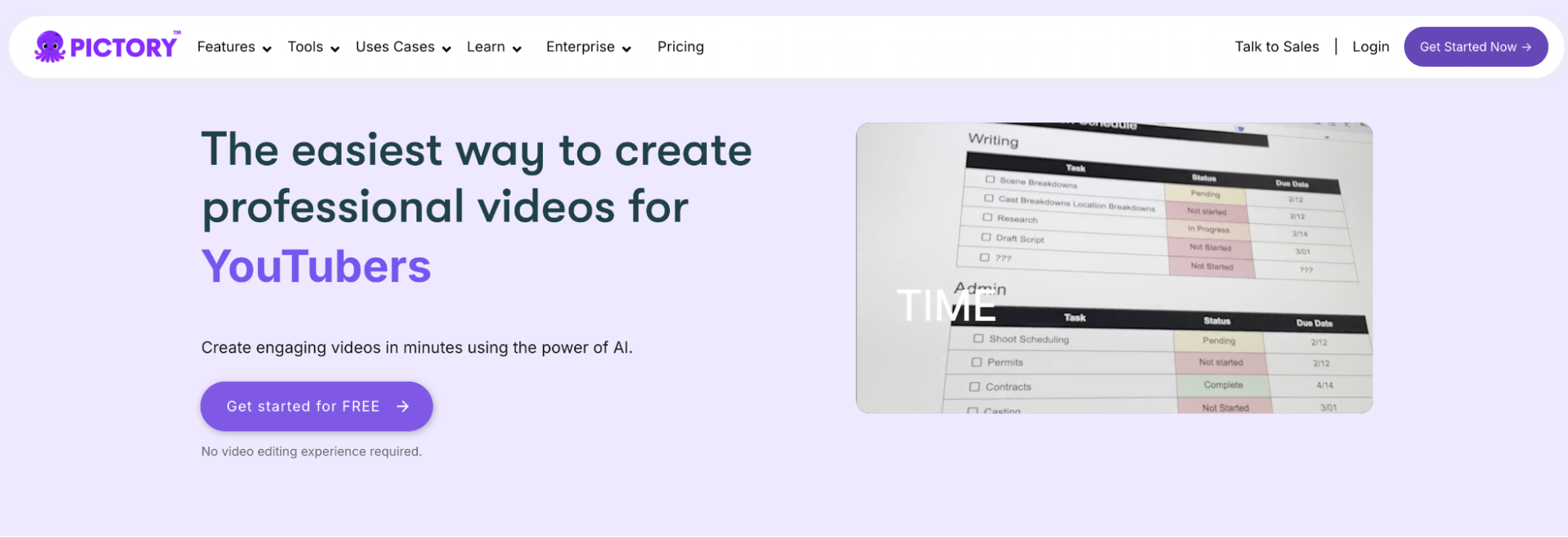
Pictory is a beginner-friendly AI video generator designed to quickly turn text into short, engaging videos. It’s a good option for creators repurposing blog posts or scripts into content for social media, YouTube, or training. I found the interface easy to use, and the automation features helped speed up my workflow.
Pricing
Pictory offers four pricing tiers depending on your content needs and team size:
- Starter plan ($19/month billed annually). A good entry point for beginners. It includes 200 video minutes per month, 2 million stock assets, one brand kit, and unlimited standard voices in seven languages. There’s no watermark, so it’s low risk for testing AI-powered video creation.
- Professional plan ($39/month billed annually). Great for solo creators who want higher production value. This plan bumps the limit to 600 video minutes, unlocks 18 million premium stock assets, five brand kits, and multilingual ElevenLabs voice-overs. Features like long-video summarization and auto voice sync make it useful for marketing and educational content.
- Team plan ($99/month billed annually). Built for small teams producing content collaboratively. It includes 1,800 minutes per month, access for three or more users, 10 brand kits, and 240 minutes of high-end voice generation. It also comes with a shared workspace and training features.
- Enterprise plan (custom pricing). Designed for companies managing large-scale, branded content workflows. It includes everything from the Team plan plus consulting, dedicated success support, early feature access, and custom templates.
Best for
Pictory is best for content marketers and solo creators who want to repurpose text into video without being on camera. It’s especially helpful for social media clips, TikTok videos, and faceless YouTube content. Beginners will appreciate the automation and ease of use, but creators with very specific visual or branding needs may find the editing tools somewhat limiting.
3. Runway
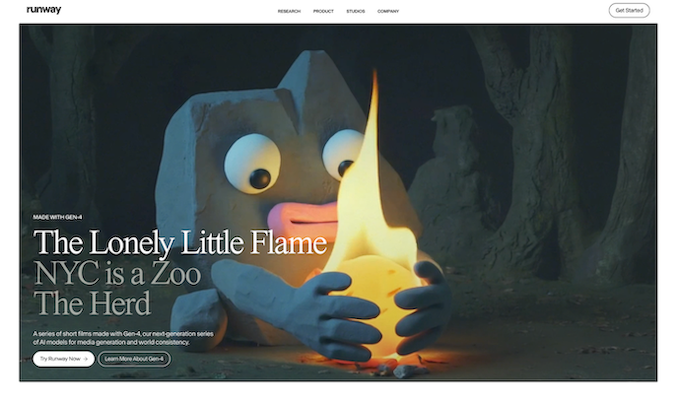
Runway is one of the most innovative AI video generators available today, especially for creators working with visuals, effects, and AI-powered tools. It will help you create stunning, high-quality elements—like AI-generated b-roll, animations, and stylized transitions—to use in larger projects. I tested the free plan and was impressed by how much creative control you get, even with limited credits.
Pricing
Runway’s plans are credit-based and designed to support a wide range of users, from beginners to professional video editors:
- Basic plan (free). A good starting point for testing out core features. Includes 125 one-time credits, three video projects, Gen-3 Alpha Turbo (image to video) clips up to 10 seconds, and 5GB of storage. Watermark removal and 4K upscaling are not included at this tier.
- Standard plan ($12/month billed annually). A solid upgrade for hobbyists or small teams. Offers 625 credits/month, removes watermarks, supports Gen-4 and Gen-3 Alpha Turbo models, 4K upscaling, and more export options.
- Pro plan ($28/month billed annually). Best for creators who need advanced capabilities. Includes 2,250 monthly credits, 500GB storage, and access to tools like custom voice for lip sync and text-to-speech.
- Unlimited plan ($76/month billed annually). All Pro features plus unlimited video generations and access to Frames, their AI-powered text-to-image generator. Ideal for high-output creators who need creative freedom without worrying about credit limits.
- Enterprise plan (custom pricing). Built for large teams and enterprise-scale workflows. Includes custom storage and credits, SSO, security tools, analytics, team management, and onboarding support.
Best for
Runway is ideal for creators who want more control over visuals and enjoy experimenting with AI-powered video tools. Here’s who I think will benefit most:
- Video editors and motion designers. Runway works well for professionals who want to generate unique visual elements like backgrounds, transitions, or b-roll clips using image to video and text to video prompts.
- YouTubers and content creators. The platform is great for those looking to add eye-catching AI visuals or cinematic effects to intros, thumbnails, and cutaways.
- Filmmakers and animators. Runway offers tools that can help streamline production workflows, from quick ideation to generating stylized shots or placeholder scenes.
- Marketing teams and creative agencies. It’s useful for producing high-impact social media ads, product promos, or experimental visuals without needing a full VFX team.
- Tech-savvy creators. Those comfortable learning new tools and tinkering with settings will get the most out of Runway’s advanced features and credit-based system.
4. Invideo
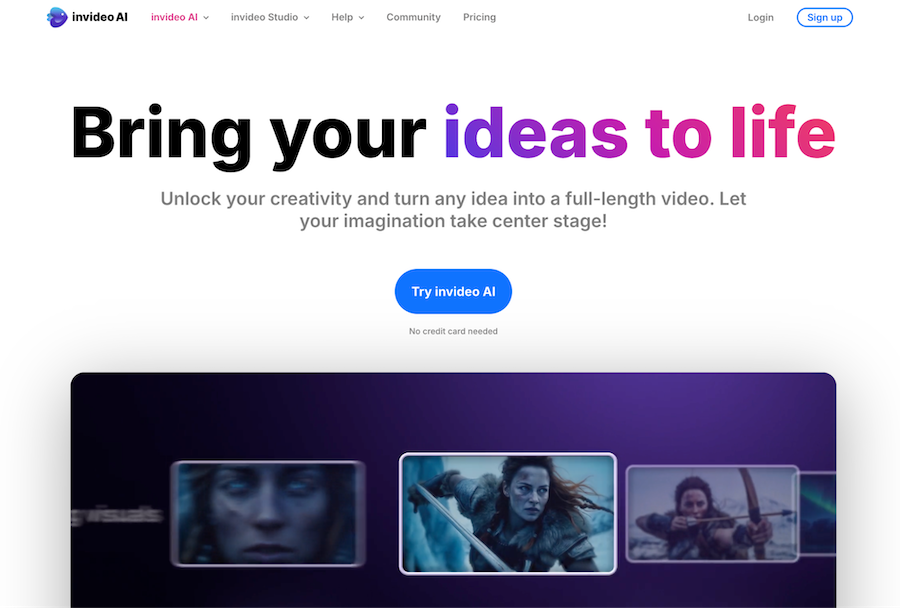
Invideo is a flexible AI video maker that caters to marketers, influencers, educators, and entrepreneurs alike. It stands out for its ability to take full scripts and automatically generate complete, high-quality videos with minimal input. I tried using it to create social clips and tutorials, and found the automation surprisingly effective, with polished results.
Pricing
Invideo’s pricing tiers scale based on how much AI-generated content you need and how advanced your workflow is:
- Free plan ($0/month). A good starting point for beginners. Includes 10 minutes/week of AI generation, 2.5M+ media assets, 10GB of storage, and four weekly exports with an Invideo watermark. It’s great for testing the tool or creating low-volume content.
- Plus plan ($28/month, billed yearly). Offers 50 minutes/month of AI generation, 80 iStock clips per month, 60 seconds of generative video credits, 100GB storage, unlimited exports, and two voice clones. This tier is ideal for solo creators ready to remove watermarks and produce videos more consistently.
- Max plan ($48/month, billed yearly). Designed for heavy users. You get 200 AI minutes/month, 320 iStock clips, 400GB storage, and five voice clones. I used this plan to generate multiple videos at scale and appreciated the polished look with minimal manual edits.
- Generative plan ($96/month, billed yearly). Aimed at creators who need long-form AI-generated content. It includes everything from Max, plus 15 minutes of generative video credit (vs. just 60 seconds). This is the best option for automating full video production or generating custom visuals from scratch.
Best for
Invideo is best for creators who want speed, automation, and solid production quality without deep editing experience. Here’s who I think it’s a great fit for:
- Digital marketers and small business owners. Invideo is ideal for creating promo videos, listicles, and branded content that looks professional without needing a design team.
Social media managers and content creators. Perfect for making quick TikTok videos, YouTube shorts, or Instagram reels—especially when you already have a script or outline ready. - Beginners. With minimal effort, you can produce stunning videos from text prompts using templates, visuals, and AI voice-overs. It’s an easy way to start making video content right away.
- Agencies and freelancers. Those producing video content for clients will appreciate the voice clones, templates, and automation that allow faster turnarounds and consistent branding.
- Anyone repurposing written content. If you have blog posts or articles to turn into engaging video content, Invideo streamlines the entire workflow.
5. HeyGen

HeyGen is a fast-growing AI video generator that I’ve used to create short-form content, marketing explainers, and personalized avatar videos. It’s especially strong in multilingual support, avatar customization, and fast rendering. For creators who want high-quality talking avatar videos without needing to appear on camera, HeyGen is a flexible and affordable option.
Pricing
HeyGen offers four pricing tiers, each with different levels of customization, speed, and export quality:
- Free plan ($0/month). A good entry point if you want to test the platform. You can create three videos per month (up to three minutes each), export in 720p, and access 500+ stock avatars and 30+ languages. It also includes one custom video avatar.
- Creator plan ($29/month). A solid option for solo creators. Offers unlimited video generation up to 30 minutes per video, 1080p exports, watermark removal, fast processing, voice cloning, and brand kits. It includes 700+ avatars and supports 175+ languages and dialects. I used this plan to produce multilingual explainer videos and social media content quickly.
- Team plan ($39/seat/month). Includes everything in Creator, plus 4K exports, workspace collaboration, script translation tools, and version commenting. I found this tier useful for collaborative content creation where teams need to review and refine videos before publishing.
- Enterprise plan (custom pricing). Designed for larger organizations. Adds role management, SAML/SSO, commercial licensing, and enhanced privacy and security features. Best for enterprise teams creating large volumes of AI-generated videos.
Best for
HeyGen is a great fit for content creators and teams looking for efficient, avatar-driven video production. Here’s who I think will benefit most:
- Solo creators and influencers. HeyGen is ideal for producing faceless videos, TikToks, and short-form explainers where you want a virtual presenter instead of filming yourself.
- Marketers and startups. It’s great for making product videos, social media clips, and branded explainers with voice cloning and multilingual capabilities.
- Educators and trainers. The platform works well for creating training videos or tutorials in multiple languages with consistent avatars and subtitles.
Small teams. Teams working on branded content will appreciate features like workspace collaboration, branding kits, and version control.
Beginners. The interface is easy to learn, and you can go from script to high-quality video in just a few minutes, even if you’ve never edited video before.
7 more AI video tools to try
These other AI-video-creation platforms offer interesting capabilities for different types of users as well:
- Sora. Create amazing videos from simple prompts with high production value. There's no free tier, but access is included with ChatGPT Plus.
- Filmora. Polish existing videos using built-in AI tools. Great for editors who want AI-assisted fine-tuning. The free plan includes a watermark.
- Capsule. Simplify video production workflows with AI—useful for internal comms and team collaboration. The free plan includes standard visual components and basic editing tools.
- Peech. Built for content marketing teams who need to scale video production. The free plan includes two videos per month for one user, with a watermark.
- Vyond. Create animated characters and scenes from text prompts. A good fit for training videos, HR, and explainers. There’s no free plan.
- Revid.ai. Quickly generate promotional videos using AI-powered templates. The platform offers a suite of free AI tools to get started.
- LTX Studio. Offers extreme creative control with AI-assisted design and collaboration tools. The free plan includes personal use and up to 800 computing seconds.
Choosing the right AI video generator
Choosing the best AI video generator comes down to matching your goals with the right features, pricing, and workflow. Whether you're creating tutorials, social clips, or polished professional videos, you can find an AI-powered video tool for every level of experience and budget.
As AI tools evolve, so do the opportunities to streamline content creation and deliver high-quality videos at scale. Explore free trials, compare pricing plans, and test which platform fits best within your existing workflows.
If you’re building a content strategy, you can hire content creators on Upwork to bring your video projects to life. And if you're a creator ready to leverage these tools professionally, you can find work as a freelance content creator on Upwork.

.avif)

Author Spotlight

Lily Seitz is a small business owner and social media manager who helps brands grow through thoughtful content and smart strategy. She writes about the tools, trends, and tactics that make digital marketing easier for busy entrepreneurs.