13 Best Social Media Management Tools for Small Businesses in 2026
Find top tools to schedule posts, track performance, and grow your social media presence, perfect for small business marketing.

.png)
.avif)
As someone who’s tested dozens of platforms for clients and my own small business, I know how overwhelming social media can get without the right tools. Platforms like Instagram, TikTok, Threads, and LinkedIn offer direct lines to customers, but managing them all can quickly become overwhelming without the right tools.
That’s where social media management software comes in. The right platform can help you automate posts, track engagement, collaborate with team members, and improve your overall marketing strategy, saving you time while driving results.
In this guide, I'll break down the best social media management tools for small businesses in 2025. You’ll find AI-powered solutions, visual content helpers, affordable all-in-one platforms, and a comparison chart to help you decide. Whether you’re just starting to build your social media presence or scaling fast, these tools can help you streamline your efforts and grow your audience.
What to look for in a tool
In my experience, the best tools for small businesses balance features with simplicity—you shouldn’t need a manual just to schedule a post.
Choosing the right social media management software depends on your business size, goals, and team workflow. While most platforms offer a similar baseline of features, the best tools for small businesses go beyond the basics with usability and cost in mind. Every social media campaign will have its own goals, and these tools make it easy to execute.
Key features to prioritize
These are the features I’ve consistently relied on to keep campaigns running smoothly across different platforms and client accounts. The most effective social media tools help you stay organized and optimize your content across platforms. Look for:
- Scheduling automation. Queue posts in advance and set them to publish at the best times without manual effort.
- AI assistants for content. Speed up your workflow with built-in tools that suggest captions, generate hashtags, or repurpose top social media posts.
- Team permissions and approvals. Manage roles so only approved content goes live—ideal if you collaborate with contractors or freelancers.
- Analytics and benchmarks. Track metrics like engagement, reach, and conversions, and compare performance against industry benchmarks.
- Mobile access and integrations. Use mobile apps and integrations (e.g., Canva, Google Drive, Slack) to manage posts wherever you are.
Small business-friendly factors
When I was starting out, these were the must-haves I looked for before committing to a paid plan. You don’t need an enterprise platform with hundreds of features. These practical considerations make a tool more accessible for growing businesses:
- Pricing tiers. Choose a plan that scales with your business without locking you into enterprise pricing from day one.
- Ease of use. Look for a simple, clean dashboard that doesn’t require training to get started.
- Free plans. Many tools offer limited free versions with essential features—great for testing or early-stage businesses.
- Multi-account support. Manage multiple social media accounts from one place without needing separate logins or dashboards.
Top social media platforms to manage in 2025
I’ve managed campaigns across all of these platforms, and each one has its own learning curve and sweet spot. Not all platforms work the same, so your social media strategy shouldn’t either. Managing multiple channels requires understanding each one’s strengths, audience, and content format. Here’s how to think about the top platforms in 2025.
Visual-first platforms
These platforms focus heavily on visual storytelling and are ideal for brand building, product showcases, and trend-driven content.
- Instagram. Still a core platform for lifestyle, product, and brand storytelling through Reels, Stories, and carousel posts.
- TikTok. Short-form video remains dominant. Use trending sounds, filters, and behind-the-scenes clips to increase discoverability.
- Pinterest. Best for evergreen visual content, product discovery, and driving traffic to e-commerce sites, especially for home, fashion, and food brands.
Text-first and thought leadership
Text-based platforms are valuable for building authority, engaging in industry dialogue, and creating shareable posts around insights and updates.
- LinkedIn. A top platform for B2B brands, professional services, and freelancers. Great for long-form posts, testimonials, and content marketing.
- Threads. Fast-paced and conversation-driven. Useful for hot takes, timely announcements, and building community in niche audiences.
- Bluesky. A rising text-first platform with a tech-savvy audience. Brands can stand out by participating early and staying authentic.
- X (formerly Twitter). Still relevant for real-time updates, industry news, and engaging directly with professionals and organizations in your field.
Broad audience platforms
These channels offer a wide demographic reach, ideal for multimedia content, local discovery, and full-funnel marketing strategies.
- Facebook. Still relevant for community groups, local ads, events, and broad demographic targeting.
- YouTube. Best for long-form video content, tutorials, and SEO-driven discovery through Google search.
- Google Business. Key for local visibility. Optimize posts, reviews, and photos to drive foot traffic and boost your search presence.
Best social media management tools for small businesses
The right tool can streamline your entire workflow, making it easy to do the simple things like schedule posts for content creation, reporting, and automation. I’ve tested every tool on this list and grouped them by function to help small businesses find the best fit based on budget, team size, and goals. Each one offers a great user experience, so you can focus on your other social media efforts.
1. Buffer

Buffer is a straightforward and budget-friendly tool for social media scheduling that makes it easy to manage multiple accounts, collaborate with team members, and track post performance.
Key features:
- Post scheduling and queuing
- Link-in-bio tool (start page)
- Engagement tools and social media analytics
- AI Assistant for captions and content ideas
Best for: Solopreneurs and small teams looking for simple scheduling and engagement
Pricing (with annual billing):
- Free plan: Three channels, 10 posts per profile
- Essentials: $5 per month per social channel
- Team: $10 per month per channel for collaboration tools
2. Hootsuite
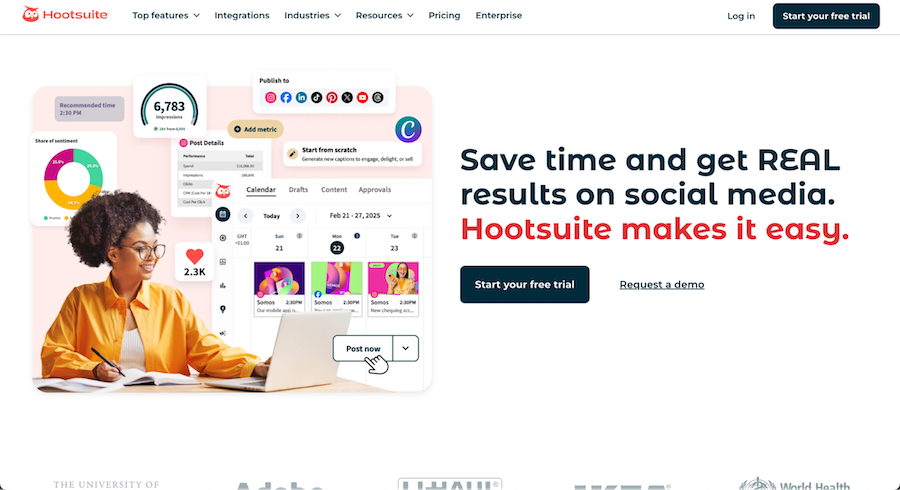
Hootsuite is a fully featured platform with advanced scheduling, engagement tracking, and analytics, ideal for small businesses that want an all-in-one command center.
Key features:
- Unified dashboard for all accounts
- Advanced scheduling and ad management
- Engagement inbox and listening streams
- AI caption generator (OwlyWriter AI)
Best for: Businesses managing multiple platforms and ad campaigns
Pricing (with annual billing):
- Standard: $99/month per user
- Advanced: $249/month per user
- Enterprise: Contact for a custom quote
- Free 30-day trial available
3. Sendible
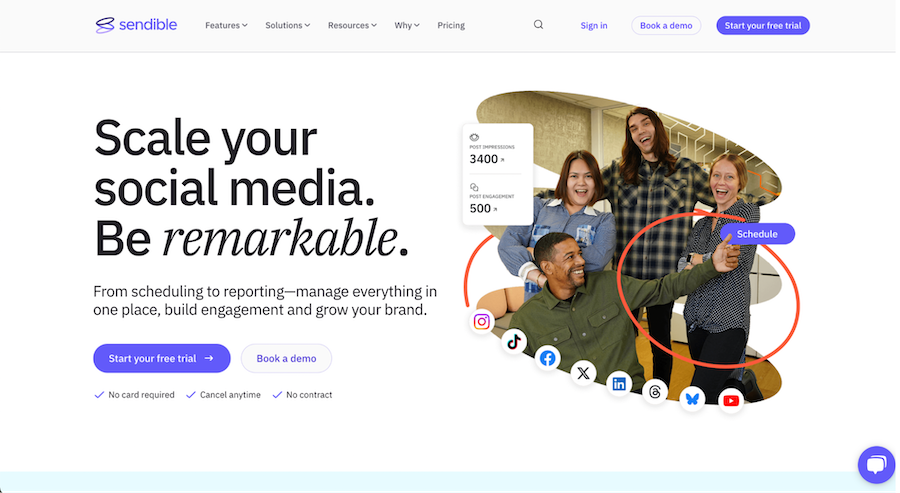
Sendible is a user-friendly, affordable platform for scheduling, monitoring, and analytics. It has built-in CRM features for lead tracking and brand monitoring.
Key features:
- Social listening and monitoring
- Post queue and bulk scheduling
- Built-in CRM and sentiment tracking
- Google Analytics integration
Best for: Service businesses and marketing consultants
Pricing (with annual billing):
- Creator: $25/month for one user and six profiles
- Traction: $76/month for four users and 24 profiles
- Scale: $170/month for seven users and 49 profiles
- Advanced: $255/month for 20 users and 100 profiles
- Enterprise: $638/month for 80 users and 400 profiles
- Free 14-day trial included
4. Vista Social
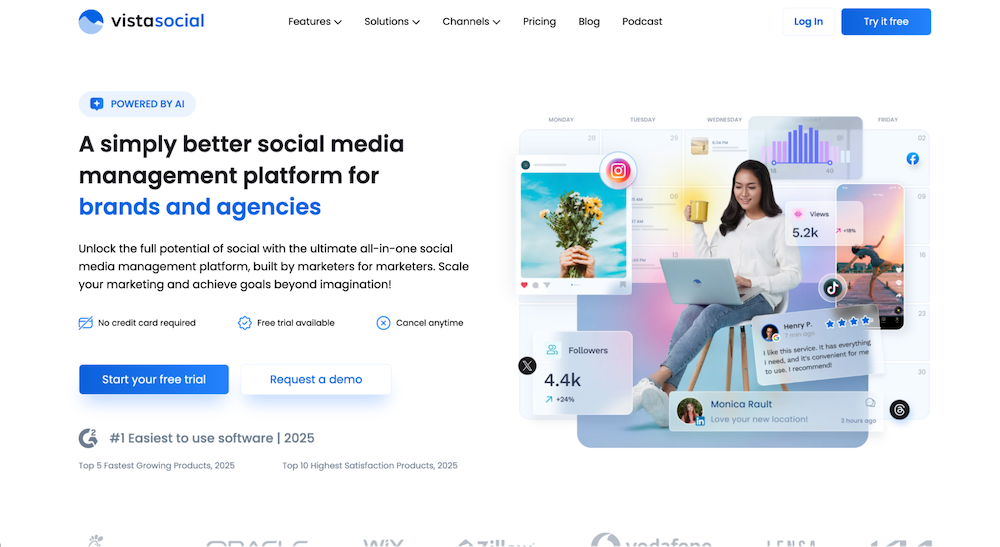
Vista Social offers advanced scheduling and collaboration features at a competitive price, with support for newer platforms like Threads and Bluesky.
Key features:
- Scheduling and approval workflows
- Collaboration for teams
- Support for Threads, Reddit, and more
- Link-in-bio and inbox tools
Best for: Small teams and social media agencies
Pricing (with annual billing):
- Standard: $31.16/month for one user and eight profiles
- Professional: $63.16/month for five users and 15 profiles
- Advanced: $119.16/month for 10 users and 30 profiles
- Enterprise: Starting at $303.16/month for 25 users and 80 profiles
5. SocialPilot
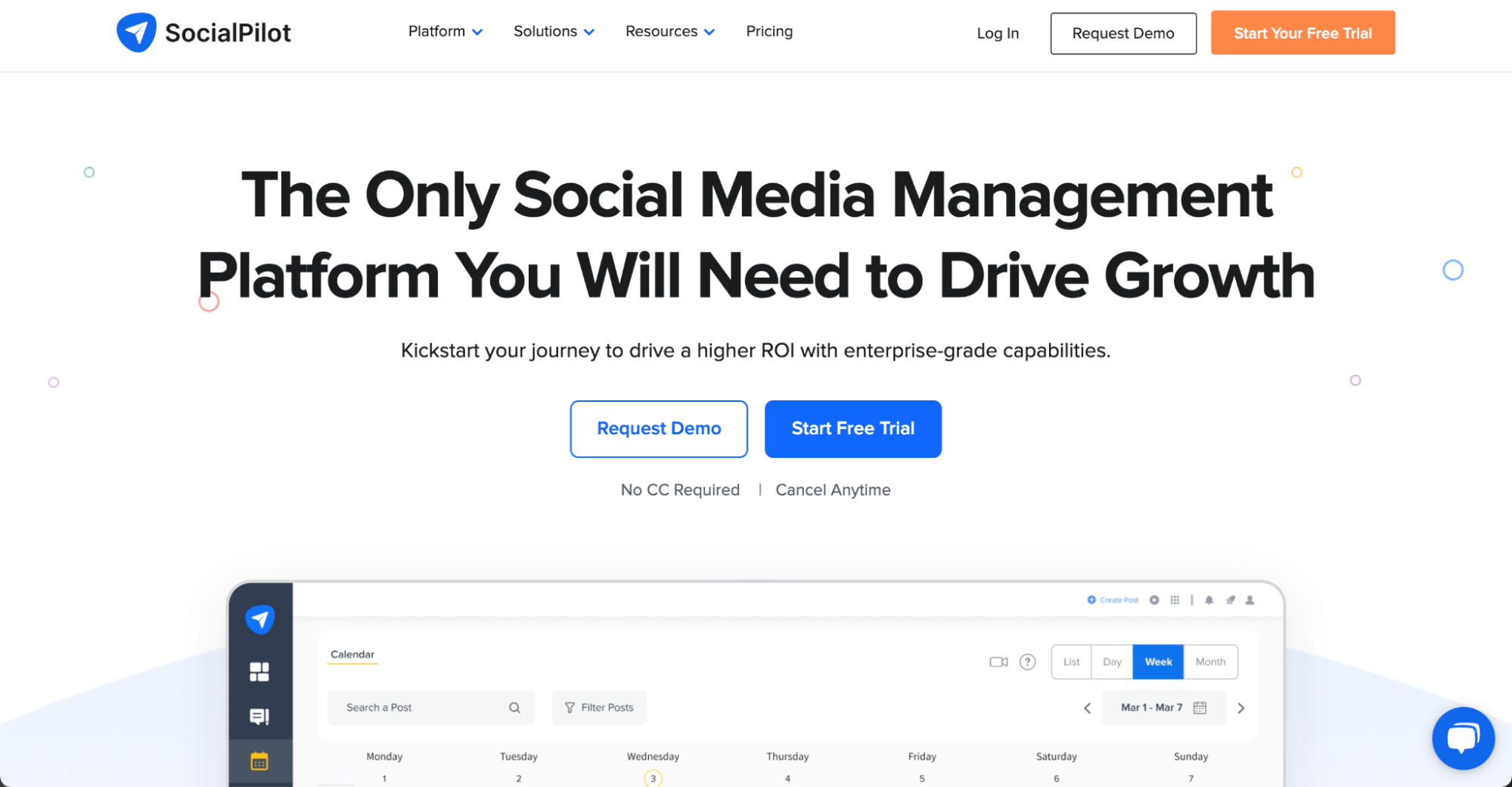
Designed with small agencies and growing teams in mind, SocialPilot supports multiple users and clients with tiered permissions and white-label reporting.
Key features:
- Bulk scheduling and approval flows
- Team collaboration and client roles
- Social listening and custom reports
- Facebook ads integration
Best for: Agencies and consultants managing many accounts
Pricing (with annual billing):
- Essentials: $25.50 for one user and seven profiles
- Standard: $42.50 for three users and 15 profiles
- Premium: $85 for six users and 25 profiles
- Ultimate: $170 for unlimited users and 50 profiles
- Free 14-day trial
6. Canva

Canva is the go-to design tool for creating branded graphics, social templates, and animated posts, no design skills required. The built-in AI integration makes it easier than ever to create what you need.
Key features:
- Templates for every platform
- Brand kits and visual elements
- Drag-and-drop editor with animations
- Social post resizing tools
Best for: DIY marketers and brand-conscious small businesses
Pricing (with annual billing):
- Free plan
- Pro: $10/month for one person
- Teams: $8.33/month per person (minimum of three people)
- Enterprise: Get in touch for a custom quote
7. Animoto
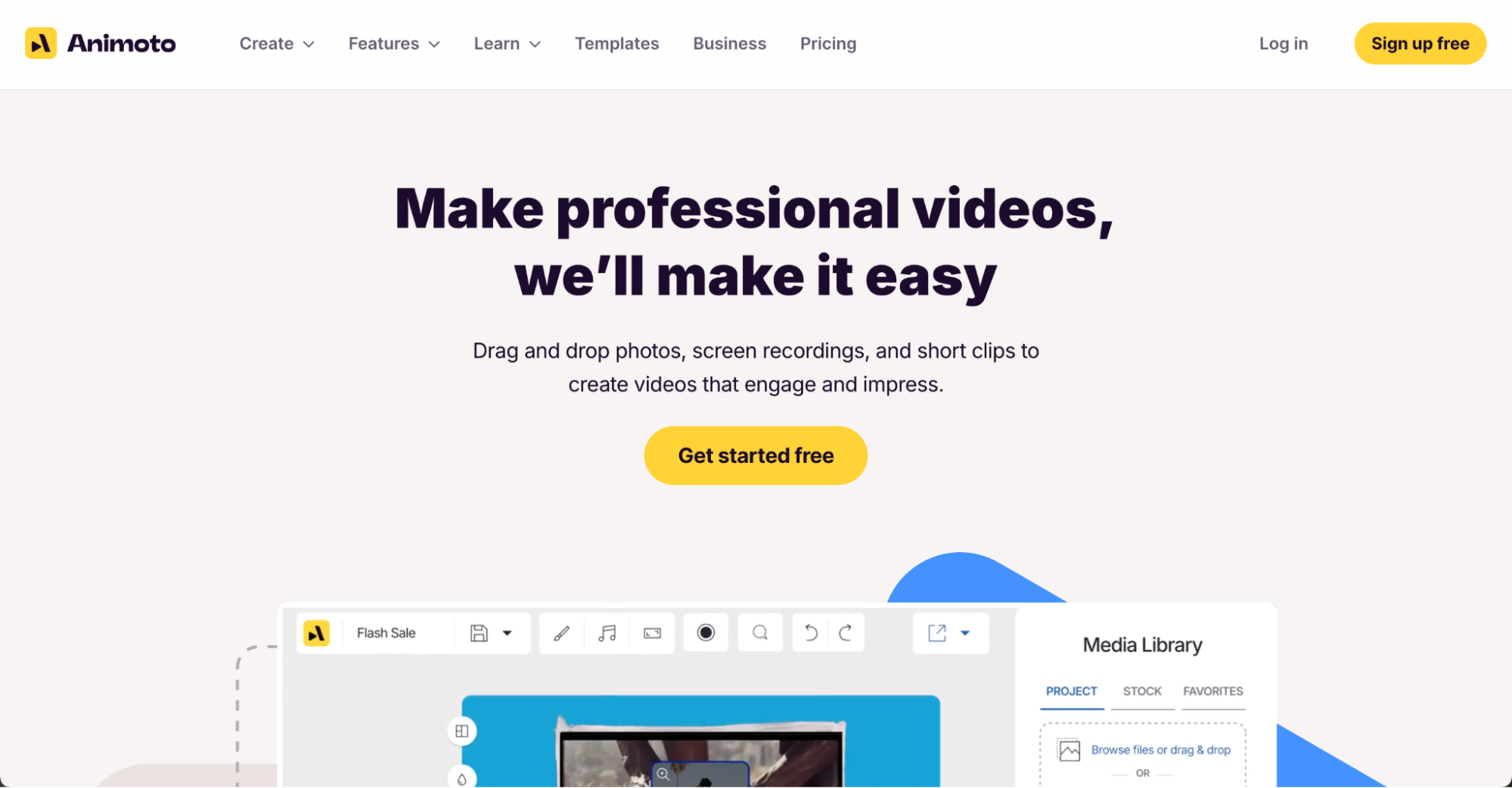
Animoto simplifies video creation for social media with customizable templates, licensed music, and drag-and-drop editing.
Key features:
- Video templates and licensed music
- Drag-and-drop timeline editing
- Multiplatform publishing (YouTube, FB, LinkedIn)
Best for: Creating quick promotional or educational videos
Pricing (with annual billing):
- Free plan
- Basic: $9/month for one user
- Professional: $19/month for one user
- Professional Plus: $39/month for three users
8. Design Wizard
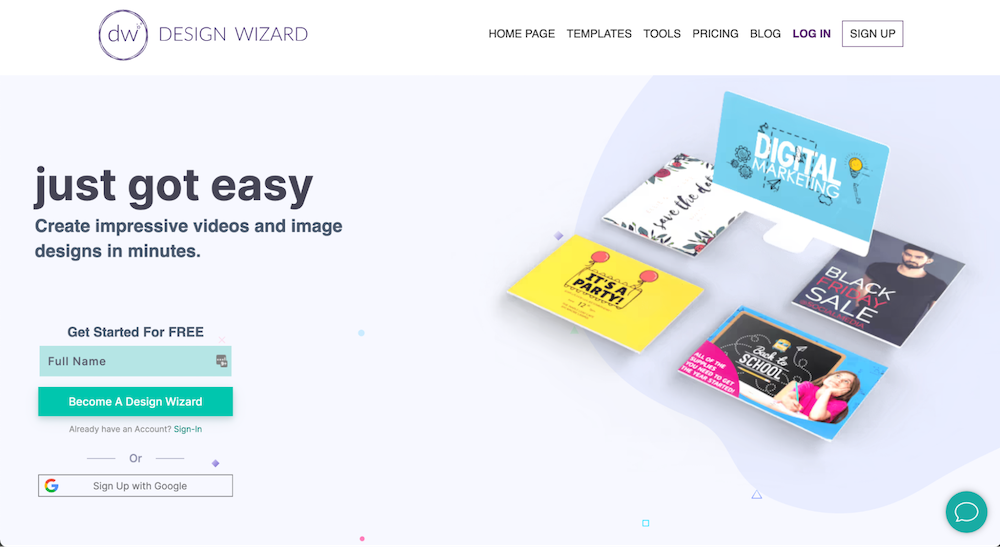
Design Wizard is a fast, flexible design tool for small businesses that want professional-looking images without needing full design software.
Key features:
- Templates for ads, posts, and covers
- Commercial-use image library
- Easy text and photo customization
Best for: Business owners who want fast, branded visual content
Pricing (with annual billing):
- Free plan
- Pro: $7.42/month with 7-day free trial
9. Zapier
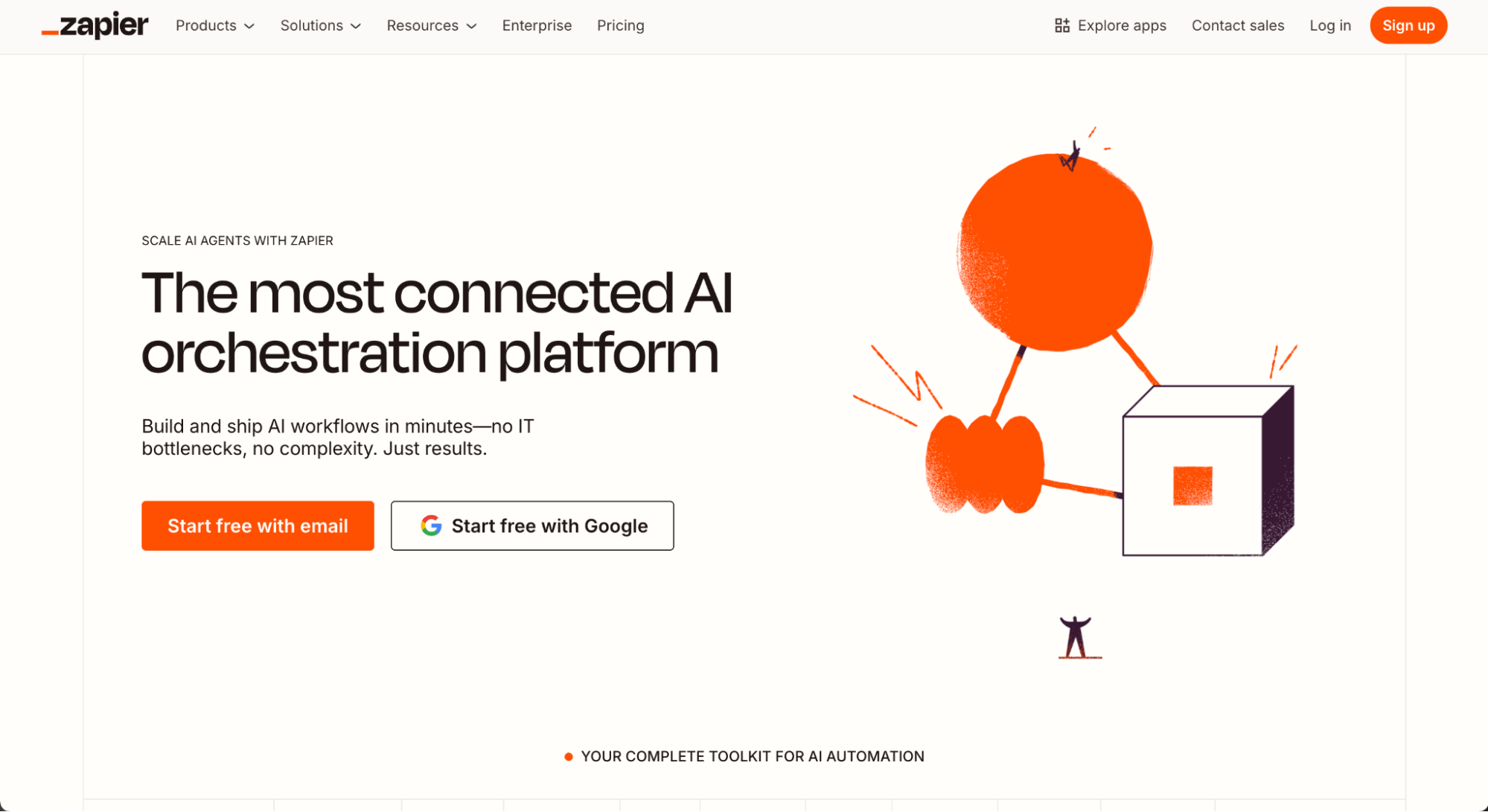
Zapier connects social media tools with CRMs, email platforms, CMS tools, and more—automating your workflows with triggers and actions.
Key features:
- Multi-app integrations and “Zaps”
- Automate post sharing from blogs or RSS
- Connect CRM, email, project tools, and more
Best for: Businesses looking to automate repetitive posting and reporting
Pricing (when billed annually):
- Free plan
- Professional: $19.99/month
- Team: $69/month for 25 users
- Enterprise plans based on task volume
10. MeetEdgar
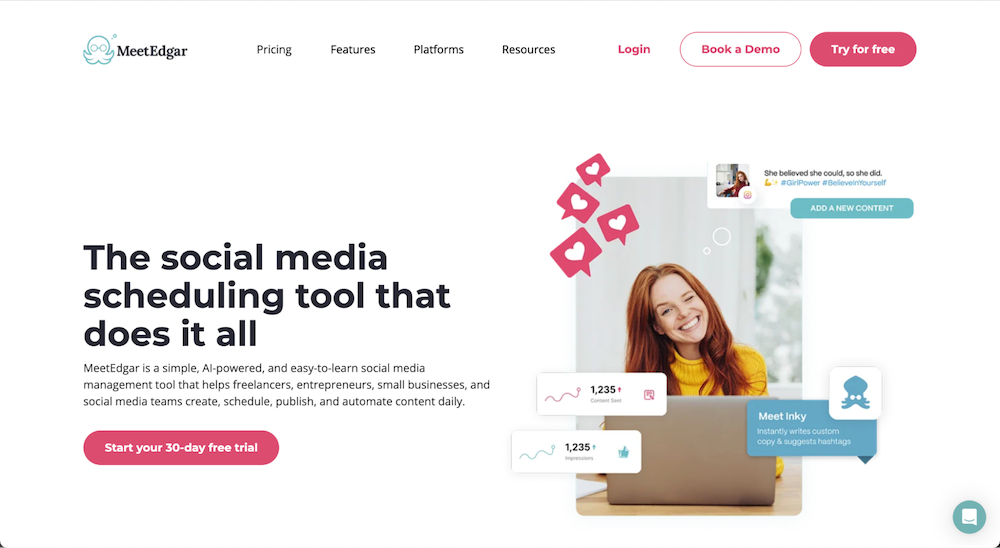
MeetEdgar is built for content recycling. It autogenerates social posts from blogs or evergreen content, keeping your feed active even when you're offline.
Key features:
- Automated post recycling
- AI post variations
- A/B testing and social media performance reports
Best for: Solopreneurs who need hands-off, evergreen content scheduling
Pricing (when billed annually):
- Eddie: $24.91/month for five accounts
- Edgar: $41.58/month for 25 accounts
11. Sprout Social
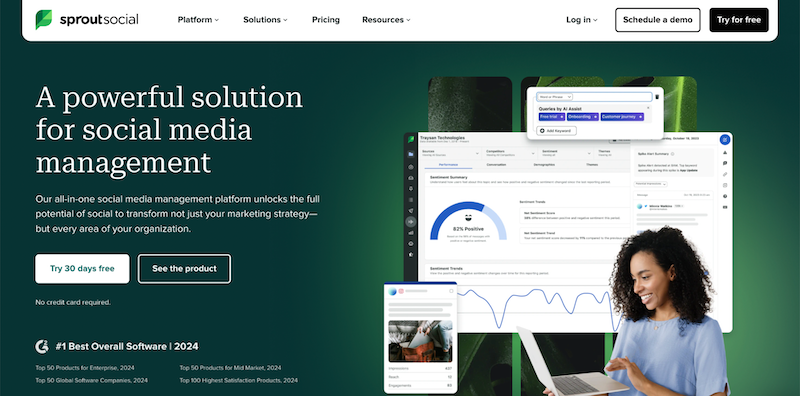
Sprout Social is a premium tool with in-depth analytics, engagement workflows, and powerful team features.
Key features:
- Smart inbox and CRM tools
- Competitor and campaign analytics
- Task management and team roles
Best for: Data-driven businesses with dedicated social media marketing teams
Pricing (when billed annually):
- Standard: $199/month with five profiles
- Professional: $299/month with unlimited profiles
- Advanced: $399/month with unlimited profiles
- Enterprise: Contact for a custom quote
- Free 30-day trial available
12. Iconosquare
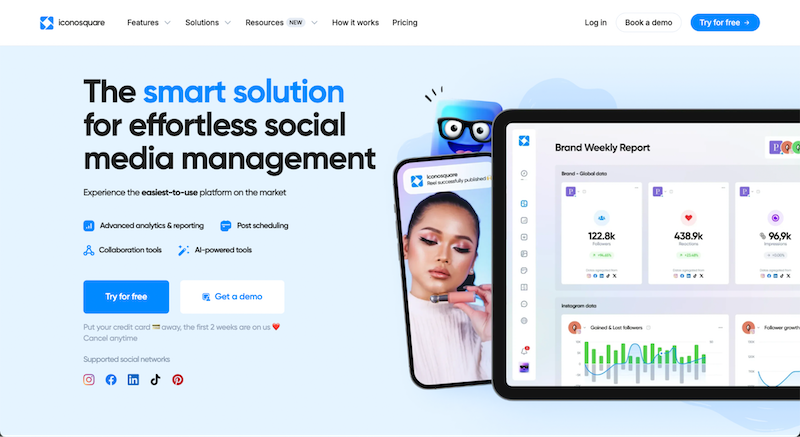
Built for brands that prioritize visual content, Iconosquare offers advanced Instagram and TikTok analytics, post tracking, and scheduling.
Key features:
- Post-performance and competitor tracking
- Instagram stories, Reels, and hashtag analytics
- Multi-account visual dashboard
Best for: Visual-first brands on Instagram and TikTok
Pricing (when billed annually):
- Launch: $33/month for one user
- Scale: $69/month for three users
- Excel: $116/month for six users
- Free 14-day trial available
13. BuzzSumo
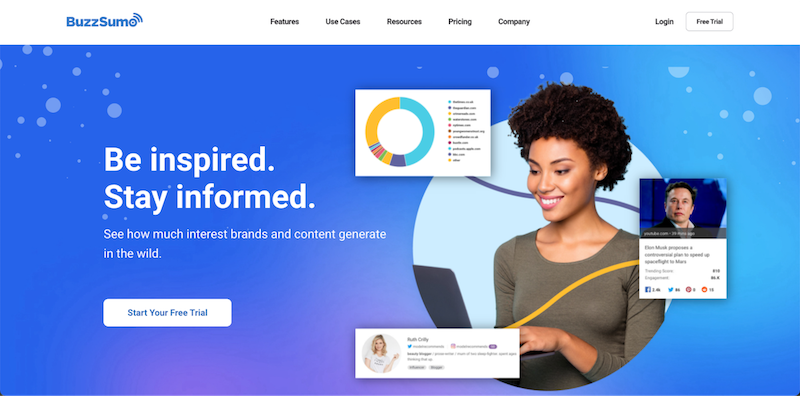
BuzzSumo is a research and analytics tool that surfaces top-performing content, industry trends, and competitive benchmarks.
Key features:
- Content discovery and trend tracking
- Competitor analysis
- Alerts for keyword or brand mentions
Best for: Content strategists and social marketers planning campaigns
Pricing (when billed annually):
- Content: $159/month for one user
- PR & Comms: $239/month for five users
- Suite: $399/month for 10 users
- Enterprise: $999/month for 30 users
- Free seven-day trial available
How to choose the right tool for your small business
Choosing the right social media management tool can make or break your marketing strategy, especially for small businesses with limited time or resources. With so many platforms offering similar functionality, it’s important to focus on what matters most for your goals, audience, and growth stage.
Evaluate your team size and posting needs
Solo business owners often need simple scheduling and automation. If you have multiple team members creating or approving content, look for tools with collaboration features like role permissions and approval workflows.
Consider what platforms matter most to your audience
Not every tool supports every social media channel equally. If your audience lives on Instagram and TikTok, prioritize tools with strong visual scheduling. For B2B or text-based social networks like LinkedIn or Threads, choose tools that handle those formats well.
Match pricing to your growth stage
Start with tools that scale. Many platforms offer low-cost plans for early-stage businesses, with the option to grow into higher tiers as you expand your content and team.
Test free plans and trials
Free tiers and trials help you test out user interfaces, automation options, and analytics before making a commitment. Don’t settle; find what feels intuitive and efficient for your workflow.
Use Upwork to onboard a freelance social media expert
Hiring an independent social media expert on Upwork can help you set up your tool, create content templates, and launch your content calendar faster. You’ll save time and get expert insight from day one.
Work smarter with expert help from Upwork
Choosing the right tool is just the beginning—getting the most out of it often means working with someone who knows it inside and out.
Even the best tools have a learning curve, so I often recommend teaming up with an expert, especially if you’re short on time. On Upwork, you can hire experienced social media managers to help with everything from platform setup to long-term content strategy and campaign execution.
Whether you're launching your first Instagram campaign or optimizing your LinkedIn presence, there’s a professional ready to support your goals.
Need a faster start? Browse Project Catalog™ for prebuilt services like content calendar setup, hashtag research, or tool onboarding for platforms like Buffer or Sprout Social.
If you're a freelancer, now’s the time to specialize to land more social media gigs. Tools like Hootsuite, Iconosquare, or SocialPilot are in high demand, and mastering them can help you stand out to clients looking for niche expertise.
FAQ about social media management tools
Still have questions about which platform is right for your small business or how to get started? These questions and answers cover the most common concerns for small teams, solopreneurs, and growing businesses looking to improve their social media efforts.
What’s the best social media management tool for small businesses?
The best tool depends on your goals and team size. For solo founders or small teams, Buffer and Vista Social offer user-friendly dashboards and affordable plans. If you need more in-depth features like social listening, Sprout Social or Hootsuite may be better suited.
Are there free tools for social media scheduling?
Yes—many tools offer free plans with limited functionality. Buffer and Canva both provide basic post scheduling, especially helpful for businesses just getting started. These free options often include a content calendar, basic analytics, and integration with top social media platforms.
Which platforms should small businesses prioritize?
It depends on your target audience. For visual content and younger demographics, TikTok and Instagram Reels continue to lead. LinkedIn remains strong for B2B marketing and professional service brands. Threads and YouTube Shorts are gaining traction in specific niches.
What’s the difference between SMM and social media management tools?
Social media marketing (SMM) is the strategy of promoting your brand or product across social networks. Social media management tools are the platforms you use to execute that strategy—automating content creation, scheduling, tracking metrics, and managing social media campaigns across channels.
Do these tools include templates or AI features?
Many tools now include AI-powered assistants and ready-to-use templates for posts, captions, or hashtags. For example, Hootsuite's OwlyWriter AI can generate copy ideas, while Canva offers thousands of templates for visual content. These features help streamline content creation and improve workflow efficiency.
How do I find a freelancer to manage my social media?
You can browse experienced freelancers on Upwork who specialize in using tools like Sprout Social, SocialPilot, or Meta Business Suite. Filter by experience level, industry, or specific tool proficiency, and review testimonials to find someone who fits your business needs. Upwork also offers prescoped projects in Project Catalog™ to help you get started quickly.
Upwork is not affiliated with and does not sponsor or endorse any of the tools or services discussed in this article. These tools and services are provided only as potential options, and each reader and company should take the time needed to adequately analyze and determine the tools or services that would best fit their specific needs and situation. Prices are current at the time of writing and may change over time based on each service’s offerings

.avif)

Author Spotlight

Lily Seitz is a small business owner and social media manager who helps brands grow through thoughtful content and smart strategy. She writes about the tools, trends, and tactics that make digital marketing easier for busy entrepreneurs.