Best Freelance Project Management Apps for 2026
A good project management tool can help you take your freelance business from chaos to calm—and profit. These eight apps are our top choices for 2026.

.png)
.avif)
A good project management solution is essential for successful, long-term freelance work. When done correctly, effective project management can help you establish your actual capacity, achieve a better work-life balance, and even earn more money.
We've reviewed eight of the best project management tools that are popular with freelancers in 2025—take a look to see which one will suit your workflow best.
1. Trello

Trello is a user-friendly project management app built around a kanban visual management system. You can create task cards, add subtasks and attachments, and move tasks between different statuses.
Best for: Solo freelancers looking for an affordable project management tool.
Key features:
- Easy-to-use drag-and-drop interface
- Optional “Power-Ups," plug-ins that expand Trello’s functionality
- Customizable kanban board columns
- Multiple project boards, tasks, and subtasks
Trello integrates with popular apps like Gmail, Slack, Jira, Miro, and more.
The company offers a generous free plan that lets you create up to 10 different project boards with unlimited tasks. To unlock more features, you'll need to subscribe to a paid plan. Trello plans start at $5 per user, per month when billed annually.
2. Asana

Asana is a robust project management app for freelancers and teams. Thanks to its flexible interface, you can toggle between list, table, kanban board, and calendar views. Helpful project dashboards also provide key metrics at a glance—great when working with a small team.
Best for: Small agencies or freelancers that plan to expand their team over time.
Key features:
- Drag-and-drop interface
- Optional automation tools
- Built-in AI assistant
- Team resource management
Asana integrates with Google Drive, Microsoft Teams, Looker, Canva, and other tools that freelancers rely on.
You can create unlimited projects and work with up to 10 team members for free. To unlock more user seats and features, you'll need to subscribe. Asana plans start at $10.99 per user, per month when billed annually.
3. Zoho Projects

Zoho Projects is a full-featured project management tool that closely integrates with other apps in the Zoho ecosystem. It includes a way to track your time, too, so it's great for closely monitoring your workload.
Best for: Freelancers who already use a Zoho product.
Key features:
- Project templates
- Multiple ways to view project progress
- AI features on paid plans
- Team collaboration tools
Zoho Projects integrates with third-party apps, too, including Google Calendar, Excel, Jira, Dropbox, and more.
Up to five users can work on three projects for free. You can unlock more features and unlimited projects with a paid plan; options start at $4 per user per month (billed annually).
4. Monday.com
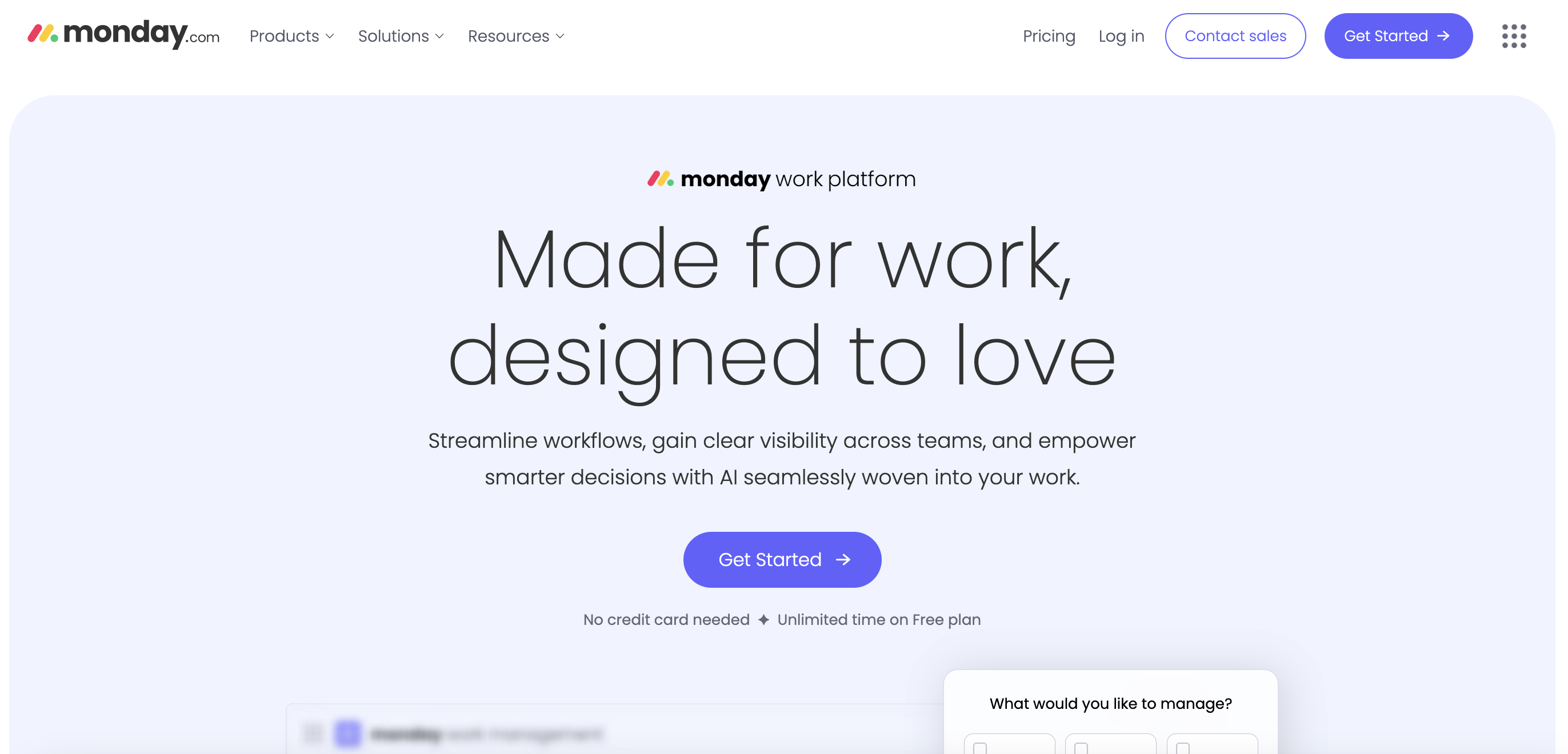
Monday.com is a project management app that expands with you as your business grows. It includes a wide variety of templates built around Monday's table-based project view—making it easy to set up complex projects and workflows.
Best for: Freelancers who would rather use a prepared template than build a custom system.
Key features:
- Large library of templates
- Familiar spreadsheet-style interface
- Optional paid CRM and service ticketing add-ons
- Built-in AI assistant and automations
Monday integrates with more than 200 apps including Gmail, GitHub, Mailchimp, and Outlook.
Two people can work on up to three projects for free. Paid Monday plans unlock higher usage limits and start at $9 per user, per month when billed annually. All paid plans require a minimum of three user seats.
5. Bonsai

Unlike most of the tools on this list, which can be used by sole proprietors and large companies alike, Bonsai is a project and business management app made specifically for freelancers. It offers solutions for task management, invoicing, contact management, and contract signing.
Best for: Newer freelancers who need tools for a variety of business management tasks including project, finance, and time management.
Key features:
- Kanban- and list-style task management
- Lightweight CRM tools
- Time tracker that logs entries to tasks and projects
- Finance and tax tools
Bonsai doesn't integrate with as many apps as Asana or Monday, but it does connect to a few like Gmail and Calendly.
There's no free Bonsai plan; pricing starts at $9 per user, per month when billed annually.
6. Capsule

Capsule is a client management app that also includes project tracking features. It’s lightweight yet useful, especially for freelancers who like to manage projects out of their email inbox. You can use Capsule to track tasks as well as leads in your pipeline.
Best for: Freelancers who are very focused on networking, referrals, and lead generation.
Key features:
- Kanban-style project and pipeline tracking
- Deep integration with Gmail
- Activity reports
- AI email assistant
In addition to its Gmail integration, Capsule also works with tools like Outlook, Quickbooks, Slack, and WhatsApp.
Capsule plans with project management features start at $36 per user, per month when billed annually.
7. ClickUp

ClickUp is an all-in-one project management and collaboration tool. It includes a Google Docs alternative, Slack alternative, and built-in AI assistant along with its task manager. However, if you already pay for file storage and messaging apps, you may find that you don’t use the bulk of ClickUp’s features.
Best for: Freelancers who want to keep all their work in one app and aren’t intimidated by software with a learning curve.
Key features:
- Tools to track time
- Agile sprint tracker
- Gantt charts
- Project dashboards
Even though ClickUp bills itself as an “everything” app, you can still connect it to other tools that you already use and love, including Slack, Zapier, Everhour, Toggl, Figma, and Loom.
Individual freelancers can use ClickUp for free, with some usage limitations on the plan. To collaborate with others and unlock unlimited usage, you'll need a paid subscription. Options typically start at $7 per user, per month (billed annually). But as a freelancer on Upwork, you can get 20% off a ClickUp Unlimited or Business plan.
8. Notion

Notion is a versatile tool that many freelancers and agencies like to use for project management. The app is a blank workspace by default—you can use tables, text blocks, and databases to build custom project trackers and dashboards.
Best For: Freelancers who want to build a system from scratch.
Key features:
- Fully customizable databases
- Table, checklist, and kanban views
- Optional calendar app
- Lots of free templates
You can connect Notion to a variety of AI APIs, apps like Canva and Calendly, and even other project management tools like Asana.
There’s a forever free version of Notion, though it comes with some restrictions. Paid plans start at $10 per user, per month, billed annually.
Users on any plan tier can also add on Notion AI for another $10 per user, per month. Freelancers on Upwork can get a free 30-day trial of Notion Plus with Al.
Comparing the best project management software at a glance
When should freelancers start using project management apps?
It's a good idea to start using a project management app before you feel:
- Like you're drowning in deliverables
- Anxious about missing important milestones
- Overworked
- Burned out
I started using a dedicated project management app about two years after launching my full-time freelance business. It no longer felt organized or effective to use my email inbox as a place to triage tasks, and I didn’t want work due dates and notifications clogging up my personal calendar.
Developing a project management system—mine hinges on Slack and Bonsai—helped me get a better handle on my schedule, streamline my project planning process, and free up a little more time every day.
When looking for a project management tool, think about:
- Your favorite work apps
- Whether or not you want to share tasks with other freelancers or client stakeholders
- How you prefer to manage tasks (i.e. in a to-do list, on a kanban board, etc.)
Build up your project pipeline with Upwork
If you’d like to explore the world of project management further, you can hire a project manager right here on Upwork. Whether you want to learn more about project management strategies, need help with ClickUp, or want Notion support, you’ll find freelancers who can help.
And once you have a good handle on your new project management app, focus on finding new clients for yourself through Upwork! Consultations, projects, and proposals are all great ways to find freelance jobs that suit your workflow and schedule.
Upwork is not affiliated with and does not sponsor or endorse any of the tools or services discussed in this article. These tools and services are provided only as potential options, and each reader and company should take the time needed to adequately analyze and determine the tools or services that would best fit their specific needs and situation.

.avif)

Author Spotlight

Emily Gertenbach is a B2B writer who creates SEO content for humans, not just algorithms. As a former news correspondent, she loves digging into research and breaking down technical topics. She specializes in helping independent marketing professionals and martech SaaS companies connect with their ideal business clients through organic search.