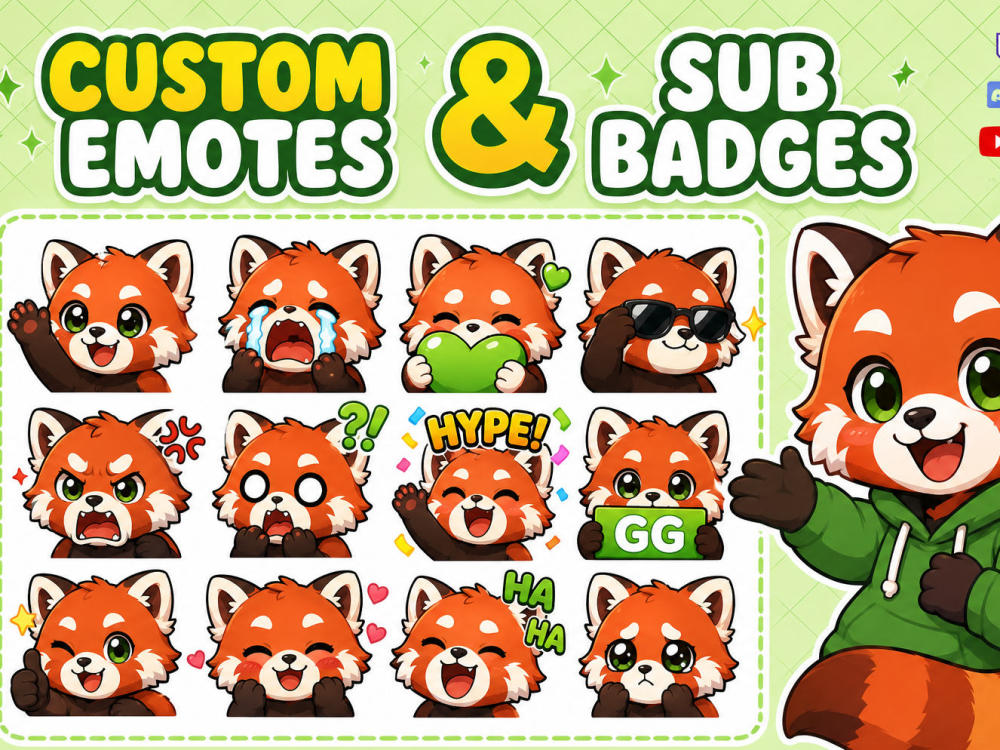
You will get amazing emotes and sub badges,stickers,icons for twitch, discord, youtube
Project details
🎮 Stand Out with Custom Emotes & Sub Badges!
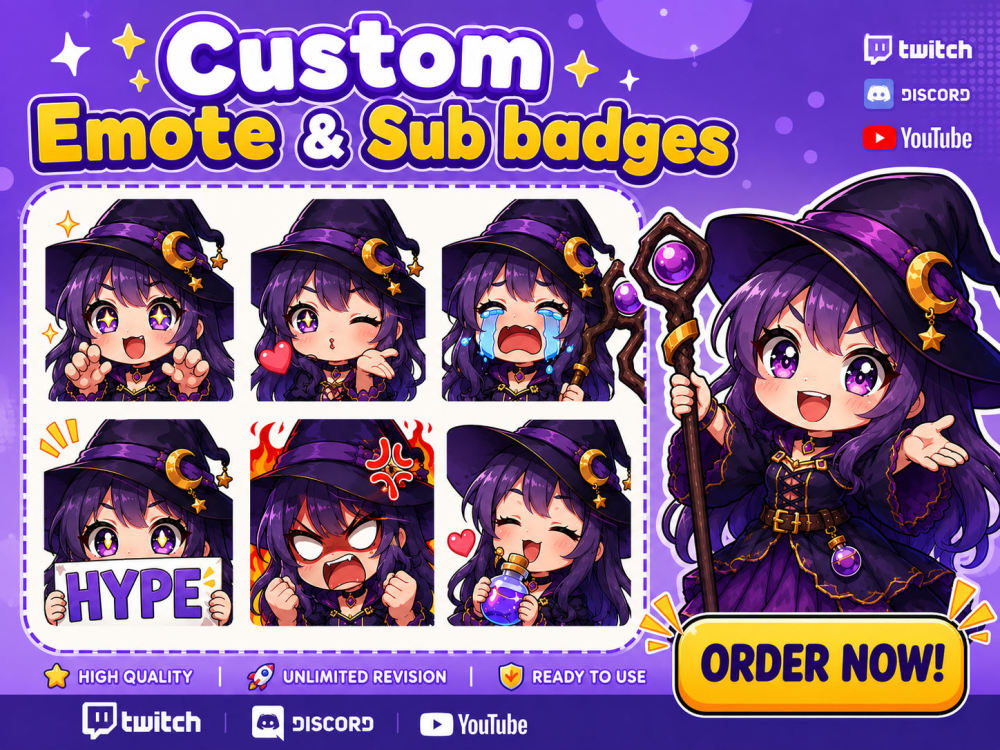
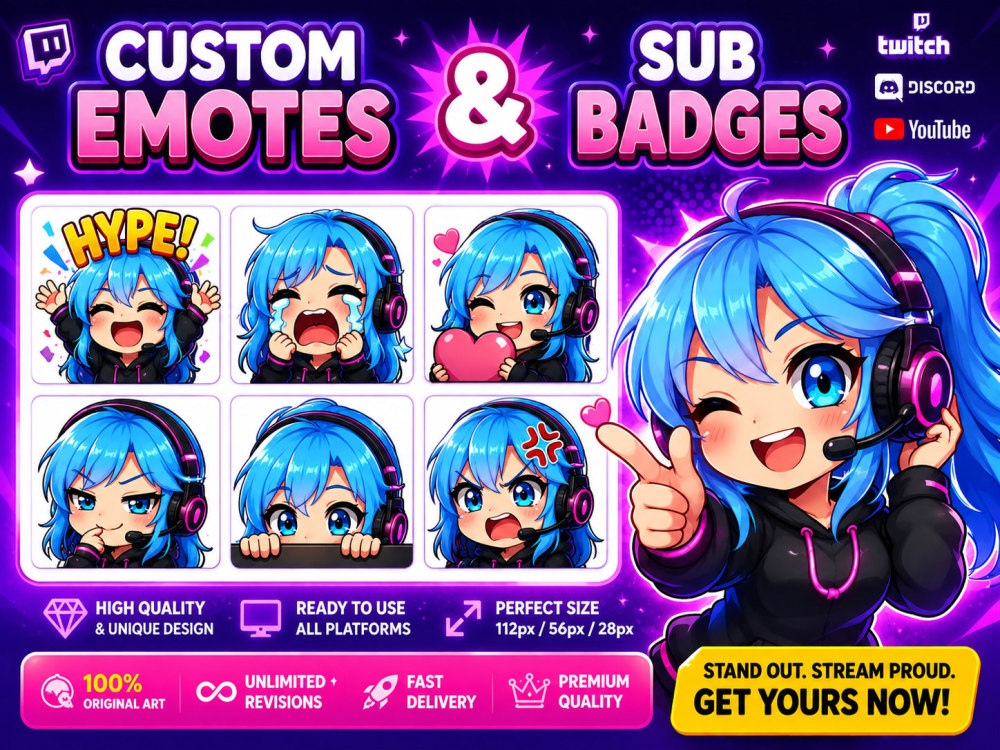
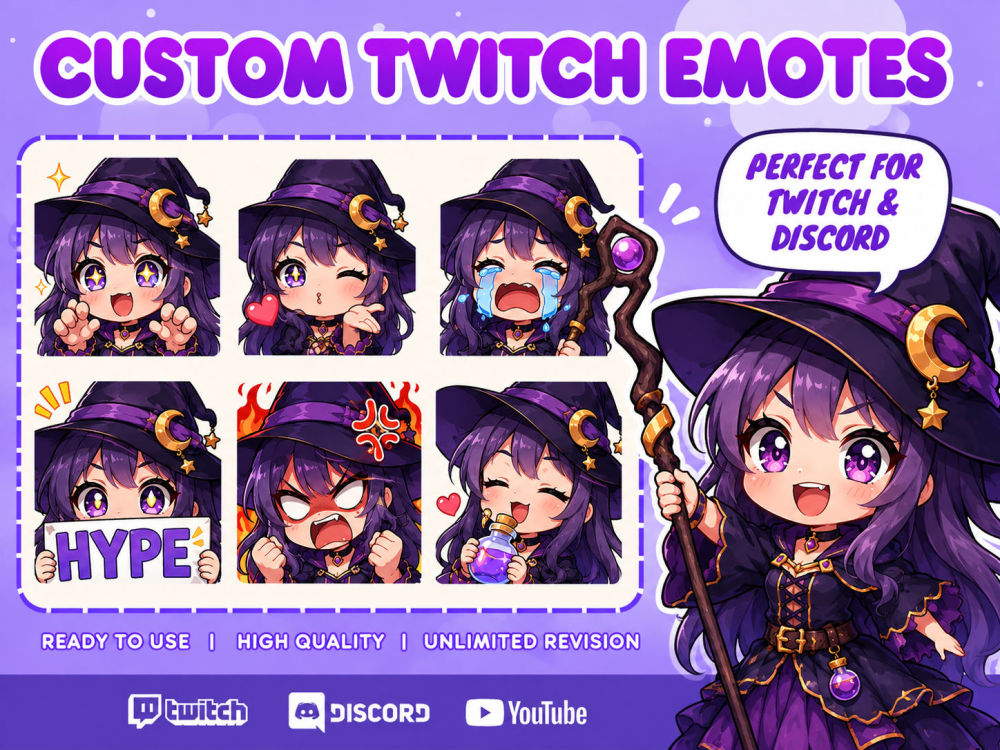
I create high-quality custom emotes and sub badges for streamers, gamers, VTubers, content creators, and online communities. Every emote is hand-drawn to match your character, mascot, or brand with a clean, expressive style.
Perfect For:
• Twitch
• Discord
• YouTube
• Kick
• Facebook Gaming
• Trovo
• Steam
• Guilded
• Telegram
You'll Receive:
✔ Custom Emotes & Sub Badges
✔ Transparent PNG Files
✔ High-Resolution 1000 × 1000 px files
✔ Platform-ready resized versions
✔ Commercial Use
✔ Fast Delivery
✔ Unlimited Revisions
Popular Emotes:
Happy • Laugh • Love • Angry • Cry • GG • Hype • Wave • Shocked • RIP • Heart • Cool • Thinking • Celebrate
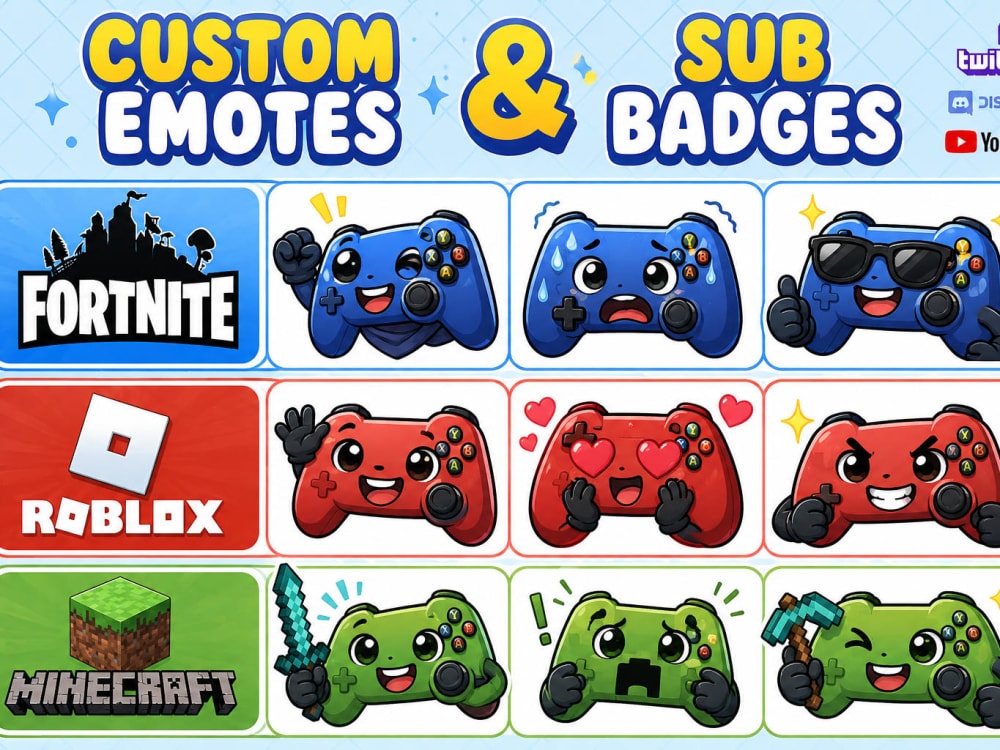
I can create human, animal, mascot, chibi, anime, cartoon, VTuber, Roblox, Fortnite, Minecraft, or custom character emotes. Just send your reference image, and I'll deliver unique, professional emotes ready for your favorite streaming platform
I create high-quality custom emotes and sub badges for streamers, gamers, VTubers, content creators, and online communities. Every emote is hand-drawn to match your character, mascot, or brand with a clean, expressive style.
Perfect For:
• Twitch
• Discord
• YouTube
• Kick
• Facebook Gaming
• Trovo
• Steam
• Guilded
• Telegram
You'll Receive:
✔ Custom Emotes & Sub Badges
✔ Transparent PNG Files
✔ High-Resolution 1000 × 1000 px files
✔ Platform-ready resized versions
✔ Commercial Use
✔ Fast Delivery
✔ Unlimited Revisions
Popular Emotes:
Happy • Laugh • Love • Angry • Cry • GG • Hype • Wave • Shocked • RIP • Heart • Cool • Thinking • Celebrate
I can create human, animal, mascot, chibi, anime, cartoon, VTuber, Roblox, Fortnite, Minecraft, or custom character emotes. Just send your reference image, and I'll deliver unique, professional emotes ready for your favorite streaming platform
Asset Type
Emotes & BadgesStreaming Platform
Twitch, Mixer, YouTube, Facebook, Discord, DLive, Smashcast, Caffeine, Bigo.TVWhat's included
| Service Tiers |
Starter
$15
|
Standard
$25
|
Advanced
$50
|
|---|---|---|---|
| Delivery Time | 2 days | 3 days | 5 days |
Number of Emotes or Badges | 3 | 5 | 12 |
Number of Revisions | 1 | 2 | 7 |
Custom Overlay | - | - | - |
Facecam | - | - | - |
Panel Design | - | - | - |
Animation | - | - | - |
Frequently asked questions
About Parvez
Vector Graphic Specialist | Logo & Mascot Design
Khuiratta, Pakistan - 3:10 pm local time
Whether you need production-ready vector files for high-end printing or high-resolution PNG/JPEG assets optimized for digital platforms, I'm fully expert in delivering seamless graphics for both print and web.
With years of professional design experience and thousands of successful projects delivered globally, I specialize in Mascot Branding, Esports Identity Systems, Custom Stream Assets, and High-Precision Vector Graphic Design.
🌟 Core Services I Offer:
🔶 Mascot & Logo Design Systems
Mascot & Character Logos (Esports, Gaming, Sports Teams, & Personal Avatars)
Custom Sports Badges, Shields, & Crests (Bold, Modern, & Aggressive Styles)
Corporate & Business Logos (Minimalist, Monograms, & Emblem Logos)
Vector Tracing & Redraws (Raster-to-Vector Conversion, Image Cleanup)
🔶 Streaming & Creator Assets
Custom Emotes & Sub Badges (Twitch, Kick, YouTube, Discord - Mascot/Chibi Style)
Stream Overlays & Graphics (Alerts, Panels, Screens, & Offline Banners)
Channel Art & Header Designs (YouTube Banners, Twitter/X Headers, Facebook Covers)
🔶 Social Media & Digital Graphics
High-CTR Social Media Assets (Promotional Banners, Post Templates, Thumbnails)
Digital Marketing Visuals (Ad Banners, Story Graphics, Web Graphics)
🔶 Apparel & Print Merch Design
Custom Team Jerseys & Esports Uniforms
Merchandise Art (Hoodies, T-Shirts, Caps, Hats, Stickers, & Packaging)
Print-Ready Files (CMYK, High-DPI Resolution for Commercial Printing)
💼 Deliverables & Master File Formats:
Scalable Vector Source Files: AI, EPS, SVG, PDF, & CorelDRAW (CDR)
High-Resolution Graphics: Transparent PNGs, Web RGB JPGs, Print CMYK PDFs
Brand Assets: Color Schemes, Typography Guidelines, & Social Media Kits
🎯 Why Work With Me?
100% Original Vector Art: Hand-drawn, custom concepts (No Stock/Clip-art).
Cross-Platform Readability: Emotes and badges micro-tested for Light & Dark UI modes.
Production-Ready Precision: Layered, clean, and scalable files ready for screen or print.
Fast & Reliable Workflow: Clear communication, quick turnarounds, and complete client satisfaction.
Tools & Software: Adobe Illustrator | Adobe Photoshop | CorelDRAW
Ready to take your brand or channel to the next level?
👉 Click "Send Message" or "Invite to Job" to discuss your project today!
Steps for completing your project
After purchasing the project, send requirements so Parvez can start the project.
Delivery time starts when Parvez receives requirements from you.
Parvez works on your project following the steps below.
Revisions may occur after the delivery date.
contact me through this project and get all details about your project
give me your reference for your emotes or if you want to get sub badges
Contact And Requirements
Purchase the project and send me a message with your requirements. We'll discuss your ideas, preferred style, and the number of emotes or sub badges you need.