You will get a 30-minute admin reset system
Project details
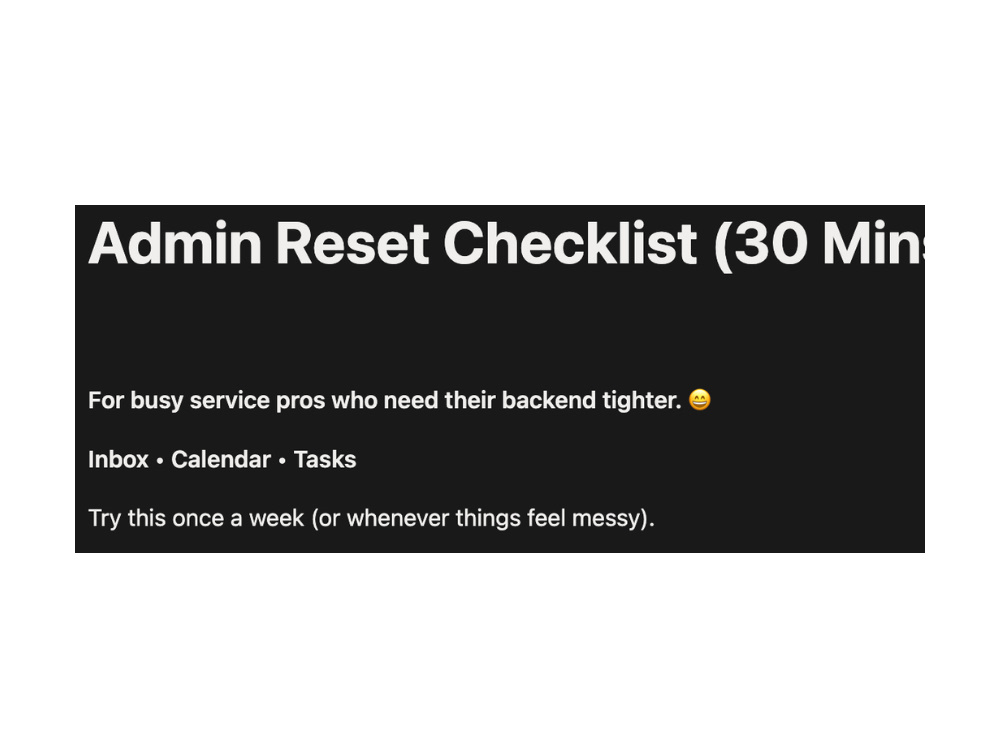
If your inbox, calendar, and task list feel messy, this reset gives you a simple system you can actually stick to. You’ll get a clear routine for inbox triage, a calendar reset that protects your focus, and a task workflow that keeps follow-ups from slipping. I can deliver the checklist as a ready-to-use PDF, or set it up inside ONE tool (Gmail/Outlook, Google Calendar, or Notion/Trello) depending on the package you choose. This is a one-time setup/reset—ongoing management is available separately.
Purpose
BusinessIndustry
Business Services & Consulting, Ecommerce, Financial Services, Marketing & Advertising, Retail & Wholesale, Software, WellnessLanguage
EnglishWhat's included
| Service Tiers |
Starter
$29
|
Standard
$129
|
Advanced
$299
|
|---|---|---|---|
| Delivery Time | 1 day | 2 days | 3 days |
Number of Revisions | 1 | 1 | 2 |
Number of Hours of Work | 1 | 3 | 6 |
Basic Photo Editing | - | - | - |
Organize & Classify/Tag Files | - | - | - |
Formatting & Clean Up | |||
Project Management Support | - | ||
Travel Planning | - | - | - |
Optional add-ons
You can add these on the next page.
Fast Delivery
+$30 - $50
Additional Revision
+$25
Additional Hour of Work
+$45
Weekly Reset Dashboard
(+ 1 Day)
+$49About Patryce
Admin VA | Inbox & Calendar & Follow-ups | Notion/Trello Systems
Fort Mill, United States - 12:49 pm local time
If you’re overwhelmed, missing follow-ups, or constantly playing catch-up, I can set up a clean workflow that’s easy to maintain:
• Inbox & calendar organization (buffers, focus blocks, weekly reset)
• Follow-up systems (so leads and invoices don’t slip)
• Notion/Trello trackers (one place for tasks & deadlines)
• Bookkeeping-lite monthly prep (categorization & clean handoff)
Quick Win: I offer a 30-minute Admin Reset System (PDF) and setup packages to implement it in your tools.
Tools: Notion, Google Drive/Docs/Sheets, HubSpot, Wave, Indy, Toggl, Canva, Bitwarden.
Message me with your biggest issue (inbox, calendar, or follow-ups) and I’ll recommend the best next step.
Steps for completing your project
After purchasing the project, send requirements so Patryce can start the project.
Delivery time starts when Patryce receives requirements from you.
Patryce works on your project following the steps below.
Revisions may occur after the delivery date.
Confirm scope & tools
I review your requirements, confirm the package + tool(s), and clarify priorities.
Build your reset system
I customize your checklist/workflow and set up labels, blocks, or a tracker (based on your tier).