You will get a custom Google Sheets data entry automation
Rising Talent
Rising Talent
Project details
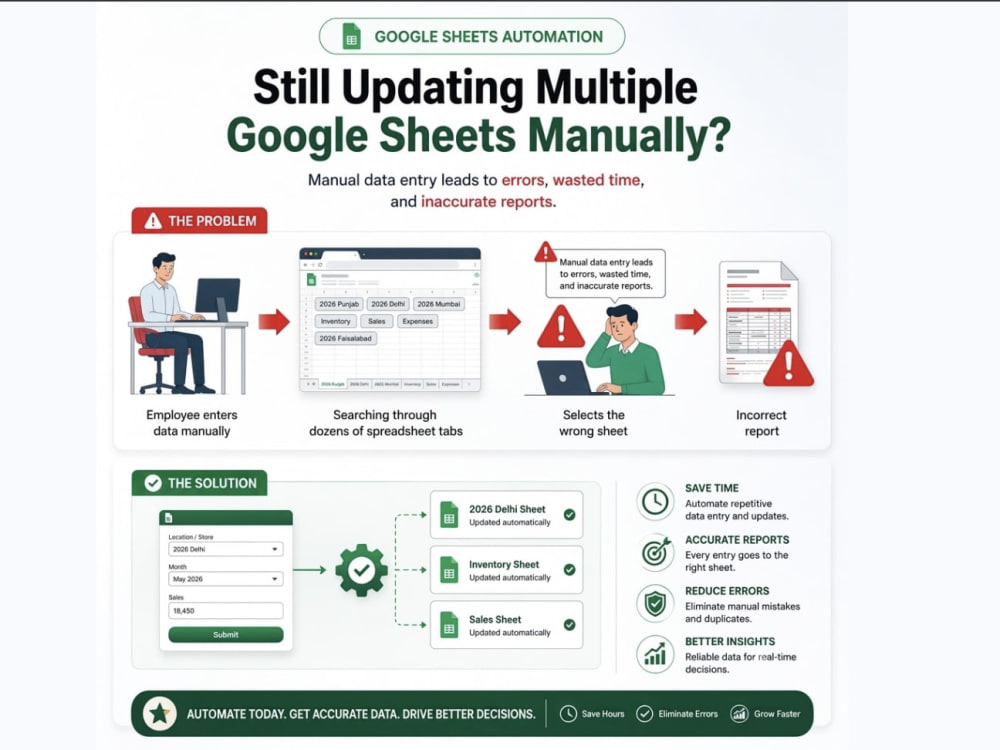
Is your team wasting time updating multiple Google Sheets?
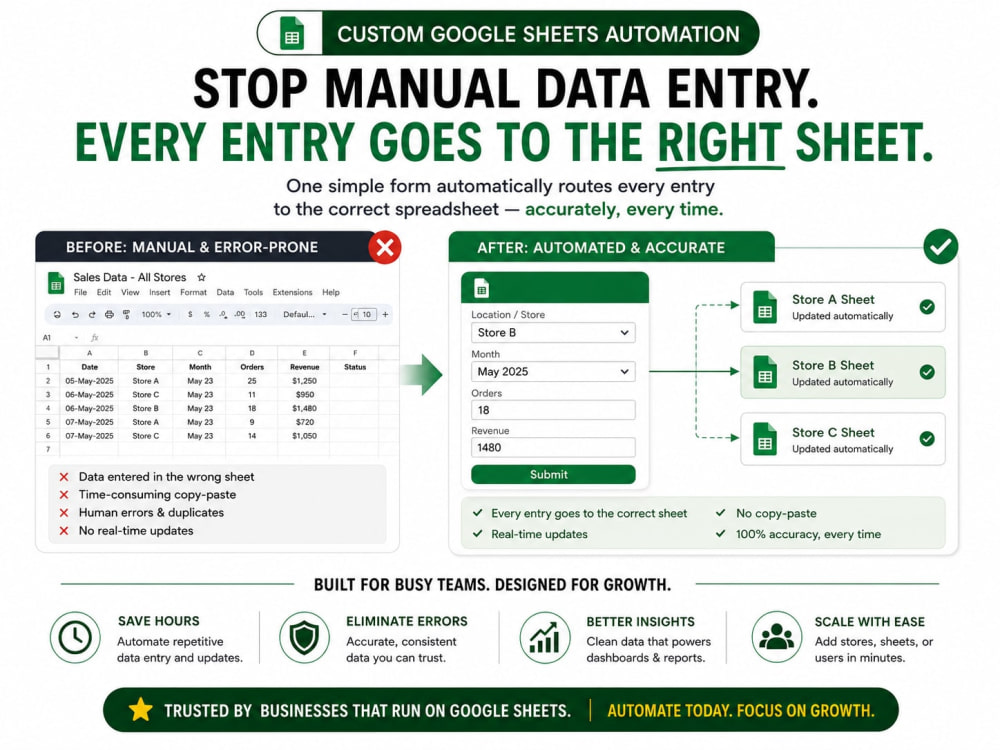
If employees manually enter data into different tabs or spreadsheets, mistakes are inevitable—wrong sheet, wrong month, duplicate entries, and hours spent fixing reports afterward.
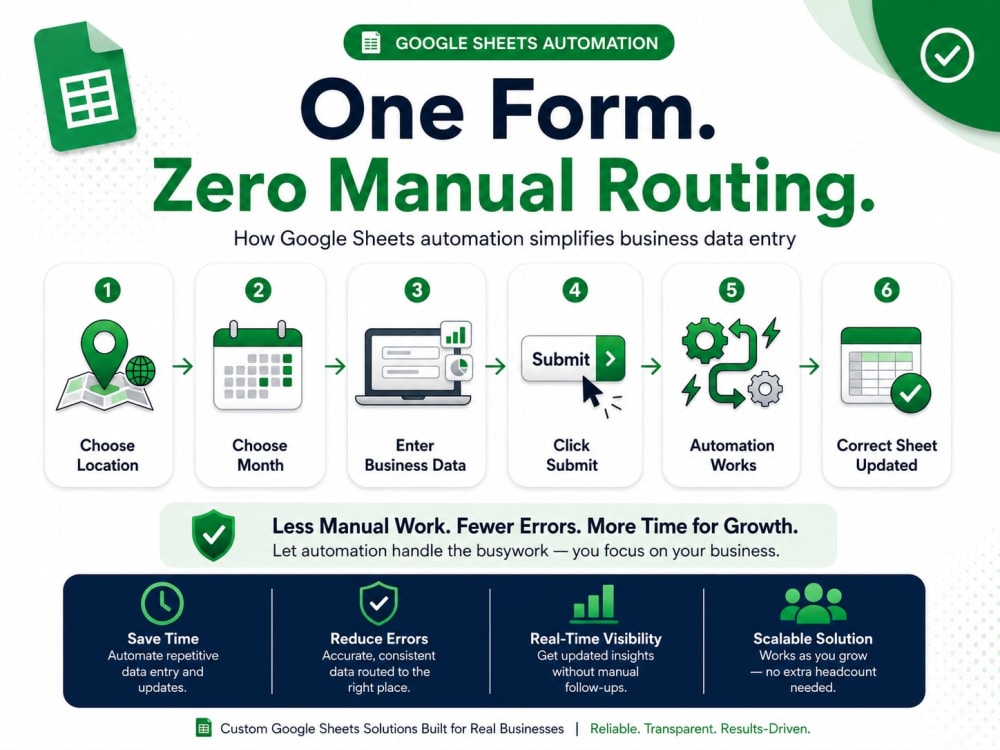
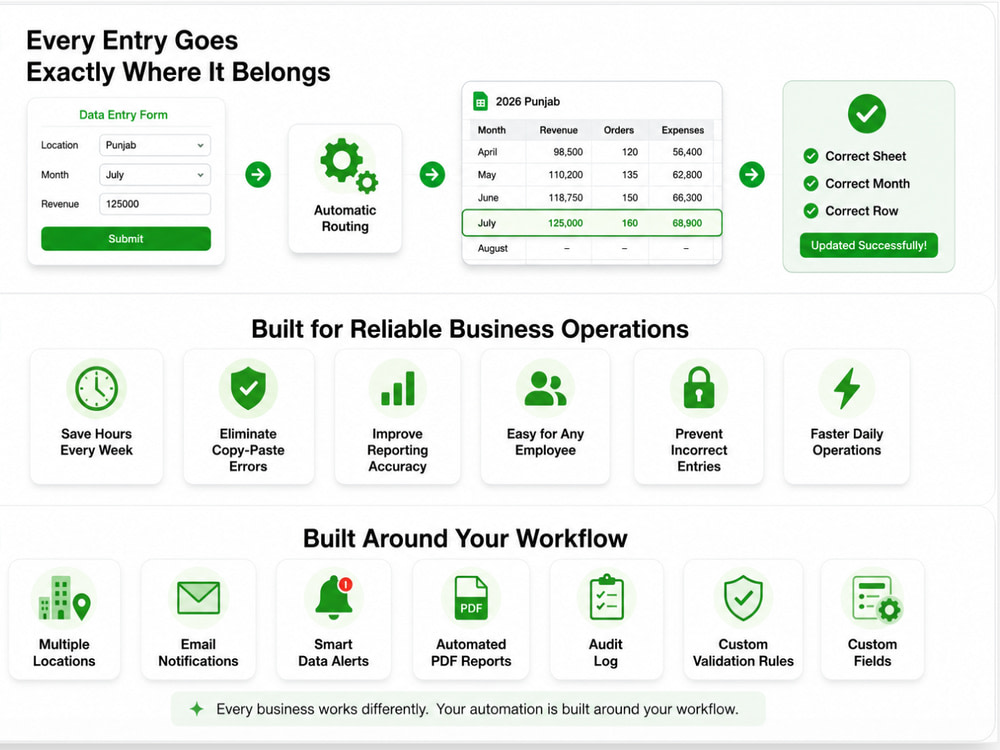
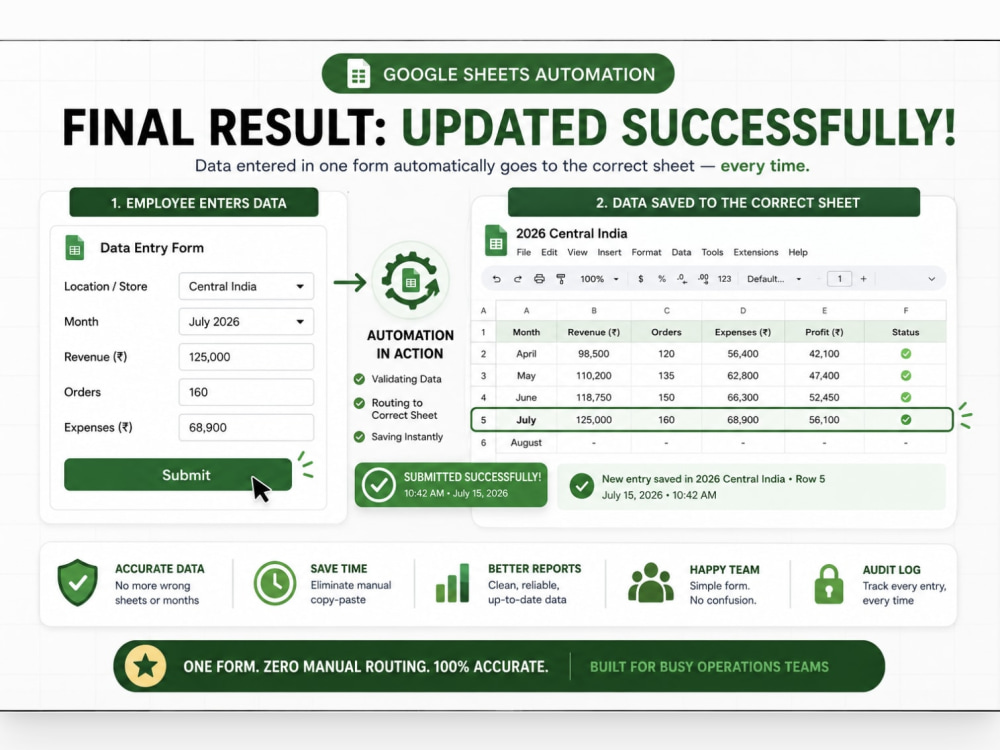
I build custom Google Sheets data entry systems that let your team enter information through one simple form while Google Apps Script automatically routes every submission to the correct sheet, month, and row. Every entry is validated before it's saved, helping keep your data accurate and organized.
No manual copy-paste. No broken reports. No confusion about where data belongs.
You'll receive:
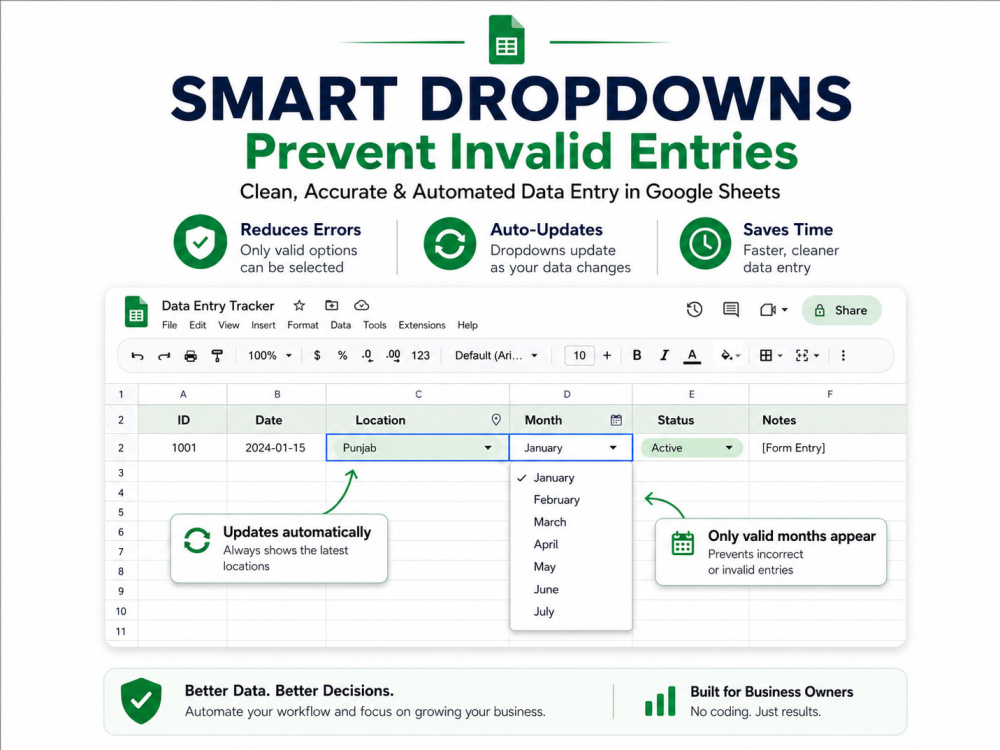
• Custom Google Sheets data entry form with validated fields
• Dynamic dropdowns that always show the correct options
• Automatic routing to the correct sheet
• Required-field and duplicate-entry validation
• Submit confirmation so employees know their entry was saved
• Clean, employee-friendly interface with no technical training required
Perfect for Operations Managers, Business Owners, Retail & Multi-location Businesses, Warehouses, Construction, Agencies, and Finance/Admin teams.
If employees manually enter data into different tabs or spreadsheets, mistakes are inevitable—wrong sheet, wrong month, duplicate entries, and hours spent fixing reports afterward.
I build custom Google Sheets data entry systems that let your team enter information through one simple form while Google Apps Script automatically routes every submission to the correct sheet, month, and row. Every entry is validated before it's saved, helping keep your data accurate and organized.
No manual copy-paste. No broken reports. No confusion about where data belongs.
You'll receive:
• Custom Google Sheets data entry form with validated fields
• Dynamic dropdowns that always show the correct options
• Automatic routing to the correct sheet
• Required-field and duplicate-entry validation
• Submit confirmation so employees know their entry was saved
• Clean, employee-friendly interface with no technical training required
Perfect for Operations Managers, Business Owners, Retail & Multi-location Businesses, Warehouses, Construction, Agencies, and Finance/Admin teams.
Data Entry Type
Data Cleansing, Error DetectionData Entry Tool
Google Sheets, Microsoft ExcelWhat's included $295
These options are included with the project scope.
$295
- Delivery Time 5 days
- Number of Revisions 2
- Number of Hours of Work 10
Optional add-ons
You can add these on the next page.
Fast 3 Days Delivery
+$100
Additional Revision
+$40
Email Notifications
(+ 2 Days)
+$75
Smart Data Alerts
(+ 2 Days)
+$125
Audit Log
(+ 2 Days)
+$100Frequently asked questions
About Sharon
Business Reporting & Dashboard Automation | Google Sheets, Apps Script
Ranchi, India - 9:15 am local time
I currently support an ongoing U.S.-based client with dashboard maintenance and monthly reporting workflows. Before freelancing, I worked at Accenture as a Measurement and Research Associate, where I supported Meta-related projects, handled reporting workflows, and worked with agencies and stakeholders on data-driven operations.
I can help with Google Sheets dashboards, reporting automation, data cleaning, KPI tracking, dashboard maintenance, spreadsheet-to-web-app solutions, and custom data tools. My goal is to build reliable systems that save time, reduce manual work, and make reporting easier for your team.
Steps for completing your project
After purchasing the project, send requirements so Sharon can start the project.
Delivery time starts when Sharon receives requirements from you.
Sharon works on your project following the steps below.
Revisions may occur after the delivery date.
Review Your Workflow
I'll review your Google Sheets, understand how your team currently enters data, and identify where each submission should be routed.
Build Your Custom Data Entry Form
I'll create a clean, user-friendly Google Sheets data entry form with the fields, dropdowns, and validation rules that match your workflow.