You will get a Microsoft or Google form with organized response tracking
Project details
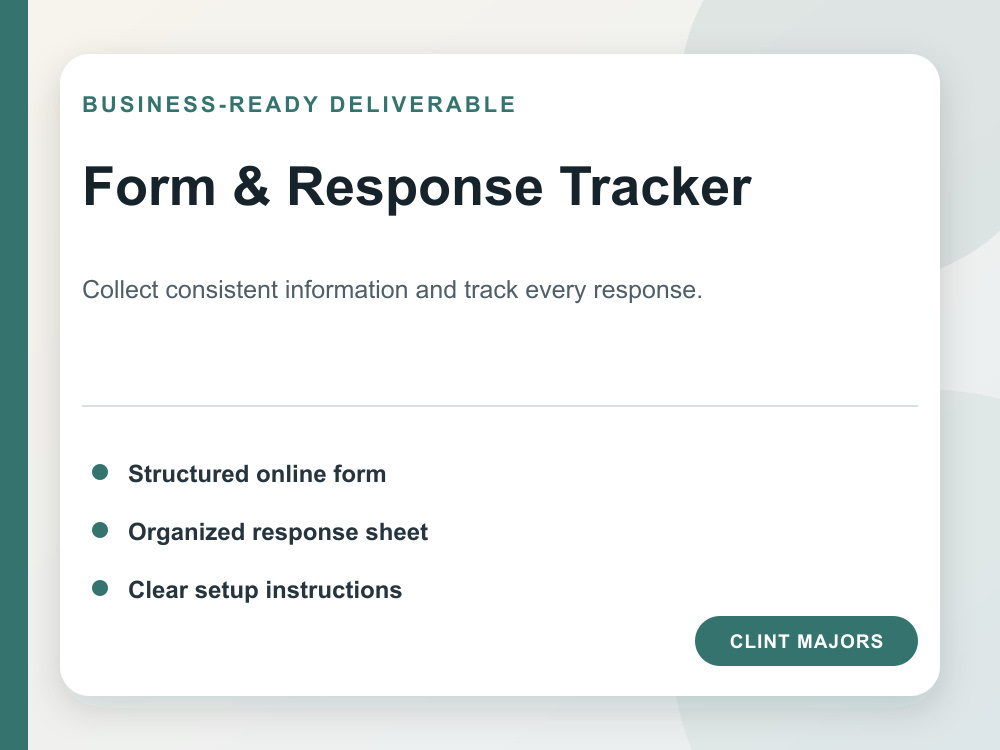
Collect consistent information with a structured Microsoft Form or Google Form and an organized response tracker. I will build the questions, sections, response fields, and available conditional logic, then organize the connected spreadsheet so responses are easier to review. The service includes setup instructions and testing with sample responses. Access to the client’s chosen platform may be needed for final deployment; otherwise, I can provide a documented build specification and template.
Project Type
OtherWhat's included
| Service Tiers |
Starter
$25
|
Standard
$60
|
Advanced
$125
|
|---|---|---|---|
| Delivery Time | 2 days | 4 days | 6 days |
Number of Revisions | 0 | 0 | 0 |
About Clint
Excel & Google Sheets Dashboard and Automation Specialist
Hector, United States - 8:11 am local time
I learned Excel and Google Sheets by using them to solve daily operational problems—not as theory. I build practical pricing calculators, dashboards, trackers, reporting workbooks, and clean data workflows. I can repair formulas, organize messy spreadsheets, add validation and conditional formatting, automate repeat steps, and document the finished system so it is easy to maintain.
My management background also means I think beyond the formula. I pay attention to the people entering the data, the manager reviewing it, deadlines, handoffs, and what can go wrong. You receive a tested, understandable tool built for actual use.
If you have an existing workbook, I can audit and improve it. If you are starting with scattered notes or manual processes, I can turn them into a structured Excel or Google Sheets system.
Steps for completing your project
After purchasing the project, send requirements so Clint can start the project.
Delivery time starts when Clint receives requirements from you.
Clint works on your project following the steps below.
Revisions may occur after the delivery date.
Build, test, and document the form system
I structure the questions, build the form and response tracker, test the workflow, and deliver concise setup instructions.