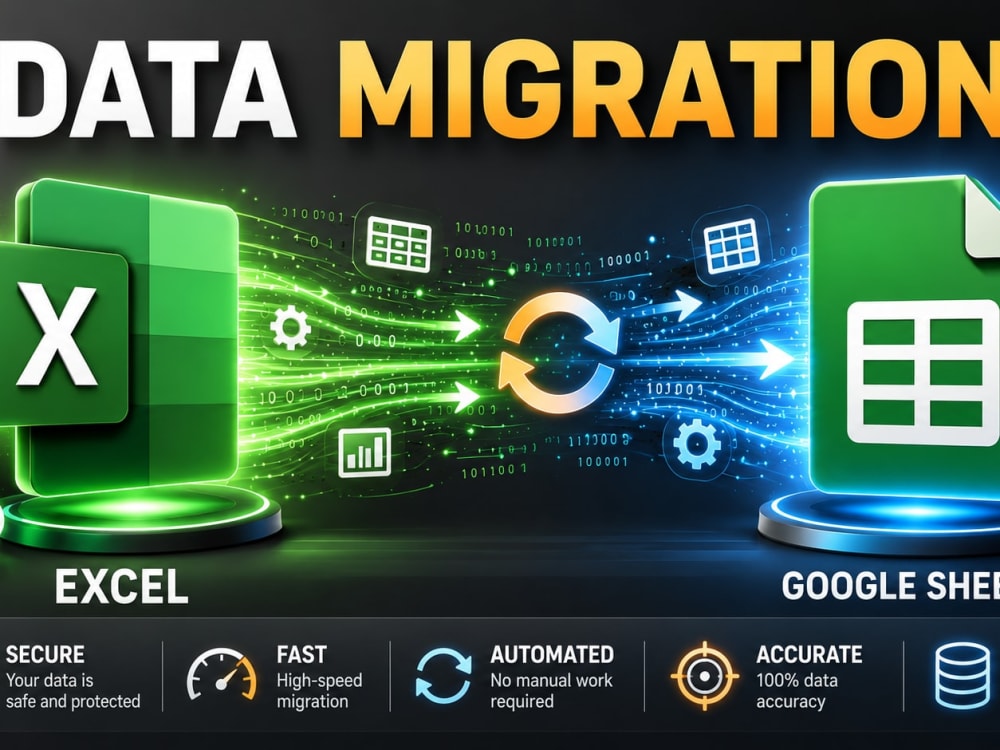
You will get a professional data migration and sync between Excel and Google Sheets.
Project details
Are you looking to bridge the gap between Microsoft Excel and Google Sheets?
Moving data between these platforms often leads to broken formulas, lost formatting, or non-functional scripts. I provide a professional migration and synchronization service that ensures your workflow remains seamless and automated.
What sets this project apart:
Technical Precision: I don’t just copy data; I audit your formulas and "translate" them so they work perfectly in the target environment.
Automation-First Approach: I leverage Power Query and Google Apps Script to create live syncs, saving you hours of manual export/import.
Experience: Having handled complex automation projects (as seen in my portfolio), I understand the nuances of both VBA and Cloud-based scripting.
Whether you need a one-time migration or a permanent real-time connection between Excel and Google Sheets, I will deliver a clean, efficient, and professional solution.
Moving data between these platforms often leads to broken formulas, lost formatting, or non-functional scripts. I provide a professional migration and synchronization service that ensures your workflow remains seamless and automated.
What sets this project apart:
Technical Precision: I don’t just copy data; I audit your formulas and "translate" them so they work perfectly in the target environment.
Automation-First Approach: I leverage Power Query and Google Apps Script to create live syncs, saving you hours of manual export/import.
Experience: Having handled complex automation projects (as seen in my portfolio), I understand the nuances of both VBA and Cloud-based scripting.
Whether you need a one-time migration or a permanent real-time connection between Excel and Google Sheets, I will deliver a clean, efficient, and professional solution.
Data Entry Type
Copy Paste, Data Cleansing, Error DetectionData Entry Tool
Google Docs, Google Sheets, Microsoft Excel, Microsoft OfficeWhat's included
| Service Tiers |
Starter
$40
|
Standard
$100
|
Advanced
$200
|
|---|---|---|---|
| Delivery Time | 2 days | 3 days | 5 days |
Number of Revisions | 2 | 3 | |
Number of Hours of Work | 2 | 5 | 10 |
Formatting & Clean Up | |||
Graph & Table Creation | - |
Frequently asked questions
About Vasyl
Complex Formulas & Data Tooling, Custom VBA Macros & Dashboards
Marianske Lazne, Czech Republic - 10:12 am local time
Steps for completing your project
After purchasing the project, send requirements so Vasyl can start the project.
Delivery time starts when Vasyl receives requirements from you.
Vasyl works on your project following the steps below.
Revisions may occur after the delivery date.
File Analysis & Conflict Check
I will analyze your source data to identify any formulas or formatting that might break during the migration.
Data Migration & Conversion
I will transfer the data and convert Excel formulas to Google Sheets syntax (or vice versa), ensuring everything matches.