You will get accurate and fast data entry in Excel, Google Sheets, or Word
Project details
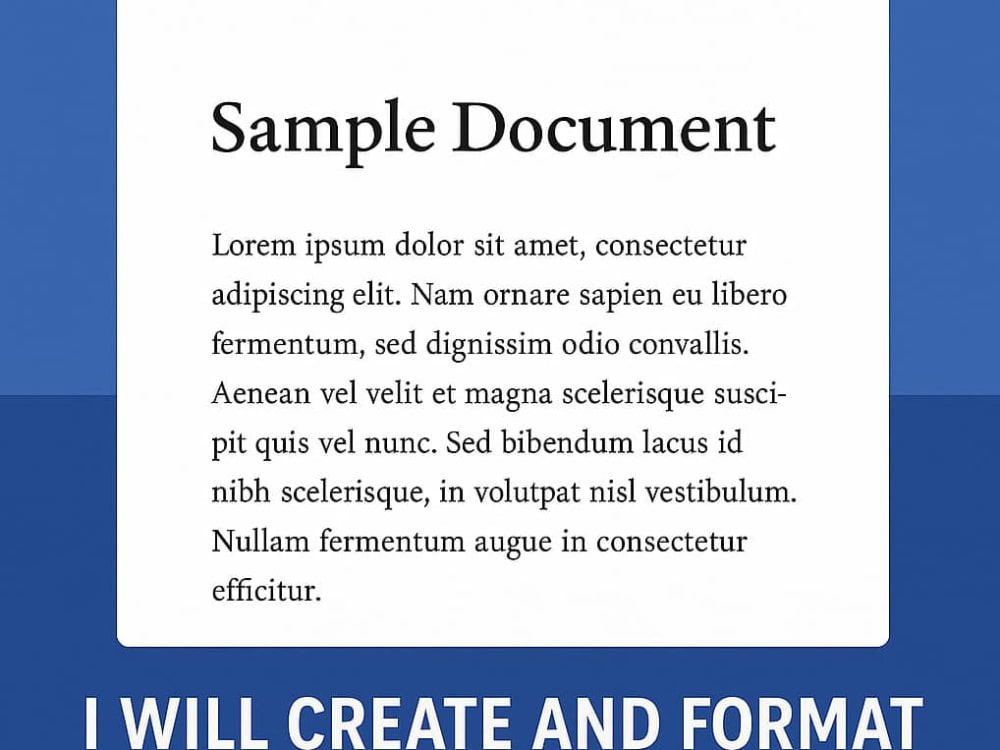
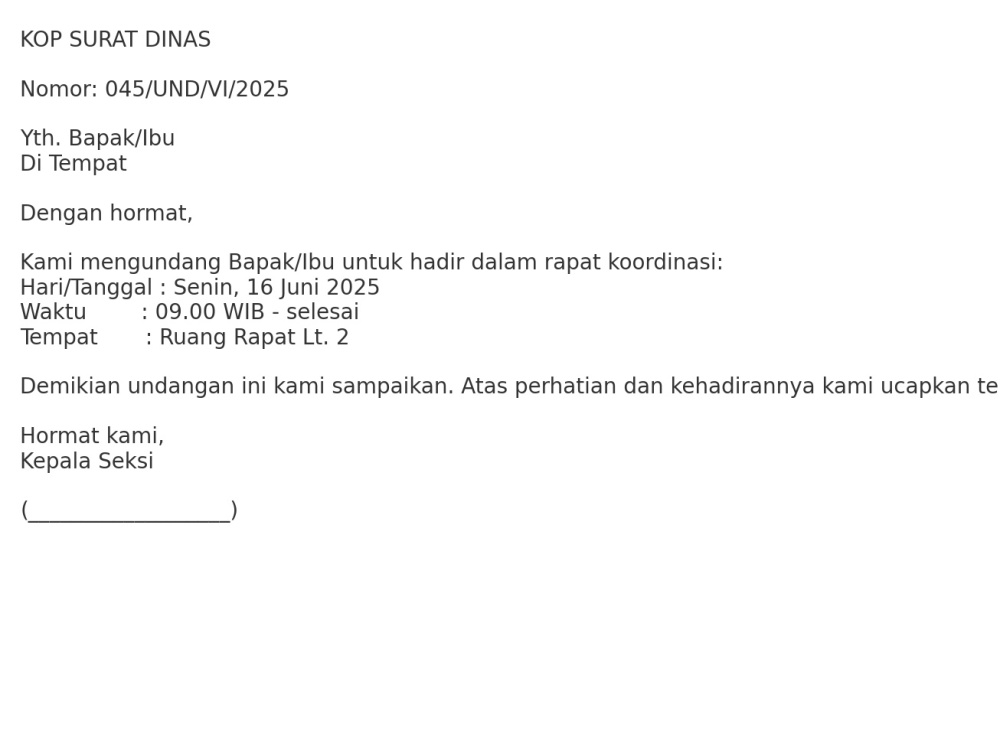
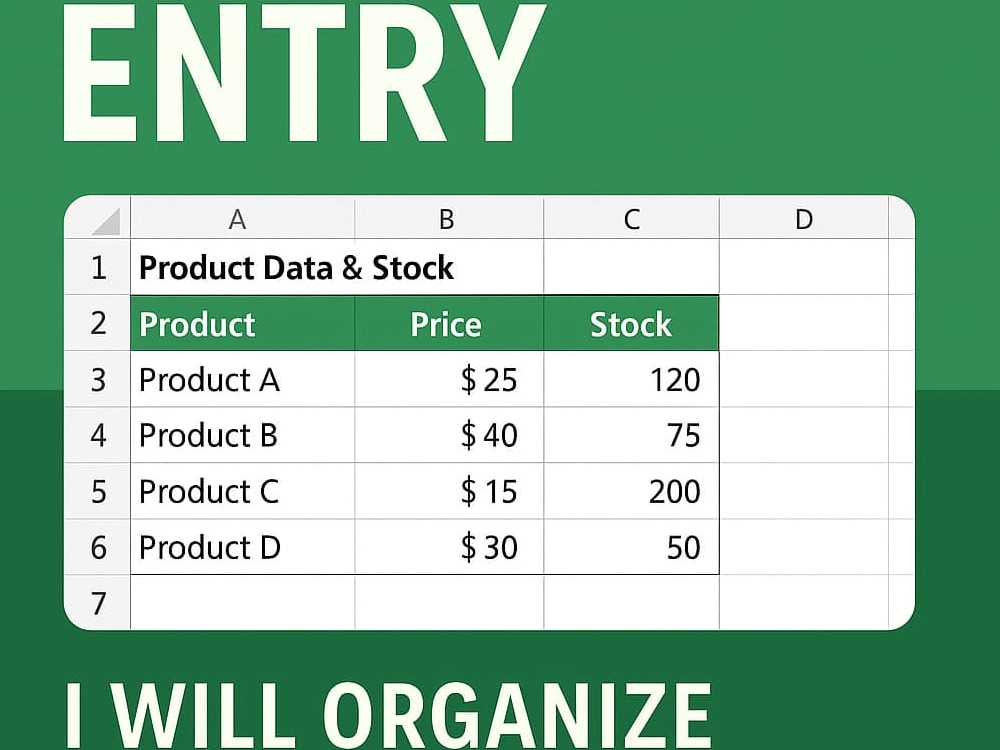
I provide accurate, efficient, and detail-oriented data entry services for Word, Excel (without formulas), Google Docs, and Sheets. What sets my service apart is my focus on clean formatting, consistent structure, and manual precision—not just copy-paste work. Whether you need handwritten documents typed, scanned files converted, or datasets cleaned and organized, I deliver professional results on time with clear communication and a commitment to quality.
Data Entry Type
Copy Paste, Data Cleansing, Document Conversion, Word ProcessingData Entry Tool
Google Docs, Google Sheets, Microsoft Excel, Microsoft Office, Microsoft WordWhat's included
| Service Tiers |
Starter
$15
|
Standard
$35
|
Advanced
$60
|
|---|---|---|---|
| Delivery Time | 2 days | 3 days | 5 days |
Number of Revisions | 1 | 2 | 3 |
Number of Hours of Work | 3 | 5 | 10 |
Formatting & Clean Up | |||
Graph & Table Creation | - |
Optional add-ons
You can add these on the next page.
Additional Revision
+$5
Additional Hour of Work
+$7
Scanned File Conversion
(+ 1 Day)
+$10Frequently asked questions
About Aziz
Admin Support
Sleman, Indonesia - 1:39 pm local time
With a background in handling product listings, customer records, inventory updates, and basic reporting, I’m confident in working with tools like Google Sheets, Microsoft Excel, and data entry platforms. Whether you need help entering large amounts of data, organizing files, or performing repetitive admin tasks, I deliver results with accuracy and speed.
Steps for completing your project
After purchasing the project, send requirements so Aziz can start the project.
Delivery time starts when Aziz receives requirements from you.
Aziz works on your project following the steps below.
Revisions may occur after the delivery date.
Review and Understand the Requirements
Carefully read your instructions, files, and any examples you provide to ensure I understand the scope of work and formatting preferences.
Organize the Source Materials
Download, categorize, and prepare all input files (PDF, image scans, docs, etc.) into working folders for smooth processing.