You will get Accurate Data Entry & Professional Spreadsheet Formatting
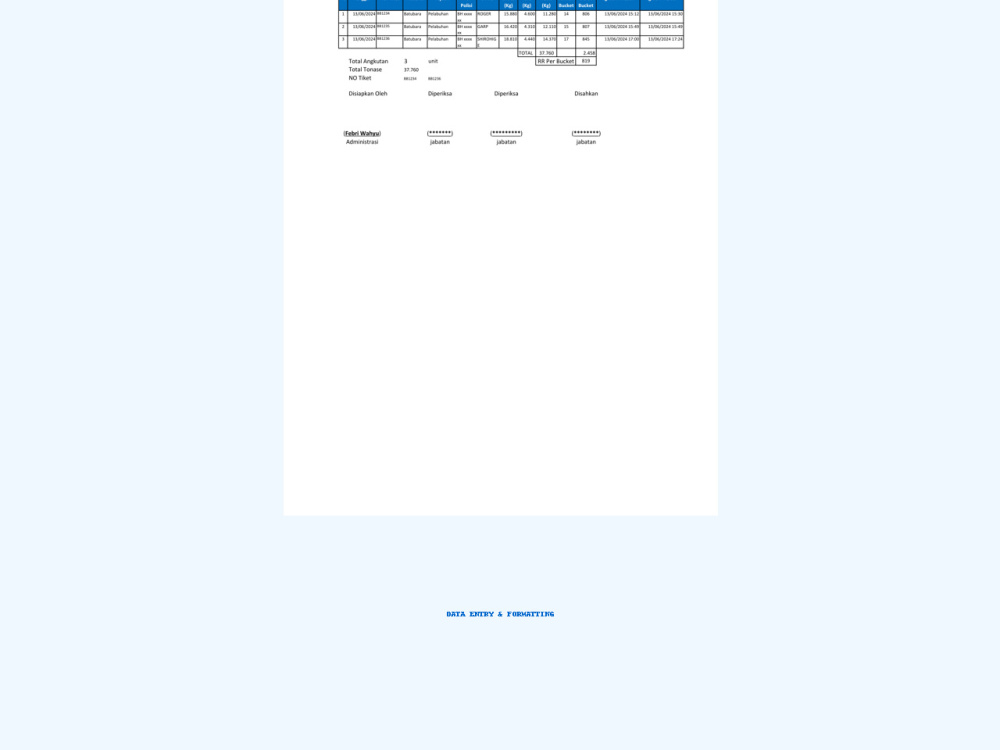
Project details
I offer fast, accurate, and well-organized data entry services using Excel or Google Sheets.
Your data will be cleaned, formatted, and ready for analysis or presentation.
Ideal for businesses, researchers, and professionals who need reliable results with attention to detail.
Your data will be cleaned, formatted, and ready for analysis or presentation.
Ideal for businesses, researchers, and professionals who need reliable results with attention to detail.
Data Entry Type
Copy Paste, Data Cleansing, Document Conversion, Error Detection, Word ProcessingData Entry Tool
Google Sheets, Microsoft Excel, Microsoft Office, Microsoft WordWhat's included
| Service Tiers |
Starter
$10
|
Standard
$22
|
Advanced
$45
|
|---|---|---|---|
| Delivery Time | 1 day | 2 days | 3 days |
Number of Revisions | 0 | 1 | 3 |
Number of Hours of Work | 1 | ||
Formatting & Clean Up | - | ||
Graph & Table Creation | - | - |
About Febri Wahyu
Data Entry Specialist | Document Preparation & Formatting
Pariaman, Indonesia - 12:22 am local time
I can help you with:
• Data entry and spreadsheet management (Excel, Google Sheets)
• Internet and market research
• Document formatting and report preparation
• Virtual assistant tasks (email handling, scheduling, file organization)
• Product listing for e-commerce platforms
My priority is to deliver high-quality work on time while maintaining clear communication. I am eager to support your business and help you achieve your goals.
Steps for completing your project
After purchasing the project, send requirements so Febri Wahyu can start the project.
Delivery time starts when Febri Wahyu receives requirements from you.
Febri Wahyu works on your project following the steps below.
Revisions may occur after the delivery date.
Step 1 – Gather Requirements & Files
- I will review your project requirements and request all necessary source files (PDF, Excel, images, or links). - We will confirm the desired output format and any specific formatting or template you prefer.
Step 2 – Data Entry & Formatting
- I will accurately input your data into Excel or Google Sheets. - Apply formatting, sorting, and filtering to make it easy to read. - Add formulas, charts, or pivot tables if required.