You will get Accurate & Fast Data Entry in Excel or Google Sheets
Project details
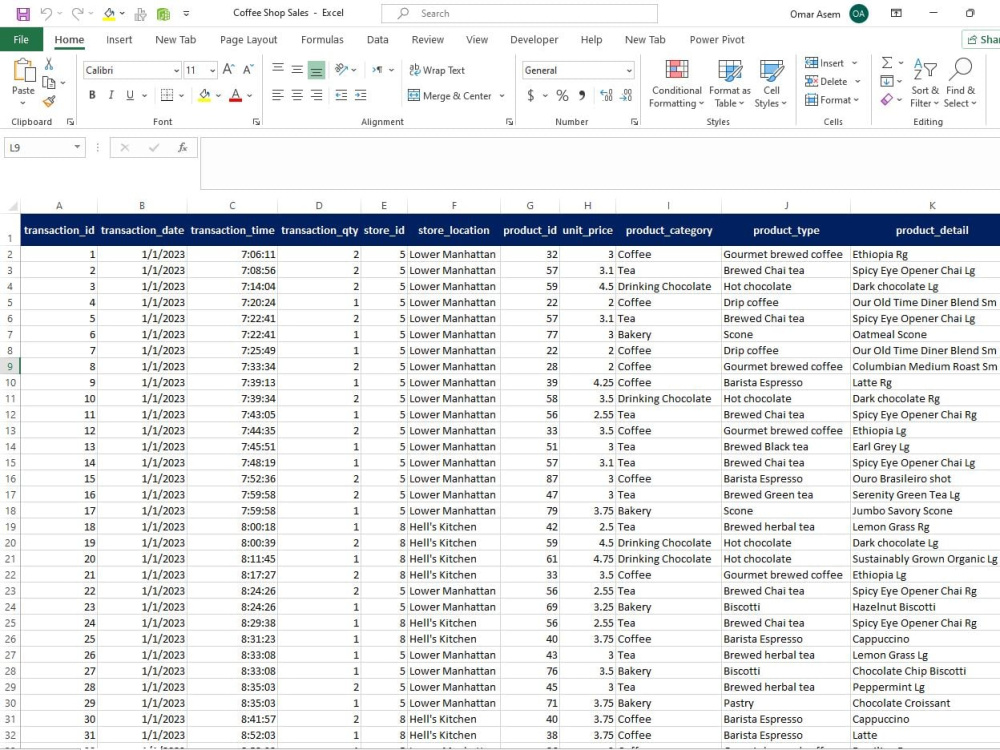
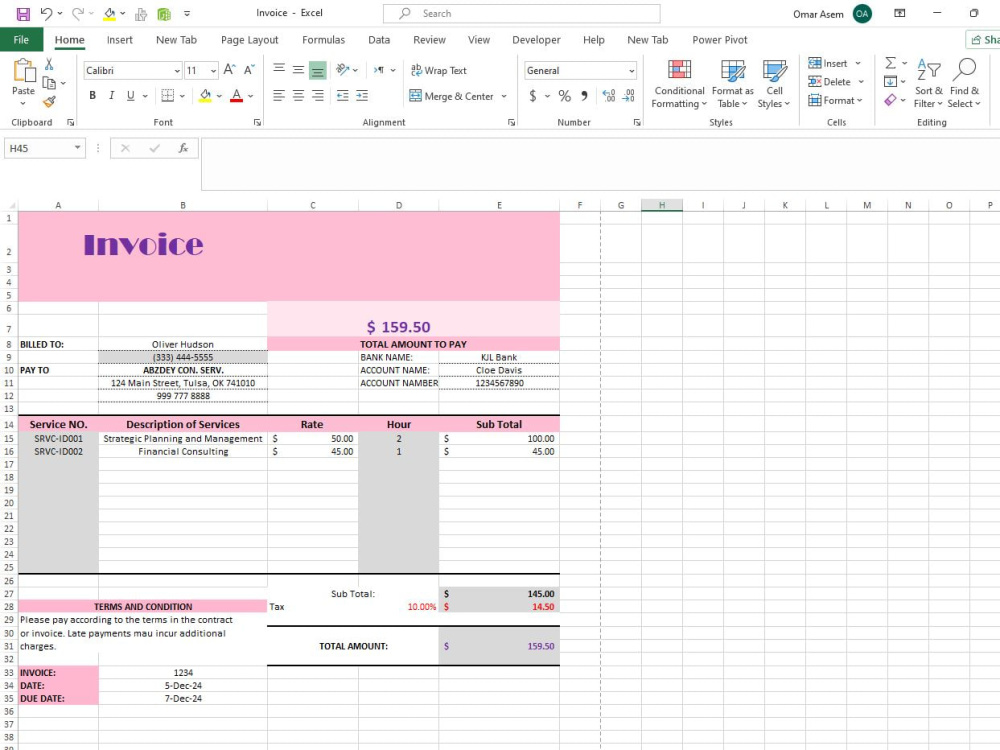
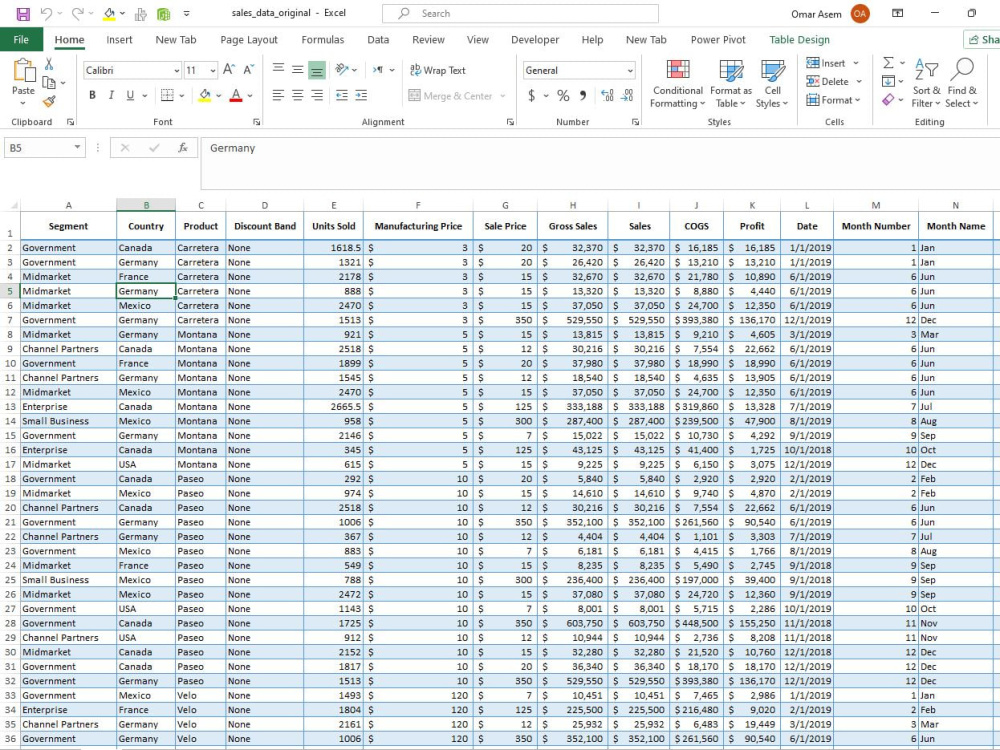
I will provide fast, accurate, and reliable data entry services in Microsoft Excel or Google Sheets.
Whether you need data typed or extracted from PDF files, scanned documents, or images, I will organize and format your information professionally and neatly.
Whether you need data typed or extracted from PDF files, scanned documents, or images, I will organize and format your information professionally and neatly.
Data Entry Type
Copy Paste, Data Cleansing, Online ResearchData Entry Tool
Google Docs, Google Sheets, Microsoft Excel, Microsoft Office, Microsoft WordWhat's included
| Service Tiers |
Starter
$5
|
Standard
$10
|
Advanced
$20
|
|---|---|---|---|
| Delivery Time | 1 day | 2 days | 3 days |
Number of Revisions | 1 | 3 | 6 |
Formatting & Clean Up | - | ||
Graph & Table Creation | - | - | - |
Optional add-ons
You can add these on the next page.
Fast Delivery
+$5 - $10About Omar
Fast & Accurate Data Entry Specialist Excel, Google Sheets, PDF & Word
Cairo, Egypt - 8:17 pm local time
I provide fast and accurate data entry services, including PDF to Excel/Word conversion, data organization, and file formatting.
I always pay close attention to detail while delivering work on time.
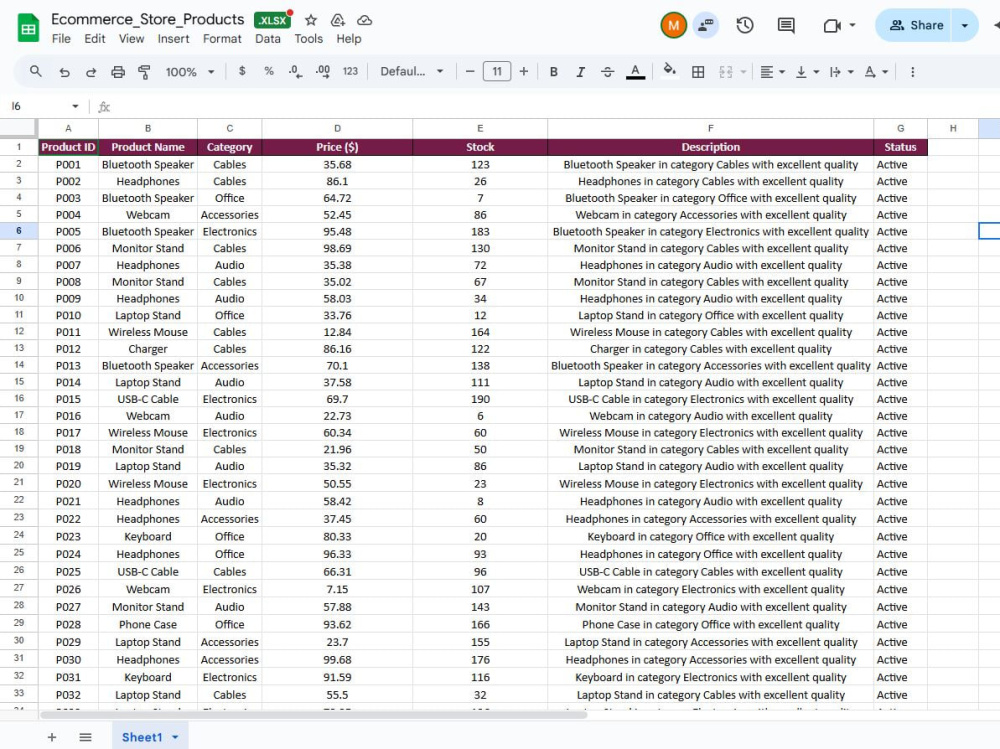
I’ve helped an online store organize product listings for 100+ items using Google Sheets.
My goal is to offer high-quality results and build long-term relationships with my clients.
I’m excited to grow my freelance career here on Upwork and deliver work that exceeds expectations.
Steps for completing your project
After purchasing the project, send requirements so Omar can start the project.
Delivery time starts when Omar receives requirements from you.
Omar works on your project following the steps below.
Revisions may occur after the delivery date.
Step 1: Receive Your Files & Instructions
I will review the data source (PDF, images, websites, etc.) and confirm your formatting and delivery preferences.
Step 2: Data Entry & Formatting
I will enter the data accurately into Excel or Google Sheets and format it according to your instructions.