You will get Boost Productivity with High-Quality Virtual Data Entry Support
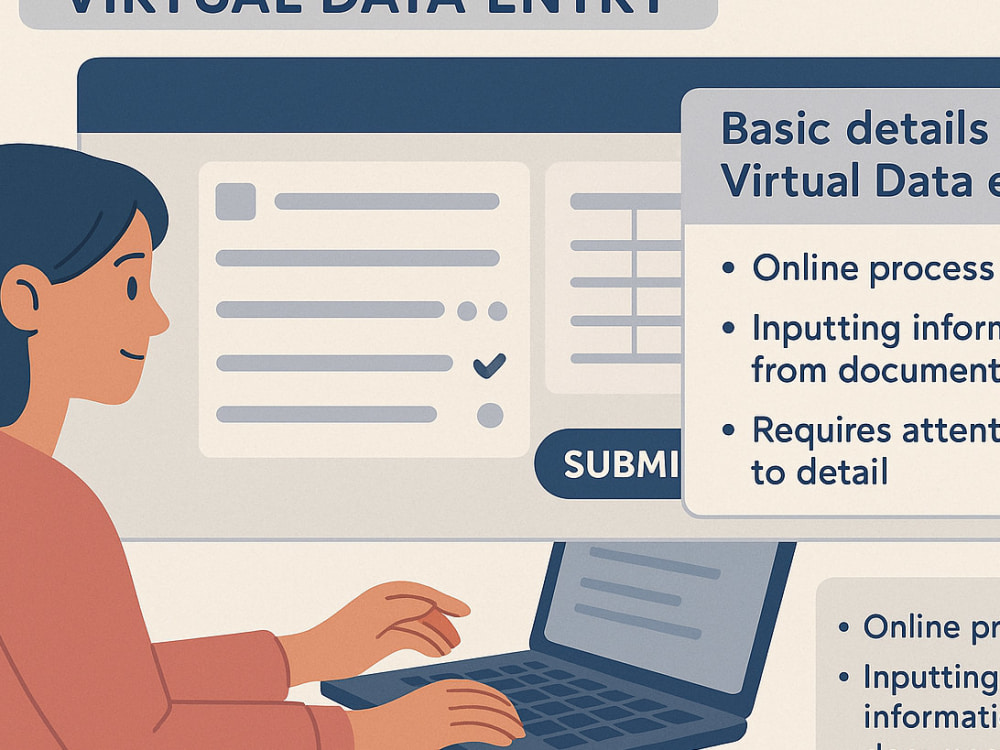
Project details
Virtual Data Entry Project Catalog – Summary
Objective:
This catalog compiles a series of virtual data entry projects designed to streamline information management, enhance accuracy, and improve efficiency for businesses, researchers, or administrative workflows.
Scope of Work:
Data Collection & Entry: Manual or automated input of textual, numerical, or categorical data into spreadsheets, databases, or CRM systems.
Data Cleaning & Validation: Correcting inconsistencies, removing duplicates, and ensuring data integrity.
Formatting & Organization: Structuring data into user-friendly templates (Excel, Google Sheets, CSV, etc.).
Specialized Projects: Surveys, invoice processing, inventory tracking, or transcriptions.
Key Features:
✔ Remote and scalable solutions
✔ High accuracy with quality checks
✔ Customizable workflows (one-time or recurring)
✔ Secure handling of sensitive/confidential data
Tools Used:
Microsoft Excel/Google Sheets
Database Software (SQL, Access)
OCR Tools (for scanned documents)
Automation (Zapier, Python scripts, etc.)
Objective:
This catalog compiles a series of virtual data entry projects designed to streamline information management, enhance accuracy, and improve efficiency for businesses, researchers, or administrative workflows.
Scope of Work:
Data Collection & Entry: Manual or automated input of textual, numerical, or categorical data into spreadsheets, databases, or CRM systems.
Data Cleaning & Validation: Correcting inconsistencies, removing duplicates, and ensuring data integrity.
Formatting & Organization: Structuring data into user-friendly templates (Excel, Google Sheets, CSV, etc.).
Specialized Projects: Surveys, invoice processing, inventory tracking, or transcriptions.
Key Features:
✔ Remote and scalable solutions
✔ High accuracy with quality checks
✔ Customizable workflows (one-time or recurring)
✔ Secure handling of sensitive/confidential data
Tools Used:
Microsoft Excel/Google Sheets
Database Software (SQL, Access)
OCR Tools (for scanned documents)
Automation (Zapier, Python scripts, etc.)
Data Entry Type
Copy Paste, Data Cleansing, Document Conversion, Error Detection, Online Research, Word ProcessingData Entry Tool
Google Docs, Google Sheets, Medical Records Software, Microsoft Excel, Microsoft Office, Microsoft WordWhat's included
| Service Tiers |
Starter
$10
|
Standard
$20
|
Advanced
$30
|
|---|---|---|---|
| Delivery Time | 1 day | 2 days | 3 days |
Number of Revisions | 3 | 5 | 10 |
Number of Hours of Work | 10 | 20 | 30 |
Formatting & Clean Up | |||
Graph & Table Creation |
About Nawab
Data Entry | Microsoft Office, Excel, Google Docs, Google Sheet
Jaipur, India - 5:46 am local time
For six months, I worked as a Data Entry Operator at Revolt Hub in Jaipur. During this time, my main job was to enter different types of data into computer systems very carefully. I checked all the information to make sure it was correct before saving it. I also helped in sorting and arranging data properly so that it could be used easily by others in the company. Sometimes, I had to update old records and remove unnecessary information to keep the database clean.
I understand how important it is to maintain accurate records in any business. That's why I always double-check my work to avoid errors. I can follow instructions properly and complete my tasks within given deadlines. Working with spreadsheets and documents is something I enjoy because I like keeping everything well-organized.
I am a quick learner who can adapt to new software and tools if needed. I believe in working patiently and paying attention to even small details. Whether working alone or with a team, I make sure my contribution helps in getting the work done smoothly. I am now looking for new opportunities where I can use my computer skills and data management experience to support business operations effectively.
Steps for completing your project
After purchasing the project, send requirements so Nawab can start the project.
Delivery time starts when Nawab receives requirements from you.
Nawab works on your project following the steps below.
Revisions may occur after the delivery date.
Understand the Project Requirements
Review the project guidelines, templates, and instructions. Clarify data fields, formats (e.g., text, numbers, dates), and any validation rules. Confirm the platform/tool being used (e.g., Excel, Google Sheets, CRM, or proprietary software).
Set Up Your Workspace
Ensure a stable internet connection. Use a reliable computer/laptop with necessary software (e.g., Microsoft Office, Google Workspace). Organize files/folders for easy access to source data and outputs.