You will get Cleaned email inbox to keep communication running smoothly.
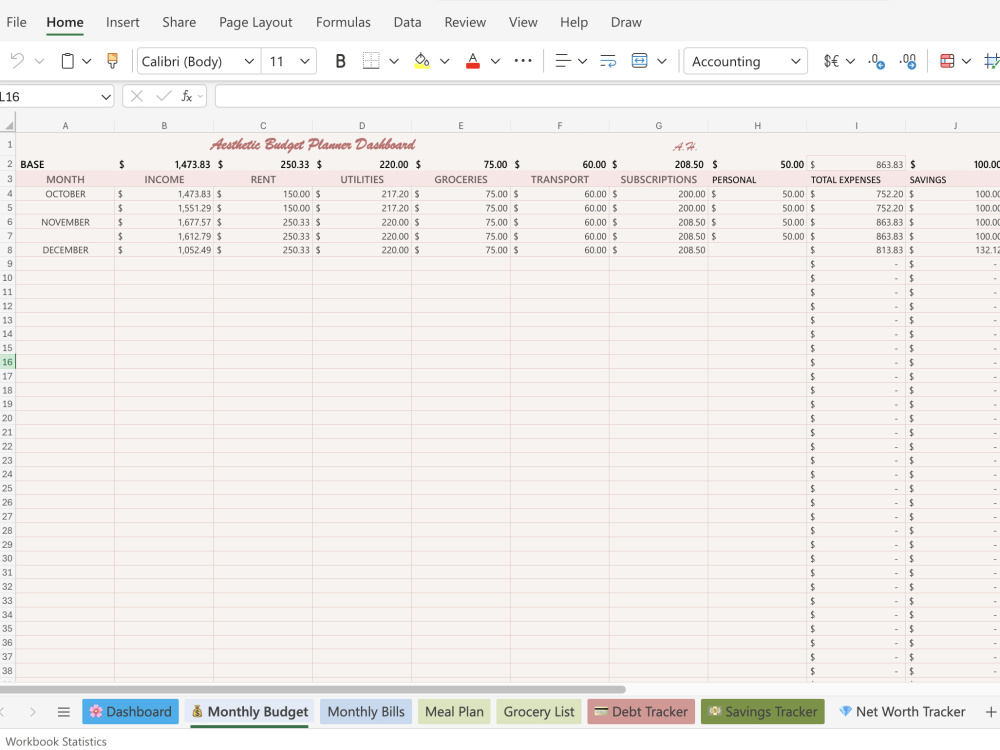
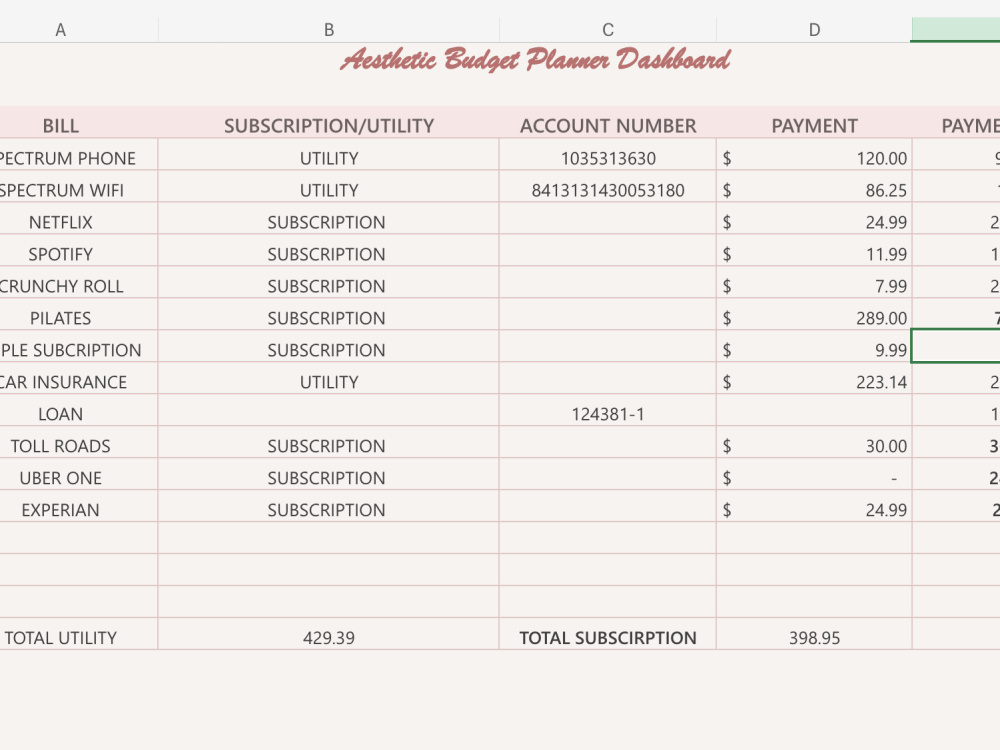
Project details
My approach combines high-level administrative support with advanced CRM and operational expertise—something most virtual assistants don’t offer. With experience managing multi-location operations, training teams, resolving backend issues, and maintaining sensitive records, I bring precision, reliability, and systems-level thinking to every project. Clients benefit from both smooth day-to-day admin support and deeper workflow optimization that reduces errors, saves time, and keeps their business running efficiently.
Purpose
BusinessLanguage
EnglishWhat's included
| Service Tiers |
Starter
$350
|
Standard
$700
|
Advanced
$1,200
|
|---|---|---|---|
| Delivery Time | 2 days | 3 days | 7 days |
Number of Hours of Work | 5 | 10 | 20 |
Basic Photo Editing | - | - | - |
Organize & Classify/Tag Files | |||
Formatting & Clean Up | |||
Project Management Support | - | - | - |
Travel Planning | - | - | - |
Optional add-ons
You can add these on the next page.
Additional Hour of Work
+$28About Anush
Virtual Assistant + CRM Ops Specialist | Data Entry, Admin Support
Covina, United States - 2:48 am local time
I specialize in:
✨ Inbox + calendar management
✨ Data entry & file organization
✨ CRM cleanup (Salesforce, Beacon, HMIS-style systems)
✨ Contract conversions & backend support
✨ Workflow improvement
✨ Virtual training & onboarding
✨ Customer service support
My background includes supporting multi-location teams, handling confidential records, resolving backend issues, and improving daily operations for managers across Southern California. If you need someone who is detail-oriented, dependable, and proactive — I’m your person.
Let’s get your operations running smoothly!
Steps for completing your project
After purchasing the project, send requirements so Anush can start the project.
Delivery time starts when Anush receives requirements from you.
Anush works on your project following the steps below.
Revisions may occur after the delivery date.
Client Intake & Onboarding (Required)
Receive signed contract and initial payment Collect all items from the Client Requirements checklist Schedule a 20–30 minute kickoff call or send onboarding questionnaire to confirm priorities, deadlines, and communication preferences.