You will get Data entry copy, contact information into sheet
Project details
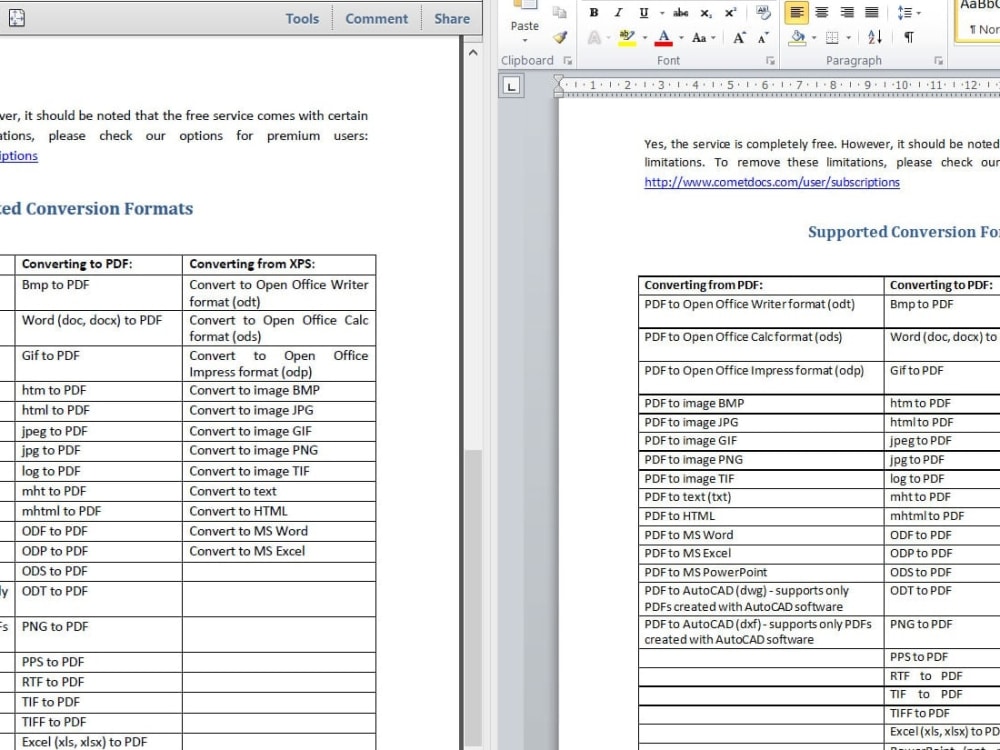
I will try to complete my project as much as possible accurately and timely. Basic steps are 1. Open PDF file
2. Export to Excel or use another method for example: copy and paste.
3. Check the accuracy of the converted document.
4. Save the converted file.
2. Export to Excel or use another method for example: copy and paste.
3. Check the accuracy of the converted document.
4. Save the converted file.
Data Entry Type
Copy Paste, Document ConversionData Entry Tool
Microsoft Excel, Microsoft OfficeWhat's included
| Service Tiers |
Starter
$60
|
Standard
$90
|
Advanced
$150
|
|---|---|---|---|
| Delivery Time | 20 days | 25 days | 30 days |
Number of Revisions | 5 | 5 | 5 |
Number of Hours of Work | 100 | 100 | 100 |
Formatting & Clean Up | |||
Graph & Table Creation | - | - | - |
About Emenesh
Data Entry Specialist
Addis Ababa, Ethiopia - 12:51 am local time
I am good at fast typing with the best accuracy. My goal is to offer a flawless output in whatever I am doing. I am detail-oriented and also eager to learn new things.
I am sure you will get surprisingly perfect deliverable punctually. I respect my clients well that I will reach my limits to give the best out of me.
Thanks for visiting.
✅ Data Entry
✅ Shopify Data Entry
✅ WordPress Data Entry
✅ PDF to MS Word
✅ Scanned PDF to Excel
✅ Data Management, Data Organization / Presentation, Data Analysis
Steps for completing your project
After purchasing the project, send requirements so Emenesh can start the project.
Delivery time starts when Emenesh receives requirements from you.
Emenesh works on your project following the steps below.
Revisions may occur after the delivery date.
Open PDF file
Export to Excel or use another method