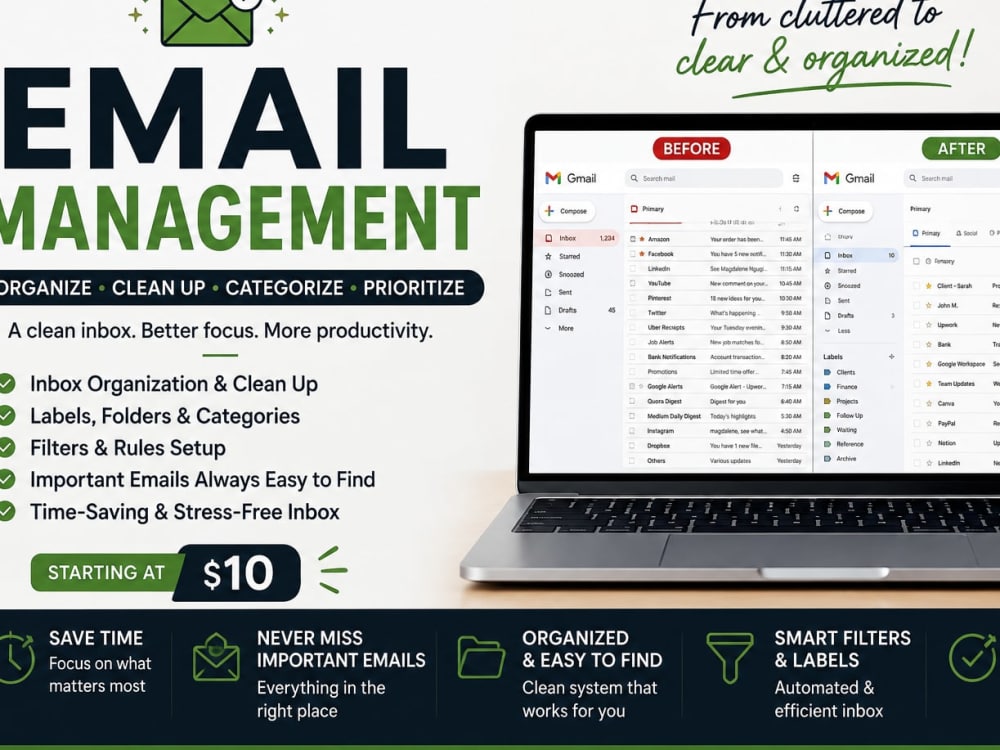
You will get Email Management, I will organize your inbox for a more efficient workflow.
Project details
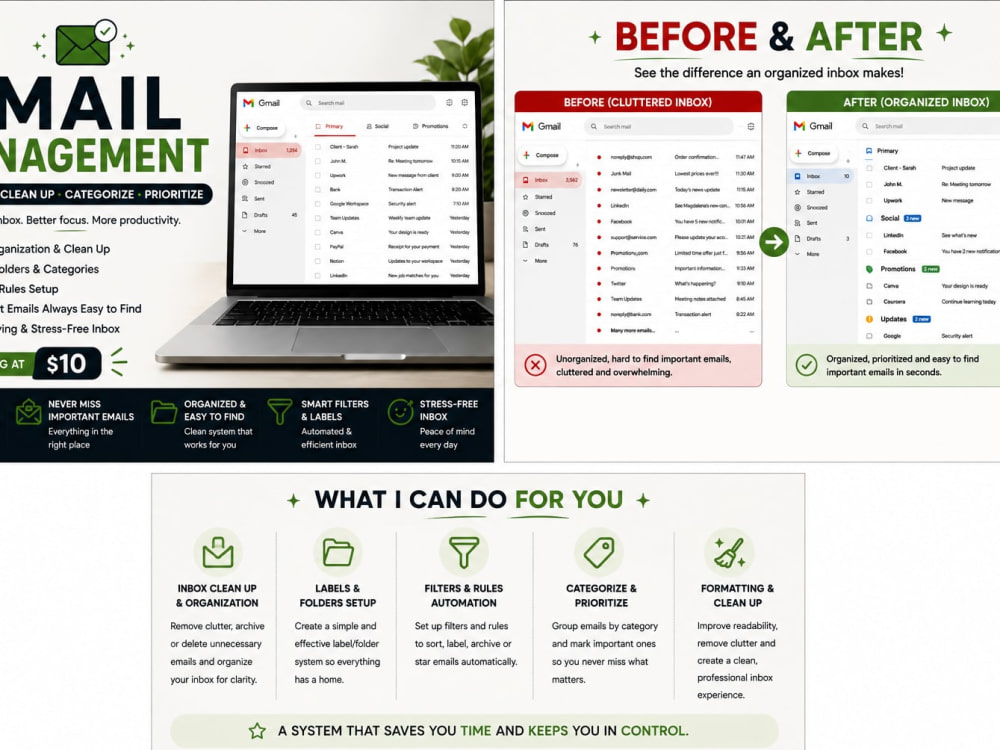
I will organize, clean up, and manage your inbox so that important emails are easy to find and your inbox stays under control. I can sort messages, create labels and folders, apply filters, and organize your inbox according to your priorities.
Target Country
United States, United Kingdom, CanadaWhat's included
| Service Tiers |
Starter
$10
|
Standard
$25
|
Advanced
$45
|
|---|---|---|---|
| Delivery Time | 2 days | 3 days | 5 days |
General Project Consulting | - | - | - |
Define Project Goals | - | - | - |
Define Deliverables & KPIs | - | - | - |
Establish Schedule & Milestones | - | - | - |
Risk Management | - | - | - |
Resource Management | - | - | - |
Budget Management | - | - | - |
Project Reports | - | - | - |
Project Diagrams Provided | - | - | - |
Frequently asked questions
About Magdaline
Virtual Assistant/ Admin Support & Data Entry
Nairobi, Kenya - 4:22 pm local time
I help busy professionals stay organized by managing schedules, organizing documents, handling data accurately, and supporting day-to-day administrative tasks efficiently.
Skills and services I offer include:
1. Email Management.
2. Calendar Management and Scheduling.
3. Data Entry.
4. Google Docs and Google Sheets.
5. File organization.
6. Administrative Support.
7. Internet Research.
8. Spreadsheet Cleanup and Formatting.
I'm organized, committed, and reliable, always meeting deadlines and delivering accurate work. I focus on clear communication, attention to detail, and providing dependable support to clients.
I'm available for both short-term and long-term projects and look forward to helping your business run smoothly.
Steps for completing your project
After purchasing the project, send requirements so Magdaline can start the project.
Delivery time starts when Magdaline receives requirements from you.
Magdaline works on your project following the steps below.
Revisions may occur after the delivery date.
Step 1
Review your inbox and understand your organization preferences
Step 2
Sort and categorize emails according to priority and type.