You will get I will convert your PDF into an accurate and clean Excel or Word file
Project details
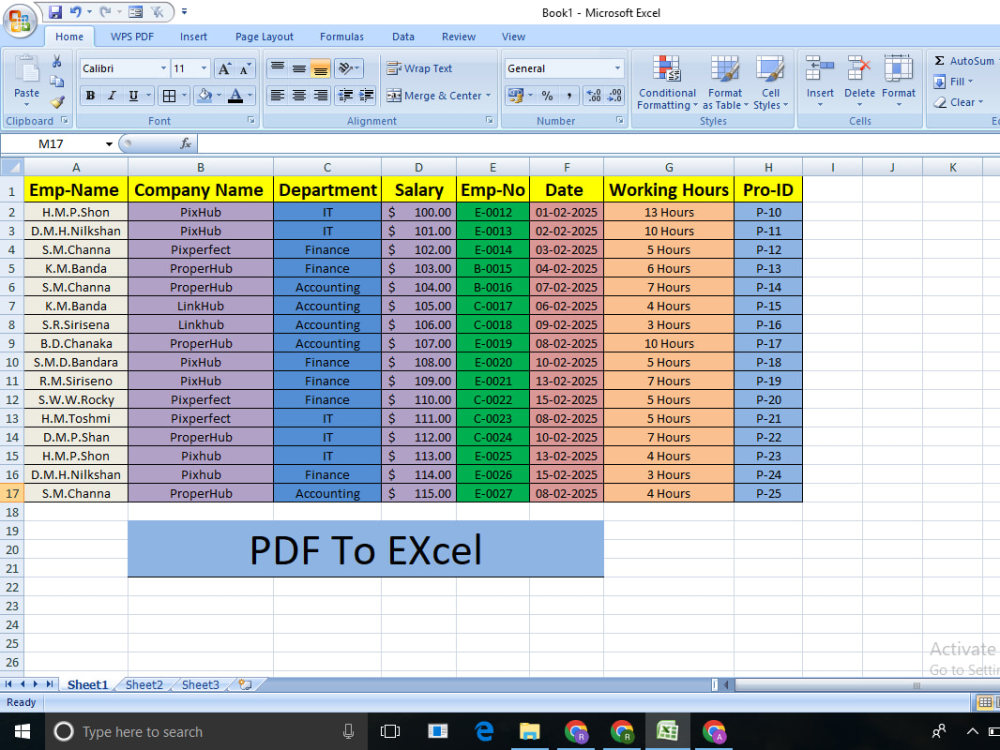
I provide fast, accurate, and fully manual PDF to Excel/Word conversion with clean formatting and zero errors. My service stands out because I personally extract and organize every detail — no auto-tools, no mistakes, and guaranteed professional output.
I deliver clean, accurate, and fully manual PDF to Excel conversions. My work stands out due to high accuracy, neat formatting, and fast delivery.
I deliver clean, accurate, and fully manual PDF to Excel conversions. My work stands out due to high accuracy, neat formatting, and fast delivery.
Data Entry Type
Copy Paste, Data Cleansing, Document Conversion, Error Detection, Word ProcessingData Entry Tool
Google Docs, Google Sheets, Microsoft Excel, Microsoft Office, Microsoft WordWhat's included
| Service Tiers |
Starter
$5
|
Standard
$10
|
Advanced
$15
|
|---|---|---|---|
| Delivery Time | 1 day | 2 days | 3 days |
Number of Revisions | 1 | 2 | 3 |
Number of Hours of Work | 1 | 2 | 3 |
Formatting & Clean Up | |||
Graph & Table Creation |
Optional add-ons
You can add these on the next page.
Fast Delivery
+$1
Additional Revision
+$3
Additional Hour of Work
+$5Frequently asked questions
About Rahul
Data Entry Specialist | Excel, Web Research, PDF Conversion & Virtual
Pratapgarh, India - 1:40 pm local time
⭐⭐ Why Clients Choose Me:
✔ 100% Accuracy
✔ Fast Delivery
✔ Error-free Data Entry
✔ Professional Communication
✔ Dedicated to Quality Work
🛠 My Core Expertise:
• Data Entry (Online/Offline)
• Excel / Google Sheets
• PDF to Excel/Word Conversion
• Web Research & Data Collection
• Copy-Paste Tasks
• Data Cleaning & Formatting
• CRM Data Entry
• Image to Text Typing
• Virtual Assistant Tasks
• Email & Admin Support
I believe in delivering high-quality work that saves your time and adds value to your business.
Your satisfaction is my top priority.
If you want a dependable data expert for your next project, I’m ready to assist you.
Feel free to message me—Let’s work together!"**
Steps for completing your project
After purchasing the project, send requirements so Rahul can start the project.
Delivery time starts when Rahul receives requirements from you.
Rahul works on your project following the steps below.
Revisions may occur after the delivery date.
Step 1 – Review files & requirements
I will review your PDF file(s) and your instructions to understand the structure, number of pages, and the desired output format (Excel, Word, or Google Sheets).
Step 2 – Manual data extraction
I will manually extract all the data from the PDF and enter it into an Excel/Word file to ensure high accuracy and no missing information.