You will get Accurate data entry in Excel or Google Sheets for $2/hour
Project details
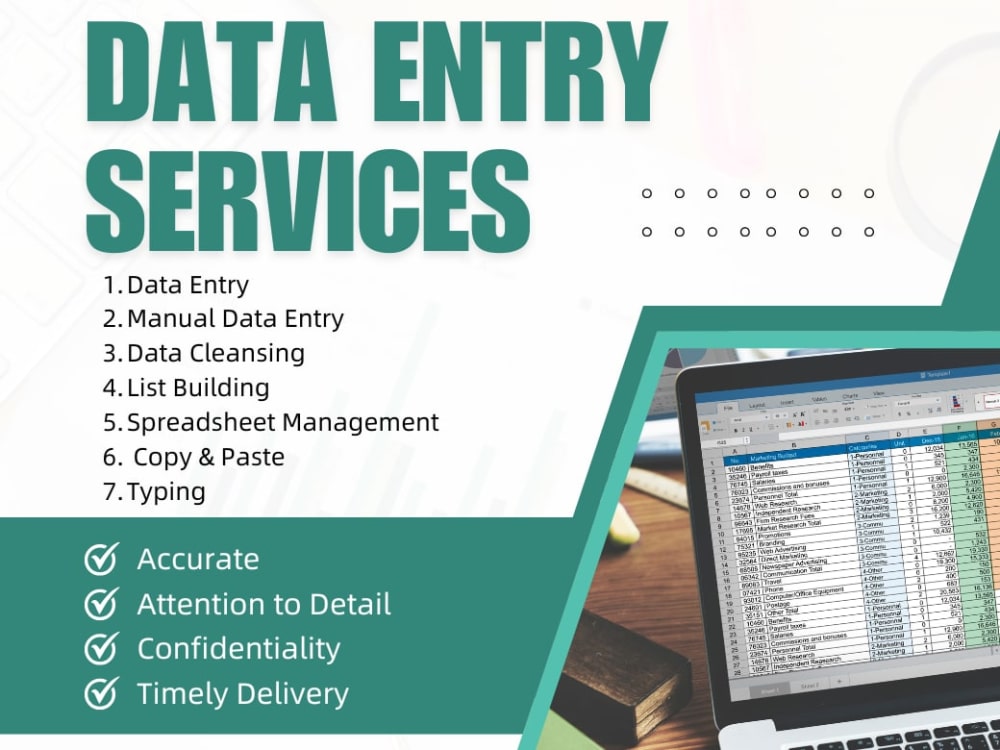
I offer fast, accurate, and manually done data entry services tailored to your needs. Whether converting PDFs to Excel, typing from scanned documents, or organizing large datasets, I ensure error-free results with 100% confidentiality and on-time delivery. What sets me apart is my attention to detail, clear communication, and commitment to quality.
Data Entry Type
Copy Paste, Data Cleansing, Error DetectionData Entry Tool
Google Docs, Google Sheets, Microsoft Excel, Microsoft Office, Microsoft WordWhat's included
| Service Tiers |
Starter
$5
|
Standard
$10
|
Advanced
$20
|
|---|---|---|---|
| Delivery Time | 1 day | 2 days | 3 days |
Number of Revisions | 1 | 2 | |
Number of Hours of Work | 1 | 3 | 5 |
Formatting & Clean Up | |||
Graph & Table Creation | - | - | - |
Optional add-ons
You can add these on the next page.
Additional Revision
+$2
Additional Hour of Work
+$2
Data Cleaning & Validation
+$2About Jessa Mar
Data Entry
Davao City, Philippines - 2:04 am local time
I take pride in being dependable, easy to work with, and committed to protecting client confidentiality. Whether you need one-time support or ongoing assistance, I’m here to help lighten your workload.
I have experience working on outsourced jobs, helping with data entry, organization, and administrative support. I'm used to working independently, following instructions carefully, and delivering high-quality work on time — even across different time zones.
✅ 100% accuracy
✅ On-time delivery
✅ Friendly and professional communication
Ready to get started? Let’s connect and discuss how I can support your project.
Steps for completing your project
After purchasing the project, send requirements so Jessa Mar can start the project.
Delivery time starts when Jessa Mar receives requirements from you.
Jessa Mar works on your project following the steps below.
Revisions may occur after the delivery date.
Review Your Files & Instructions
I’ll carefully review the documents and your specific requirements to ensure I understand the task.
Prepare the Output Format
Set up the Excel/Word file based on your requested structure (columns, headers, layout, etc.).