You will get Google Sheets Automation: Data Entry, Dashboards, Charts & Pivots Tables
Project details
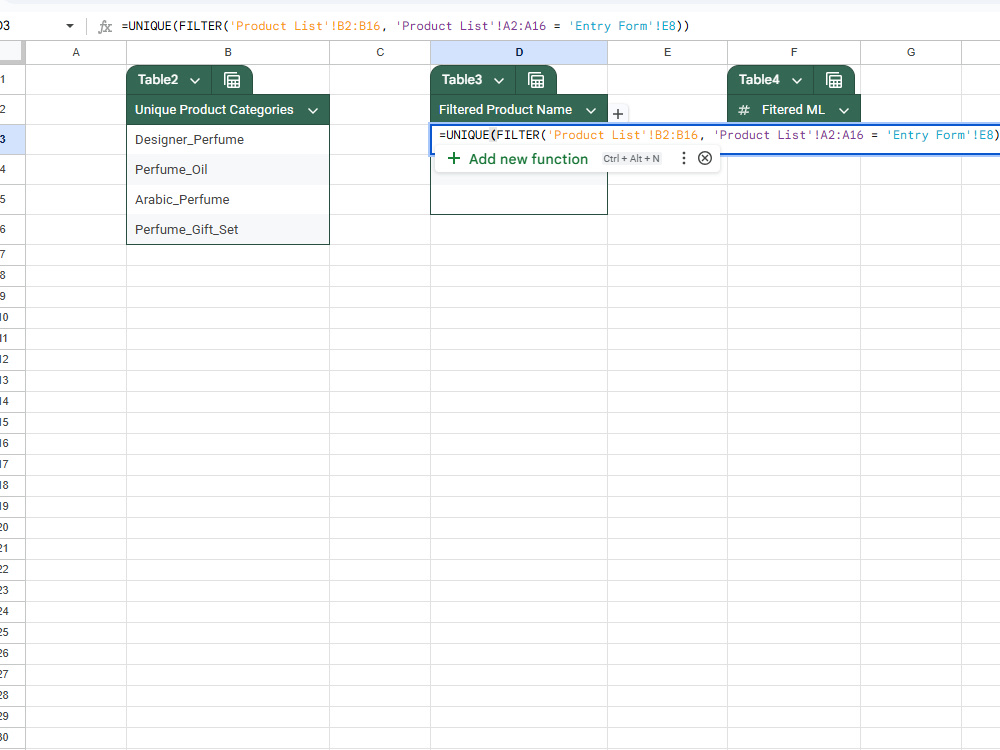
Are you looking for a Google Sheets expert who can do more than just enter data? I specialize in creating smart, automated, and user-friendly Google Sheets systems that save you time and provide clear insights for better decision-making.
With this project, you’ll get:
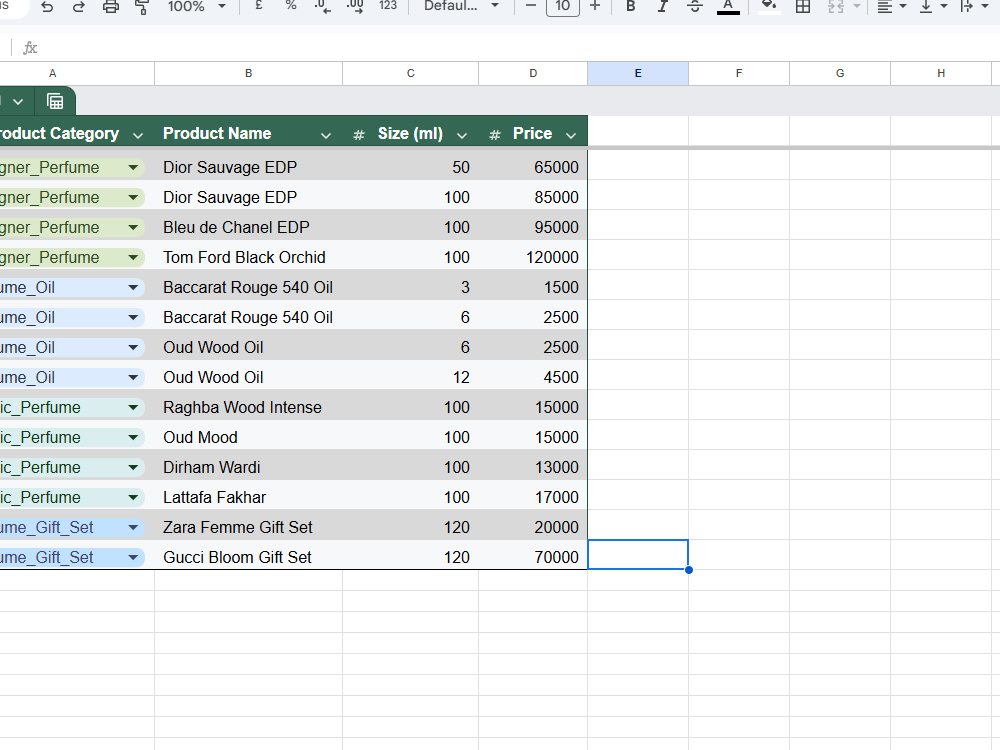
1. Clean, structured sheets with data validation and error checks.
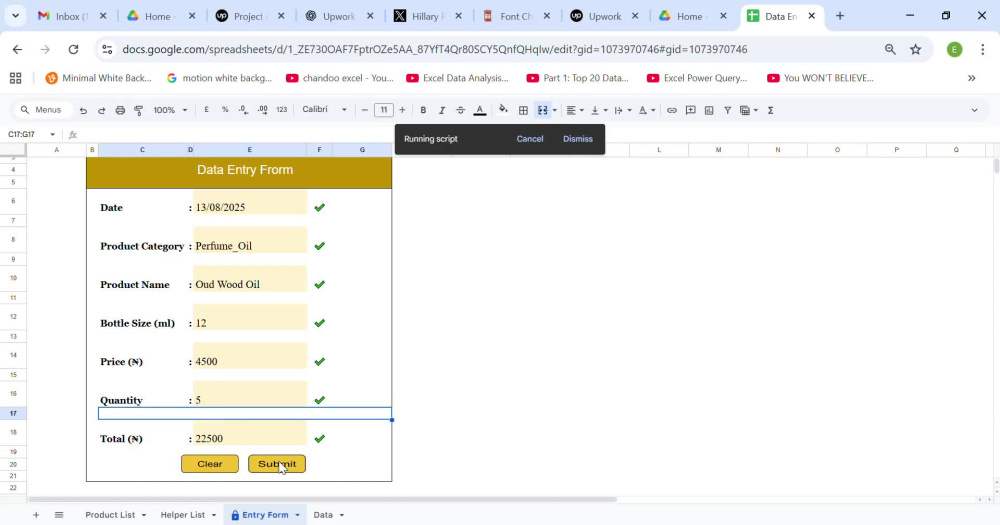
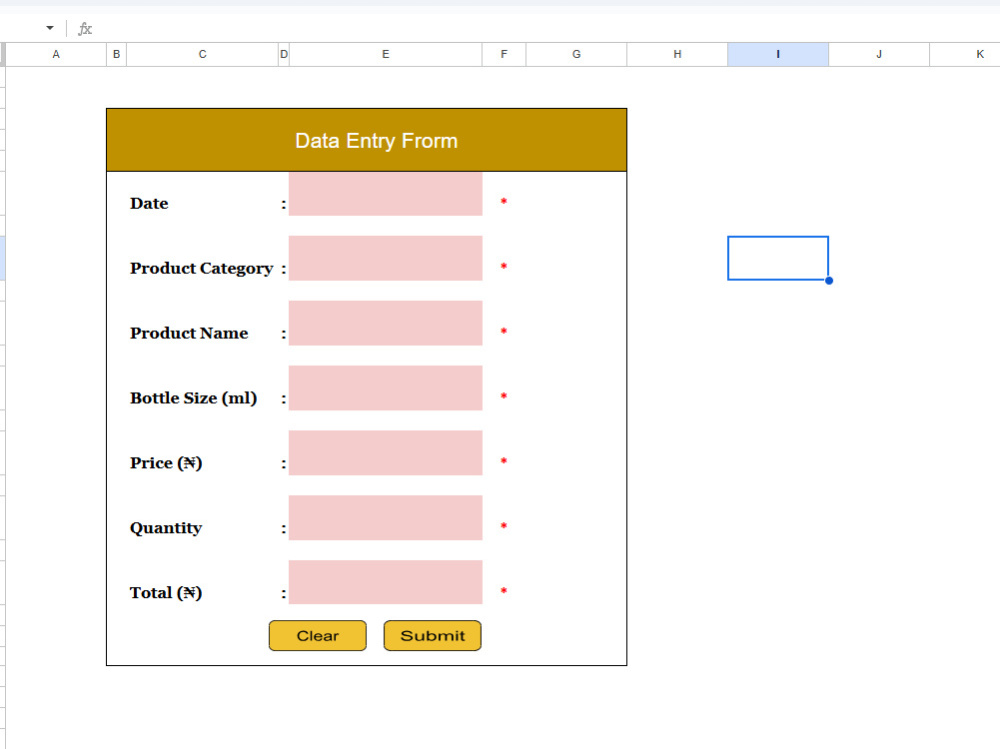
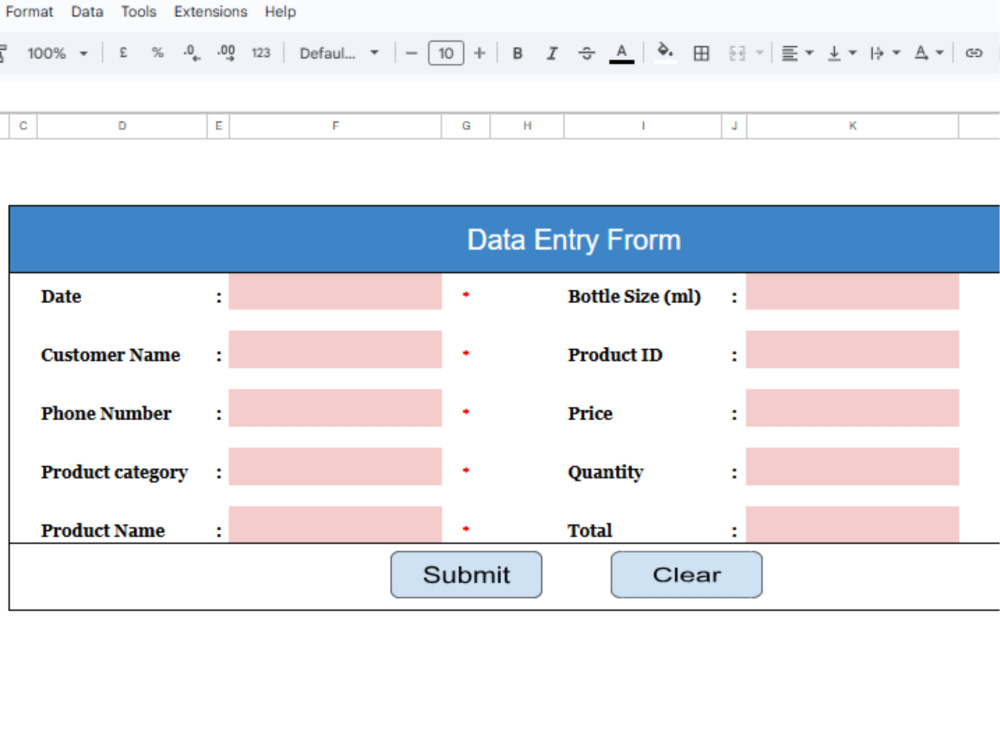
2. Easy-to-use forms for fast and accurate data entry.
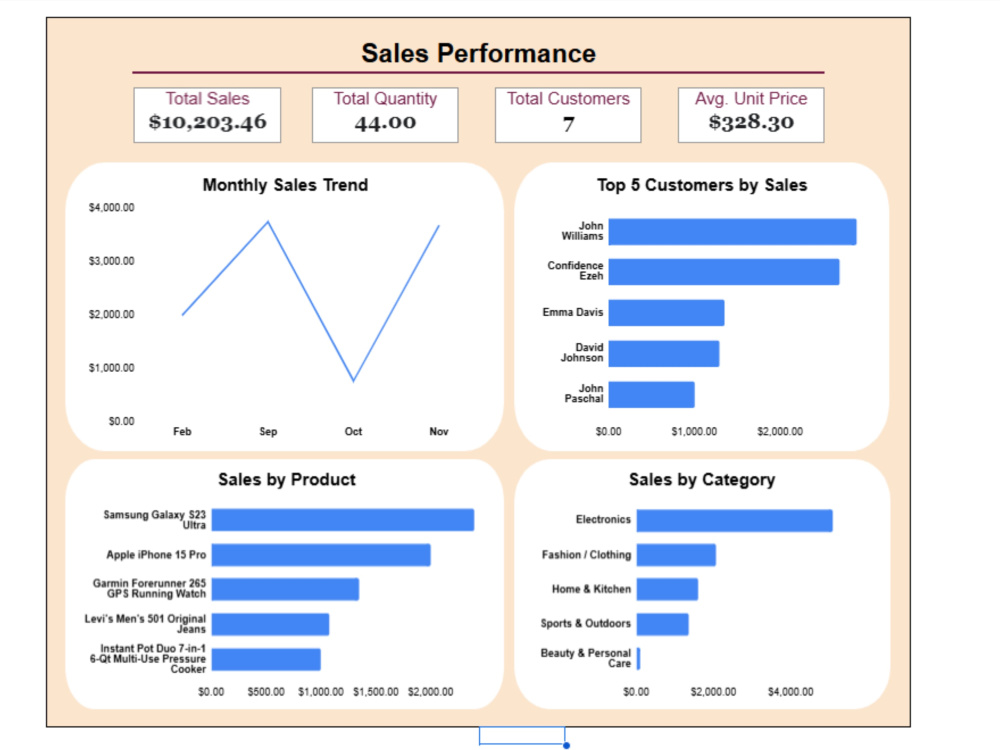
3. Pivot tables, charts, and dashboards for instant insights.
4. Automation using Google App Script to reduce manual work.
5. Professional formatting and team access controls.
Why choose me? I bring the best of both worlds: the precision of a Data Entry Specialist and the analytical mindset of a Data Analyst. I transform data into a tool that works for your business. My goal is to deliver error-free records, professional dashboards, and automation that saves you time while helping you focus on what matters most: making smart decisions.
With this project, you’ll get:
1. Clean, structured sheets with data validation and error checks.
2. Easy-to-use forms for fast and accurate data entry.
3. Pivot tables, charts, and dashboards for instant insights.
4. Automation using Google App Script to reduce manual work.
5. Professional formatting and team access controls.
Why choose me? I bring the best of both worlds: the precision of a Data Entry Specialist and the analytical mindset of a Data Analyst. I transform data into a tool that works for your business. My goal is to deliver error-free records, professional dashboards, and automation that saves you time while helping you focus on what matters most: making smart decisions.
Data Entry Type
Copy Paste, Data Cleansing, Document Conversion, Error Detection, Online Research, Word ProcessingData Entry Tool
CRM Software, Google Docs, Google Sheets, Microsoft Excel, Microsoft Office, Microsoft WordWhat's included
| Service Tiers |
Starter
$10
|
Standard
$20
|
Advanced
$40
|
|---|---|---|---|
| Delivery Time | 1 day | 2 days | 3 days |
Number of Revisions | 2 | 2 | 2 |
Formatting & Clean Up | |||
Graph & Table Creation | - |
Optional add-ons
You can add these on the next page.
Fast Delivery
+$10 - $20
Additional Revision
+$5
Additional Hour of Work
+$5Frequently asked questions
About Confidence
Power BI Developer | Data Analyst | BI Insights Expert
Abuja, Nigeria - 2:00 am local time
Hi, I’m Confidence Ezeh, a Data Analyst with over 2 years of hands-on experience helping businesses understand their data and use it to grow.
I currently work as Lead Data Analyst at an e-commerce company where I analyze sales, marketing, inventory, and finance data. My work helps management improve forecasting, reduce waste, and make better business decisions.
I don’t just analyze data. I help you understand what is happening in your business and what to do next.
What I can help you with
• Clean and organize messy Excel or Google Sheets data
• Build dashboards in Power BI and Looker Studio
• Fix formulas, reports, and broken spreadsheets
• Analyze sales, marketing, finance, or operations data
• Combine datasets and find trends, gaps, and opportunities
• Provide simple and clear business recommendations
Tools I use:
Excel, Google Sheets, Power BI, Looker Studio, SQL
I am detail-oriented, easy to work with, and focused on results that help you save time, reduce costs, and increase revenue.
If you need someone who does not just show charts but explains what the data means for your business, I am ready to help.
Send me a message or schedule a call so we can discuss your project.
Steps for completing your project
After purchasing the project, send requirements so Confidence can start the project.
Delivery time starts when Confidence receives requirements from you.
Confidence works on your project following the steps below.
Revisions may occur after the delivery date.
Requirement Gathering
After you place your order, I’ll review your submitted requirements. If anything is unclear, I’ll reach out to clarify your needs (e.g. fields, dropdowns, validations, layout preferences).
Setup & Design
Create a clean and structured Google Sheet with proper formatting, validations, and formulas.