You will get Microsoft Word documents automation with Python and Excel
Top Rated
Top Rated
Project details
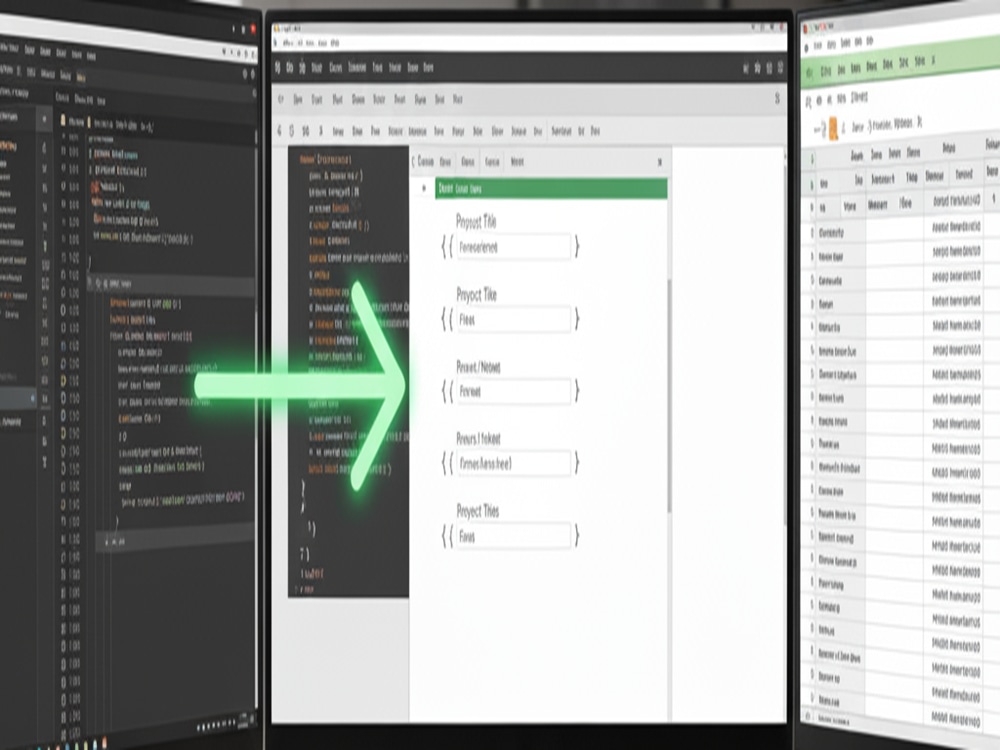
Automate Microsoft Word documents with Python and Excel.
automatically filled word documents data/fields with excel templates. Code be converted to exe file also.
automatically filled word documents data/fields with excel templates. Code be converted to exe file also.
Data Entry Type
Word ProcessingData Entry Tool
Microsoft Excel, Microsoft Office, Microsoft WordWhat's included
| Service Tiers |
Starter
$35
|
Standard
$75
|
Advanced
$95
|
|---|---|---|---|
| Delivery Time | 2 days | 3 days | 4 days |
Number of Hours of Work | 0 | ||
Formatting & Clean Up | |||
Graph & Table Creation | - | - | - |
4 reviews
(3)
(1)
(0)
(0)
(0)
This project doesn't have any reviews.
EM
Edward M.
Aug 1, 2026
Excel sheet
RH
Renee H.
Feb 1, 2026
Google Sheets Project: Hours Tracking & Dashboards
Was great to work with; patient & proficient! Will be using him again!
EM
Edward M.
Oct 15, 2025
Excel sheet
VD
Vishnu D.
Oct 6, 2025
Excel Formula Error Fix and Model Enhancement
About Abhijit
Data & Automation Engineer | Pipelines, Power Platform, AI/LLM
100%
Job Success
Mumbai, India - 3:24 am local time
I rebuild those workflows into systems that just run — invoice processing, reconciliations, reports, and the data pipelines feeding them — all handling themselves without anyone babysitting them.
8+ years inside financial services, building data pipelines and automation for investment and fund data at enterprise scale. 5.0 on Upwork. I've seen exactly what breaks when this is done badly — the fragile macro nobody can touch, the pipeline that silently drops rows, the dashboard that goes stale — so I build it clean the first time.
What I fix:
Manual invoice processing → PDF extraction, validation, straight into your accounting system
Reconciliations that eat days — bank vs. ledger, AR/AP, automatic exception flagging
Reports rebuilt every week from files scattered across tools
Dashboards that die because refreshing them is somebody's job
Messy, inconsistent data with no single source of truth
Endless copy-paste between QuickBooks, SharePoint, Excel, and Drive
What I build:
Data engineering & pipelines
End-to-end data pipelines: ingest → clean → transform → deliver, fully automated
Medallion architecture (bronze/silver/gold) on Databricks and Azure — raw data in, trusted reporting data out
Data validation, quality checks, and error handling built in, so bad data gets caught, not shipped
Scalable pipelines that hold up as volume grows, not just on today's sample file
Automation
Full Microsoft 365 automation — Power Automate, Office Scripts, Power Query, SharePoint working as one system, not scattered parts
Power Automate flows: invoice data from email → accounting entry, fully hands-off
Python pipelines that clean, reconcile, and deliver reports with zero human touch
n8n webhook workflows wiring 400+ apps together with real branching logic
AI classification that sorts thousands of records in seconds
Extraction & reporting
Robust PDF/table extraction (pdfplumber, pytesseract, AI-based) — the messy documents most tools choke on
Power BI / Looker Studio dashboards on live data — no manual refresh, ever
VBA and Apps Script for spreadsheet-level automation
Tech stack: Python (Pandas, pdfplumber, pytesseract), Azure, Databricks, Power Automate, Power Query, Office Scripts, n8n, VBA, Apps Script, Power BI, Looker Studio, SharePoint, QuickBooks API, REST APIs.
How I work: 30-min discovery call → architecture proposal → build & test → walkthrough + documentation → post-delivery support. Clean, documented code designed to still be running a year from now.
Best fit for: teams with a real broken workflow — or messy data — ready for a permanent fix. I'll take small Excel/Sheets jobs too if they're the first piece of something bigger — happy to do a small build first so you can see how I work before you commit.
Tell me what your team does by hand every week. I'll reply with exactly how I'd automate it, what it saves, and what it costs
Abhijit
Steps for completing your project
After purchasing the project, send requirements so Abhijit can start the project.
Delivery time starts when Abhijit receives requirements from you.
Abhijit works on your project following the steps below.
Revisions may occur after the delivery date.
Data