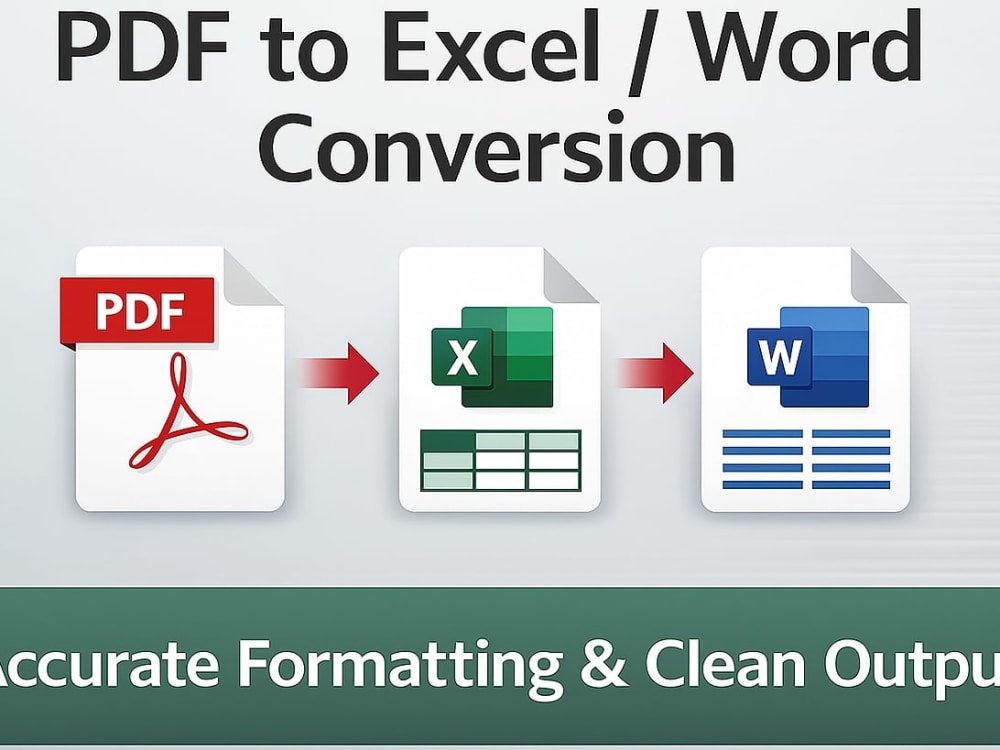
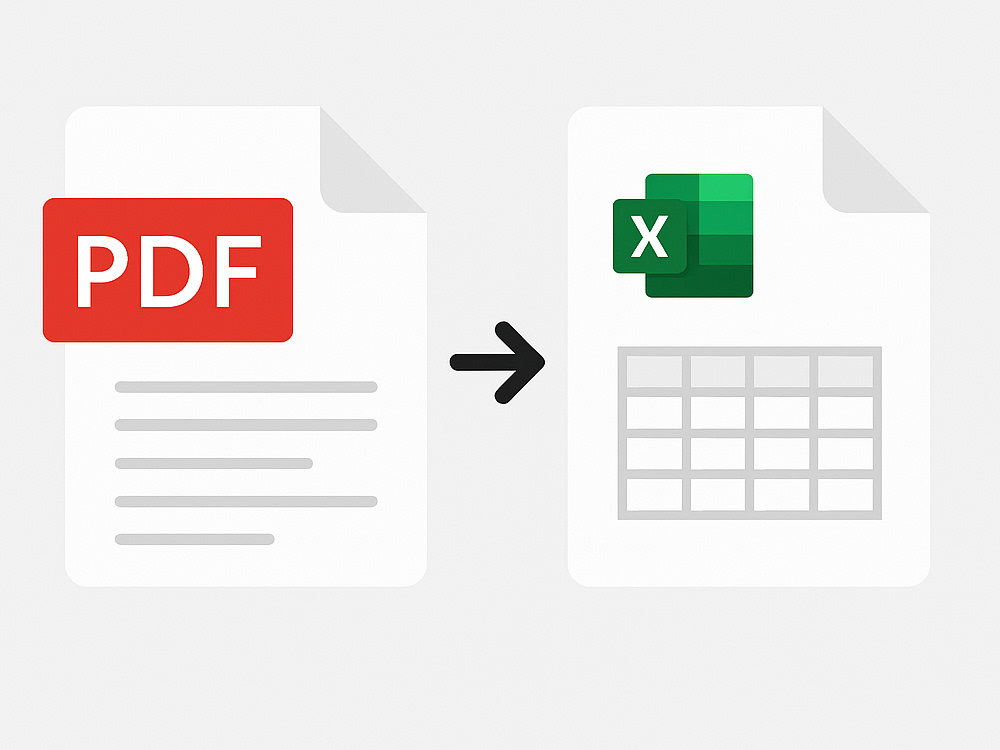
You will get PDF to Excel / Word Conversion – Accurate Formatting & Clean Output
Project details
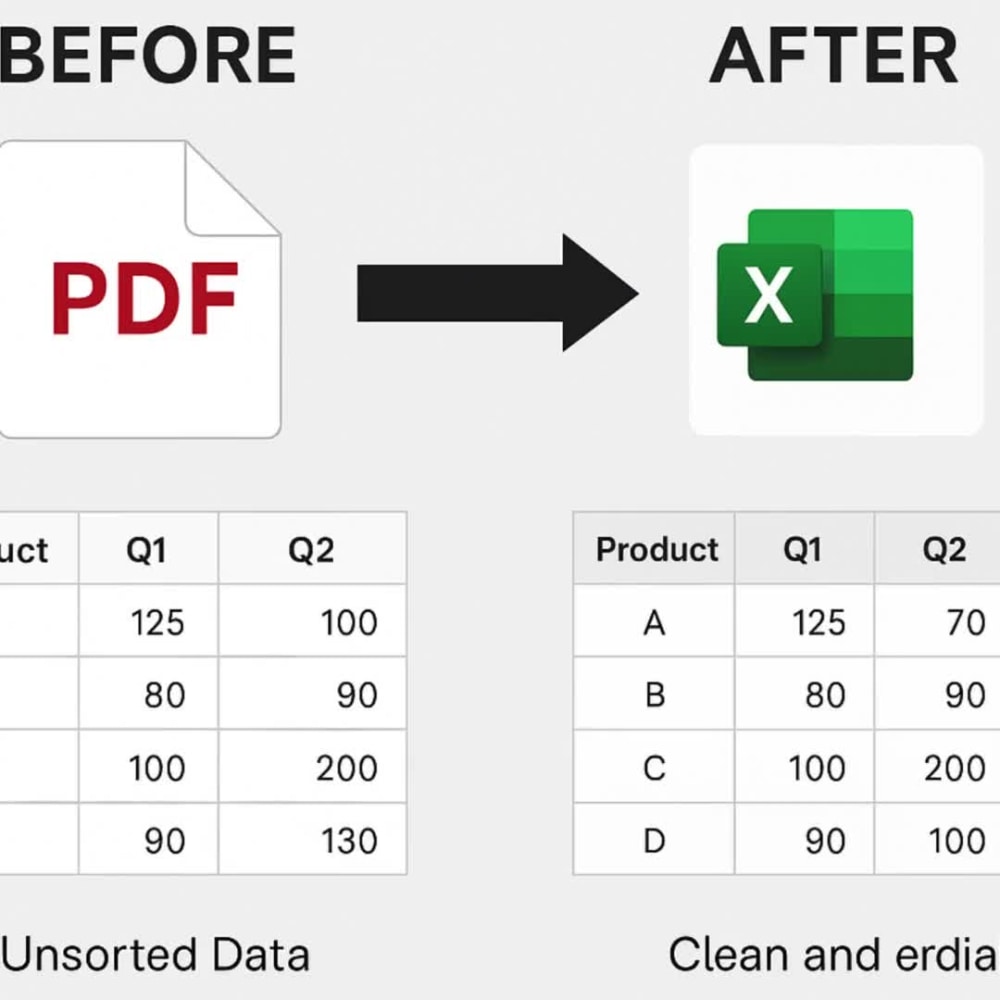
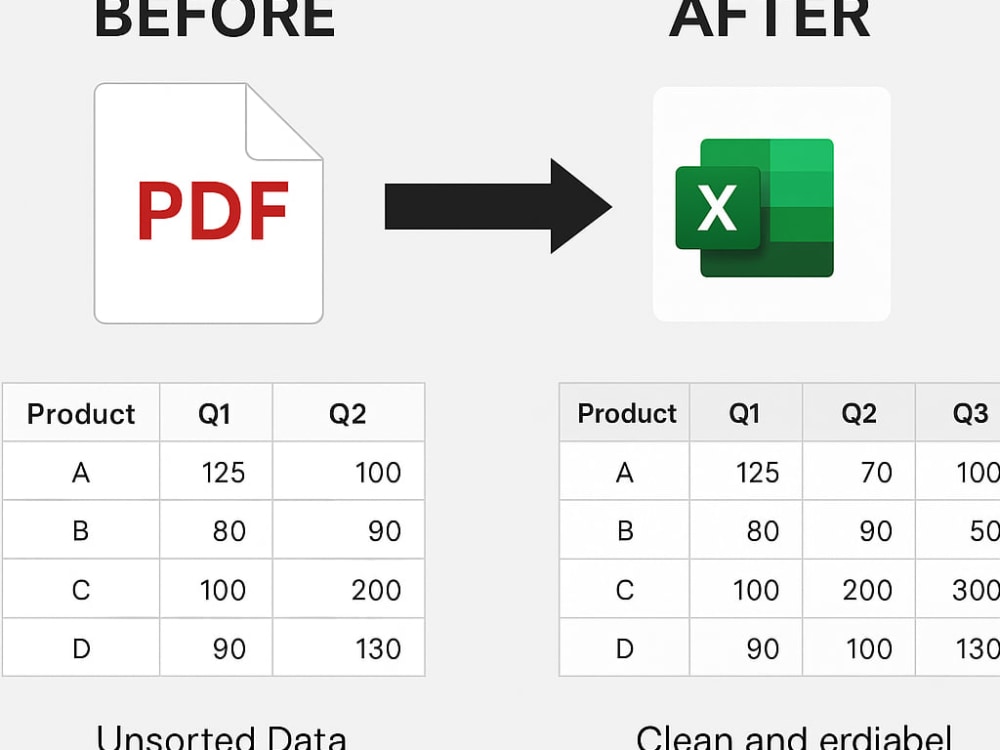
I provide fast, accurate PDF-to-Excel/Word conversion with clean formatting, manual review, and professional presentation. Many freelancers rely only on automation—I combine tools + human validation to ensure error-free, organized, and ready-to-use files. Clear structure, confidentiality, responsiveness, and reliable delivery set this service apart.
Data Entry Type
Data CleansingData Entry Tool
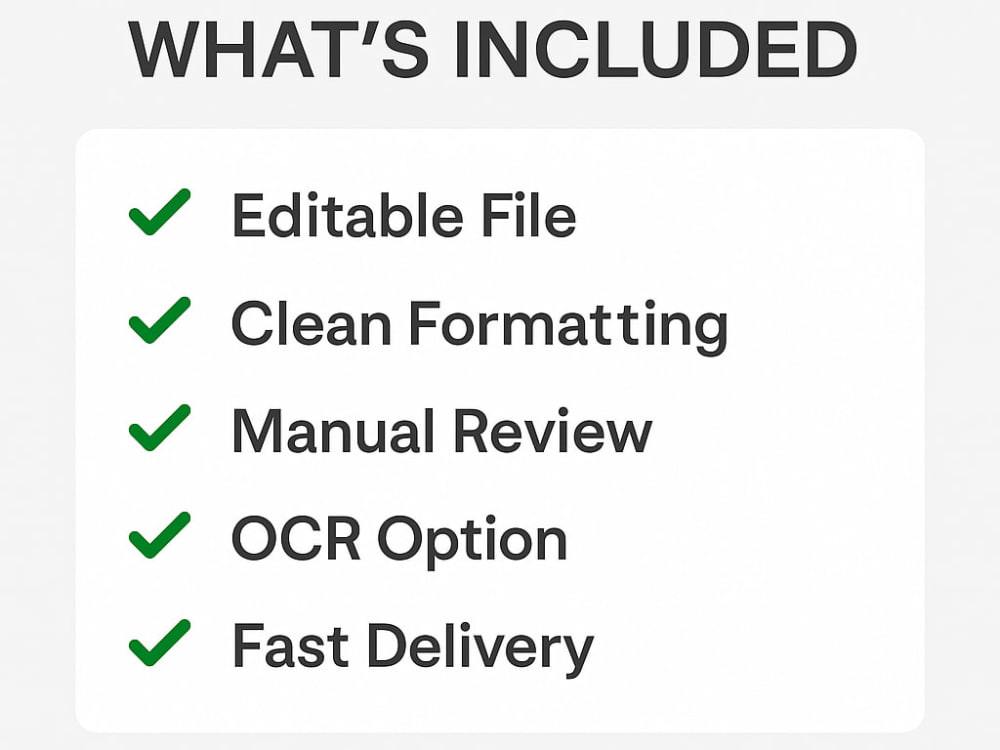
Google Sheets, Microsoft Excel, Microsoft Office, Microsoft WordWhat's included
| Service Tiers |
Starter
$10
|
Standard
$20
|
Advanced
$30
|
|---|---|---|---|
| Delivery Time | 1 day | 2 days | 3 days |
Number of Revisions | 1 | 2 | 3 |
Number of Hours of Work | 1 | 2 | 3 |
Formatting & Clean Up | |||
Graph & Table Creation | - |
Frequently asked questions
About Kaveendra
Data Entry,Excel,Google Sheets,Online Research & Content Support
Colombo, Sri Lanka - 6:09 pm local time
I support clients with reliable data entry, Excel/Google Sheets work, web research, content writing, and admin tasks. With 15 years of experience in a fast-paced professional environment, I provide fast delivery, clear communication, and high-quality output.
I can help you with:
Data Entry, Typing & Data Cleaning
Microsoft Excel & Google Sheets (formatting, formulas, dashboards)
Online Research & Data Collection
PDF → Excel/Word Conversion
AI-assisted Content Writing
Resume/CV Writing
Proofreading & Simple Editing
Administrative support
Why clients choose me:
✔ Fast and accurate work
✔ Reliable and easy communication
✔ 100% manual work (no errors)
✔ On-time delivery
Let’s work together to get your tasks done smoothly and professionally.
Steps for completing your project
After purchasing the project, send requirements so Kaveendra can start the project.
Delivery time starts when Kaveendra receives requirements from you.
Kaveendra works on your project following the steps below.
Revisions may occur after the delivery date.
Review Client Requirements
Client submits PDF file, output preference (Excel/Word), formatting expectations, and deadline.
Confirm Scope & Clarify Details
I review the document, ask any necessary questions, and confirm delivery timeline.