You will get Remote installation of the program
Project details
Description:
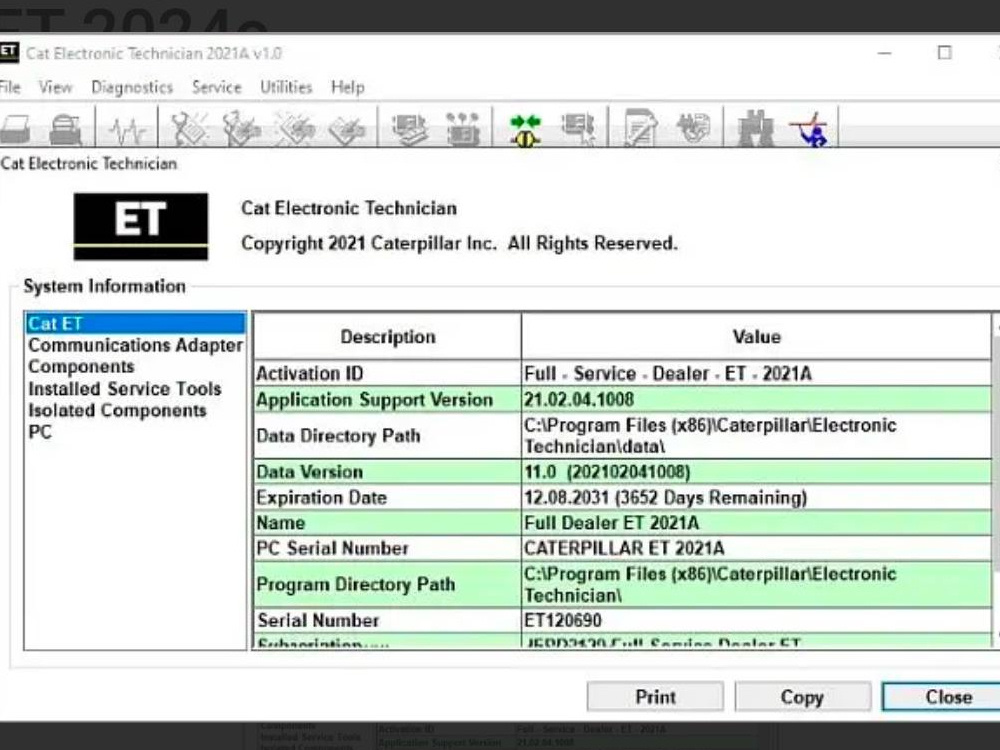
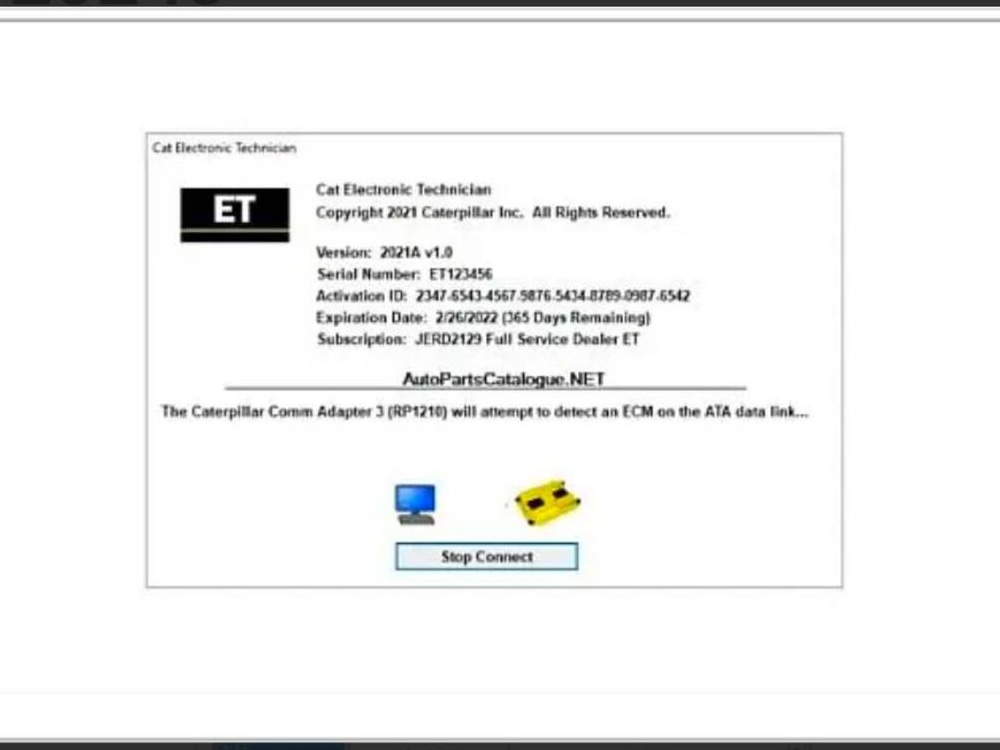
Caterpillar Electronic Technician (Cat ET) 2024C is diagnostic software designed for interacting with the electronic control modules (ECMs) of Caterpillar equipment. It allows technicians to diagnose, troubleshoot, and calibrate equipment efficiently.
Functions:
View and clear diagnostic codes.
Monitor parameters like RPM, gear position, and control lever status.
Calibrate and configure electronic components.
Update ECM software versions.
Record machine operation parameters.
Ideal for:
Service technicians working with Caterpillar equipment who need a reliable tool for diagnostics, calibration, and configuration.
Caterpillar Electronic Technician (Cat ET) 2024C is diagnostic software designed for interacting with the electronic control modules (ECMs) of Caterpillar equipment. It allows technicians to diagnose, troubleshoot, and calibrate equipment efficiently.
Functions:
View and clear diagnostic codes.
Monitor parameters like RPM, gear position, and control lever status.
Calibrate and configure electronic components.
Update ECM software versions.
Record machine operation parameters.
Ideal for:
Service technicians working with Caterpillar equipment who need a reliable tool for diagnostics, calibration, and configuration.
Project Type
Virtual Assistance, Customer Support, OtherWhat's included $125
These options are included with the project scope.
$125
- Delivery Time 2 days
- Number of Revisions 0
About Alexey
Install software for diagnostics, chip tuning, repair of cars, trucks
Dnipro, Ukraine - 4:27 am local time
So, a friend and I decided to start our own business reselling equipment for diagnostics and chip tuning. Along the way, we tried different product categories but eventually returned to what we started with. We began working with software for this equipment and started expanding into new markets.
That’s what I’m currently doing.
Steps for completing your project
After purchasing the project, send requirements so Alexey can start the project.
Delivery time starts when Alexey receives requirements from you.
Alexey works on your project following the steps below.
Revisions may occur after the delivery date.
Preparation
Confirming system requirements, compatibility, and making sure the client's computer is ready.
Installation
Remote access setup, software installation, performance test.