You will get Spreadsheet Creation & Setup Package
Project details
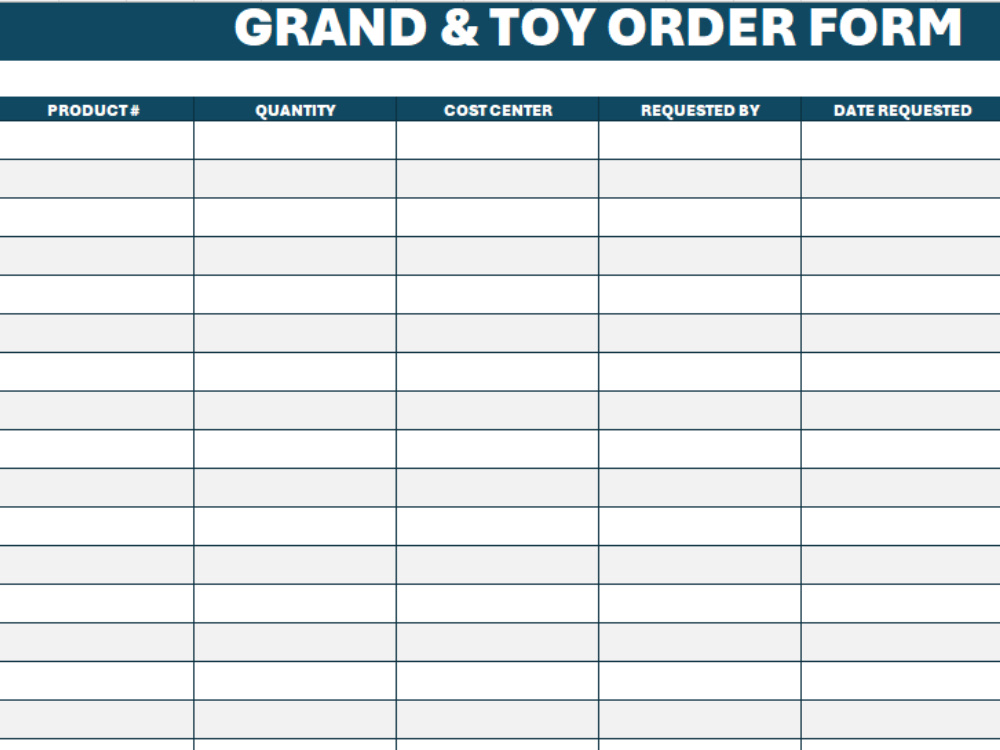
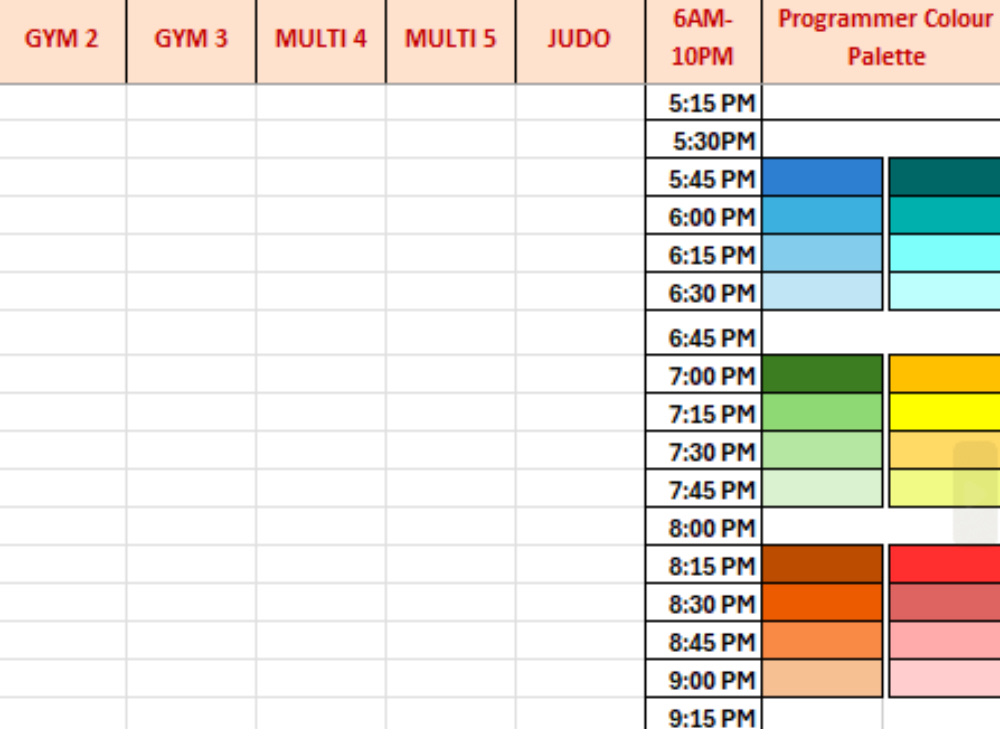
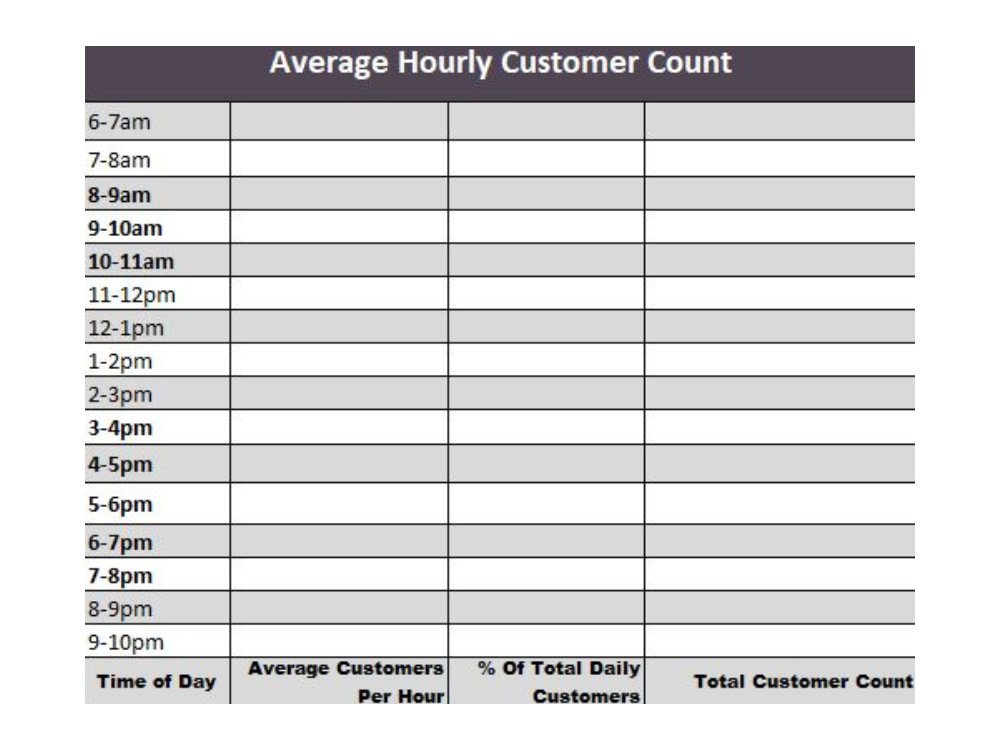
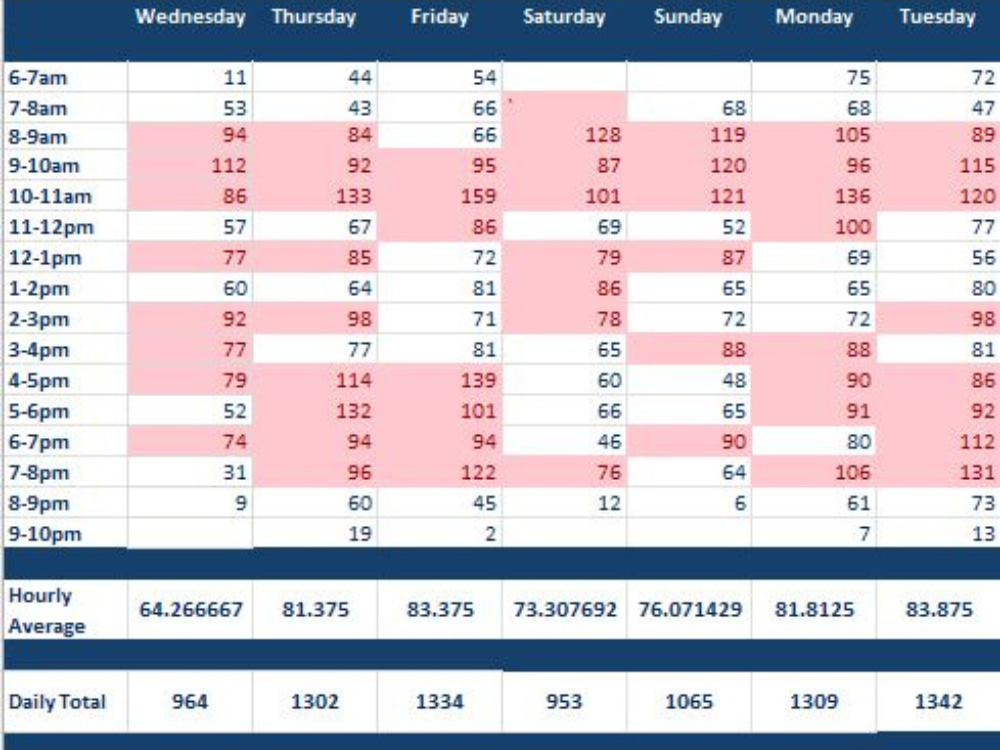
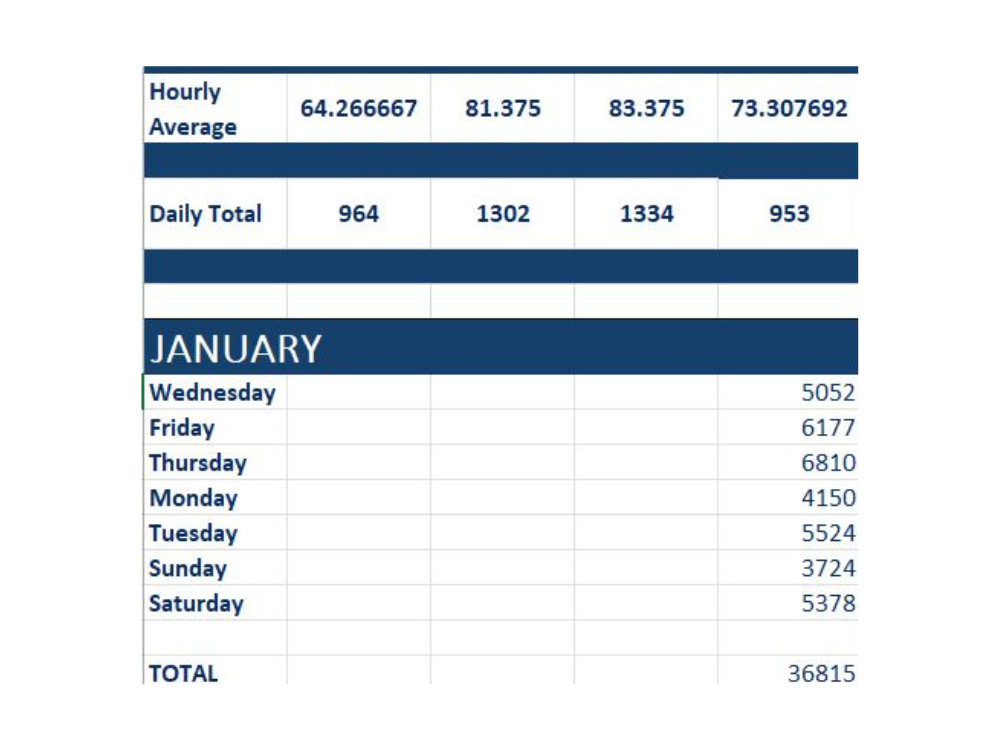
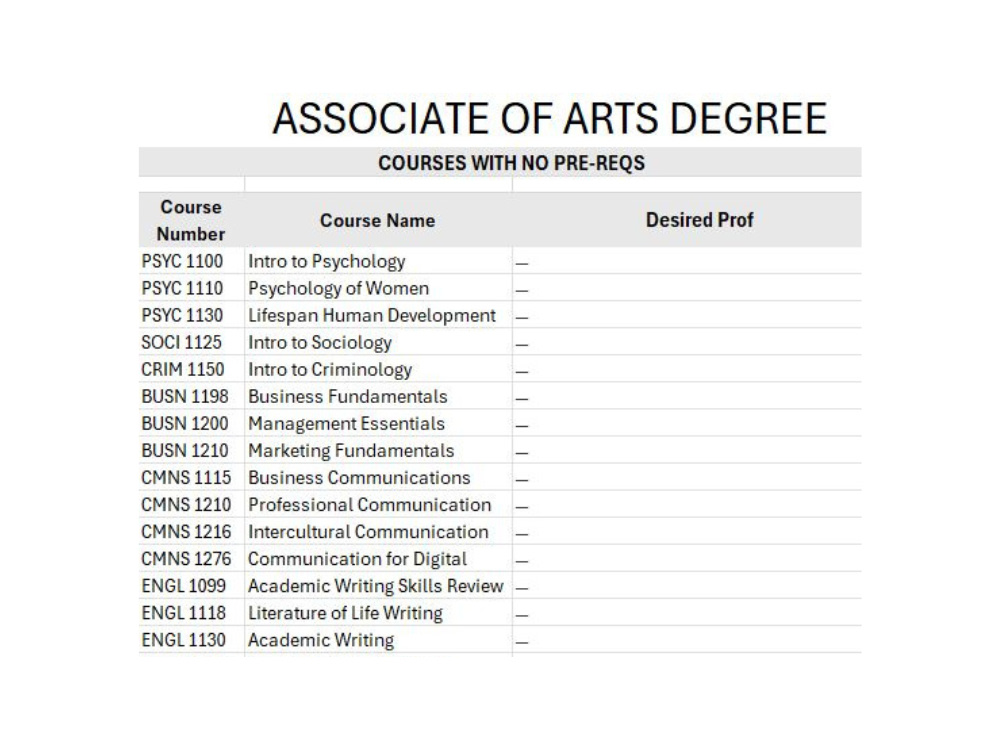
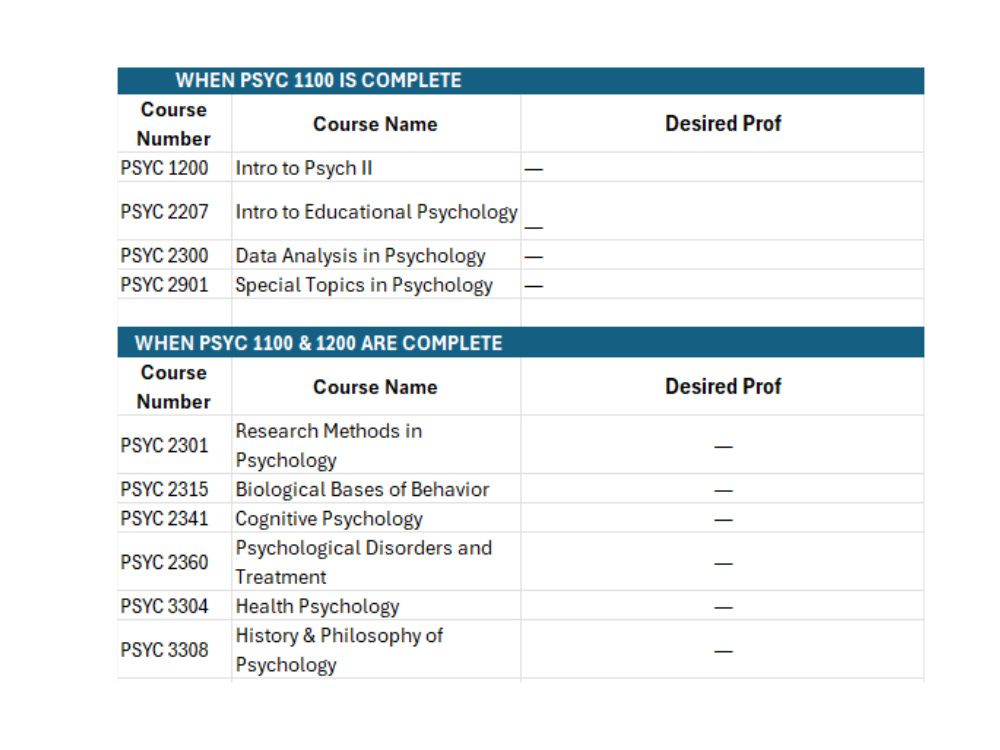
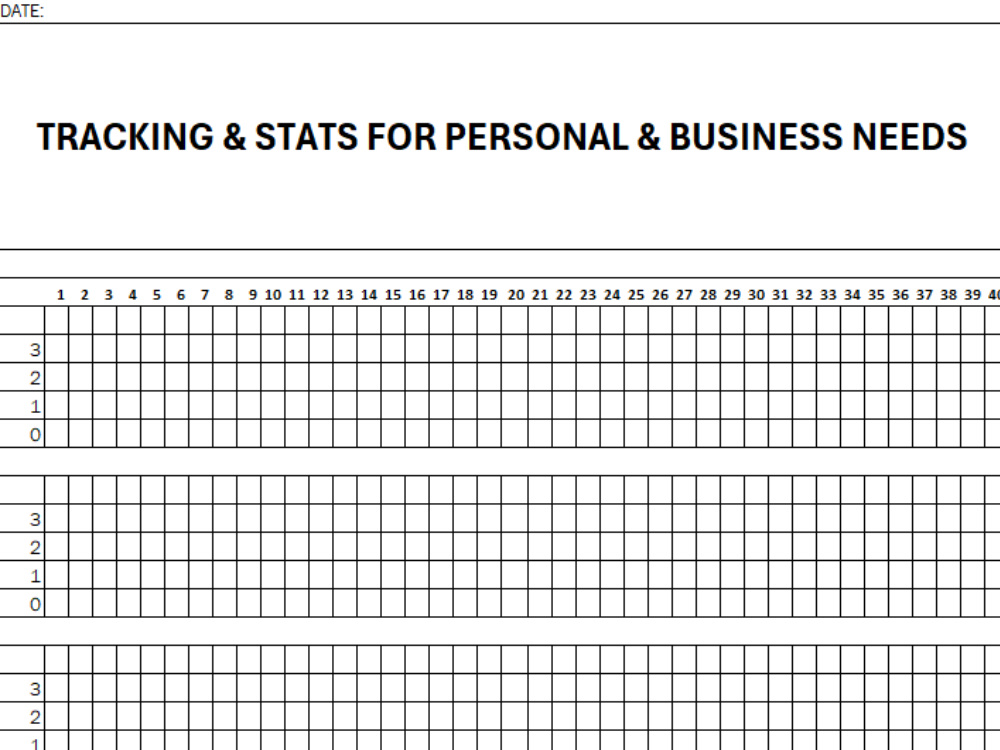
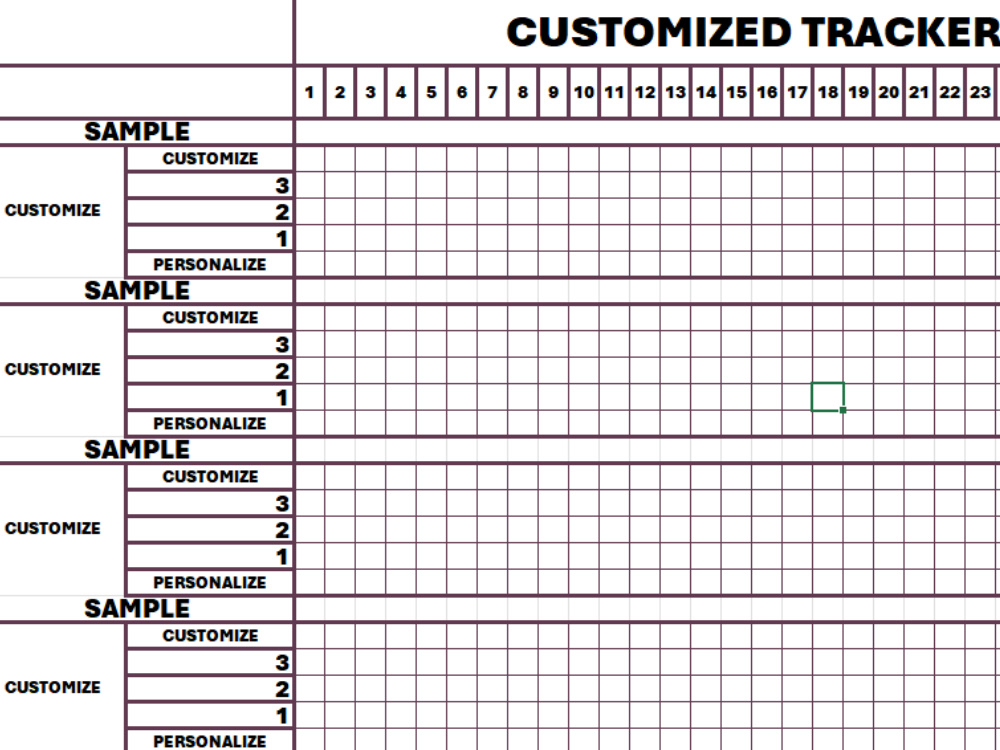
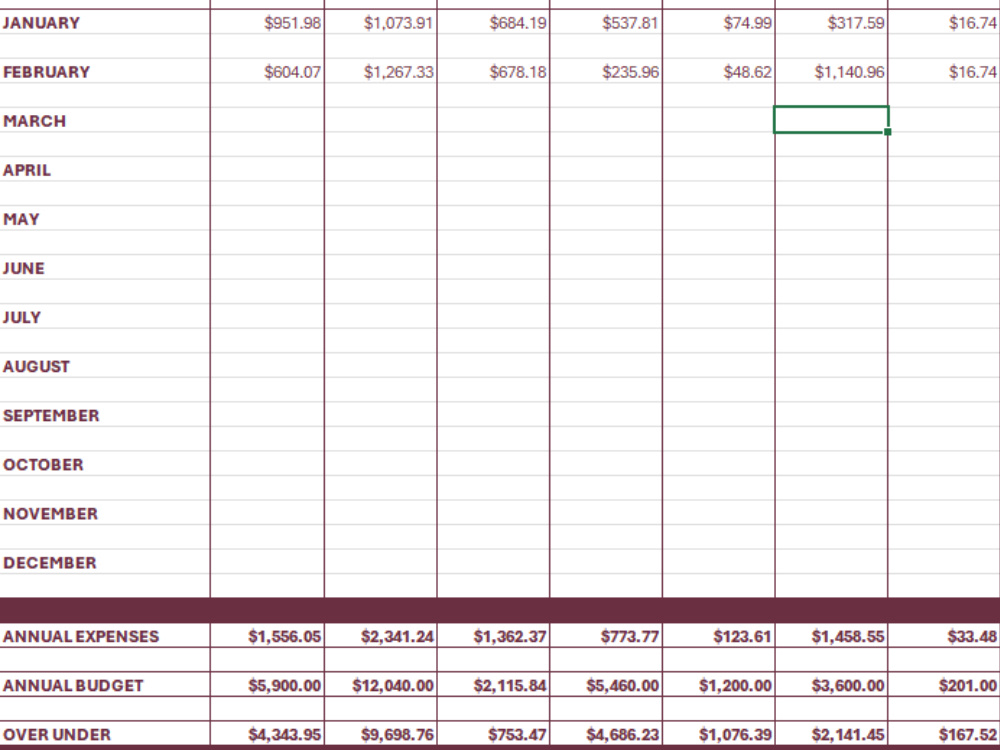
With a passion for organization, colour coding, and efficiency, I create customized spreadsheets that go beyond basic functionality. My projects are designed to make data easy to navigate, visually engaging, and highly efficient—so you can focus on insights, not formatting. Whether you're managing budgets, tracking performance, or building dashboards, I’ll deliver a spreadsheet that’s clean, intuitive, and tailored to your exact needs. With thoughtful structure, smart formulas, and attention to detail, my goal is to make your data work harder—and look better—so you don’t have to.
Project Type
Data Entry, OtherWhat's included
| Service Tiers |
Starter
$60
|
Standard
$200
|
Advanced
$475
|
|---|---|---|---|
| Delivery Time | 4 days | 7 days | 10 days |
Number of Revisions | 0 | 1 | 3 |
Optional add-ons
You can add these on the next page.
Fast Delivery
+$100 - $800
Additional Revision
+$10
Customn Dashboard
+$20About Victoria
Data Entry & Spreadsheet Support | Excel & Google Sheets
Maple Ridge, Canada - 7:10 am local time
I have over 10 years of experience in administrative and customer service roles, where spreadsheets were part of my daily workflow. I’ve become the go-to person in my office for creating, updating, improving, and analyzing spreadsheets — whether it’s organizing messy data, building tracking systems, or helping team members make sense of the numbers.
I genuinely enjoy the kind of tedious, meticulous work in Excel that most people hate. Whether it’s copy-pasting, formatting, or cleaning up rows of data, I find it satisfying to bring order to chaos. I’m also naturally curious and great at teaching myself new things — always looking for faster, smarter ways to get the job done.
Here’s how I can help:
Data entry into Excel or Google Sheets from PDFs, forms, websites, or other sources
Organizing information into clean, readable tables
Basic formatting to make spreadsheets easier to use
Copy-pasting and sorting data without mistakes
Checking for duplicates or errors
Streamlining and improving existing spreadsheets
I’m always open to learning new tools or systems to fit your workflow — and I’ll keep you updated every step of the way.
Steps for completing your project
After purchasing the project, send requirements so Victoria can start the project.
Delivery time starts when Victoria receives requirements from you.
Victoria works on your project following the steps below.
Revisions may occur after the delivery date.
Initial Consultation
We'll start with a brief consultation or questionnaire where you share your goals, data sources, workflow needs, and any reference files. This helps me understand your vision and requirements clearly.
Spreadsheet Planning & Structure
I’ll outline the spreadsheet layout, including tabs, categories, data inputs, and output goals. You’ll receive a basic structure for approval before buildout begins.