You will get Virtual Assistant | Office Organization & Workflow Support
Project details
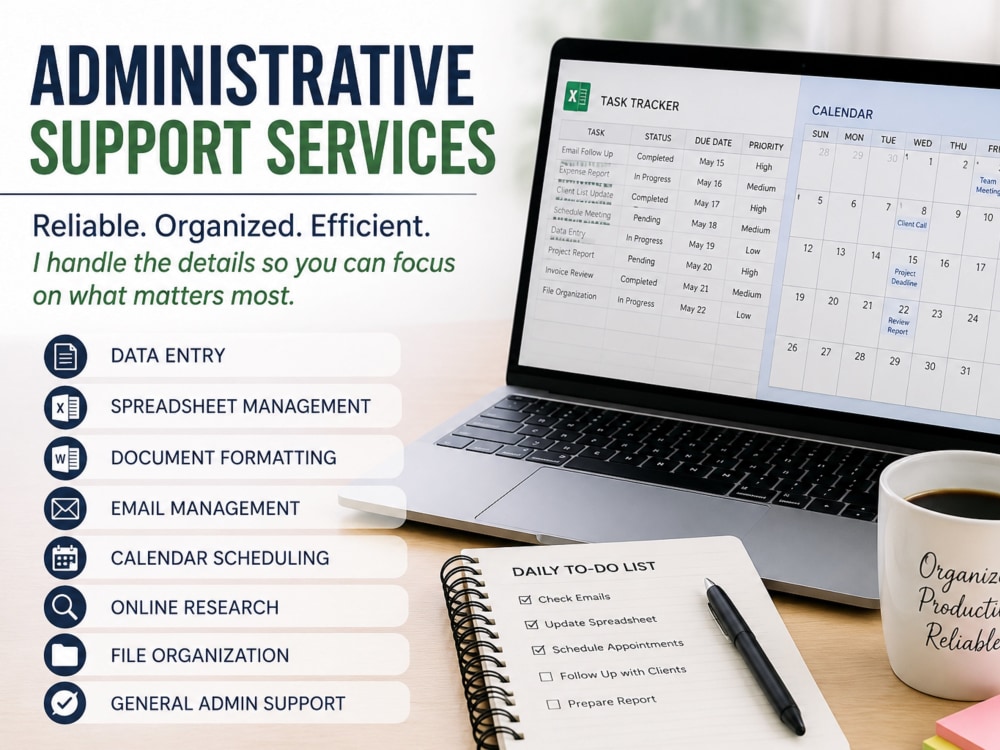
I help businesses organize emails, files, calendars, and administrative workflows to create a clear, efficient system that saves time and reduces stress. If your back office feels cluttered or overwhelming, I’ll bring structure and order to how it runs.
Purpose
BusinessIndustry
Business Services & Consulting, Ecommerce, Education, Medical & Pharmaceutical, Real Estate, Retail & Wholesale, WellnessLanguage
EnglishWhat's included
| Service Tiers |
Starter
$100
|
Standard
$200
|
Advanced
$450
|
|---|---|---|---|
| Delivery Time | 1 day | 2 days | 3 days |
Number of Revisions | 1 | 2 | 3 |
Number of Hours of Work | 5 | 10 | 20 |
Basic Photo Editing | - | - | - |
Organize & Classify/Tag Files | |||
Formatting & Clean Up | |||
Project Management Support | - | ||
Travel Planning | - | - |
Optional add-ons
You can add these on the next page.
Additional Hour of Work
+$20
Organize an additional email inbox
(+ 1 Day)
+$30
Organize an additional file storage system
(+ 1 Day)
+$30
Simple guide to maintain your new system
(+ 1 Day)
+$30About Brian
Admin Support
Rosamond, United States - 8:55 am local time
What I bring to the table:
Strong communication and time management skills
Proficiency in tools like Microsoft Office, Google Workspace, and more
Ability to handle sensitive information with confidentiality and professionalism
Whether you need help managing daily tasks, organizing your workflow, or improving productivity, I’m here to make your job easier. I’m committed to delivering high-quality work, meeting deadlines, and exceeding expectations.
Let’s connect and get things done!
Steps for completing your project
After purchasing the project, send requirements so Brian can start the project.
Delivery time starts when Brian receives requirements from you.
Brian works on your project following the steps below.
Revisions may occur after the delivery date.
Office Organization & Workflow
Review your current setup, identify issues, create a clear structure, organize emails/files/calendar, apply consistent naming and folders, test the system, and share a simple guide to help you maintain it.