You will get a Responsive Website UI in Figma with Prototype
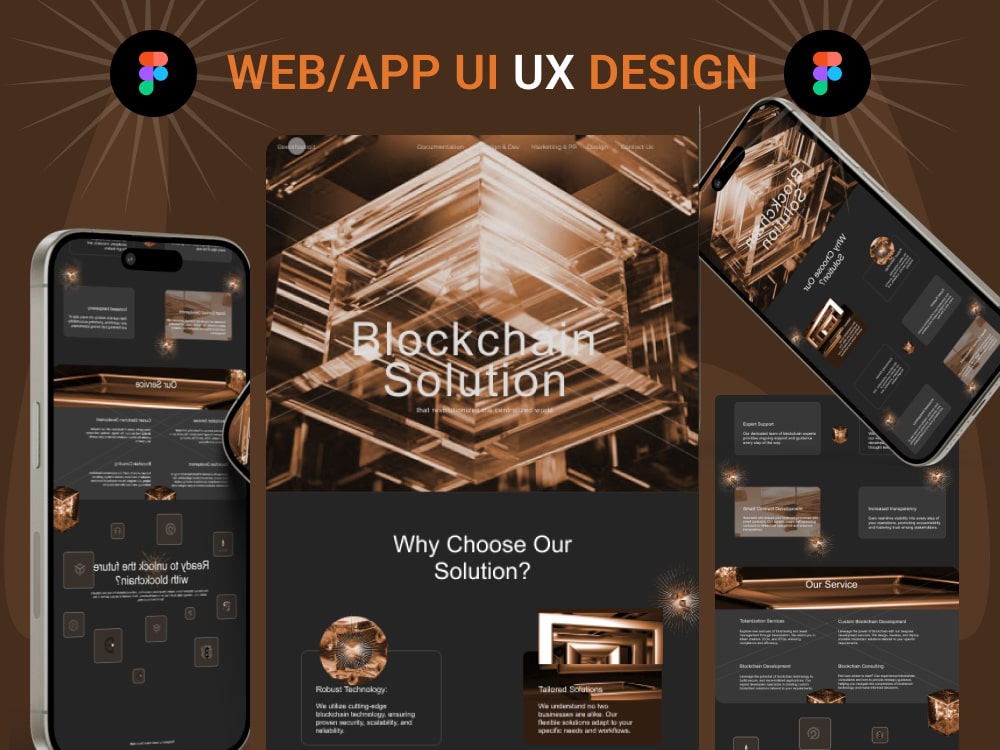
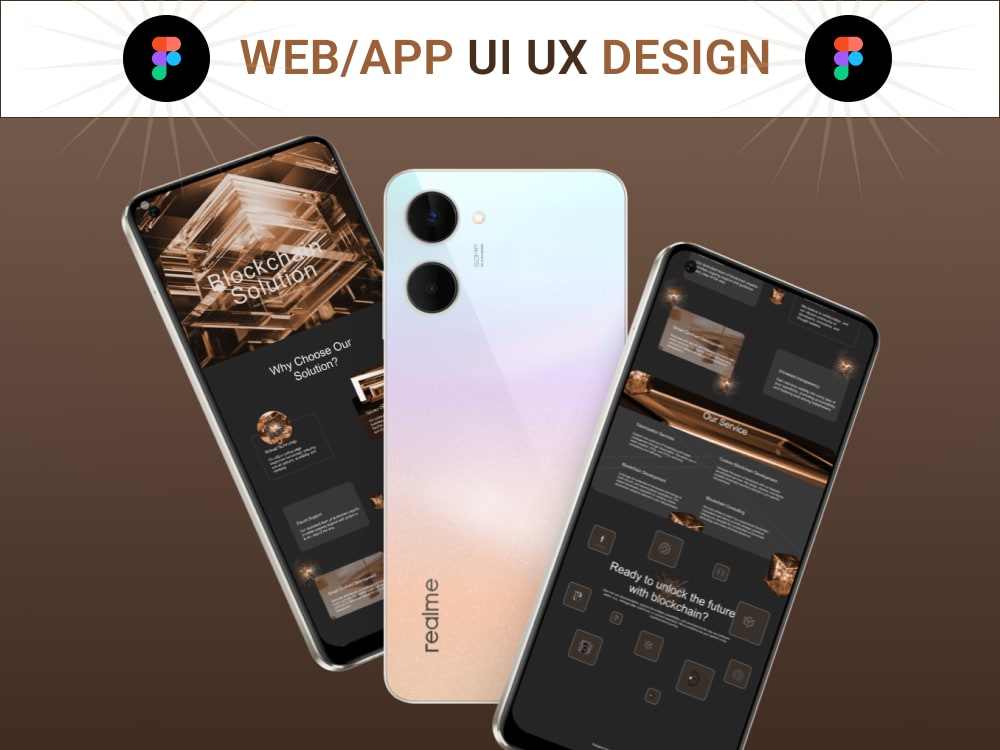
Project details
✨ Design a Clean, Responsive UI/UX in Figma – with Prototype & Handoff
Are you launching a website, SaaS app, or mobile platform and need a user interface that’s not only beautiful but also functional?
I specialize in crafting responsive, user-focused UI/UX designs using Figma — paired with smooth prototyping, animation, and professional handoff (Framer-ready).
Whether you're starting from scratch or redesigning an existing product, I'll help you bring your ideas to life in a way that engages users and delivers results.
🚀 What You’ll Get:
Clean and modern UI design
Responsive layout
Low to high-fidelity wireframes
Interactive prototype in Figma (clickable user flow)
Smooth animations and transitions
Developer-ready handoff or Framer conversion
Fast delivery, friendly communication, and revisions
🛠️ Tools & Skills:
Figma • Framer • UX Strategy • Wireframing • Responsiveness • User Flow • Micro-interactions
💬 Why Work With Me?
I don’t just design pixels — I design solutions. I take time to understand business, users, and their goals. And the result? WOW
Let’s build something your users will love.
→ Click “Continue” to get started, and I’ll handle the design from here.
Are you launching a website, SaaS app, or mobile platform and need a user interface that’s not only beautiful but also functional?
I specialize in crafting responsive, user-focused UI/UX designs using Figma — paired with smooth prototyping, animation, and professional handoff (Framer-ready).
Whether you're starting from scratch or redesigning an existing product, I'll help you bring your ideas to life in a way that engages users and delivers results.
🚀 What You’ll Get:
Clean and modern UI design
Responsive layout
Low to high-fidelity wireframes
Interactive prototype in Figma (clickable user flow)
Smooth animations and transitions
Developer-ready handoff or Framer conversion
Fast delivery, friendly communication, and revisions
🛠️ Tools & Skills:
Figma • Framer • UX Strategy • Wireframing • Responsiveness • User Flow • Micro-interactions
💬 Why Work With Me?
I don’t just design pixels — I design solutions. I take time to understand business, users, and their goals. And the result? WOW
Let’s build something your users will love.
→ Click “Continue” to get started, and I’ll handle the design from here.
Main Type
Email Templates, Landing Pages, Mobile Apps, Web Apps, Website, OtherFile Format
Figma, JPG, PNGWhat's included
| Service Tiers |
Starter
$50
|
Standard
$150
|
Advanced
$320
|
|---|---|---|---|
| Delivery Time | 7 days | 10 days | 14 days |
Number of Revisions | 5 | 7 | 9 |
Number of Pages | 3 | 5 | 8 |
Source Files | - | ||
Commercial Use | - | - | - |
Responsive Design | - | ||
Interactive Mockup | - | - | - |
About Kabirah
UI/UX Designer | Mobile App & Web Design | Figma, Wireframes Prototype
Ibadan, Nigeria - 11:34 pm local time
Most digital products don’t fail because they look bad — they fail because users don’t understand what to do, where to go, or how to complete important actions.
If users drop off during onboarding or abandon key steps, it’s usually a structure and usability problem.
That’s where I come in.
I help startups and businesses turn ideas into structured, easy-to-use products by simplifying navigation, improving user experience, and designing interfaces that guide users naturally from entry to action.
What I help you achieve
• Clear and intuitive product structure
• Smooth navigation that reduces user drop-off
• Modern Figma website design and landing page design
• User-friendly mobile app design (iOS & Android)
• Responsive design across mobile, tablet, and desktop
• Developer-ready files for faster implementation
What I do
• Figma website design and web UI design
• Landing page design for products and businesses
• Mobile app UI/UX design
• Wireframing and UX wireframes to define structure early
• User flow design and journey mapping
• Interactive prototyping for testing ideas before development
• Low-fidelity and high-fidelity UI design
• UI redesign and product improvement
• UX audit and usability analysis
• Design systems and developer-ready handoff
My process
User Flow → Wireframes → UI Design → Interactive Prototype → Final Handoff
This structured approach ensures your product is planned before development, reducing revisions and improving usability.
Tools
Figma (website design, wireframing, prototyping, mobile app design)
Framer (interactive web experiences)
Why clients work with me
• Clear communication and structured workflow
• Focus on usability, not just visuals
• Designs that are easy for users and developers
• Attention to detail and consistency
Final Note
If you’re building a website, landing page, or mobile app and need a clean, user-friendly design in Figma that also improves usability and user flow, feel free to reach out.
Steps for completing your project
After purchasing the project, send requirements so Kabirah can start the project.
Delivery time starts when Kabirah receives requirements from you.
Kabirah works on your project following the steps below.
Revisions may occur after the delivery date.
Project Discovery & Requirements
Once the project begins, I’ll review your brief, target audience, goals, and design inspiration. If anything is unclear, I’ll reach out for clarification.
Wireframe or UX Layout
I’ll design low or high-fidelity wireframes for the screens/pages you've requested — focused on flow and structure before visuals. Then you’ll receive Wireframe preview link (Figma) for approval.