Yeye isn't taking new orders for this project right now. Here are some similar projects to explore.
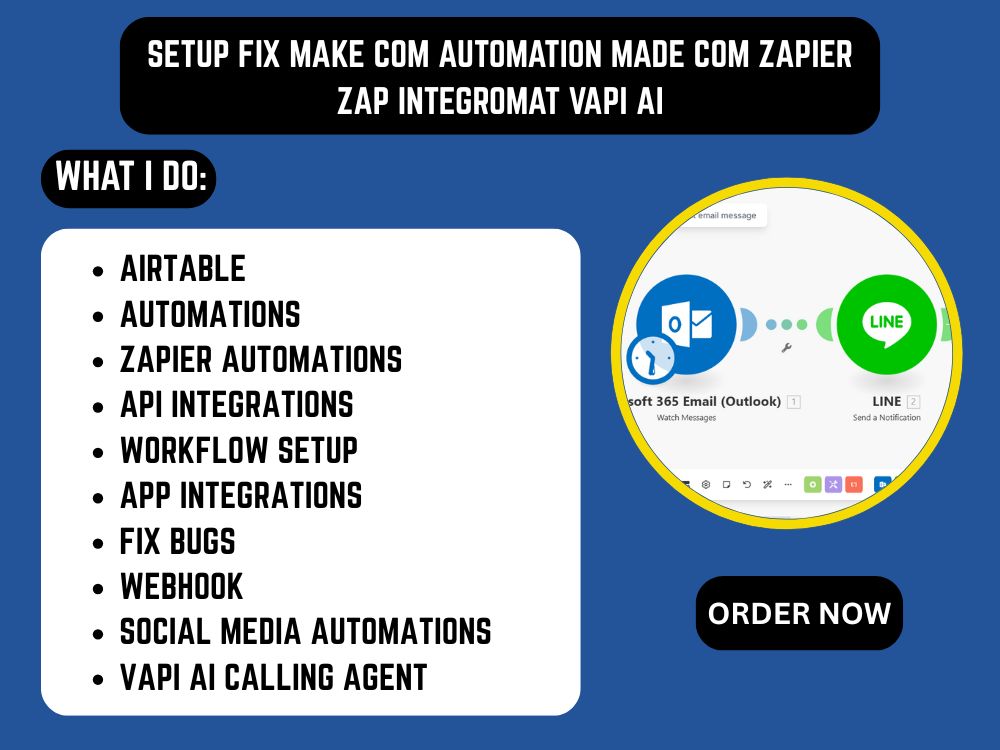
You will get a Converting Business Automation with Make (Integromat), Zapier, made com
Project details
𝗦𝘁𝗿𝘂𝗴𝗴𝗹𝗶𝗻𝗴 𝘄𝗶𝘁𝗵 𝗿𝗲𝗽𝗲𝘁𝗶𝘁𝗶𝘃𝗲 𝘁𝗮𝘀𝗸𝘀, 𝘀𝗰𝗮𝘁𝘁𝗲𝗿𝗲𝗱 𝗱𝗮𝘁𝗮, 𝗼𝗿 𝗱𝗲𝗹𝗮𝘆𝗲𝗱 𝗳𝗼𝗹𝗹𝗼𝘄-𝘂𝗽𝘀?
This project delivers a custom, scalable automation system built using Make.com or n8n, tailored to your business goals. Whether you need to automate lead intake, sync CRMs, send alerts, or streamline internal workflows, I’ll design a clean and robust system so you can focus on growth — not grunt work.
✅ What You Get:
📌 1 fully built automation scenario (up to 10 modules)
🔁 Trigger-based or scheduled workflows
🔗 App-to-app integration (e.g. Gmail, Google Sheets, Airtable, Calendly, Notion, Trello, etc.)
🛠️ Custom logic, filters, routers, error handling
🧠 Personalized mapping & transformation of your data
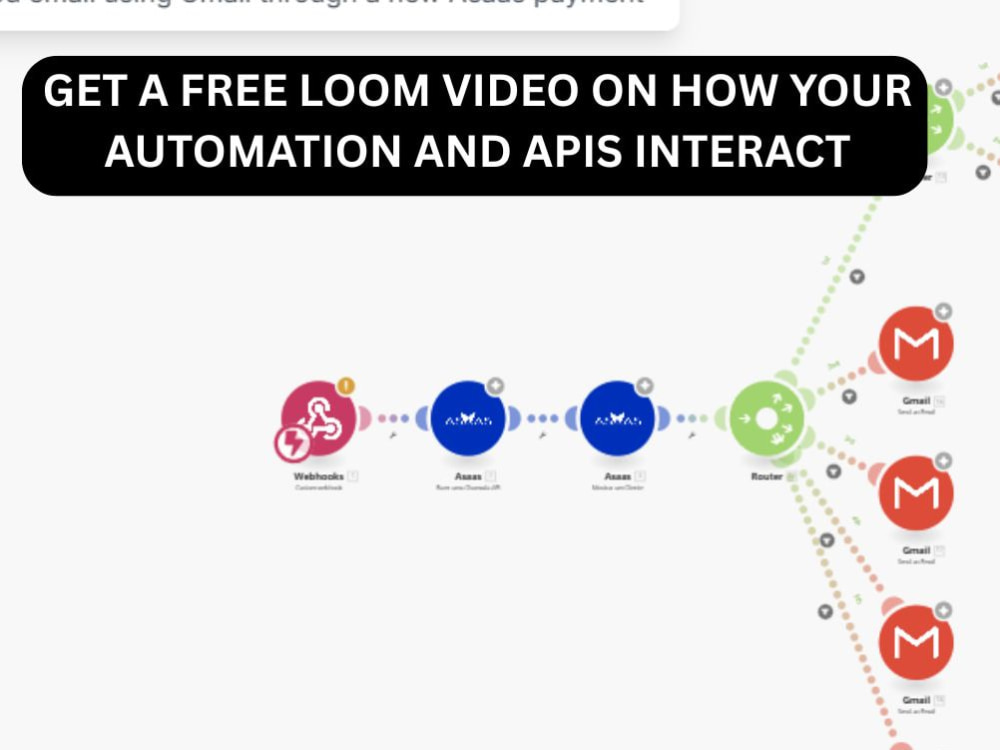
📝 Video walkthrough + visual map of your workflow
✨ 7 days post-delivery support
🛠️ Platforms I Work With:
Make.com | n8n | Google Suite | Slack | Airtable | Notion | Calendly | Gmail | Facebook Leads | Stripe | Trello | Typeform | and more
This project delivers a custom, scalable automation system built using Make.com or n8n, tailored to your business goals. Whether you need to automate lead intake, sync CRMs, send alerts, or streamline internal workflows, I’ll design a clean and robust system so you can focus on growth — not grunt work.
✅ What You Get:
📌 1 fully built automation scenario (up to 10 modules)
🔁 Trigger-based or scheduled workflows
🔗 App-to-app integration (e.g. Gmail, Google Sheets, Airtable, Calendly, Notion, Trello, etc.)
🛠️ Custom logic, filters, routers, error handling
🧠 Personalized mapping & transformation of your data
📝 Video walkthrough + visual map of your workflow
✨ 7 days post-delivery support
🛠️ Platforms I Work With:
Make.com | n8n | Google Suite | Slack | Airtable | Notion | Calendly | Gmail | Facebook Leads | Stripe | Trello | Typeform | and more
Programming Languages
HTML & CSS, JavaScript, PythonCoding Expertise
Cross Browser & Device Compatibility, Localization, Performance OptimizationWhat's included
| Service Tiers |
Starter
$150
|
Standard
$300
|
Advanced
$500
|
|---|---|---|---|
| Delivery Time | 3 days | 5 days | 7 days |
Number of Revisions | 0 | 0 | 0 |
Design Customization | - | - | - |
Content Upload | - | - | - |
Responsive Design | - | - | - |
Source Code | - | - | - |
About Yeye
AI Automation & n8n Specialist | AI Agents, APIs & OpenClaw Setup
Lagos Island, Nigeria - 1:17 pm local time
I help businesses automate repetitive processes, connect disconnected tools, and deploy AI-powered workflows using n8n, APIs, AI agents, CRM integrations, and self-hosted AI infrastructure such as OpenClaw.
Whether you need one workflow fixed or a larger automation system designed from the ground up, I focus on building practical systems around the way your business actually operates.
What I can help you automate
n8n Automation
Custom n8n workflows
Multi-step business processes
Webhooks and API integrations
Data synchronization
Workflow troubleshooting
Workflow optimization
Migration from manual processes to automation
AI Automation & AI Agents
AI-powered business workflows
AI lead qualification
AI customer-support workflows
Internal AI assistants
AI document processing
AI research workflows
Agent-based business processes
LLM integrations
API & System Integration
REST API integrations
Webhooks
OAuth-based connections
CRM integrations
Databases
Email systems
SaaS platforms
Custom business systems
CRM & Sales Automation
Lead capture
Lead enrichment
Lead qualification
Lead routing
CRM updates
Follow-up automation
Appointment workflows
Sales notifications
OpenClaw & Self-Hosted AI Infrastructure
OpenClaw setup
OpenClaw onboarding
Gateway configuration
Self-hosted AI assistants
VPS deployment
Docker deployment
Model-provider configuration
Messaging-channel setup
Secure access configuration
Maintenance and troubleshooting
OpenClaw officially supports a broad set of channels including WhatsApp, Telegram, Slack, Discord, Google Chat, Signal, Microsoft Teams, Matrix and others. Its current documentation also supports Windows, macOS, Linux, VPS and Docker deployment paths.
My approach
I don't start by asking:
“What automation tool should we use?”
I start by understanding:
Trigger → Data → Business Logic → AI → Integrations → Output → Error Handling → Human Approval → Monitoring
Then I build the automation around that process.
For infrastructure work, I also consider authentication, access control, secret management, backups, updates, monitoring and secure remote access rather than treating deployment as simply “installing the software.”
OpenClaw's current documentation specifically recommends reviewing security hardening for public/VPS deployments and supports Docker deployment with security considerations around network exposure.
Typical outcomes
My goal is to help you achieve:
less repetitive manual work
faster lead response
cleaner CRM data
fewer manual errors
better-connected systems
faster internal workflows
automated reporting
AI-assisted operations
more maintainable processes
better visibility into your automations
My workflow
1. Understand
I identify the business process and current bottleneck.
2. Map
I document the trigger, data, logic, systems and expected result.
3. Build
I implement the workflow and integrations.
4. Test
I test normal flows, edge cases and failure scenarios.
5. Secure
I configure credentials, access and deployment appropriately.
6. Document
You receive a clear handoff so the system can be understood and maintained.
Best fit
I’m a strong fit for businesses that need:
n8n automation
AI automation
AI agents
CRM automation
API integrations
workflow troubleshooting
self-hosted AI
OpenClaw deployment
business process automation
Send me the manual process you're currently dealing with, the tools involved, and what you want to happen automatically. I’ll help map the most practical automation approach.
Steps for completing your project
After purchasing the project, send requirements so Yeye can start the project.
Delivery time starts when Yeye receives requirements from you.
Yeye works on your project following the steps below.
Revisions may occur after the delivery date.
Project Overview
Kindly give a short summary about your project and your desired result