You will get a custom Claude Code setup tuned to your codebase and workflow
Project details
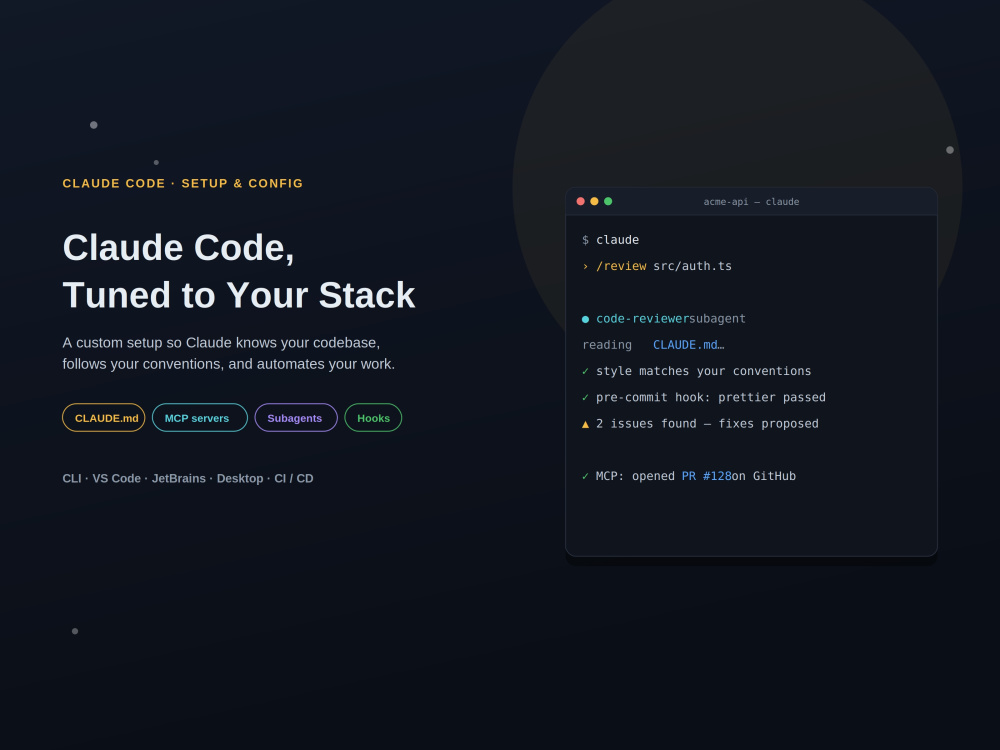
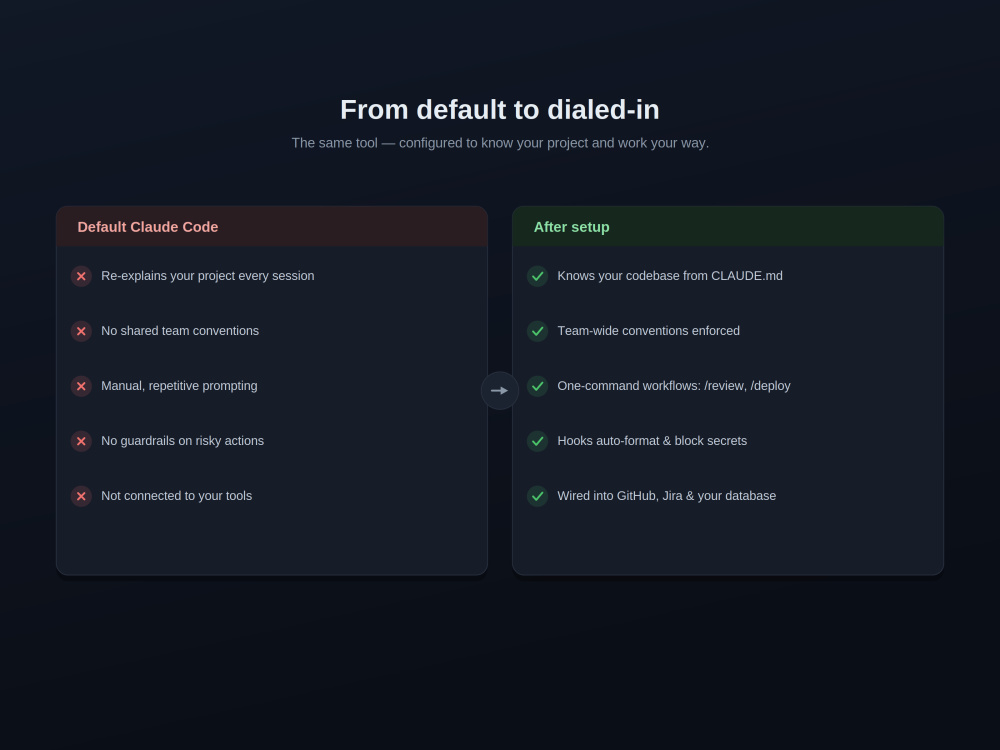
Your team keeps re-explaining the same project to Claude Code, approving the same prompts, and cleaning up after risky commands. I fix that — I configure Claude Code around YOUR codebase so it works like a senior teammate who already knows your stack.
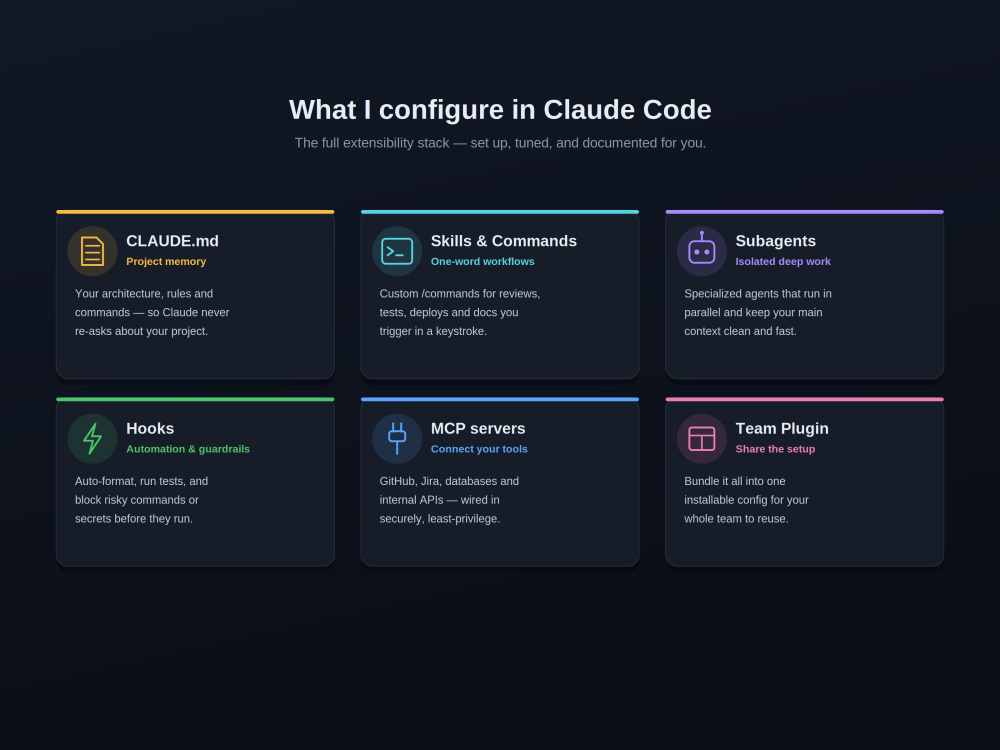
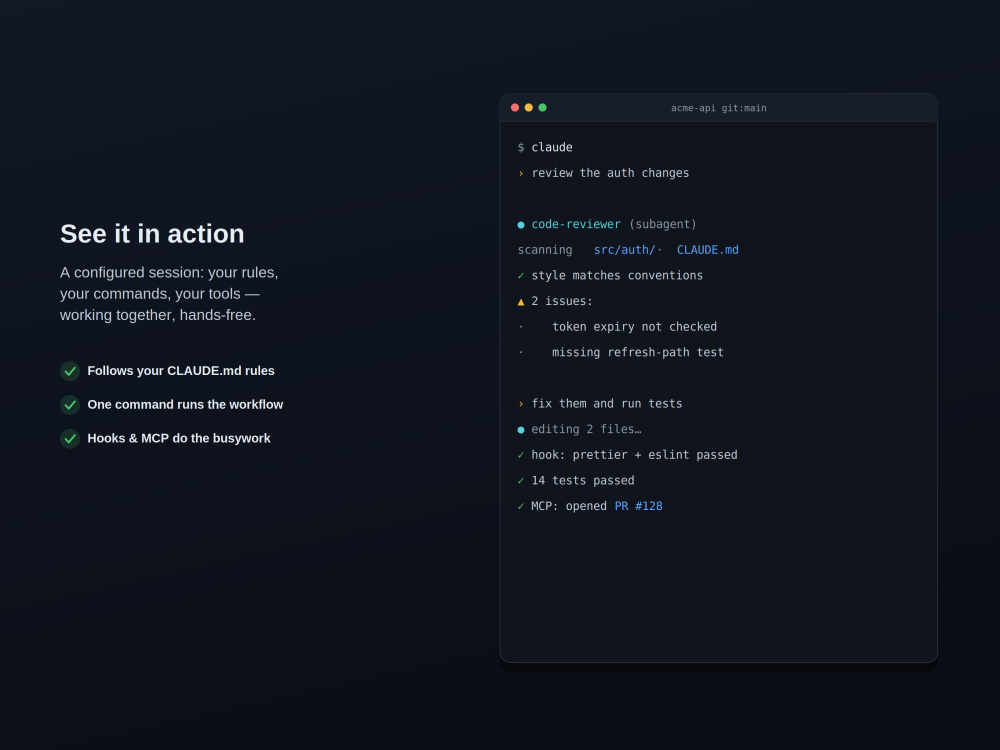
I set up the full extensibility stack: a tuned CLAUDE.md so Claude always knows your architecture and conventions; custom /commands and skills for your real workflows (review, test, deploy, docs); subagents for parallel deep work; and hooks that auto-format, run tests, and block secrets or dangerous commands.
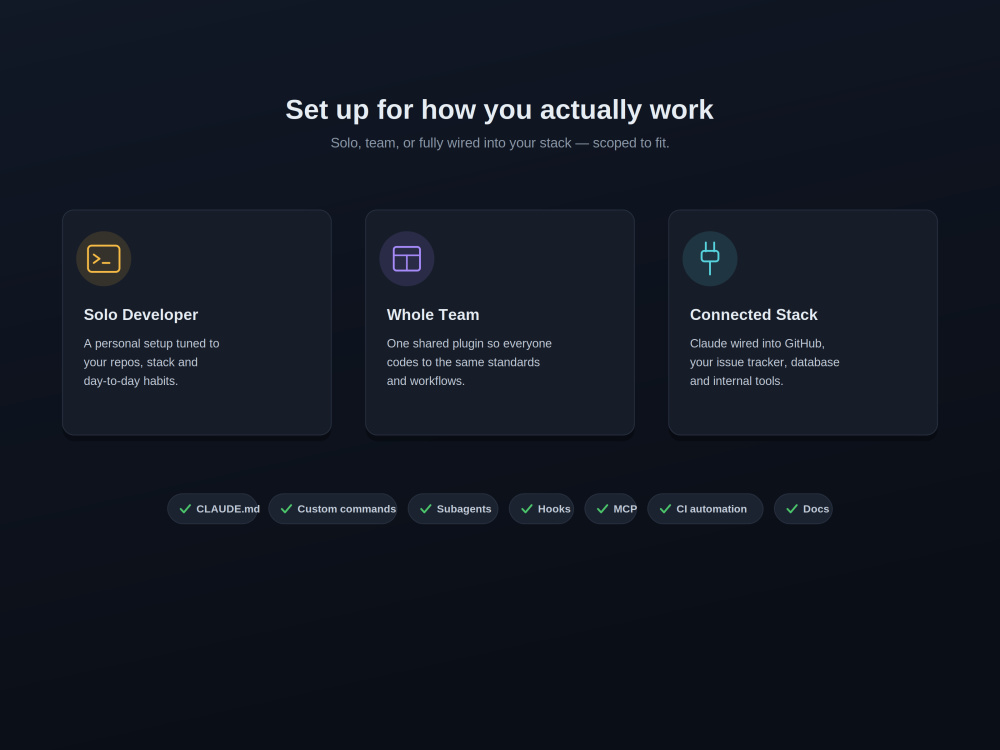
I also connect Claude to your tools via MCP — GitHub/GitLab, Jira/Linear, databases, internal APIs — with secure, least-privilege defaults. For teams, I bundle it into one installable plugin so everyone shares the same setup, and can wire it into CI for headless automation.
Works across the CLI, VS Code, JetBrains, and the desktop app. You get a clean, documented configuration and a short guide so your team can use and extend it.
Stop fighting the defaults. Send your repo details and let's tune Claude Code to your workflow.
I set up the full extensibility stack: a tuned CLAUDE.md so Claude always knows your architecture and conventions; custom /commands and skills for your real workflows (review, test, deploy, docs); subagents for parallel deep work; and hooks that auto-format, run tests, and block secrets or dangerous commands.
I also connect Claude to your tools via MCP — GitHub/GitLab, Jira/Linear, databases, internal APIs — with secure, least-privilege defaults. For teams, I bundle it into one installable plugin so everyone shares the same setup, and can wire it into CI for headless automation.
Works across the CLI, VS Code, JetBrains, and the desktop app. You get a clean, documented configuration and a short guide so your team can use and extend it.
Stop fighting the defaults. Send your repo details and let's tune Claude Code to your workflow.
AI Development Type
Knowledge Representation, Software MaintenanceAI Tools
MLflow, SonnetAI Development Language
PythonWhat's included
| Service Tiers |
Starter
$149
|
Standard
$499
|
Advanced
$1,299
|
|---|---|---|---|
| Delivery Time | 3 days | 6 days | 12 days |
Number of Revisions | 1 | 2 | 3 |
AI Model Integration | |||
Detailed Code Comments | |||
Knowledge Graph | |||
Model Documentation | - | ||
Ontology | - | - | - |
Source Code | - | - | - |
Taxonomy | - | - | - |
Optional add-ons
You can add these on the next page.
Extra MCP integration
(+ 1 Day)
+$99
Additional repo/service config
(+ 1 Day)
+$129
Team onboarding session
(+ 1 Day)
+$149Frequently asked questions
About Kaushik
AI/ML Product Engineer | Generative AI, Search, Automation.
Hyderabad, India - 4:29 am local time
Steps for completing your project
After purchasing the project, send requirements so Kaushik can start the project.
Delivery time starts when Kaushik receives requirements from you.
Kaushik works on your project following the steps below.
Revisions may occur after the delivery date.
Discovery & audit
I review your repo, stack, and workflows, then map what to encode in CLAUDE.md and which commands, agents, and integrations will help most.
Configure the core
I write your CLAUDE.md, custom commands/skills, and settings with safe permissions so Claude follows your conventions from session one.