You will get a custom Google Apps Script automating your Google Workspace workflow
Top Rated
Top Rated
Project details
If your Google Workspace is a collection of spreadsheets, forms, and inboxes that don’t talk to each other — that’s what I fix.
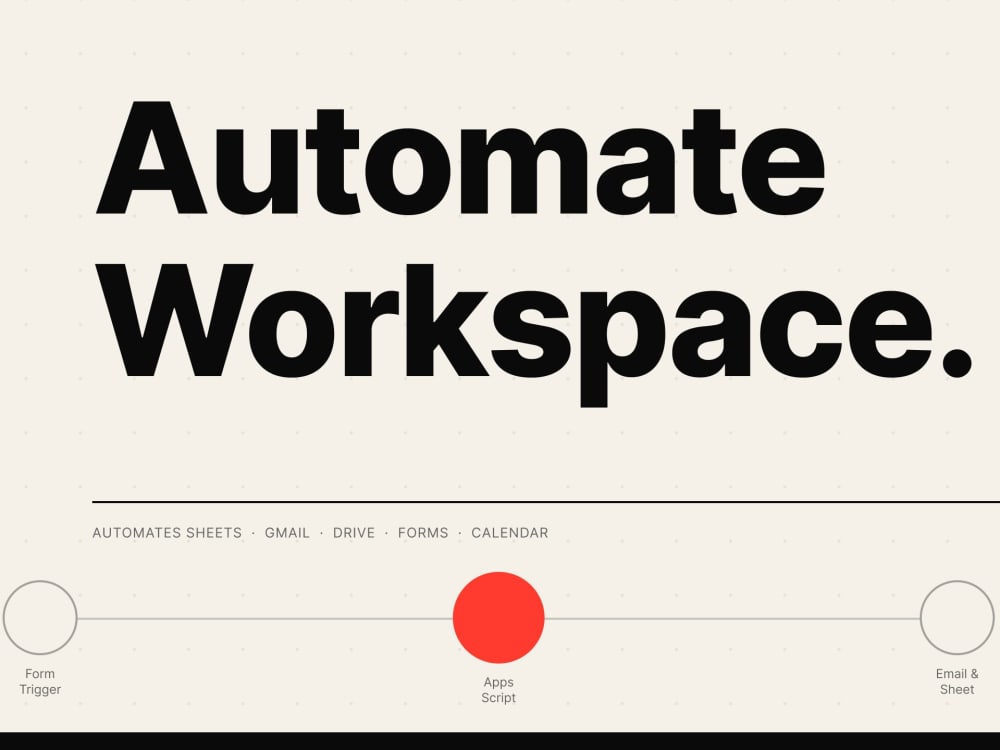
I build Google Apps Script automations that connect Sheets, Gmail, Drive, Forms, Calendar, and Docs into workflows that actually run. No manual copy-paste, no data falling through the cracks.
What I typically build:
• Form submissions that auto-populate a tracker and trigger email notifications
• Sheets that update themselves from an API or external data source
• Gmail automations that route, label, and respond based on rules
• Calendar integrations that sync with Sheets or trigger follow-up tasks
• Drive automation that organizes, renames, and shares files on a schedule
Three tiers to fit your scope — a focused single-trigger automation, a multi-step workflow with error handling, or a full build with dashboard and custom UI.
I’ve automated workflows across finance, operations, marketing, and client services. The result is always the same: less manual work, fewer mistakes, and a team that can focus on what actually matters.
If you’re not sure whether Apps Script can do what you need — share your workflow and I’ll tell you straight.
I build Google Apps Script automations that connect Sheets, Gmail, Drive, Forms, Calendar, and Docs into workflows that actually run. No manual copy-paste, no data falling through the cracks.
What I typically build:
• Form submissions that auto-populate a tracker and trigger email notifications
• Sheets that update themselves from an API or external data source
• Gmail automations that route, label, and respond based on rules
• Calendar integrations that sync with Sheets or trigger follow-up tasks
• Drive automation that organizes, renames, and shares files on a schedule
Three tiers to fit your scope — a focused single-trigger automation, a multi-step workflow with error handling, or a full build with dashboard and custom UI.
I’ve automated workflows across finance, operations, marketing, and client services. The result is always the same: less manual work, fewer mistakes, and a team that can focus on what actually matters.
If you’re not sure whether Apps Script can do what you need — share your workflow and I’ll tell you straight.
Programming Languages
JavaScriptWhat's included
| Service Tiers |
Starter
$250
|
Standard
$450
|
Advanced
$750
|
|---|---|---|---|
| Delivery Time | 3 days | 7 days | 10 days |
Number of Revisions | 1 | 2 | 3 |
Install Script | |||
Test Script | |||
Task Automation |
3 reviews
(3)
(0)
(0)
(0)
(0)
This project doesn't have any reviews.
TC
Ty C.
Jun 21, 2024
Seeking Expert Google Apps Script Developer with Formal CS Education for Complex Architecture
Britnee is a diamond in the rough. A joy to work with. Highly recommended.
ET
Eric T.
Dec 13, 2023
Add URL Params to Google Looker Studio
Excellent experience with Britnee! Would definitely hire her again!
MW
Mars W.
Nov 29, 2023
Convert google sheet formulas to python functions
Britnee went above and beyond for each milestone, taking extra time to refine her work and check her formulas thoroughly. She also was a proactive communicator and kept me updated on progress. Her code was clean and at the correct level of abstraction.
About Britnee
Full-Stack Automation & AI | Apps Script, BigQuery, Python | PhD
100%
Job Success
Longview, United States - 12:20 am local time
I build automation for every stage of the problem — from a single spreadsheet eating up your morning, to connected workflows, to full AI systems making thousands of decisions a day without anyone touching them.
I build across the full stack — data engineering, backend, frontend, and AI — and I've been doing it long enough to know the difference between something that looks good in a demo and something your team can actually trust on a Monday morning.
Not every problem needs a full AI system. Some clients come with one thing: a spreadsheet that takes too long, a report someone builds manually every week, one repetitive task eating up an hour a day. That's a fine place to start. I'll meet you where you are, tackle what matters most first, and only go bigger if it makes sense.
𝗥𝗲𝗰𝗲𝗻𝘁 𝗲𝘅𝗮𝗺𝗽𝗹𝗲𝘀
✅ Built a Google Sheets + Apps Script system that auto-generates weekly reports from BigQuery — replaced a full day of manual work
✅ Built an AI system that categorizes 20,000+ search terms in under 5 minutes and automatically sends the report to your inbox — previously took a team hours
✅ Built workflow automation handling thousands of routing decisions per day, so the team only touches exceptions
✅ Connected a custom AI Assistant to Asana, BigQuery, and Google Drive to generate full monthly client reports — days of work reduced to minutes
𝗛𝗼𝘄 𝗜 𝘄𝗼𝗿𝗸
I'll tell you upfront what the right solution is — sometimes that's a Google Sheet formula, sometimes it's a Python script, sometimes it's AI. Fixed scope, no surprise bills. If you do a diagnostic and it's not actionable, full refund, no questions.
The person you talk to is the person who builds it. No account manager handoff, no junior dev doing the actual work.
𝗪𝗵𝗮𝘁 𝗜 𝗯𝘂𝗶𝗹𝗱
🔹 Google Apps Script & Workspace automation (Sheets, Docs, Gmail, Drive)
🔹 AppSheet apps — no-code/low-code tools your team actually uses
🔹 Data pipelines, SQL, and reporting (BigQuery, PostgreSQL, ETL)
🔹 Python scripts and backend systems (FastAPI, Node.js)
🔹 API integrations and workflow automation
🔹 Dashboards and internal tools (React, web apps)
🔹 Web scraping and data extraction
🔹 AI agents and intelligent automation — when it's actually the right fit
𝗣𝗵.𝗗. 𝗶𝗻 𝗔𝗽𝗽𝗹𝗶𝗲𝗱 𝗠𝗮𝘁𝗵𝗲𝗺𝗮𝘁𝗶𝗰𝘀. 𝗙𝗼𝗿𝗺𝗲𝗿 𝗣𝗿𝗼𝗳𝗲𝘀𝘀𝗼𝗿.
I've taught calculus to college freshmen — if I can make that click, you're in good hands.
𝗧𝗲𝗰𝗵 𝘀𝘁𝗮𝗰𝗸
Python, FastAPI, JavaScript/TypeScript, React, Node.js
SQL, BigQuery, PostgreSQL, Cloud SQL
GCP: Cloud Run, Pub/Sub, GKE
Google Workspace: Apps Script, AppSheet, Sheets, Docs, Gmail, Drive
LLMs: OpenAI, Claude, Gemini | Vector DBs: Pinecone, Chroma
Web scraping: Playwright, BeautifulSoup, Scrapy
Steps for completing your project
After purchasing the project, send requirements so Britnee can start the project.
Delivery time starts when Britnee receives requirements from you.
Britnee works on your project following the steps below.
Revisions may occur after the delivery date.
Share your Google Workspace access
Grant editor or admin access to the apps I will be working with — Sheets, Forms, Drive, Gmail, or Calendar.
I build and test your automation
I write and test the Apps Script logic, making sure triggers fire correctly and data flows as expected.