You will get a custom script to automate task creation with dependency management.
Top Rated
Project details
Objectives
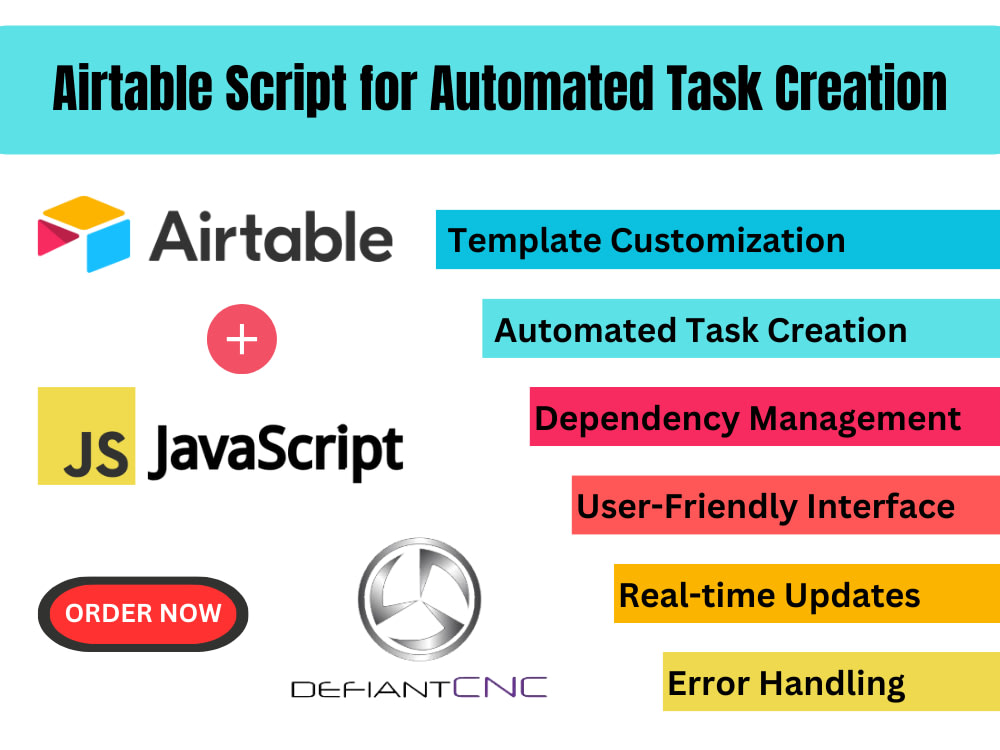
Automated Task Creation: Create a script that automates the generation of tasks in Airtable based on predefined templates. This will streamline the process of initializing projects and tasks.
Template Customization: Allow users to define task templates with specific attributes, such as task name, description, due date, assigned team member, and any other relevant information.
Dependency Management: Implement a system to manage task dependencies, ensuring that tasks are created and scheduled based on their interdependencies. This will help maintain a logical order of task completion.
Error Handling: Implement robust error handling mechanisms to address potential issues during task creation, ensuring the reliability of the automated script.
Expected Benefits:
Increased efficiency in project initiation and task creation.
Improved project management with clear visibility into task dependencies.
Reduction in manual errors and inconsistencies.
Enhanced collaboration and communication among team members.
Automated Task Creation: Create a script that automates the generation of tasks in Airtable based on predefined templates. This will streamline the process of initializing projects and tasks.
Template Customization: Allow users to define task templates with specific attributes, such as task name, description, due date, assigned team member, and any other relevant information.
Dependency Management: Implement a system to manage task dependencies, ensuring that tasks are created and scheduled based on their interdependencies. This will help maintain a logical order of task completion.
Error Handling: Implement robust error handling mechanisms to address potential issues during task creation, ensuring the reliability of the automated script.
Expected Benefits:
Increased efficiency in project initiation and task creation.
Improved project management with clear visibility into task dependencies.
Reduction in manual errors and inconsistencies.
Enhanced collaboration and communication among team members.
Programming Languages
JavaScriptCoding Expertise
Performance Optimization, DesignWhat's included $500
These options are included with the project scope.
$500
- Delivery Time 5 days
- Number of Revisions 1
Optional add-ons
You can add these on the next page.
Fast 2 Days Delivery
+$150
Additional Revision
+$75
15 reviews
(14)
(0)
(0)
(1)
(0)
This project doesn't have any reviews.
NJ
Nick J.
Jun 28, 2025
Airtable Expert needed to answer questions for a novice
KT
Kim T.
Sep 26, 2024
Airtable expert guidance for a custom UX research-centric database
CM
Christian M.
Jun 13, 2024
AirTable Expert Needed!
Jeremy was able to accomplish any task I threw at him and was very patient with me and my team. Thank you!
DS
David S.
May 18, 2024
Airtable expert
Thanks and great work. Sorry took me so long to end this contract.
TS
Timothy S.
Jan 18, 2024
Airtable Aggregate attachment Columns into 1 column automatically
Airtable Expert was an understatement.
About Jeremy
Airtable Specialist
100%
Job Success
Orlando, United States - 1:32 pm local time
Airtable can store information in a spreadsheet that's visually appealing and easy-to-use, but it's also powerful enough to act as a relational database that businesses can use for customer-relationship management (CRM), task management, project planning and tracking inventory.
Product Data Management (PDM) is the architecture of the data storage system. Typically in small-to-medium-sized companies, data structure is 'create a series of customer-job-part/product folders', and put the customer data there. This data structure is rarely planned for growth, and all the processes rely on humans following some homegrown process of manually creating nested folders. These processes are ripe for typing errors, people not aware or not caring about following protocol, and simply nothing that truly tracks the location of the data being stored.
PDM, in a nutshell then, is the organization, storage, and retrieval of any data that might be tied to a manufacturing process. Airtable is ideal for not only storing data but managing workflow. I can create a database for you/your company and help automate routine tasks.
My Process
1) Business Analysis & Data Modeling - Airtable is a database and database design requires some expertise.
A 2-step process is completed.
▪ Business Analysis - Understand and analyze your company’s processes and workflow.
▪ Data Modeling - Convert business concepts into a data structure.
▪ Deliverable - Entity Relationship Diagram (ERD) will give you a visual representation of your data model.
2) Airtable Base Setup & Automation - A new Airtable base is created from scratch, this is completely customizable and designed to fit your needs.
▪ Setup - A new Airtable base is set up – including the setup of the tables, views, formulas, and blocks.
▪ Automation - KPIs are set up along with dynamic and automatically populated indicators.
▪ Deliverable - Airtable base customized for your specific needs.
3) Test & Feedback - A thorough iteration of tests, review, feedback, and modifications are performed until the system fits your workflow perfectly.
▪ Testing - I will have you perform tests on the Airtable base developed with sample data that is provided to you.
▪ Feedback - Feedback is collected, and adjustments are completed to improve the functionality and user experience.
▪ Deliverable - Airtable base updated and improved based on your feedback.
4) Integration & Training - I will collaborate to explain the integration and assist with the training for your new Airtable base.
▪ Integration - Airtable is connected to other API-friendly apps using Zapier.
▪ Training - An initial training workshop is scheduled to demonstrate the functionalities of the Airtable base. Another follow-up session will be conducted after you have had the opportunity to use your Airtable base
▪ Deliverable - Fully integrated Airtable base, plus training.
Steps for completing your project
After purchasing the project, send requirements so Jeremy can start the project.
Delivery time starts when Jeremy receives requirements from you.
Jeremy works on your project following the steps below.
Revisions may occur after the delivery date.
Requirements Gathering
Collaborate with stakeholders to gather requirements for task templates, dependencies, and user interface preferences.
Script Development
Develop the custom script using the Airtable scripting extension or via an automation script.