You will get a custom PowerShell script to automate a Microsoft 365 task
Project details
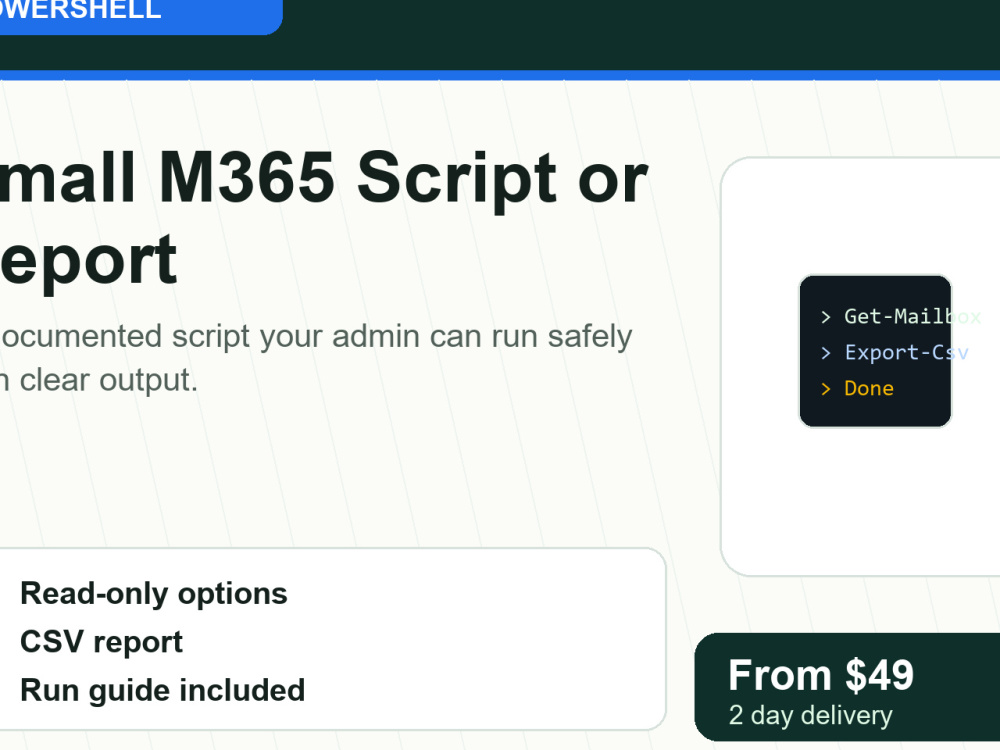
Have a repetitive Microsoft 365 admin task? I can turn one clear manual task into a documented PowerShell script. Good fits include license reports, mailbox/user exports, shared mailbox checks, group membership reports, onboarding/offboarding steps, bulk updates, or cleanup tasks.
Every script includes comments, usage notes, dry-run or safe-mode behavior where appropriate, and simple output such as CSV/log files. Starter is one focused script. Standard adds parameters, logging, error handling, or Microsoft Graph app authentication. Advanced covers a small automation pack or connected workflow.
I do not store passwords and I do not run destructive changes blindly. If the task needs access, we can use sample data first or temporary access through Upwork.
Every script includes comments, usage notes, dry-run or safe-mode behavior where appropriate, and simple output such as CSV/log files. Starter is one focused script. Standard adds parameters, logging, error handling, or Microsoft Graph app authentication. Advanced covers a small automation pack or connected workflow.
I do not store passwords and I do not run destructive changes blindly. If the task needs access, we can use sample data first or temporary access through Upwork.
Coding Expertise
SecurityWhat's included
| Service Tiers |
Starter
$49
|
Standard
$99
|
Advanced
$199
|
|---|---|---|---|
| Delivery Time | 2 days | 3 days | 5 days |
Number of Revisions | 1 | 2 | 2 |
Install Script | |||
Test Script | |||
Task Automation |
Frequently asked questions
About Matthew
Microsoft 365 Admin | IT Support & Security for Small Orgs
Ferndale, United States - 3:49 am local time
I'm the IT administrator for a multi-site nonprofit, and I build MSP tooling, so I work in the same stack most small businesses run on: Microsoft 365, Entra ID, Defender, Windows networks, and the wifi and firewall gear underneath it.
What I do for clients:
- Microsoft 365 setup, cleanup, and migration: licensing, email, Teams, SharePoint, and security settings done right
- Security hardening: MFA rollouts, Defender onboarding, phishing protection, access reviews
- Network troubleshooting and assessments: wifi dead zones, VLAN segmentation, guest isolation, slow networks
- PowerShell automation: repetitive admin tasks are scripted and documented so they stay fixed
- Ongoing remote IT support, handled by email and ticket, with everything documented
How I work: in writing, with fast replies. You get clear explanations in plain English and documentation for everything I change. I answer the same day, and I finish what I start.
Recent work: a contracted network security audit for a 64,000 sq ft campus (the findings, written report, and remediation quote that leadership acted on), a Microsoft 365 security rollout for a multi-site nonprofit with zero staff lockouts, and a helpdesk system deployed on Azure. My report samples and recordings of my tools running are in the portfolio below.
Steps for completing your project
After purchasing the project, send requirements so Matthew can start the project.
Delivery time starts when Matthew receives requirements from you.
Matthew works on your project following the steps below.
Revisions may occur after the delivery date.
Scope in writing
You describe the manual task; I confirm the approach, permissions needed, and exact deliverables in writing before any work starts.
Build and dry-run
I build the script and run it in dry-run mode - you see a preview log of exactly what it would do before anything actually changes.