You will get a Telegram, email, and Google Sheets automation system
Project details
I will build a practical Telegram, email, and Google Sheets automation system for your business or team.
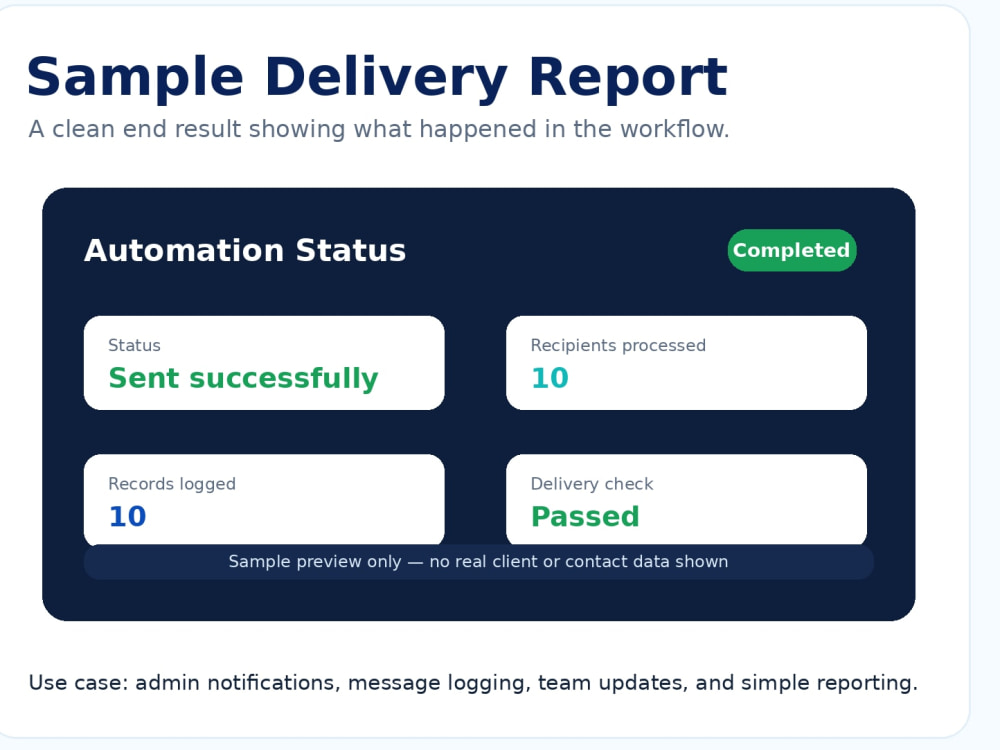
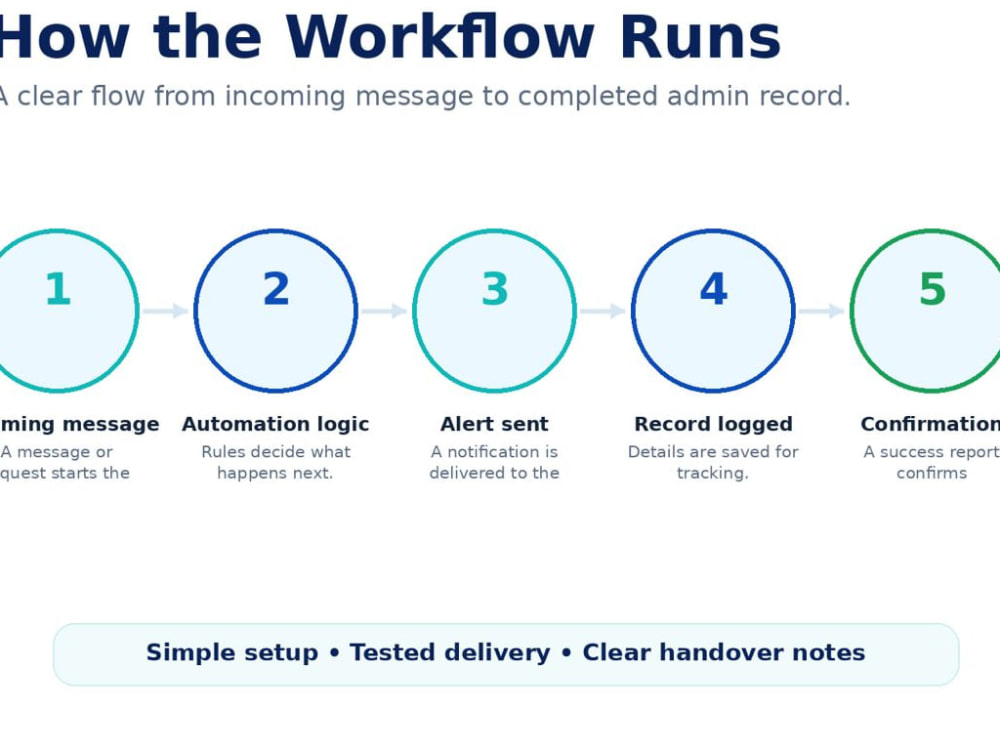
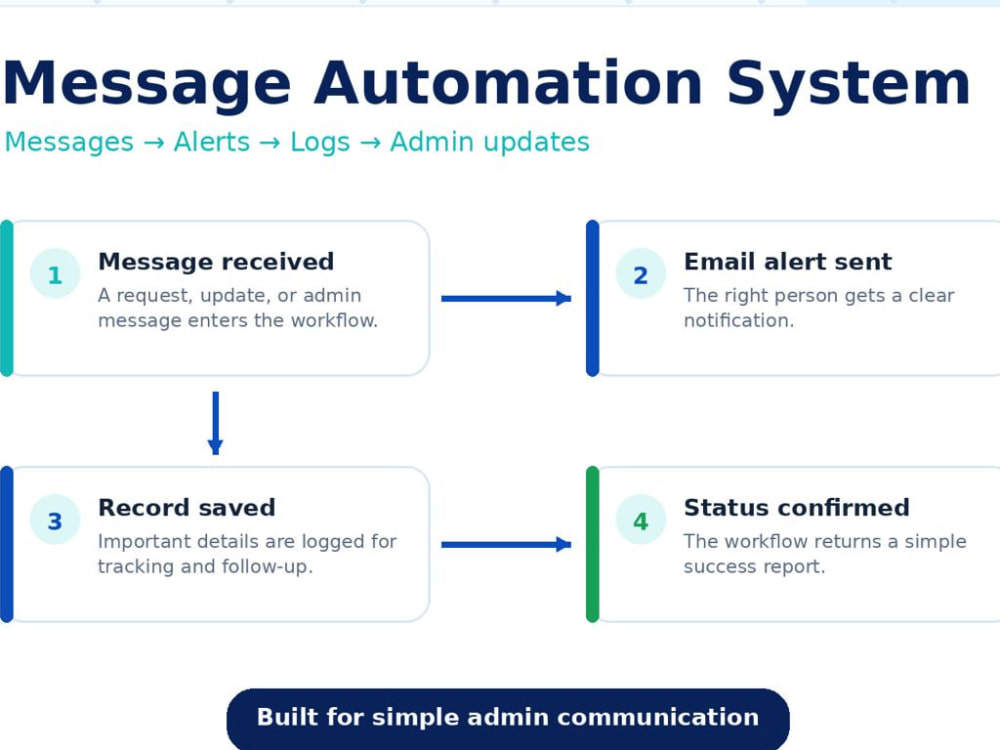
This can help you send or receive messages, trigger email notifications, log records in Google Sheets, and manage simple admin communication without doing everything manually.
I work with n8n, Telegram bots, Gmail/email workflows, Google Sheets, webhooks, and support systems. The workflow will be tested before delivery, and I will also explain how it works so you can understand what was built.
This can help you send or receive messages, trigger email notifications, log records in Google Sheets, and manage simple admin communication without doing everything manually.
I work with n8n, Telegram bots, Gmail/email workflows, Google Sheets, webhooks, and support systems. The workflow will be tested before delivery, and I will also explain how it works so you can understand what was built.
Programming Languages
JavaScriptWhat's included
| Service Tiers |
Starter
$30
|
Standard
$60
|
Advanced
$100
|
|---|---|---|---|
| Delivery Time | 2 days | 3 days | 5 days |
Number of Revisions | 1 | 2 | 3 |
Install Script | - | ||
Test Script | |||
Task Automation |
Frequently asked questions
About Anthony
AI Workflow Automation Specialist | n8n, Make, GHL, Google Sheets
Port Harcourt, Nigeria - 1:19 pm local time
I work with n8n, Google Sheets, Gmail/email workflows, Telegram bots, webhooks, and admin support systems.
I can help you turn repeated tasks into clean workflows:
• form submissions
• email alerts
• telegram notifications
• google Sheets logs
• admin reports
• and simple support systems.
My focus is clear communication, clean setup, testing, and documentation, so you can understand and use the system after delivery.
Steps for completing your project
After purchasing the project, send requirements so Anthony can start the project.
Delivery time starts when Anthony receives requirements from you.
Anthony works on your project following the steps below.
Revisions may occur after the delivery date.
Review requirements
I review your workflow, tools, sample message, and expected output before setup begins.
Build automation flow
I set up the workflow logic based on the trigger, message flow, and result you want.