You will get AI Email Inbox Automation (Auto-Sort, Route & Reply)
Project details
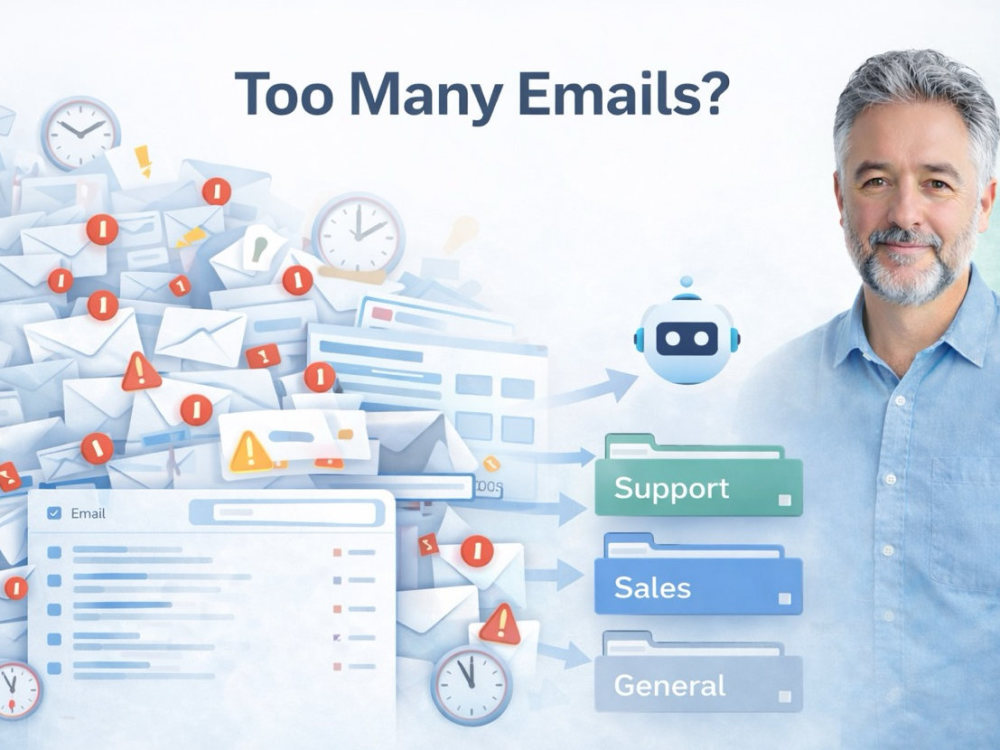
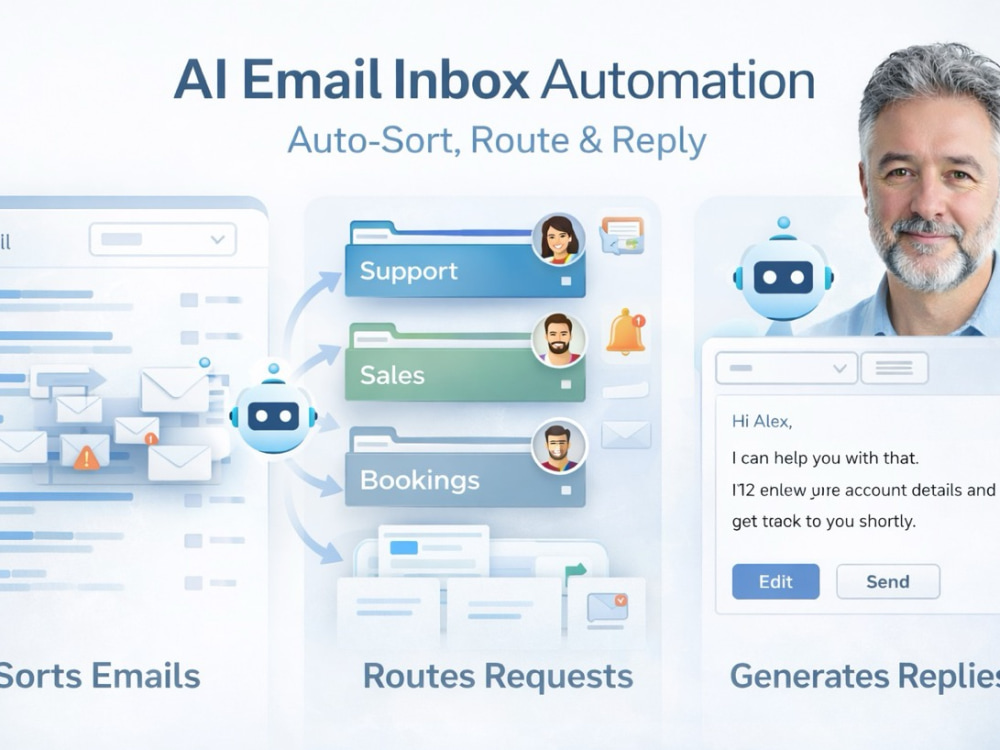
You will get a practical AI email inbox automation system that automatically sorts incoming emails, routes requests to the right place, and helps generate responses. Instead of spending hours manually managing your inbox, the system handles repetitive tasks so you can focus on important work.
This automation can classify incoming emails, apply labels, forward messages to the correct team member, and generate suggested replies for common requests. It can also trigger workflows such as notifications, task creation, or CRM updates depending on how your business handles incoming requests.
The system can integrate with platforms such as Gmail, Google Workspace, or Microsoft Outlook, and can be customized based on how your inbox currently operates.
My focus is on building simple, reliable automations that solve real business problems. The goal is not just automation, but a workflow that reduces manual work, improves response times, and keeps important messages from being missed.
This project is designed for automating a primary inbox or shared mailbox. If you need automation across multiple inboxes or departments, that can be discussed as a larger custom setup.
This automation can classify incoming emails, apply labels, forward messages to the correct team member, and generate suggested replies for common requests. It can also trigger workflows such as notifications, task creation, or CRM updates depending on how your business handles incoming requests.
The system can integrate with platforms such as Gmail, Google Workspace, or Microsoft Outlook, and can be customized based on how your inbox currently operates.
My focus is on building simple, reliable automations that solve real business problems. The goal is not just automation, but a workflow that reduces manual work, improves response times, and keeps important messages from being missed.
This project is designed for automating a primary inbox or shared mailbox. If you need automation across multiple inboxes or departments, that can be discussed as a larger custom setup.
Programming Languages
JavaScript, Python, TypeScriptCoding Expertise
Cross Browser & Device Compatibility, Performance Optimization, SecurityWhat's included
| Service Tiers |
Starter
$75
|
Standard
$175
|
Advanced
$395
|
|---|---|---|---|
| Delivery Time | 2 days | 4 days | 5 days |
Number of Revisions | 1 | 2 | 3 |
Number of Pages | 1 | 1 | 1 |
Design Customization | - | ||
Content Upload | - | - | - |
Responsive Design | - | - | - |
Source Code |
Frequently asked questions
About Stephan
AI Automation & Workflow Systems | Email, Data, and Business Workflows
Chiang Mai, Thailand - 1:41 pm local time
I design automation systems that handle these tasks automatically so the work happens in the background instead of manually. These systems turn repetitive processes into one-click or fully automated workflows.
In many cases this involves building small internal tools or operational systems that automate how requests are handled, data is processed, or products are created.
What I build
• Email automation that classifies, routes, or responds to incoming messages
• Workflow automation that removes repetitive manual steps between apps
• File and data processing pipelines (renaming, sorting, packaging, organizing)
• Digital product and listing automation for sellers and creators
• Internal tools and operational systems that simplify repetitive business tasks
Typical systems and tools
Examples include:
• AI email classification and routing systems
• request intake or booking systems
• itinerary and quotation generators
• communication and follow-up workflows
• product or listing generation tools
• systems that move data between business tools automatically
• internal dashboards or operational utilities
Typical outcomes
• Email or request handling runs automatically instead of manually
• Data and files move between tools without manual copying
• Listings or digital products can be generated in batches
• Operational workflows run reliably in the background
• Teams use simple internal tools instead of manual spreadsheets or email chains
How I work
• Everything runs in your own accounts
• No SaaS lock-in
• No ongoing dependency on me
• Clean documentation so you actually understand the system
• Built with clear logic, logging, and error handling
• Based on real experience running my own digital stores
Tools & platforms
• Make
• Google Workspace (Sheets, Drive, Gmail)
• AI APIs such as OpenAI and Gemini
• Webhooks and API integrations
• Custom scripts and lightweight internal web tools
If you describe the manual process you currently follow, I can usually outline how it could be automated.
Steps for completing your project
After purchasing the project, send requirements so Stephan can start the project.
Delivery time starts when Stephan receives requirements from you.
Stephan works on your project following the steps below.
Revisions may occur after the delivery date.
Inbox workflow review
I review your current email workflow, common message types, and routing needs to design the automation structure.
Automation system setup
I build the email automation including classification rules, labels, routing logic, and AI processing.