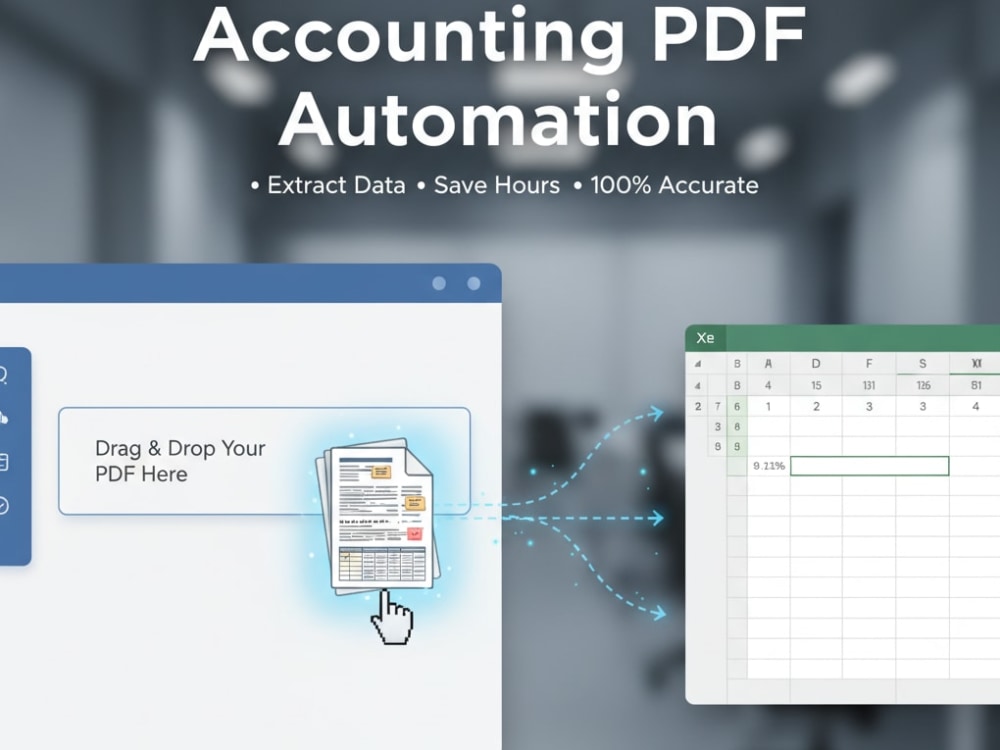
You will get an automated Excel tool that extracts data from your accounting PDFs
Project details
Stop wasting hours manually entering data from accounting reports or compliance forms into Excel.
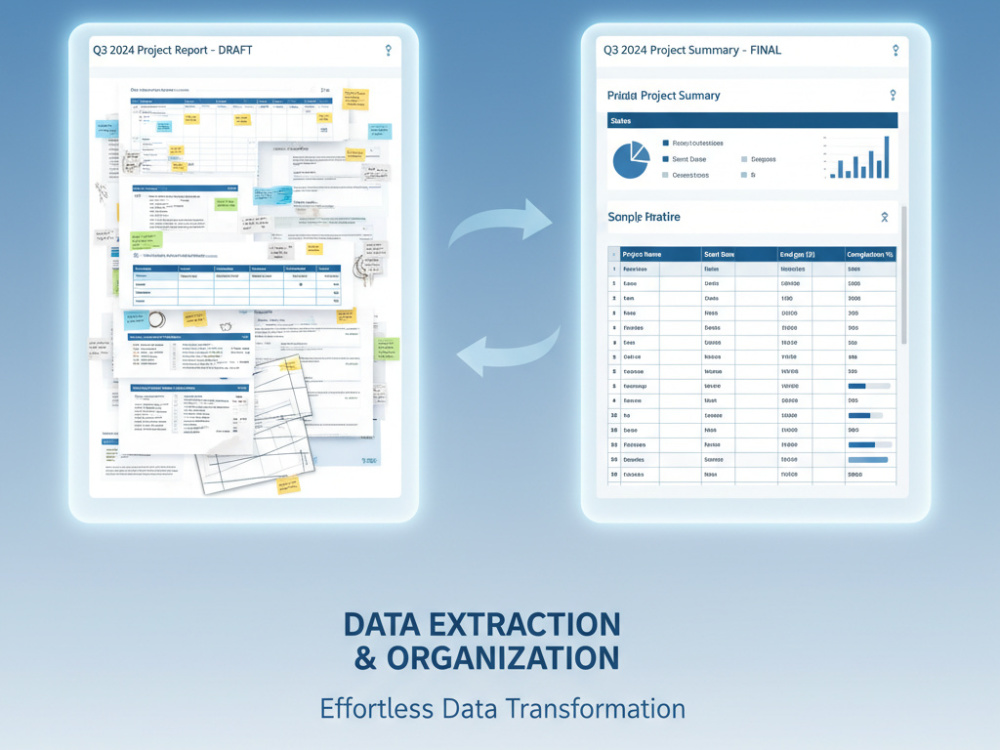
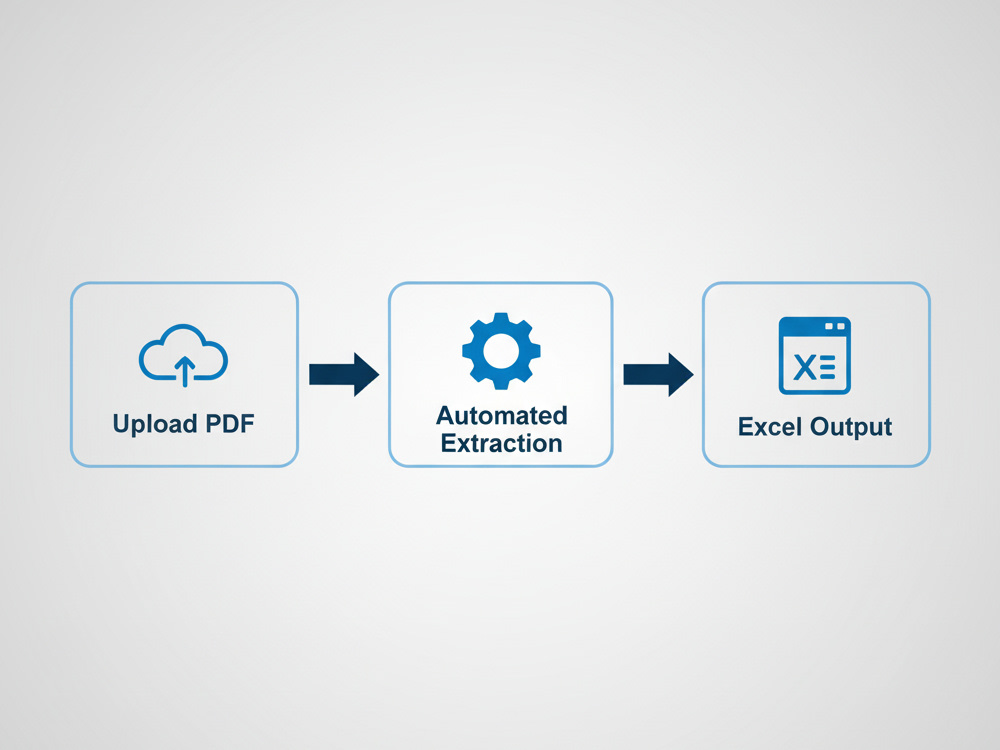
I build custom PDF-to-Excel automation tools that convert your reports into clean, structured spreadsheets automatically.
Whether it’s audit summaries, invoice data, or recurring financial reports — I’ll deliver a ready-to-use Python-based application for your exact PDF layout.
💼 What You Get
A custom-built automation tool (Python-based executable — no coding required)
Extracts all fields, tables, or figures from your accounting or compliance PDFs
Outputs clean Excel or CSV files
Can handle bulk PDFs or recurring reports
Optional monthly maintenance & updates to handle layout or data format changes
⚙️ Example Use Cases
Financial statement PDFs → Excel data
Audit or compliance reports
Invoice or expense summaries
Internal accounting report automation
💡 Why Choose This Service
Built for accountants and auditors — not generic scripts
Accurate, consistent extraction every time
Delivered as a ready-to-run tool (no setup hassle)
Fast turnaround and post-delivery support
⚠️ Without renewal, the tool will stop receiving updates and may lose functionality if document layouts change.
I build custom PDF-to-Excel automation tools that convert your reports into clean, structured spreadsheets automatically.
Whether it’s audit summaries, invoice data, or recurring financial reports — I’ll deliver a ready-to-use Python-based application for your exact PDF layout.
💼 What You Get
A custom-built automation tool (Python-based executable — no coding required)
Extracts all fields, tables, or figures from your accounting or compliance PDFs
Outputs clean Excel or CSV files
Can handle bulk PDFs or recurring reports
Optional monthly maintenance & updates to handle layout or data format changes
⚙️ Example Use Cases
Financial statement PDFs → Excel data
Audit or compliance reports
Invoice or expense summaries
Internal accounting report automation
💡 Why Choose This Service
Built for accountants and auditors — not generic scripts
Accurate, consistent extraction every time
Delivered as a ready-to-run tool (no setup hassle)
Fast turnaround and post-delivery support
⚠️ Without renewal, the tool will stop receiving updates and may lose functionality if document layouts change.
Data Tool
PythonWhat's included
| Service Tiers |
Starter
$30
|
Standard
$50
|
Advanced
$80
|
|---|---|---|---|
| Delivery Time | 2 days | 3 days | 7 days |
Number of Revisions | 1 | 2 | 3 |
Optional add-ons
You can add these on the next page.
Add OCR Support for Scanned PDFs
(+ 1 Day)
+$30
Extra Layout Support (Multiple PDF Templates)
(+ 2 Days)
+$30Frequently asked questions
About Pulkit
Automation Engineer | I automate accounting & compliance PDF reports t
Patna, India - 4:05 pm local time
I build custom automation tools that extract structured data directly from your PDFs — accurately, fast, and repeatably.
💼 I specialize in automating financial and regulatory PDFs, including:
PCAOB Form 2 and similar annual report forms
Audit and assurance reports
Financial statements and compliance filings
Invoice summaries and payment records
⚙️ What I deliver:
A ready-to-use desktop tool or script (no coding required on your side)
Converts PDF forms/tables into clean Excel or CSV output
Supports recurring document batches
Optional monthly maintenance & updates (for evolving layouts)
🧩 Tech Stack:
Python, PDFPlumber, PyMuPDF, Camelot, Tabula
Pandas, OpenPyXL, Tkinter (for GUI tools)
OCR integration (Tesseract) for scanned documents
💡 Why clients hire me:
Accounting knowledge + automation engineering = high accuracy
Clean, documented, and reusable tools
I deliver systems, not scripts — your workflow becomes push-button simple
📈 Ideal Clients:
Accounting & audit firms handling repetitive report conversions
CFOs and finance teams managing large PDF archives
Data-entry firms looking to reduce manual work
Let’s discuss your current workflow — I can usually show you how to cut 90% of manual work with automation in under a week.
Steps for completing your project
After purchasing the project, send requirements so Pulkit can start the project.
Delivery time starts when Pulkit receives requirements from you.
Pulkit works on your project following the steps below.
Revisions may occur after the delivery date.
Build and test a tool to automatically extract data from PDF formats