You will get an automated invoice PDF system in Google Sheets with Apps Script
Project details
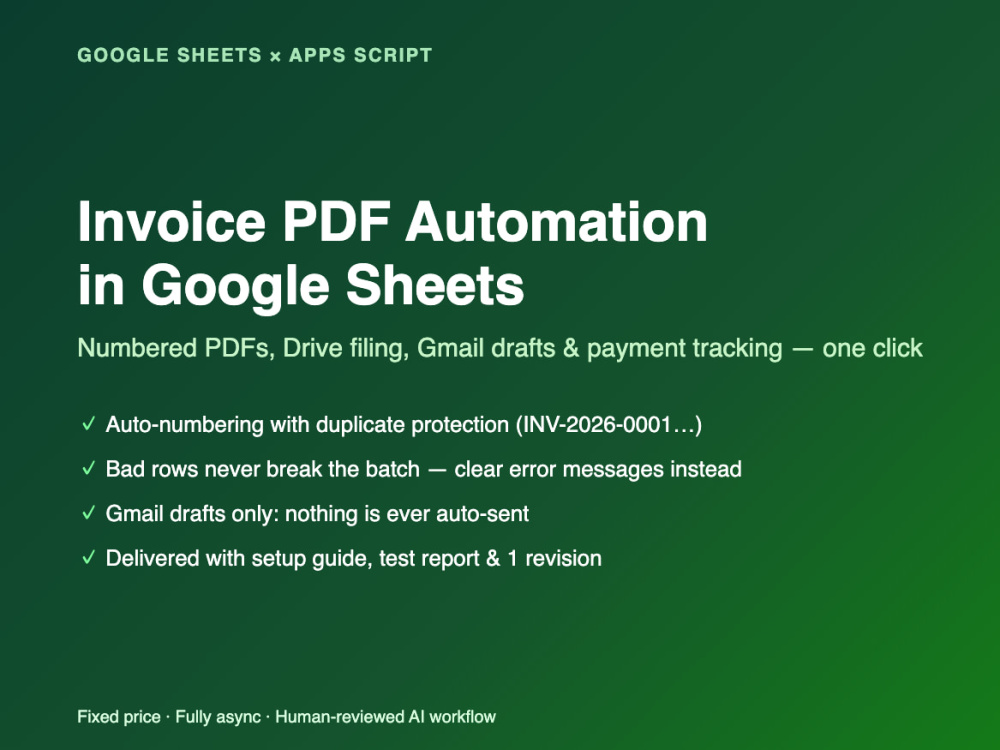
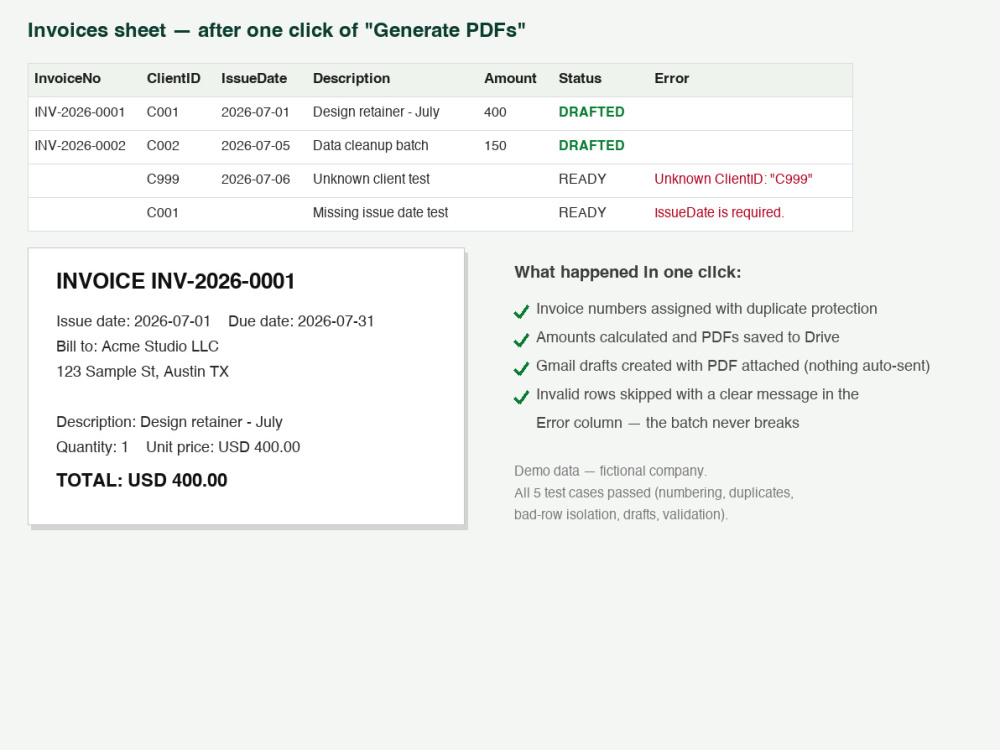
Turn a plain Google Sheet into a small invoicing system. One click generates numbered PDF invoices from your own Google Docs template, saves them to Drive, tracks status, and creates Gmail drafts with the PDF attached - nothing is ever auto-sent. Built by someone who runs real back-office operations (billing, payroll data, monthly reports) for multiple companies in Japan. The focus is the business logic generic scripts miss: duplicate-number protection, validation before PDF generation, and per-row error messages so one bad row never breaks the batch.
Programming Languages
JavaScriptWhat's included
| Service Tiers |
Starter
$79
|
Standard
$149
|
Advanced
$249
|
|---|---|---|---|
| Delivery Time | 3 days | 4 days | 5 days |
Number of Revisions | 1 | 1 | 1 |
Install Script | |||
Test Script | |||
Task Automation | - |
1 review
(0)
(1)
(0)
(0)
(0)
This project doesn't have any reviews.
EA
Evan A.
Sep 11, 2023
Native Japanese speakers: Create 200 phrases that are examples of things you would say to your car
Task was only partially completed.
About Yuki
English-Japanese Translator & Proofreader | Native Japanese Speaker
Handashi, Japan - 7:04 pm local time
I run back-office operations (billing, payroll data handling, monthly reporting) for multiple companies in Japan, and I have automated those workflows myself. My focus is the business logic that generic scripts miss: duplicate invoice numbers, validation before PDF generation, error logging, and clear handover documentation.
How I work:
- Fixed-price, clearly scoped packages. You approve the written spec before I start.
- Fully asynchronous - written specifications, progress updates, test evidence, and documentation via Upwork Messages. No meetings required.
- I use AI tools (Claude) for drafting code, test cases, and documentation. I personally review the workflow logic, run the tests, and approve every deliverable. Client data is never submitted to external AI tools without your written permission.
- One revision round and a written test report are included in every package.
Also available: Japan market desk research - five-company competitor snapshots and Japanese-source verification with every figure cited (see portfolio). Native Japanese speaker based in Japan.
Steps for completing your project
After purchasing the project, send requirements so Yuki can start the project.
Delivery time starts when Yuki receives requirements from you.
Yuki works on your project following the steps below.
Revisions may occur after the delivery date.
Written spec and kickoff
Build, test and deliver with documentation