You will get an Excel file solution to process your CSV files
Top Rated


Project details
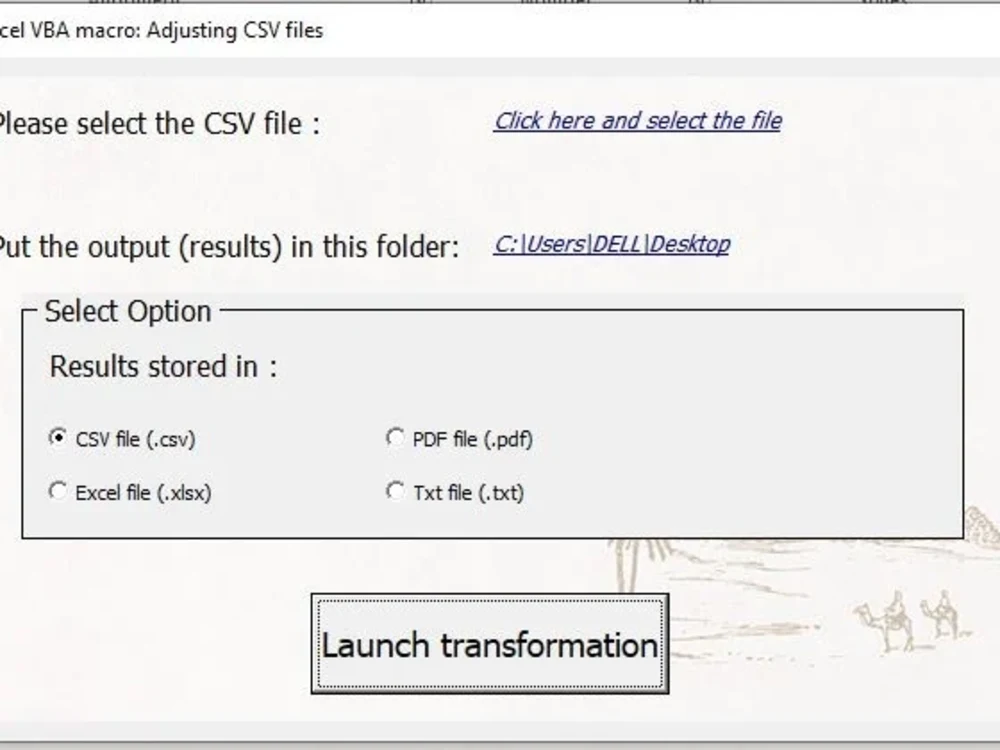
You will obtain an Excel file with macro allowing you to easily manipulate your CSV files.
Explain to me briefly how you want to manipulate the data, I will make you a tailor-made solution that will perfectly meet your desires.
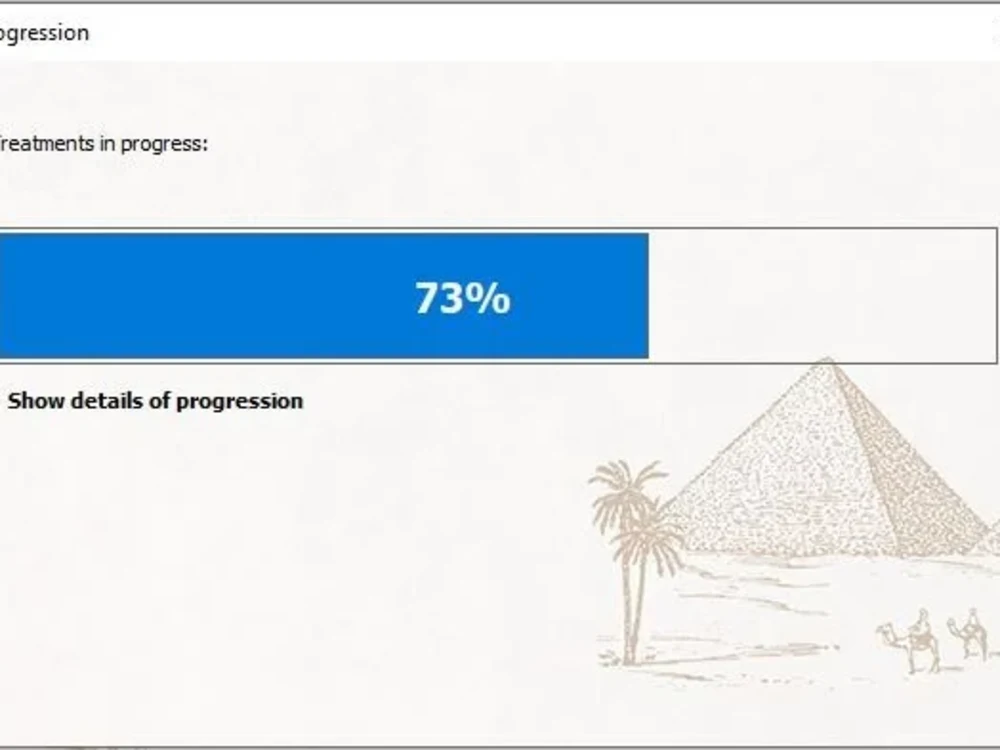
You will be fascinated by the speed of the treatments.
The work I deliver is 100% original and high quality
Do not hesitate to contact me!
Explain to me briefly how you want to manipulate the data, I will make you a tailor-made solution that will perfectly meet your desires.
You will be fascinated by the speed of the treatments.
The work I deliver is 100% original and high quality
Do not hesitate to contact me!
Programming Languages
VBOperating System
WindowsDesktop App Expertise
Development, Performance Optimization, Application Review & OptimizationApplication
Microsoft ExcelWhat's included
| Service Tiers |
Starter
$100
|
Standard
$150
|
Advanced
$200
|
|---|---|---|---|
| Delivery Time | 4 days | 5 days | 7 days |
Number of Revisions | Unlimited | Unlimited | Unlimited |
Source Code | - | - |
Optional add-ons
You can add these on the next page.
Fast Delivery
+$100 - $200Frequently asked questions
87 reviews
(84)
(1)
(1)
(1)
(0)
This project doesn't have any reviews.
MG
Matin G.
Jun 24, 2026
Excel Calculation Tool for Raw Material Distributor (with INDEX/MATCH, Dropdowns, Pricing Logic)
MS
Mike S.
May 12, 2026
google sheets help
Yacine is the BEST excel expert on Upwork. I have used him multiple times and will continue do so.
BH
Benoit H.
May 12, 2026
EXCEL - Self-assessment template
Yacine is a leading-edge developer who has brought tremendous value to our organization through his ability to design, structure and deploy several high-value applications, all offering an excellent and user-friendly UX. He has also always remained available for after-sales support and for optimization enhancements to the tools developed. I strongly recommend relying on Yacine’s technological expertise.
AB
Alex B.
May 12, 2026
Excel Dashboard Development using Salesloft API
Yacine was amazing from onset to completion.
GC
Greg C.
May 11, 2026
Excel Print Format Redesign
Great working with Yacine, honourable hard working guy with great communication. Always reasonable and an pleasure to work with.
About Yacine
Excel & VBA Corporate Expert | Financial Modeling & Business Automatio
100%
Job Success
Bejaia, Algeria - 6:54 am local time
With a 100% Job Success Score and a Top Rated status on Upwork, I bridge the gap between technical programming and business logic. I don’t just write macros; I understand your costs, operational workflows, and financial risks to build tools that genuinely improve decision-making.
Core Areas of Expertise:
• Advanced Automation & VBA: Custom ERP-style interfaces, automated reporting systems, and macro-driven workflows that eliminate manual errors.
• Financial Engineering: Pricing models, corporate dashboards, financial calculators, and cash flow forecasting tools.
• Operations & Logistics: Robust inventory tracking, stock management tools, and operations systems built for daily reliability.
• Data Management: Power Query architecture, large dataset cleaning (CSV/TXT), and database reconciliations.
My Approach to Your Project:
I prioritize clean workbook structures, bulletproof calculations, and simple user interfaces. More importantly, I avoid unnecessary modern dynamic functions when backward compatibility with older Excel versions is required, ensuring your tools work seamlessly across your entire organization.
Let’s transform your complex business data into a reliable, automated workhorse. Click the 'Invite' button, and let's discuss your project.
Steps for completing your project
After purchasing the project, send requirements so Yacine can start the project.
Delivery time starts when Yacine receives requirements from you.
Yacine works on your project following the steps below.
Revisions may occur after the delivery date.
Organization of the Macro Steps
I will write the VAB code working in this order: 1- Read the file 2- Store the file in a variable 3- Manipulate data and store results in a virtual variable 4- Spit the output in the selected format