You will get an n8n workflow with automatic appointment reminders to cut no-shows
Project details
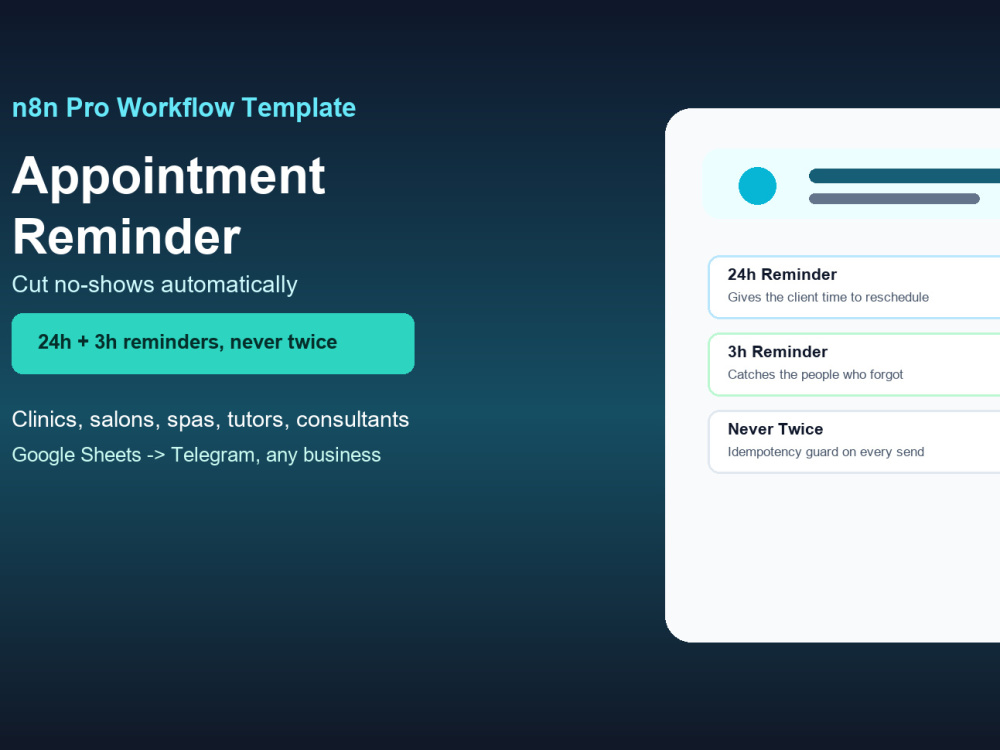
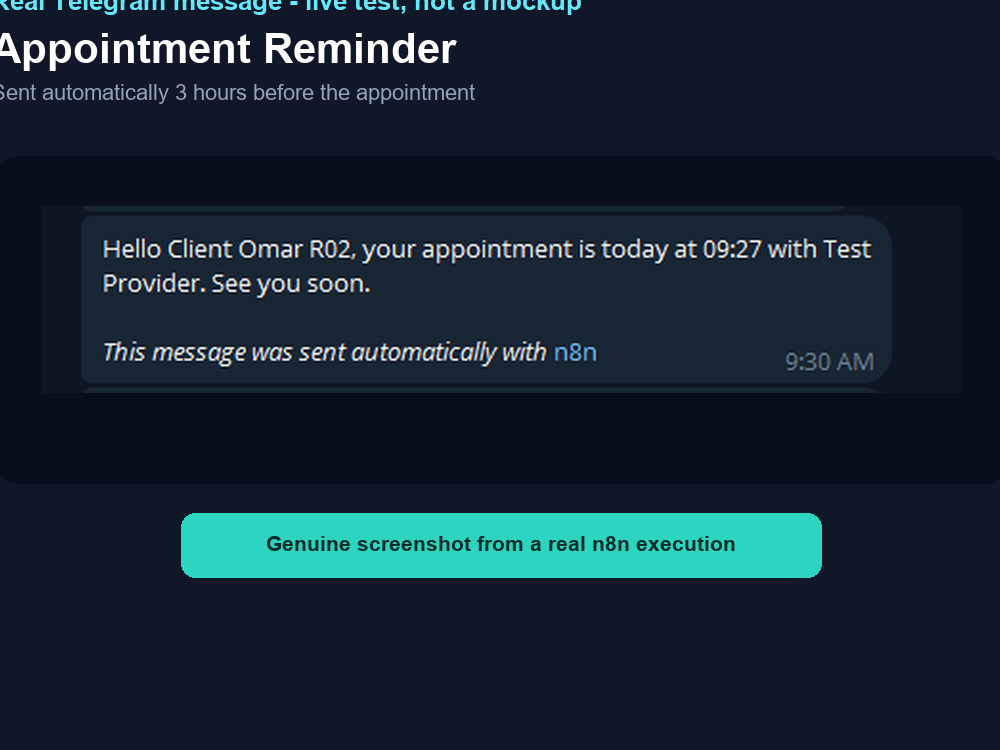
Every no-show is a slot you cannot sell again, and most no-shows are not deliberate - the client simply forgot. This n8n workflow reads your appointments from a Google Sheet and sends a reminder 24 hours before and again 3 hours before, then marks the row so nobody is ever reminded twice. This is not booking software - it reads the sheet you already maintain and handles the messages around it. Works for clinics, salons, spas, tutors, consultants, and repair shops, with five industry preset wording sets included and a bilingual (English/Arabic) setup guide.
AI Development Type
Software MaintenanceWhat's included $20
These options are included with the project scope.
$20
- Delivery Time 1 day
- Number of Revisions 1
Optional add-ons
You can add these on the next page.
Additional Revision
+$15
Arabic Dialect Tuning
(+ 2 Days)
+$100
Daily Provider Schedule Digest
(+ 3 Days)
+$125Frequently asked questions
About Ahmed
AI Automation & App Development | n8n, SaaS Tools, Business Systems
Cairo, Egypt - 10:51 pm local time
Most automation problems are not really about one tool. A missed lead, an unread complaint, or a fragile spreadsheet is usually a sign that the underlying process was never designed - it just grew. I fix the specific breakage first, and when the problem is bigger than one workflow, I design the system it needs to run inside of.
I work across three connected areas:
AI automation and n8n workflows
- Email and message classification that separates real requests, complaints, and invoices from inbox noise
- Lead capture and follow-up automation from forms, webhooks, or CRMs
- Scheduled reporting that pulls from sheets or a CRM and delivers a summary automatically
- Integration work between the tools a business already uses
Internal tools and SaaS systems
- Dashboards and admin panels with real roles and permissions, not a shared spreadsheet pretending to be one
- Data models and APIs designed to hold up as a business grows past its first version
- Clickable prototypes so you can react to a system before paying for the full build
Business process and operations design
- Mapping how work actually happens before proposing a fix
- Deciding honestly whether a problem needs a small automation or a properly designed system
- Scoping a build in phases so you are not committing to a large system before the requirements are clear
Recent proof of this approach: a multi-tenant clinic operations system covering bookings, patients, waitlist recovery, cashier, roles, permissions, audit events, and reporting dashboards - built in Next.js, TypeScript, and Supabase/PostgreSQL, and validated on a staging deployment. That is the same design thinking applied at a much smaller scale to a single automation.
How I work:
1. I map the current manual process before touching any tool - where the time and errors actually come from.
2. I propose the smallest automation or system that removes that specific bottleneck, and say plainly if it needs to be bigger.
3. I build and test it against real or realistic sample data.
4. I hand over a short setup guide so your team understands what is running.
5. If the work reveals a bigger opportunity, I scope that separately rather than expanding the original job.
Good fit if you are dealing with:
- leads or messages that get missed
- a reporting process someone rebuilds manually every week
- a spreadsheet that has quietly become your system of record
- an idea for an internal tool or small SaaS product you want to see before committing to a full build
Tell me what the manual process looks like right now, and I will tell you honestly whether the fix is a workflow or something bigger.
Steps for completing your project
After purchasing the project, send requirements so Ahmed can start the project.
Delivery time starts when Ahmed receives requirements from you.
Ahmed works on your project following the steps below.
Revisions may occur after the delivery date.
Set up your Google Sheet and Telegram bot
I'll walk you through the bilingual setup guide's Google Cloud and Telegram steps, or install it for you if you buy the done-for-you add-on.