You will get Claude AI integrated with your MS SQL server
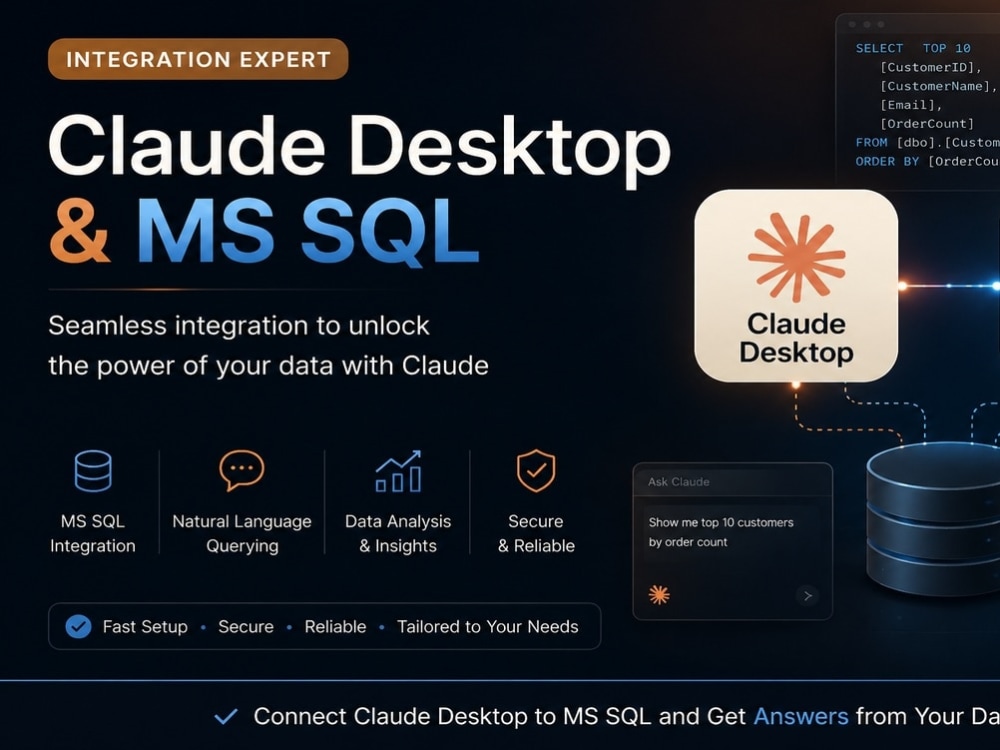
Project details
Connect Claude Desktop to your Microsoft SQL Server and interact with your database using natural language.
I will securely configure an MCP (Model Context Protocol) server, connect it to your MS SQL database, and enable Claude Desktop to query, analyze, and explain your data without writing SQL manually.
Whether you need business reporting, data exploration, or an AI assistant for your database, I'll deliver a secure, production-ready integration tailored to your environment. I can also configure read-only access, authentication, and help troubleshoot existing MCP or SQL Server connection issues.
Perfect for: business owners, analysts, developers, and IT teams who want to unlock the power of AI over their SQL data.
I will securely configure an MCP (Model Context Protocol) server, connect it to your MS SQL database, and enable Claude Desktop to query, analyze, and explain your data without writing SQL manually.
Whether you need business reporting, data exploration, or an AI assistant for your database, I'll deliver a secure, production-ready integration tailored to your environment. I can also configure read-only access, authentication, and help troubleshoot existing MCP or SQL Server connection issues.
Perfect for: business owners, analysts, developers, and IT teams who want to unlock the power of AI over their SQL data.
Database Type
MS SQLWhat's included $395
These options are included with the project scope.
$395
- Delivery Time 5 days
- Number of Revisions 1
- Source Code
Optional add-ons
You can add these on the next page.
Additional Revision
+$150About Anatoliy
Infra & Automation Engineer | Python | MSP | Backup & Recovery
Fullerton, United States - 12:38 pm local time
Background:
- MSP and infrastructure operations
- Windows/Linux administration
- Microsoft 365
- Backup & recovery
- Monitoring and troubleshooting
- Python automation and integrations
I’m especially useful for:
- automation scripts,
- API integrations,
- internal tools,
- backup/recovery workflows,
- operational tooling,
- SMB infrastructure improvements,
- cloud and systems troubleshooting.
- AI Integrations
I focus on practical, reliable solutions that reduce manual work and improve stability.
Steps for completing your project
After purchasing the project, send requirements so Anatoliy can start the project.
Delivery time starts when Anatoliy receives requirements from you.
Anatoliy works on your project following the steps below.
Revisions may occur after the delivery date.
Determining Definition of Done and client's expectations
We would need to talk about data, how it marked up, what you are trying to achieve and how we would know that software work as expected.
Collecting credentials
Collecting computer, server, DB connection credentials