You will get Cleaned Data with Python & Pandas
Project details
Project Summary:
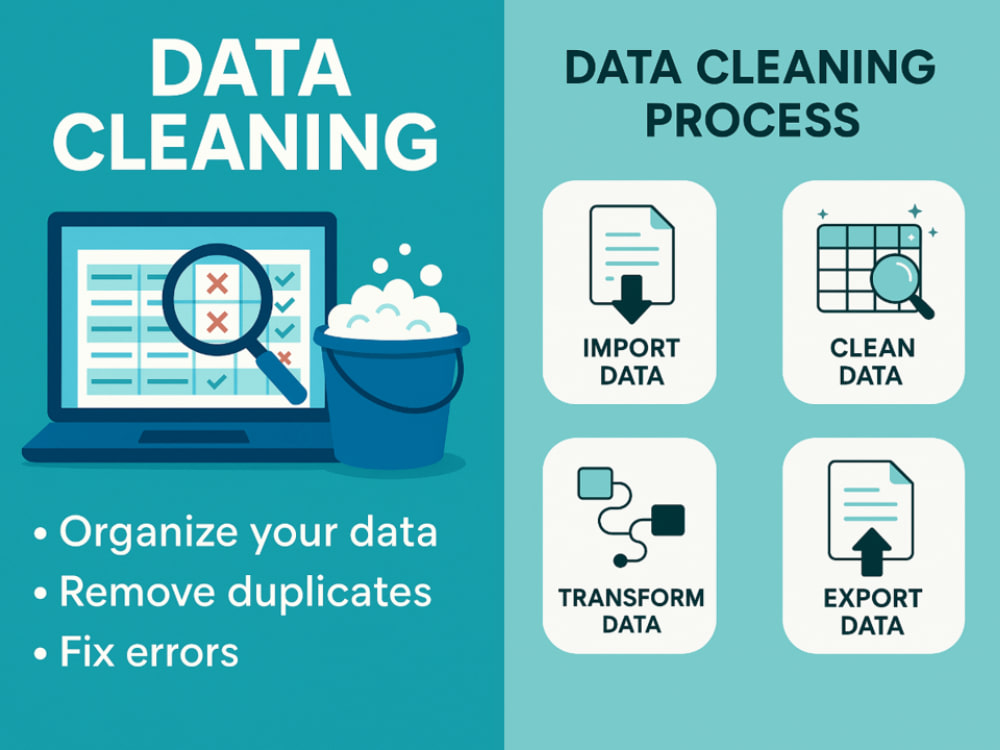
I will clean and prepare your dataset for analysis or modelling using professional Python practices. Standard data cleaning includes:
• Inspecting the Dataset
• Handling Missing Values (via imputation, deletion or retention)
• Fixing Structural Errors (e.g. correcting data entry errors, column names & converting data types)
• Removing Duplicates (retain the first row or consolidate)
• Managing Outliers (leave as-is, remove or cap/transform)
Deliverables include:
• A cleaned CSV file
• A Jupyter Notebook with commented Python code
Clients must provide:
• The dataset (CSV, Excel, or similar format)
• A data dictionary (only required if column names are unclear or encoded, e.g. “1543644”)
Advanced Data Cleaning (Add-On Available):
• Filters: Apply custom row logic (e.g. “Only include customers in 2024 with > $1000 spend”)
• Transformations: Column operations like scaling, encoding, and date parsing
• Custom Cleaning Rules: Non-standard logic (e.g. “If age > 120, set to null”)
• Feature Engineering: Create new columns using logic or formulas
• Multi-Source Integration: Merge data from multiple files or APIs
I will clean and prepare your dataset for analysis or modelling using professional Python practices. Standard data cleaning includes:
• Inspecting the Dataset
• Handling Missing Values (via imputation, deletion or retention)
• Fixing Structural Errors (e.g. correcting data entry errors, column names & converting data types)
• Removing Duplicates (retain the first row or consolidate)
• Managing Outliers (leave as-is, remove or cap/transform)
Deliverables include:
• A cleaned CSV file
• A Jupyter Notebook with commented Python code
Clients must provide:
• The dataset (CSV, Excel, or similar format)
• A data dictionary (only required if column names are unclear or encoded, e.g. “1543644”)
Advanced Data Cleaning (Add-On Available):
• Filters: Apply custom row logic (e.g. “Only include customers in 2024 with > $1000 spend”)
• Transformations: Column operations like scaling, encoding, and date parsing
• Custom Cleaning Rules: Non-standard logic (e.g. “If age > 120, set to null”)
• Feature Engineering: Create new columns using logic or formulas
• Multi-Source Integration: Merge data from multiple files or APIs
Data Tool
pandasWhat's included $70
These options are included with the project scope.
$70
- Delivery Time 2 days
- Number of Revisions 1
Optional add-ons
You can add these on the next page.
Advanced Data Cleaning
(+ 1 Day)
+$70
Exploratory Data Analysis (EDA)
(+ 1 Day)
+$40
Live Walkthrough Call
(+ 1 Day)
+$30About Vikram
Freelance Data Analyst | Data Engineer | Data Science
London, United Kingdom - 3:04 pm local time
I work with small teams and growing businesses to help them get more from their data — whether that means fixing messy datasets, optimising SQL queries, designing dashboards, or building structured data models to support long-term reporting and insight generation.
Services I offer:
- Data Cleaning & Preparation: Tidy, well-structured datasets ready for analysis
- Exploratory Data Analysis: Patterns, trends, and clear summaries of what the data says
- Dimensional Data Modelling: Logical data structures built for scalable reporting
- SQL Query Support: Writing, debugging, and optimizing queries
- Dashboard Creation: Interactive, insight-driven dashboards in Tableau or Power BI
I bring strong technical skills in Python, SQL, and data visualisation, along with clear communication and reliable delivery. My focus is always on building practical, understandable solutions that help you make smarter decisions with your data.
Let’s turn your data into something useful.
Steps for completing your project
After purchasing the project, send requirements so Vikram can start the project.
Delivery time starts when Vikram receives requirements from you.
Vikram works on your project following the steps below.
Revisions may occur after the delivery date.
Inspecting the Dataset
Identify missing values, duplicates, anomalies and summary statistics.
Handling Missing Data
Depending on the situation, the missing data can be handled via imputation (replacing missing values with averages or a predicted value), removal (deleting rows with excessive missing data) and or leave it empty (retain nulls where appropriate).