You will get Code for worksheets, forms, documents, gmail, calendars Google Apps Script

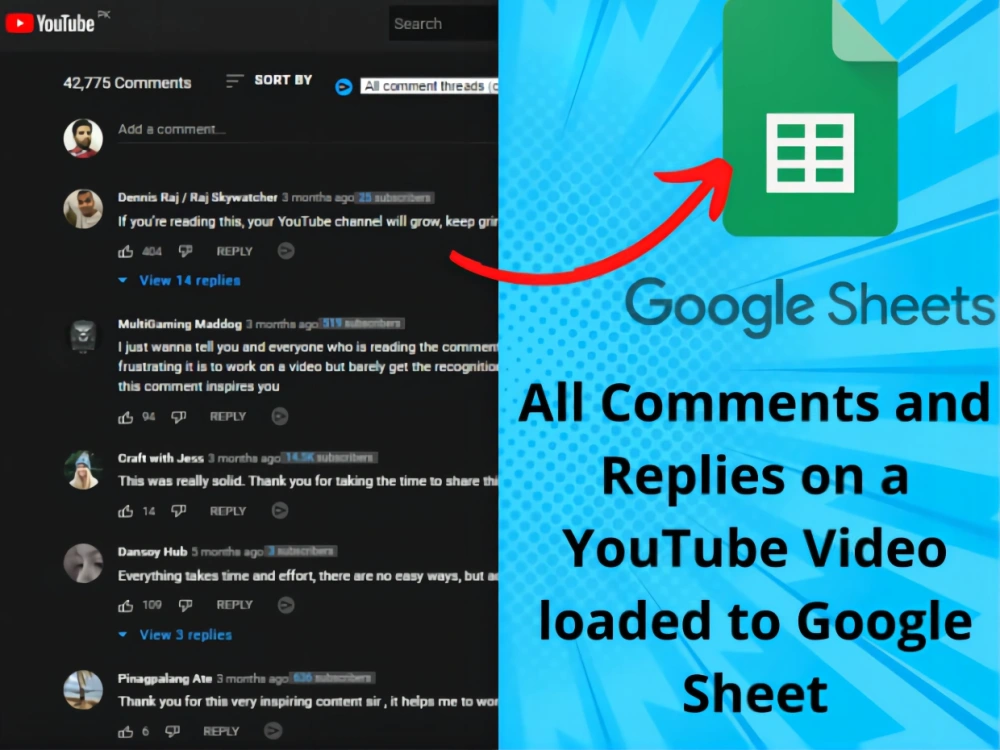
Project details
I use Google Apps scripts to automate Google Workplace workflows, which may include Google Forms automation and complex formulas Repair, clean up and optimize existing spreadsheets Automate report generation (Doc/PDF) from any data (e.g. Google Forms, CSV, JSON, XML) . (ETC.). Complete formatting via scripts, including tables and graphs Save reports to a specific Google Drive folder or send them via email Automatically generate/submit Google Forms from any data (e.g. Google Forms, CSV, JSON, XML, etc.) Automatically generate reports from Google Forms submissions.Google Slides to automate the management of attachments in different Google Cloud Drive folders. Create automatic Google Calendar events with guests, Google Meet automatically manages all Gmail events.
Programming Languages
TypeScriptCoding Expertise
DesignWhat's included $650
These options are included with the project scope.
$650
- Delivery Time 3 days
- Number of Revisions 2
- Number of Pages Mined/Scraped 2
- Number of Sources Mined/Scraped 1
- Install Script
- Test Script
- Task Automation
About Chris
code google apps script for sheet, form, doc, gmail, calendar
Pippa Passes, United States - 12:20 am local time
Google Forms automation and complex formulas
Repairing, cleaning and optimizing existing spreadsheets
Automated report generation (Doc/PDF) from any data (e.g. Google Forms, CSV, JSON, XML, etc.).
Complete formatting via scripts, including tables and figures
Save the report to a specific Google Drive folder or send it via email.
Automatically generate/submit Google Forms from any data (e.g. Google Forms, CSV, JSON, XML, etc.).
Automatically generate reports from Google Forms submission.
Google Slides Automation
Manage attachments in different Google Cloud Drive folders.
Create automated Google Calendar events with guests and Google Meet
Automatically manage all Gmail activities.
Download attachments and save them to specific Google Cloud Drive folders.
Batch process files like move/delete/copy/manage files in drive
Grab website data into Google Forms
Steps for completing your project
After purchasing the project, send requirements so Chris can start the project.
Delivery time starts when Chris receives requirements from you.
Chris works on your project following the steps below.
Revisions may occur after the delivery date.
Send detailed documentation of your work with requirements
You need to send me the detailed documents and requirements of your work, and I will complete the work according to your requirements and deliver it to you upon completion.