You will get Cross Platform Zatca Phase 2 Integration
Project details
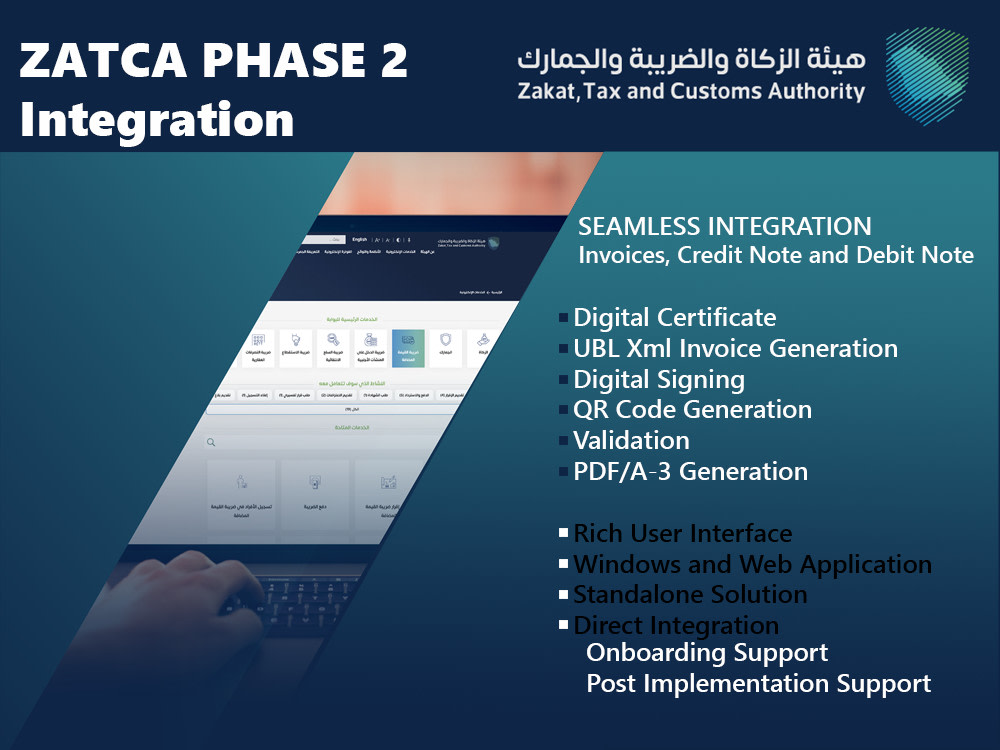
You will get a Zatca Phase 2 Compliant solution with the ability to validate Invoice, Credit Note and Debit Note. UBL Xml composition and PDF/A3 are included in the package. We have successfully deliver the project in multiple region and extend our relationship in post implementation.
The solution is available in windows and web application to fit your environment.
The solution is available in windows and web application to fit your environment.
Programming Languages
PHP, HTML & CSS, C#What's included
| Service Tiers |
Starter
$499
|
Standard
$649
|
Advanced
$949
|
|---|---|---|---|
| Delivery Time | 4 days | 8 days | 12 days |
Number of Revisions | 1 | 2 | 3 |
Design Customization | |||
Content Upload | |||
Responsive Design | - | - | - |
Source Code | - | - |
2 reviews
(2)
(0)
(0)
(0)
(0)
This project doesn't have any reviews.
MP
Mark P.
Apr 13, 2026
Create excel visual basic auto invoicing tool
Work completed well, including some strong and complex excel work.
AK
Anish K.
Aug 4, 2024
Looking for a zatca consultant
About Jonathan
PowerApps Dev | AI Builder | API Integration | Azure
60%
Job Success
Catbalogan, Philippines - 10:09 pm local time
With hands-on experience in Power Apps, Power Automate, AI Builder, Dataverse, and API integrations, I help businesses move away from manual workflows into scalable, automated solutions.
I specialize in connecting CRM/ERP systems, third-party APIs, and cloud services—ensuring data flows reliably across platforms.
💡 What I can help you with:
Build Canvas Apps & Model-Driven Apps
Automate workflows using Power Automate (Cloud Flows)
Design and optimize Dataverse tables & relationships
Integrate REST APIs, Azure Functions, Webhooks
Create custom connectors in Power Platform
Handle SSIS, CRM365, and ERP integrations
Implement business process flows (BPF)
Troubleshoot and optimize existing solutions
Experienced:
ERP, CRM, Azure, API, Webhook, Integration, ETL
Certs:
PL400
Steps for completing your project
After purchasing the project, send requirements so Jonathan can start the project.
Delivery time starts when Jonathan receives requirements from you.
Jonathan works on your project following the steps below.
Revisions may occur after the delivery date.
Implementation Process - Staging
1. System Mapping 2. Install script 3. Create Database Objects 4. Certificate generation in Sandbox and Simulator. 5. Compliance documents. 6. Setup system for e-Invoicing fields. 7. Setup the Invoice Layout with QR 8. Test Run and UAT
Implementation Process - Go Live
1. Generate Live certificate and submit compliance document 2. Transfer e-Invoicing solution to production 2. UAT 3. Go Live 4. Post Implementation Support 5. Verify in Fatoora portal