You will get Excel Data Cleaning & Formatting (Fast Delivery)
Project details
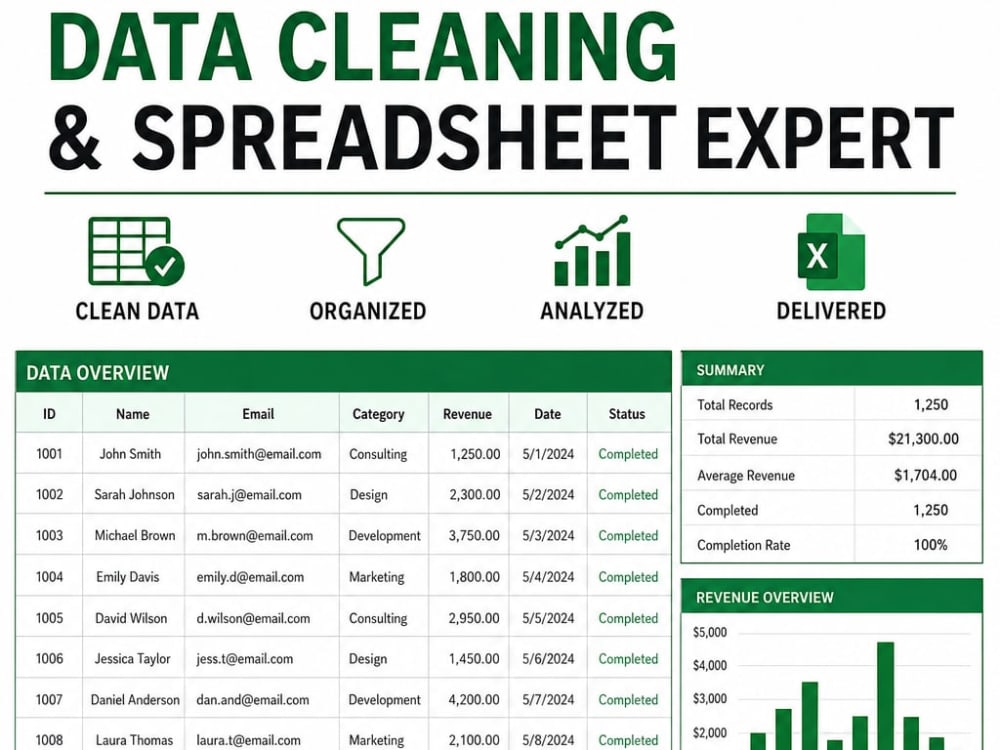
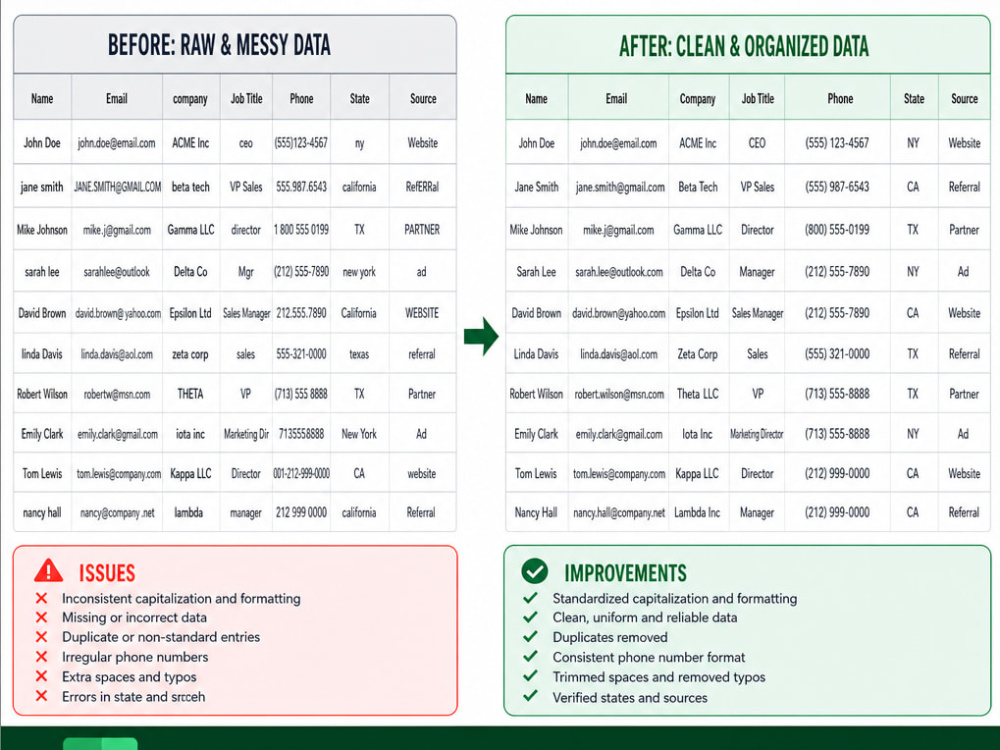
This project delivers fast, accurate, and fully organized Excel or CSV data cleaning. I fix messy spreadsheets by removing duplicates, correcting formatting, standardizing dates, validating entries, and restructuring your data for clarity and usability. You’ll receive a clean, reliable dataset ready for analysis, reporting, or automation. My process is efficient, detail‑oriented, and built to save you time while improving data accuracy. Perfect for business records, CRM exports, financial logs, inventory sheets, or any dataset that needs professional cleanup.
Data Tool
Microsoft ExcelWhat's included
| Service Tiers |
Starter
$25
|
Standard
$40
|
Advanced
$50
|
|---|---|---|---|
| Delivery Time | 1 day | 1 day | 1 day |
Number of Revisions | 1 | 2 | 3 |
Optional add-ons
You can add these on the next page.
Additional Revision
+$5Frequently asked questions
About Jared
Excel Automation & Data Analysis (Financial Modeling Specialist)
Cary, United States - 11:59 am local time
If you need structured data cleaned, stratified, and transformed into clear dashboards, depreciation curves, or multi‑sheet reporting systems, I can deliver fast, accurate results.
I build Excel systems that:
clean and normalize messy datasets
stratify data by make/model/year
calculate depreciation and asset performance
generate pivot tables and grouped summaries
automate workflows with buttons and macros
produce dashboards that update instantly
visualize trends with charts and time‑series logic
My background in engineering and trading system development gives me a strong foundation in:
structured logic
value‑decay modeling
time‑series analysis
multi‑condition workflows
automation and data integrity
If you need:
depreciation curves
asset performance tracking
Excel dashboards
financial modeling
pivot table systems
data cleaning and normalization
automated reporting
multi‑sheet Excel tools
I can build it quickly and professionally.
Let’s turn your data into a clear, actionable system.
Steps for completing your project
After purchasing the project, send requirements so Jared can start the project.
Delivery time starts when Jared receives requirements from you.
Jared works on your project following the steps below.
Revisions may occur after the delivery date.
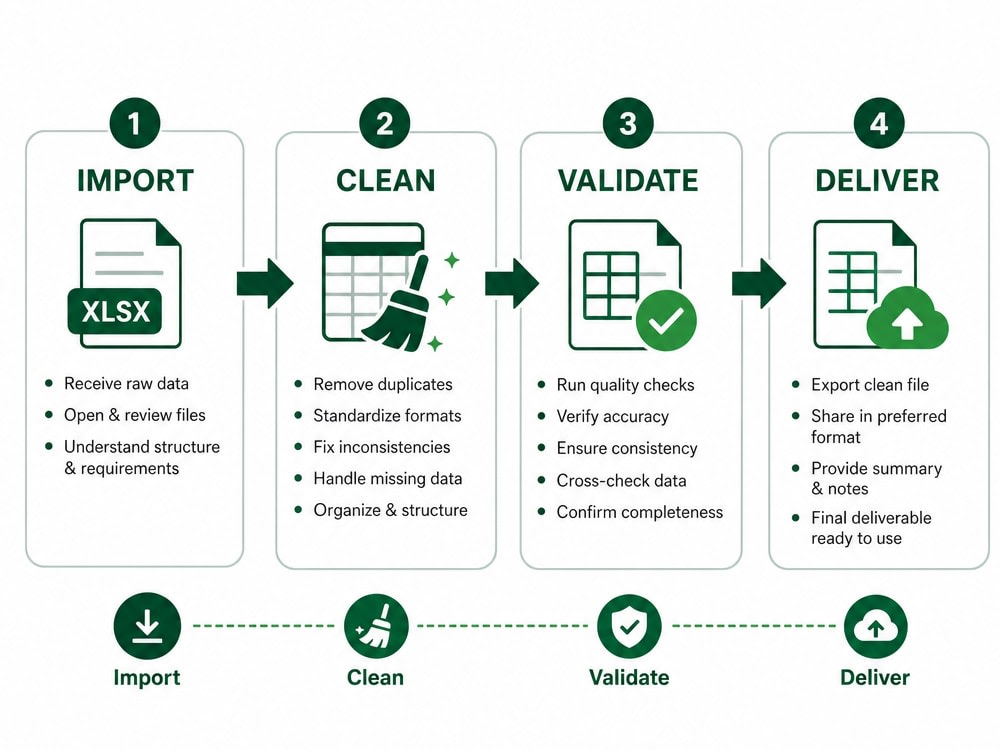
Step 1 — Review Requirements & Files
I review your spreadsheet and confirm the issues you want fixed.
Step 2 — Clean & Organize Your Data
I remove duplicates, fix formatting, standardize values, validate entries, and restructure the sheet for clarity.