You will get Expert Level FiveM Server Setup
Rising Talent
Project details
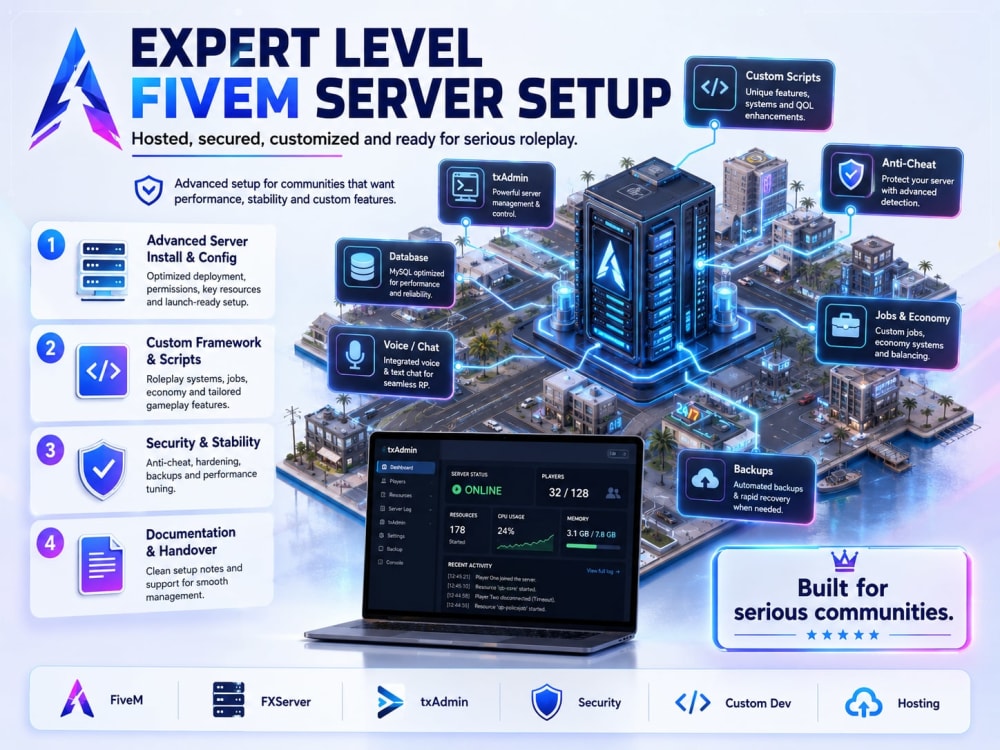
You will get a professionally configured FiveM server ready for testing or launch. I can help install ESX, QBCore, vMenu, resources, database connections, permissions, Discord integrations, basic optimization, and server branding. My focus is clean setup, stable configuration, and clear communication so your server is easier to manage after delivery.
Game Type
3DGame Engine
FiveMPlatform Type
PCGenre
Action, Adventure, Arcade, Shooter, Fighting, Racing, Puzzle, Role Playing, Educational, Simulation, Platformers, Strategy, Sports, Idle, MultiplayerWhat's included
| Service Tiers |
Starter
$120
|
Standard
$275
|
Advanced
$550
|
|---|---|---|---|
| Delivery Time | 2 days | 4 days | 7 days |
Number of Revisions | 1 | 2 | 3 |
Source Code | - |
Optional add-ons
You can add these on the next page.
Fast Delivery
+$40 - $100
Additional Revision
+$30
Custom Script/Resource Development
(+ 2 Days)
+$100
Extra Job, Vehicle or Map Setup
(+ 1 Day)
+$50
Server Migration / Transfer
(+ 1 Day)
+$75Frequently asked questions
1 review
(1)
(0)
(0)
(0)
(0)
This project doesn't have any reviews.
JS
John S.
Jul 7, 2026
Set up Family app for parental controls on child's laptop (Asus, Windows 11)
Tyler was a lucky find! He was ready to jump into the work immediately, and guided me through the process every step of the way. He clearly did pre-research to be ready to instruct the install and setup, and was able to handle troubleshooting along the way. He's skilled in a number of disciplines and I'm hoping to collaborate with him on other projects. Solid communication, highly recommended.
About Tyler
Infrastructure & Game Server Hosting Specialist - Proxmox - Docker
Hagerstown, United States - 9:29 pm local time
By day, I'm a data center technician at AWS, where I rack, repair, and troubleshoot the hardware and networks behind some of the largest cloud services on earth. Off the clock, I run my own multi-node setup: a Proxmox cluster, Dockerized services behind reverse proxies, self-hosted AI tools, and a network of dedicated game servers — all with proper DNS, firewalls, and monitoring. I don't just read about this stuff. I run it every day.
Here's how I can help you:
🎮 Game Server Hosting — Dedicated FiveM, Minecraft, and more, with connect setup, mods/scripting, and an easy management panel for your admins.
🐧 Linux & Self-Hosting — Proxmox, Docker/Compose, LXC containers, server hardening, backups, and monitoring done right.
🌐 Web Hosting & Domains — Websites, DNS (Cloudflare), SSL, reverse proxies (Nginx / Traefik / Cloudflare Tunnel), and email that actually lands in the inbox (SPF, DKIM, DMARC).
🤖 Self-Hosted AI — Run local LLMs and AI apps on your own hardware for privacy and lower costs.
Why clients work with me: I'm solution-oriented and detail-oriented, and I document everything I build — so you're never locked in, left guessing, or dependent on me forever. You get infrastructure you actually understand and own.
Whether you need a one-time setup, ongoing management, or someone to untangle a setup that's gone sideways, I'd love to help. Send me a message and tell me what you're trying to build.
Steps for completing your project
After purchasing the project, send requirements so Tyler can start the project.
Delivery time starts when Tyler receives requirements from you.
Tyler works on your project following the steps below.
Revisions may occur after the delivery date.
Review Requirements
I review your server access, framework choice, FiveM license status, resources/scripts, database details, and launch goals.
Step 2 — Configure Server
I install and configure the selected framework, database connection, server.cfg, permissions, resources, and core settings.