You will get Google OAuth login added to your web app using Firebase
Project details
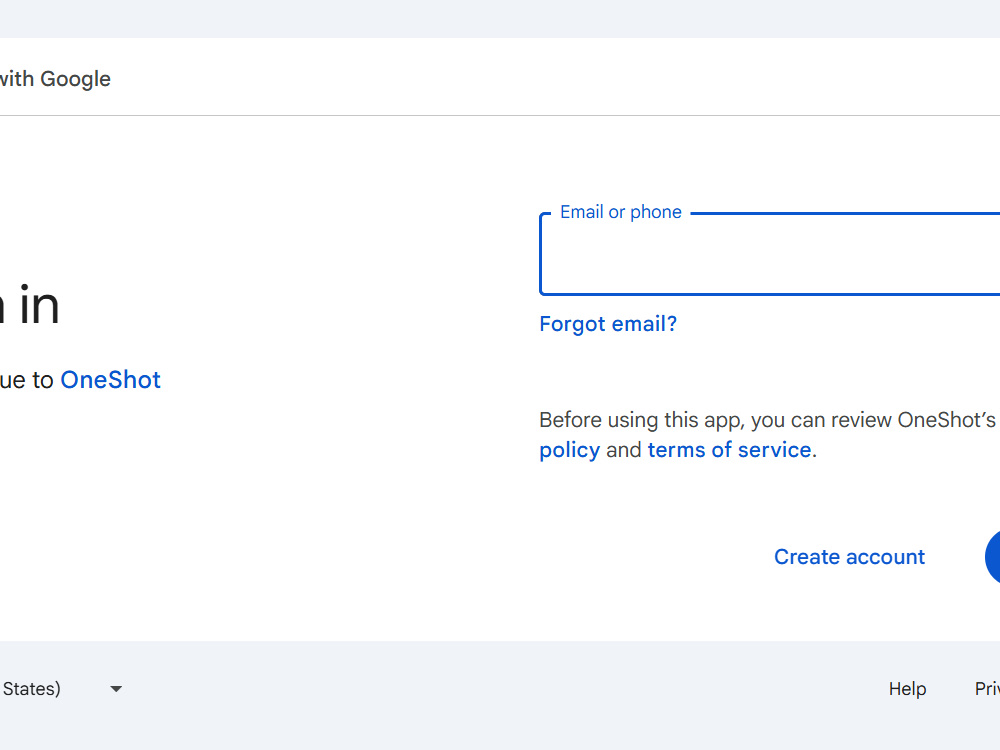
I will integrate Google OAuth login into your web app using Firebase Authentication — so your users can sign in with one click, no passwords needed.
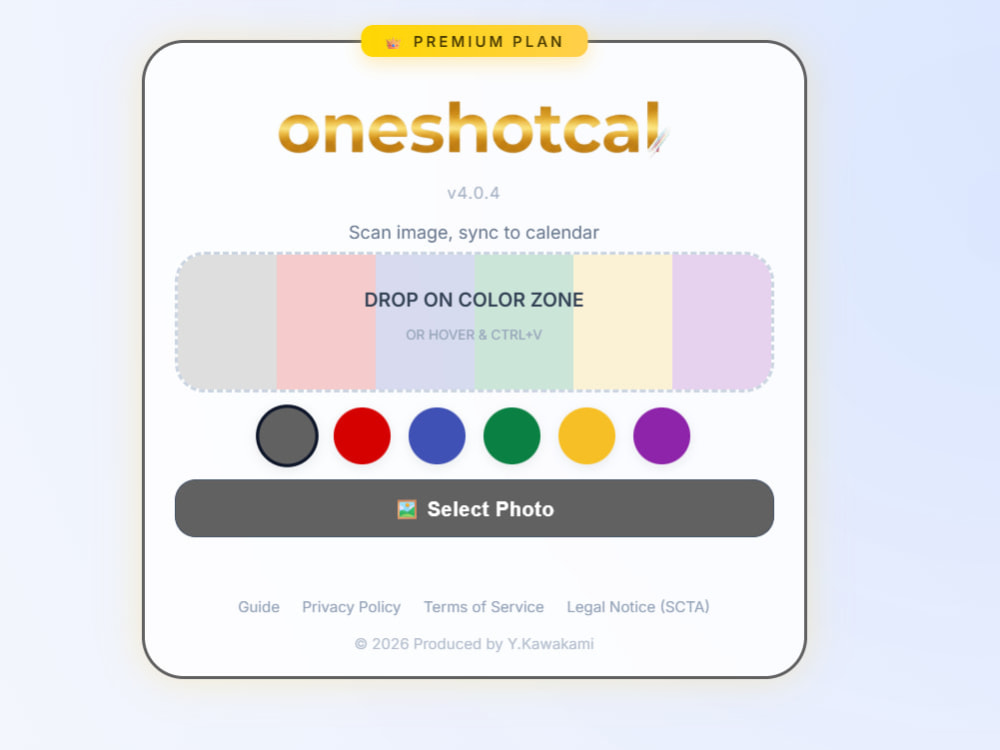
I built this exact feature into my own SaaS app, OneShotCal (oneshotcal.com), so I've already solved the real-world edge cases: handling auth state, managing user sessions, and making it work across Chrome, Safari, and mobile browsers.
What you'll get:
• Google Sign-In button added to your app
• Firebase Authentication configured and connected
• User session management (login / logout / auth state)
• User profile data (name, email, avatar) passed to your frontend
• Clean, commented code you can maintain yourself
• 1 round of revisions included
This project is ideal for founders and developers who want a reliable, production-ready login system without spending days figuring out the Firebase docs.
I built this exact feature into my own SaaS app, OneShotCal (oneshotcal.com), so I've already solved the real-world edge cases: handling auth state, managing user sessions, and making it work across Chrome, Safari, and mobile browsers.
What you'll get:
• Google Sign-In button added to your app
• Firebase Authentication configured and connected
• User session management (login / logout / auth state)
• User profile data (name, email, avatar) passed to your frontend
• Clean, commented code you can maintain yourself
• 1 round of revisions included
This project is ideal for founders and developers who want a reliable, production-ready login system without spending days figuring out the Firebase docs.
Programming Languages
JavaScriptCoding Expertise
Cross Browser & Device Compatibility, SecurityWhat's included $40
These options are included with the project scope.
$40
- Delivery Time 5 days
- Number of Revisions 1
- Source Code
Frequently asked questions
About Yoshiyuki
Full-Stack Developer - Stripe, PWA, Google API - SaaS Founder
Kobe, Japan - 10:36 am local time
Most of my work is taking projects that are almost there and getting them across the finish line. Misconfigured DNS, broken webhooks, PWA not installing on a specific device — I deal with these in my own product regularly, so I recognize them quickly in others.
What I work on:
Stripe: subscriptions, webhooks, payment links
Frontend: vanilla JS, PWA setup (manifest, service worker, iOS/Android meta tags)
Automation: Google Sheets, CRM integrations, document workflows
Auth & deployment: Google OAuth 2.0, Cloud Run, Netlify, Namecheap DNS
On communication: I work via text and Loom video — no live calls. I lost my voice, so this is how I operate. In practice, clients find it works well: instead of a call you forget, you get a short screen recording you can rewatch or share with your team.
Steps for completing your project
After purchasing the project, send requirements so Yoshiyuki can start the project.
Delivery time starts when Yoshiyuki receives requirements from you.
Yoshiyuki works on your project following the steps below.
Revisions may occur after the delivery date.
Review your codebase and set up Firebase Auth
I'll review your code and configure Firebase Authentication with Google OAuth credentials.
Integrate Google Sign-In button
I'll add the Google Sign-In button and connect it to Firebase Auth in your frontend.