You will get Google Sheets Automation Setup
Top Rated
Top Rated
Project details
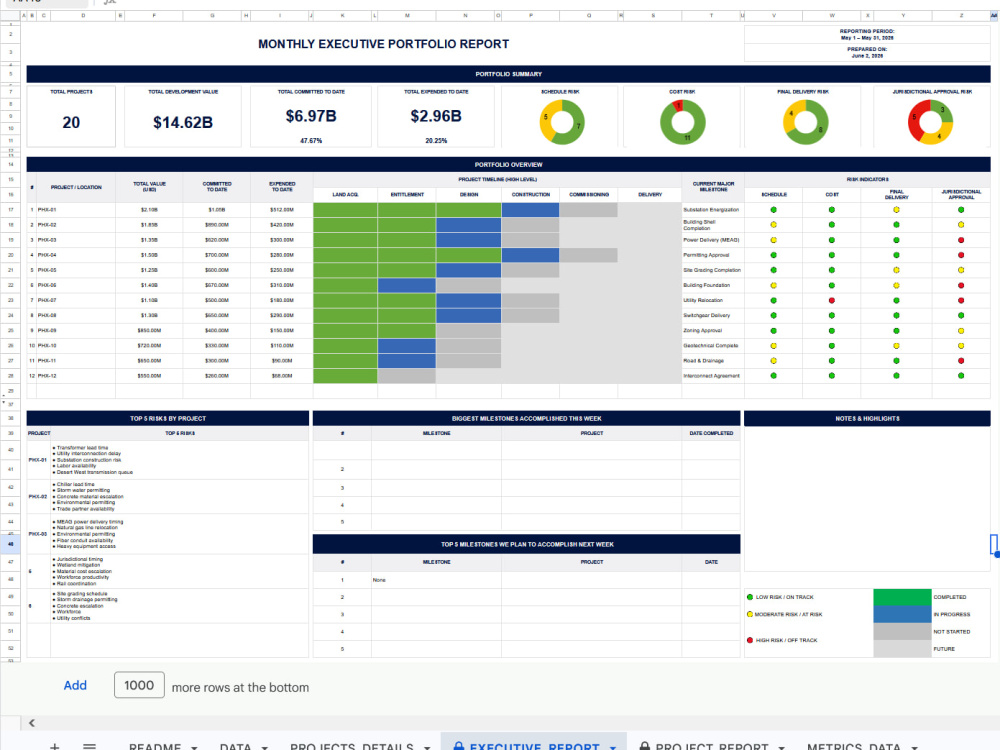
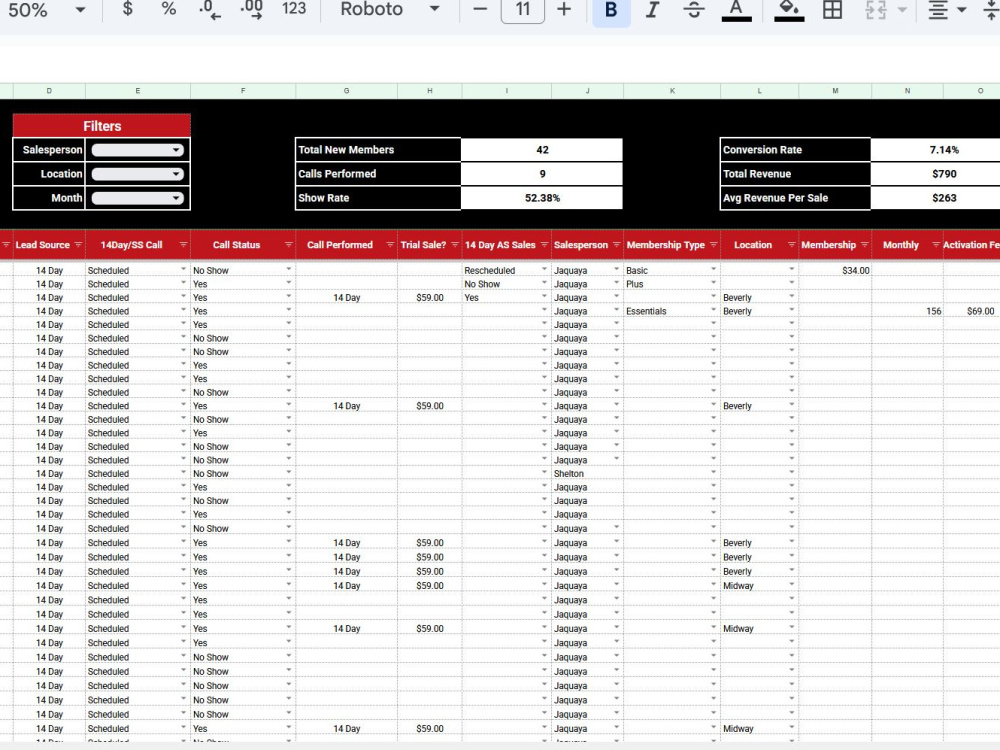
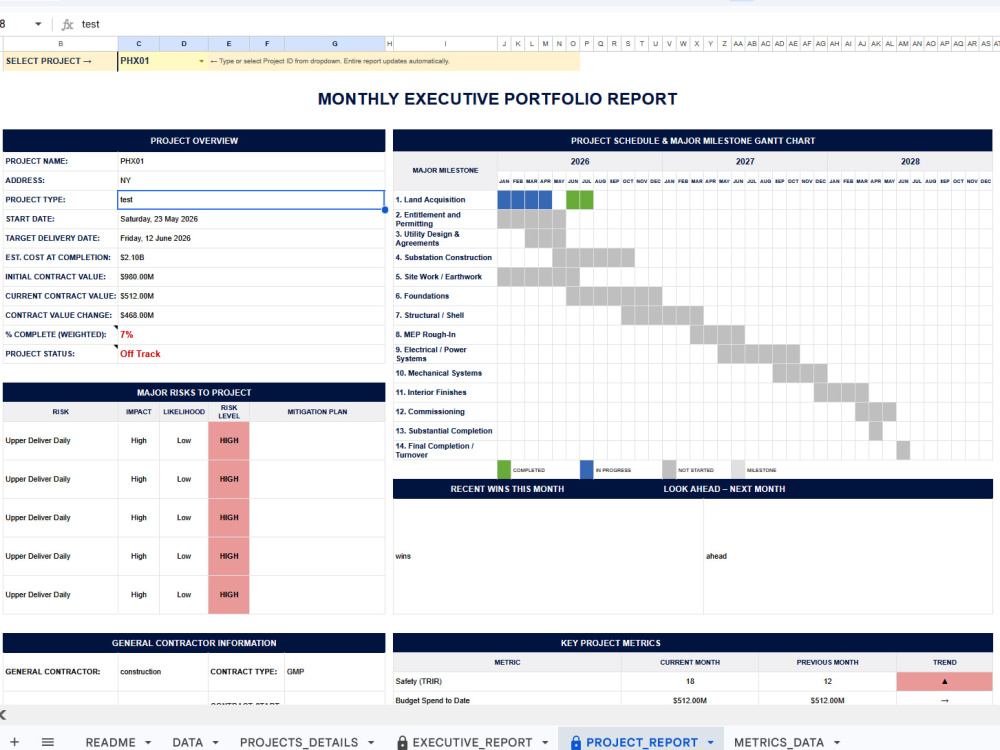
Is your team copying data manually between spreadsheets every week? I build Google Sheets automations using Apps Script and smart formulas that eliminate repetitive work and save hours every month.
Whether you need automatic data transfer between tabs, custom alerts when values change, dropdown-driven workflows, or scheduled reports I build clean, reliable systems your whole team can use without training.
What makes this different: I don't just write a script and leave. I document everything clearly so you can maintain it yourself, and I stay available for questions after delivery.
Trusted by clients across e-commerce, finance, healthcare, and operations teams. 100% Job Success, Top Rated on Upwork.
Whether you need automatic data transfer between tabs, custom alerts when values change, dropdown-driven workflows, or scheduled reports I build clean, reliable systems your whole team can use without training.
What makes this different: I don't just write a script and leave. I document everything clearly so you can maintain it yourself, and I stay available for questions after delivery.
Trusted by clients across e-commerce, finance, healthcare, and operations teams. 100% Job Success, Top Rated on Upwork.
Data Tool
Google SheetsWhat's included
| Service Tiers |
Starter
$50
|
Standard
$100
|
Advanced
$200
|
|---|---|---|---|
| Delivery Time | 2 days | 3 days | 5 days |
Number of Revisions | 2 | 3 | 4 |
Data Source Connectivity | - | ||
Web Embedding | - | - | - |
Interactive/Animated Visuals | - | - |
Optional add-ons
You can add these on the next page.
Extra Revision
(+ 1 Day)
+$15
Training & Walkthrough
(+ 1 Day)
+$25Frequently asked questions
25 reviews
(25)
(0)
(0)
(0)
(0)
This project doesn't have any reviews.
TB
Thomas B.
Jul 8, 2026
Looker or Data Studio Dashboard Designer
Very easy and friendly to work with, great communication. Will hire again. Thank you Mahnoor!
MP
Matt P.
Jul 1, 2026
OneOK Simulation Decision Excel Tool
CC
CJ C.
Apr 5, 2026
Finalize ERD Diagram Using Excel and Power Tools
HQ
Hatim Q.
Mar 31, 2026
Excel/Power BI Simple Sales Dashboard Creation
Created a clean and insightful sales dashboard using Excel/Power BI with clear visuals and accurate data representation. Easy to understand, well-structured, and delivered on time with great professionalism.
BA
Basim A.
Feb 25, 2026
another similar Excel dashboard
I had a fantastic experience working with Mahnoor. She is extremely reliable, always on time, and consistently goes above and beyond what is expected.
Even when there were mid-project changes to the specifications, she handled everything professionally and adapted quickly without hesitation. Her flexibility and positive attitude made the entire process smooth and stress-free.
I will definitely be hiring her again and again in the future. Highly recommended!
Even when there were mid-project changes to the specifications, she handled everything professionally and adapted quickly without hesitation. Her flexibility and positive attitude made the entire process smooth and stress-free.
I will definitely be hiring her again and again in the future. Highly recommended!
About Mahnoor
Data Analyst & Automation Expert | Power BI, Excel VBA, Google Sheets
100%
Job Success
Talagang, Pakistan - 7:30 pm local time
If your team spends hours on manual reporting, follow-ups, or data entry, I can automate 80% of that so you focus on decisions, not spreadsheets.
No complicated systems. No overengineering. Just clean, practical solutions that show:
→ What's working
→ What needs attention
→ Where you can save time and money
𝗛𝗲𝗿𝗲'𝘀 𝗵𝗼𝘄 𝗜 𝗰𝗮𝗻 𝗵𝗲𝗹𝗽 𝘆𝗼𝘂:
→ Build KPI dashboards in Power BI and Looker Studio
→ Automate workflows with Google Apps Script and Make .com
→ Build AI-powered reporting and data analysis systems
→ Automate Excel reports using VBA and Power Query
→ Build Google Sheets systems that run themselves
→ Build no-code apps with AppSheet
→ Clean, organize and connect your data sources
→ Turn hours of manual work into one-click workflow automation
I don't just show data, I build systems that save your team real time every week.
Message me and let's discuss your project.
Steps for completing your project
After purchasing the project, send requirements so Mahnoor can start the project.
Delivery time starts when Mahnoor receives requirements from you.
Mahnoor works on your project following the steps below.
Revisions may occur after the delivery date.
Review requirements
I review sheet, requirements and sample data to confirm scope and ask any clarifying questions.
Build automation
I build the Apps Script or formula-based automation and test it thoroughly with data.