You will get Lead Intake & CRM Pipeline Automation System
Project details
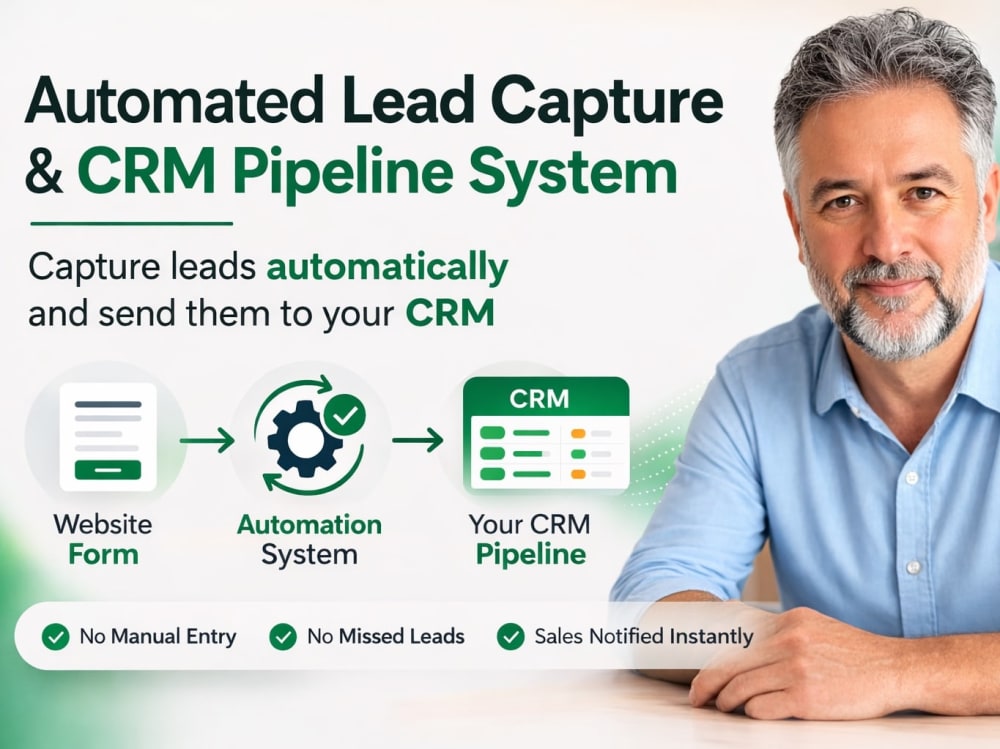
You will get an automation system that captures incoming leads and sends them directly into your CRM pipeline. No manual copy and paste, no missed inquiries, and no delays in responding to potential customers.
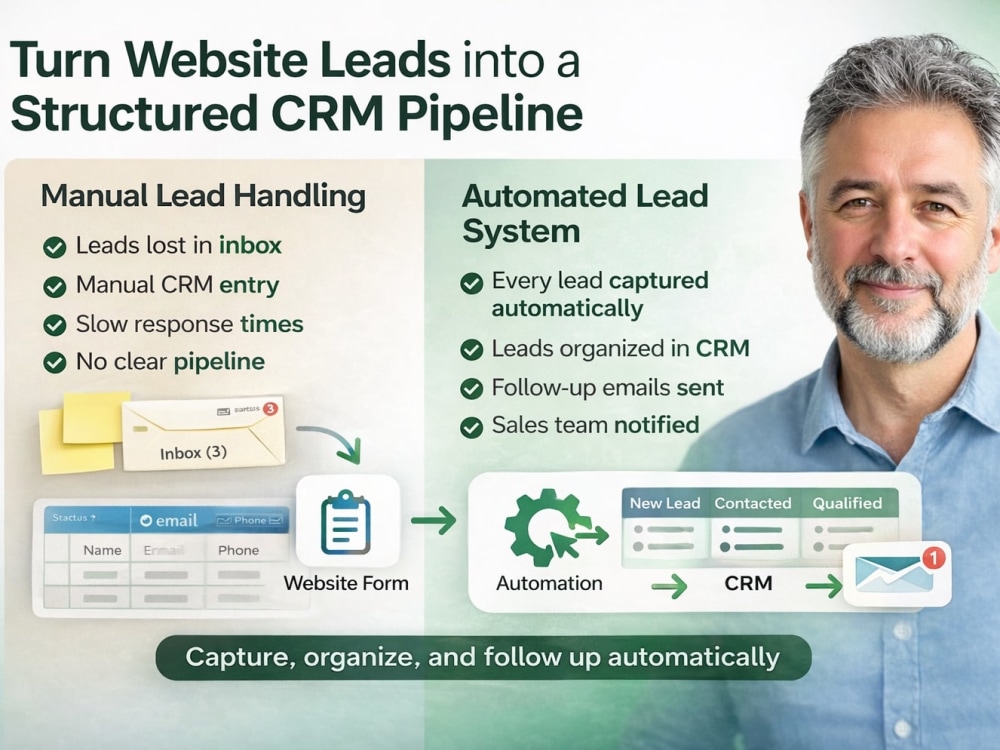
Many businesses receive leads from website forms, landing pages, or ads but still handle them manually. This often leads to slow responses and lost opportunities. I build a simple automation workflow that captures each lead, sends it to the correct CRM stage, and triggers notifications or follow up actions automatically.
I focus on practical automation systems that businesses can actually use without complex setups. Once installed, your lead flow runs automatically in the background while you focus on converting customers.
What you receive:
• Lead capture automation from your website or forms
• Automatic CRM pipeline entry for every lead
• Optional automated follow up emails
• Notifications for your team when new leads arrive
• A clean and reliable automation workflow
The system is built specifically for your lead flow so it works smoothly with your CRM and existing tools.
Many businesses receive leads from website forms, landing pages, or ads but still handle them manually. This often leads to slow responses and lost opportunities. I build a simple automation workflow that captures each lead, sends it to the correct CRM stage, and triggers notifications or follow up actions automatically.
I focus on practical automation systems that businesses can actually use without complex setups. Once installed, your lead flow runs automatically in the background while you focus on converting customers.
What you receive:
• Lead capture automation from your website or forms
• Automatic CRM pipeline entry for every lead
• Optional automated follow up emails
• Notifications for your team when new leads arrive
• A clean and reliable automation workflow
The system is built specifically for your lead flow so it works smoothly with your CRM and existing tools.
Programming Languages
JavaScript, Python, TypeScriptCoding Expertise
Cross Browser & Device Compatibility, Performance Optimization, SecurityWhat's included
| Service Tiers |
Starter
$95
|
Standard
$175
|
Advanced
$325
|
|---|---|---|---|
| Delivery Time | 2 days | 3 days | 5 days |
Number of Revisions | 1 | 2 | 2 |
Number of Pages | 1 | 2 | 3 |
Design Customization | - | ||
Content Upload | - | ||
Responsive Design | - | - | - |
Source Code |
Frequently asked questions
About Stephan
AI Automation & Workflow Systems | Email, Data, and Business Workflows
Chiang Mai, Thailand - 3:31 pm local time
I design automation systems that handle these tasks automatically so the work happens in the background instead of manually. These systems turn repetitive processes into one-click or fully automated workflows.
In many cases this involves building small internal tools or operational systems that automate how requests are handled, data is processed, or products are created.
What I build
• Email automation that classifies, routes, or responds to incoming messages
• Workflow automation that removes repetitive manual steps between apps
• File and data processing pipelines (renaming, sorting, packaging, organizing)
• Digital product and listing automation for sellers and creators
• Internal tools and operational systems that simplify repetitive business tasks
Typical systems and tools
Examples include:
• AI email classification and routing systems
• request intake or booking systems
• itinerary and quotation generators
• communication and follow-up workflows
• product or listing generation tools
• systems that move data between business tools automatically
• internal dashboards or operational utilities
Typical outcomes
• Email or request handling runs automatically instead of manually
• Data and files move between tools without manual copying
• Listings or digital products can be generated in batches
• Operational workflows run reliably in the background
• Teams use simple internal tools instead of manual spreadsheets or email chains
How I work
• Everything runs in your own accounts
• No SaaS lock-in
• No ongoing dependency on me
• Clean documentation so you actually understand the system
• Built with clear logic, logging, and error handling
• Based on real experience running my own digital stores
Tools & platforms
• Make
• Google Workspace (Sheets, Drive, Gmail)
• AI APIs such as OpenAI and Gemini
• Webhooks and API integrations
• Custom scripts and lightweight internal web tools
If you describe the manual process you currently follow, I can usually outline how it could be automated.
Steps for completing your project
After purchasing the project, send requirements so Stephan can start the project.
Delivery time starts when Stephan receives requirements from you.
Stephan works on your project following the steps below.
Revisions may occur after the delivery date.
Review your lead process
I review your current lead source and CRM setup to understand how leads should be captured and processed.
Build the automation workflow
I create the automation that captures leads from your form or source and sends them to the correct CRM pipeline stage.