You will get Medical Dashboard UI — Frontend Development (React / API / Authentication)

Project details
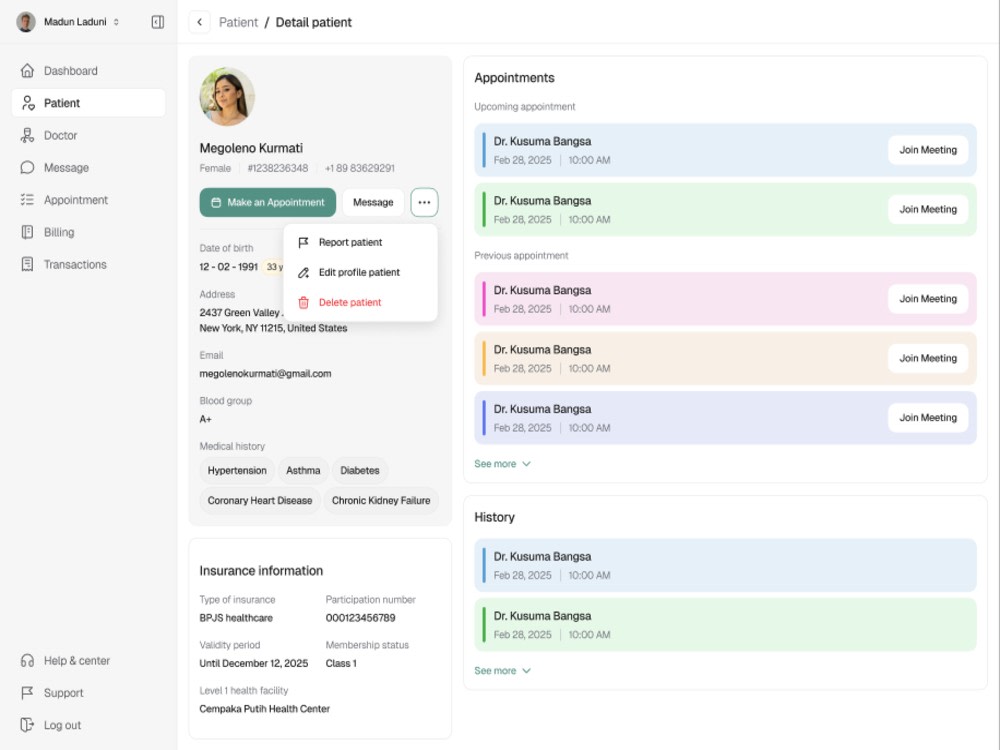
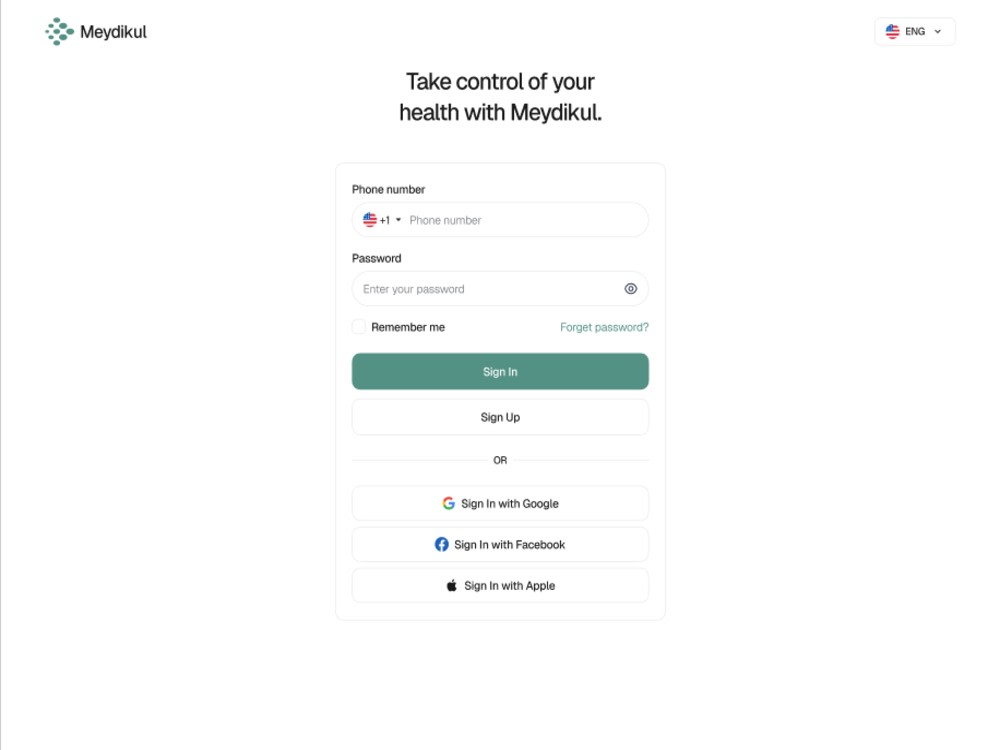
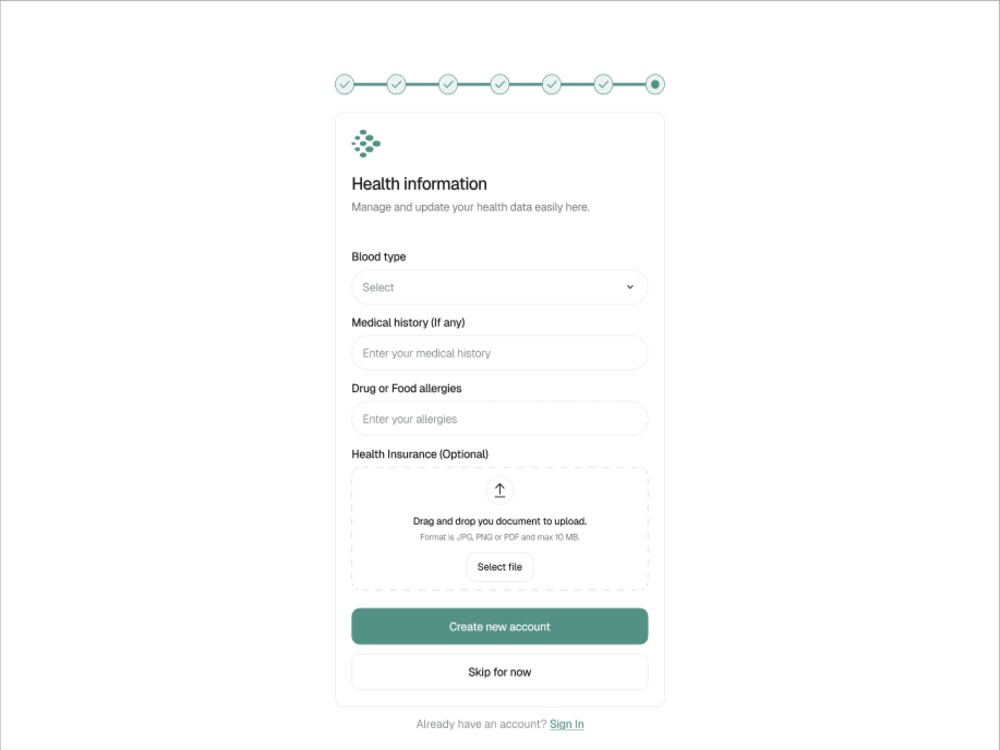
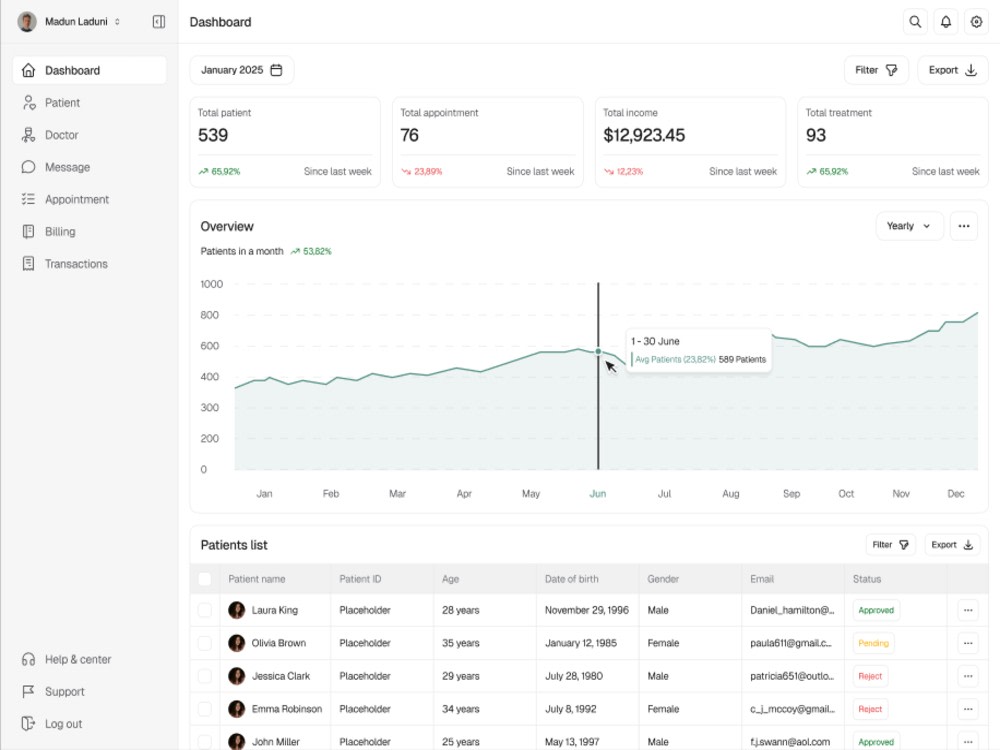
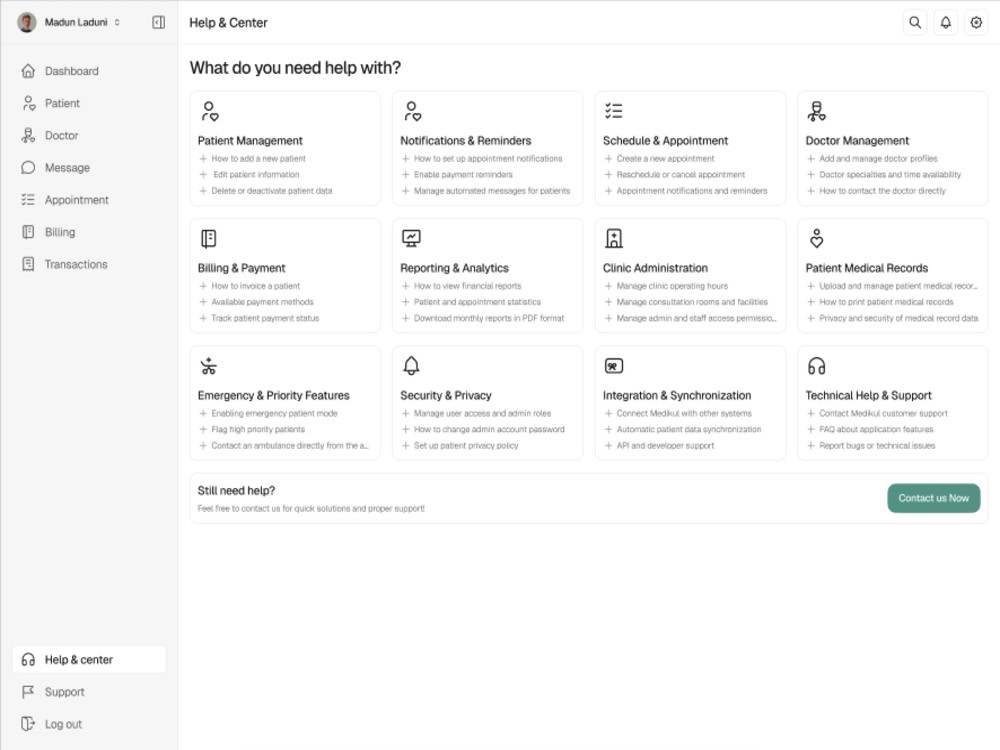
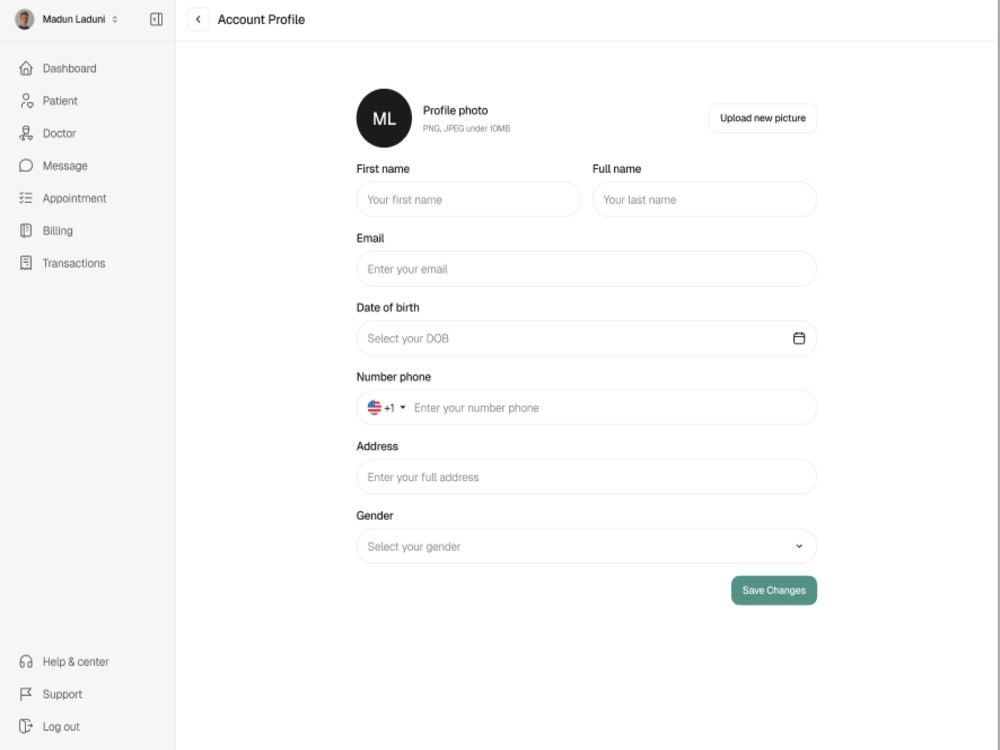
Meydikul is a modern, responsive medical dashboard UI kit built for healthcare startups, clinics, and SaaS platforms. The goal is to design and develop a clean, efficient interface for managing patients, appointments, analytics, and medical reports — ensuring seamless workflow and data accessibility.
This dashboard provides a real-time overview of patient activity, appointment schedules, and health metrics through well-structured layouts and intuitive navigation. Each module is optimized for clarity, speed, and scalability, allowing healthcare teams to make informed decisions quickly.
Developed with technologies like React, Node.js, and REST APIs, Meydikul ensures high performance, strong data handling, and easy integration with CRM and EMR systems. The UI maintains a minimal aesthetic with a focus on usability and consistency.
Ideal for healthcare SaaS, hospital systems, or digital health tools, Meydikul offers a complete solution that bridges design and functionality for next-generation medical dashboards.
This dashboard provides a real-time overview of patient activity, appointment schedules, and health metrics through well-structured layouts and intuitive navigation. Each module is optimized for clarity, speed, and scalability, allowing healthcare teams to make informed decisions quickly.
Developed with technologies like React, Node.js, and REST APIs, Meydikul ensures high performance, strong data handling, and easy integration with CRM and EMR systems. The UI maintains a minimal aesthetic with a focus on usability and consistency.
Ideal for healthcare SaaS, hospital systems, or digital health tools, Meydikul offers a complete solution that bridges design and functionality for next-generation medical dashboards.
What's included
| Service Tiers |
Starter
$200
|
Standard
$350
|
Advanced
$450
|
|---|---|---|---|
| Delivery Time | 5 days | 7 days | 9 days |
Number of Revisions | 1 | 2 | 3 |
Number of Pages | 3 | 6 | 8 |
Design Customization | - | - | - |
Content Upload | - | - | - |
Responsive Design | - | - | - |
Source Code | - | - | - |
About Divya
CRM Integration&Automation Specialist | Google Workspace & API Expert
Mohali, India - 3:01 pm local time
I create seamless, automated connections between CRMs, apps, and internal systems, so your team can focus on growth instead of repetitive tasks or data alignment issues.
✅ What I Help You Achieve
Streamlined sales, lead, and marketing operations
Automated workflows for emails, notifications, and task assignments
Real-time and accurate data syncing across tools
Custom dashboards for faster, data-driven decisions
Scalable solutions that grow with your business
🚀 Core Services
CRM Integration: Salesforce, HubSpot, Zoho, and custom platforms
Workflow Automation: Zapier, Make (Integromat), Google Workspace, and custom scripts
API Integration: Payment gateways, marketing tools, communication apps
Reporting & Dashboards: Visual performance insights for teams and leaders
Web App Connectivity: React/Next.js frontend with Node.js backend automation
💡 Why Clients Work with Me
Experience with SaaS companies, agencies, and SMBs
Clean and well-structured deliverables with proper documentation
Prompt communication and solution-focused mindset
Committed to long-term success beyond task-based work
If you're looking to make your business systems work smarter, not harder — let’s connect and discuss how automation can unlock more time and growth for your team.
Steps for completing your project
After purchasing the project, send requirements so Divya can start the project.
Delivery time starts when Divya receives requirements from you.
Divya works on your project following the steps below.
Revisions may occur after the delivery date.
Requirement Gathering
Client shares project brief, goals, and references (e.g., branding, layout preferences, feature list)
Wireframe & Structure Planning
Create and share low-fidelity wireframes for dashboard flow and component layout.