You will get my ready made power apps expense report app
Project details
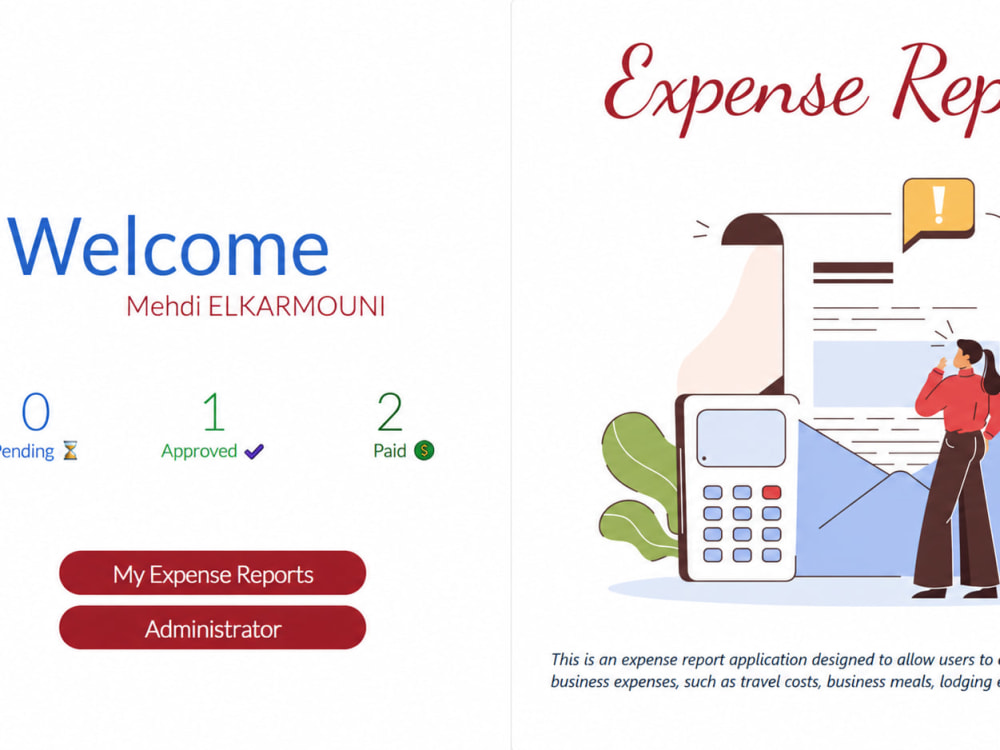
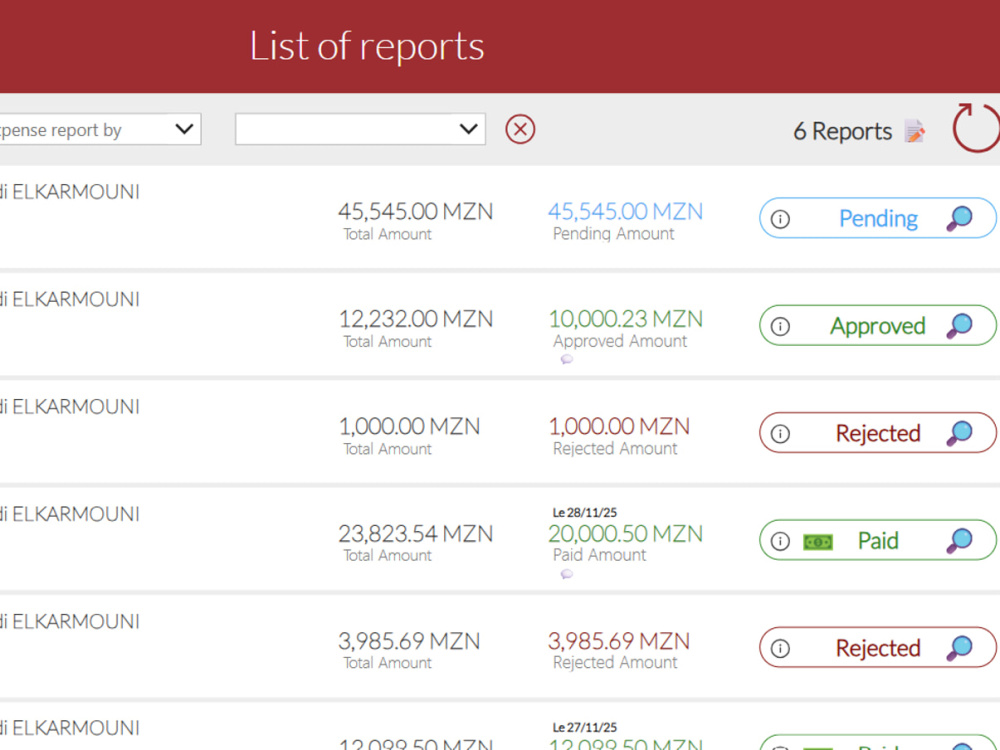
Managing expense reports on paper or in scattered spreadsheets slows your team down and makes approvals a headache. I install and customize a complete, already-built Power Apps expense report system the same app I built and deployed for a construction company, covering the full cycle from submission to approval to payment tracking.
You get a real, working app, not a demo:
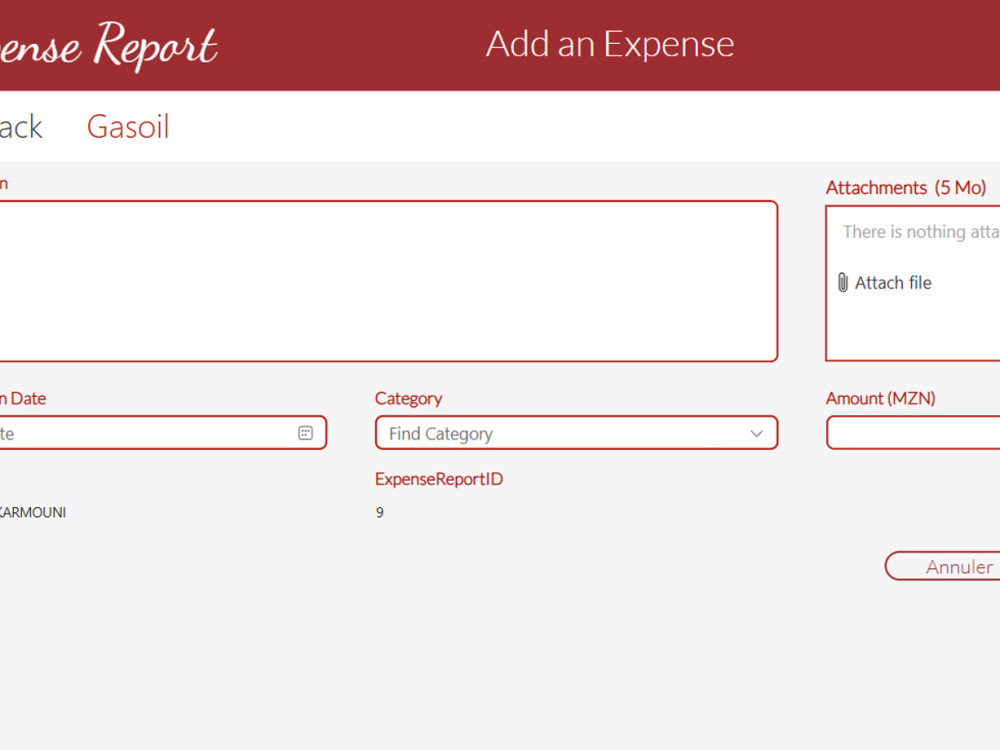
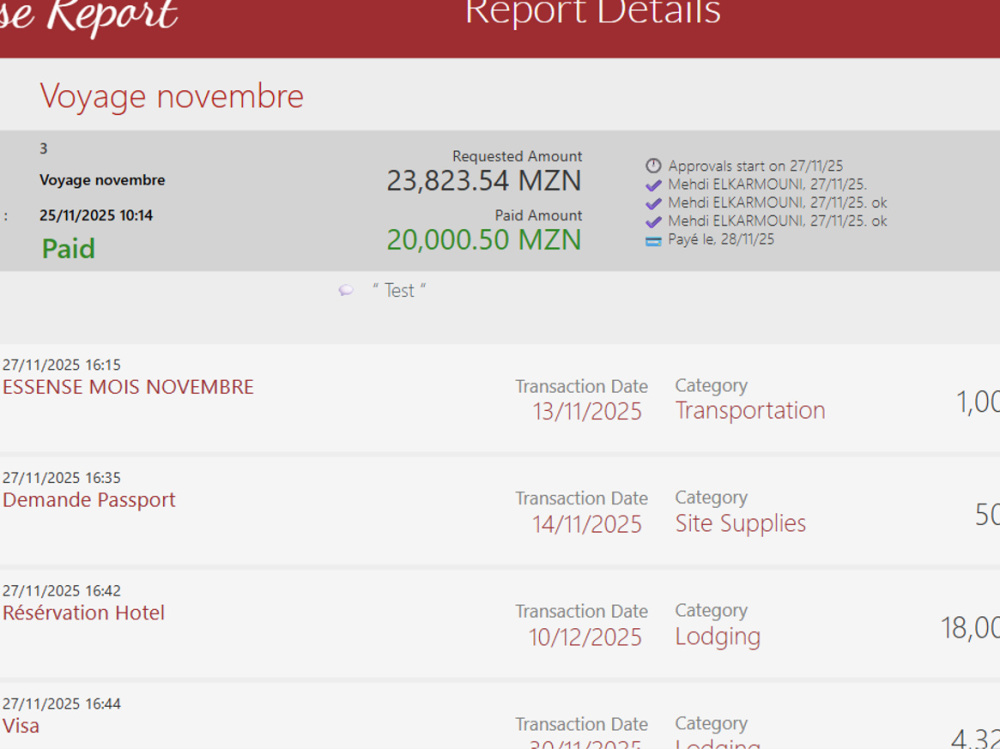
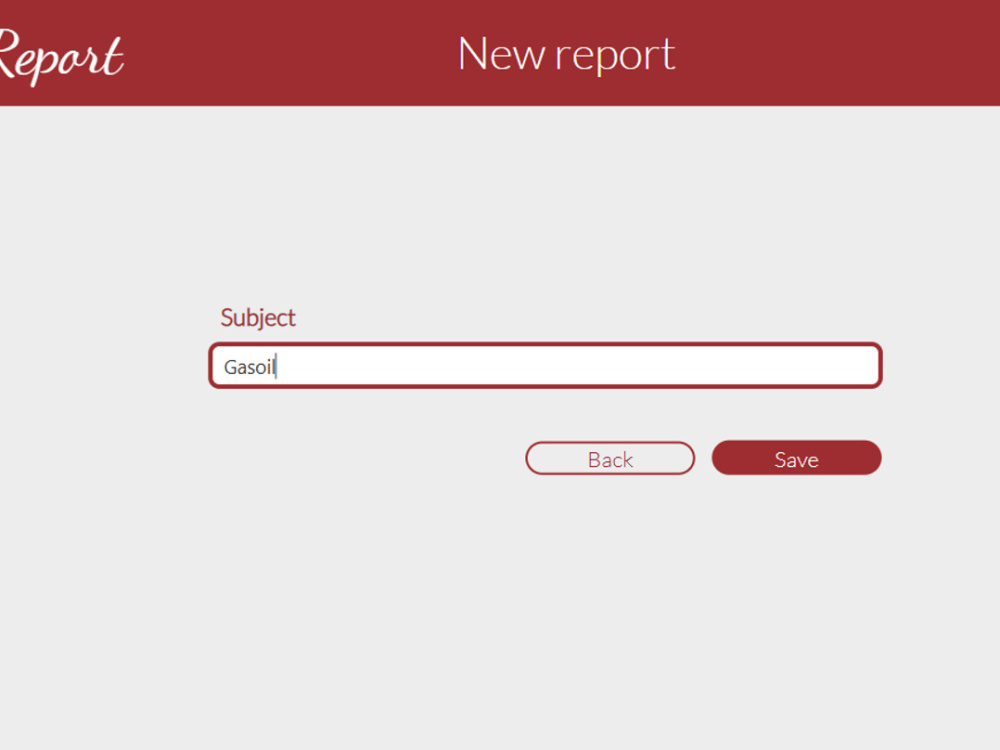
• Multi-screen Power Apps interface (dashboard, new report, report details)
• SharePoint list structure to store and organize all expense data with the attachements
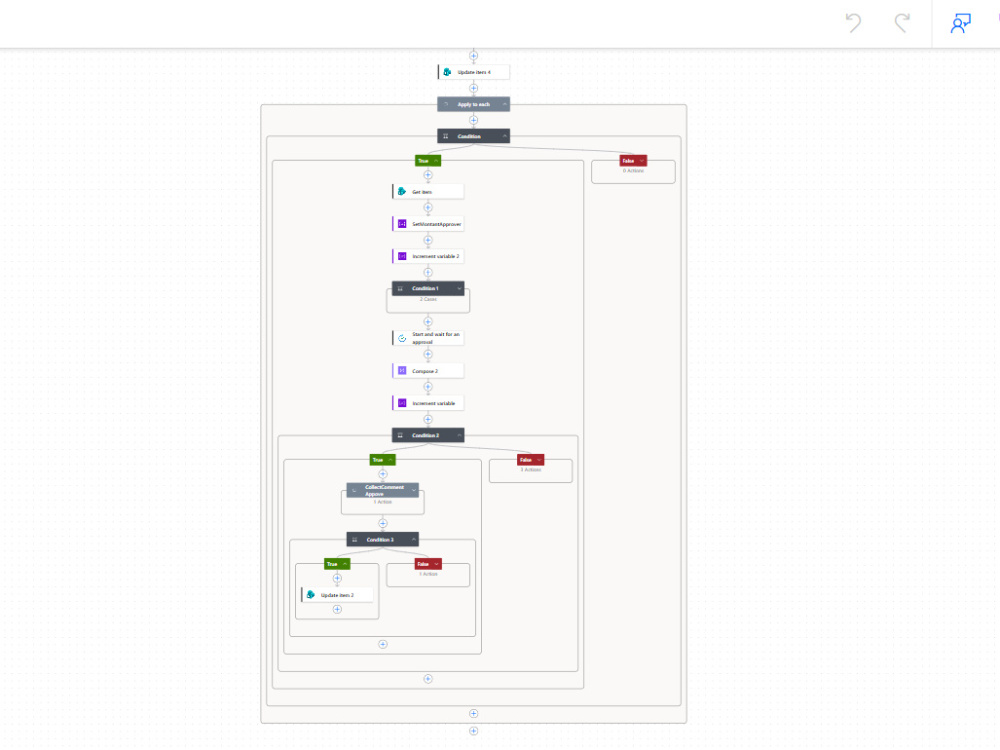
• Power Automate approval workflow with status tracking update
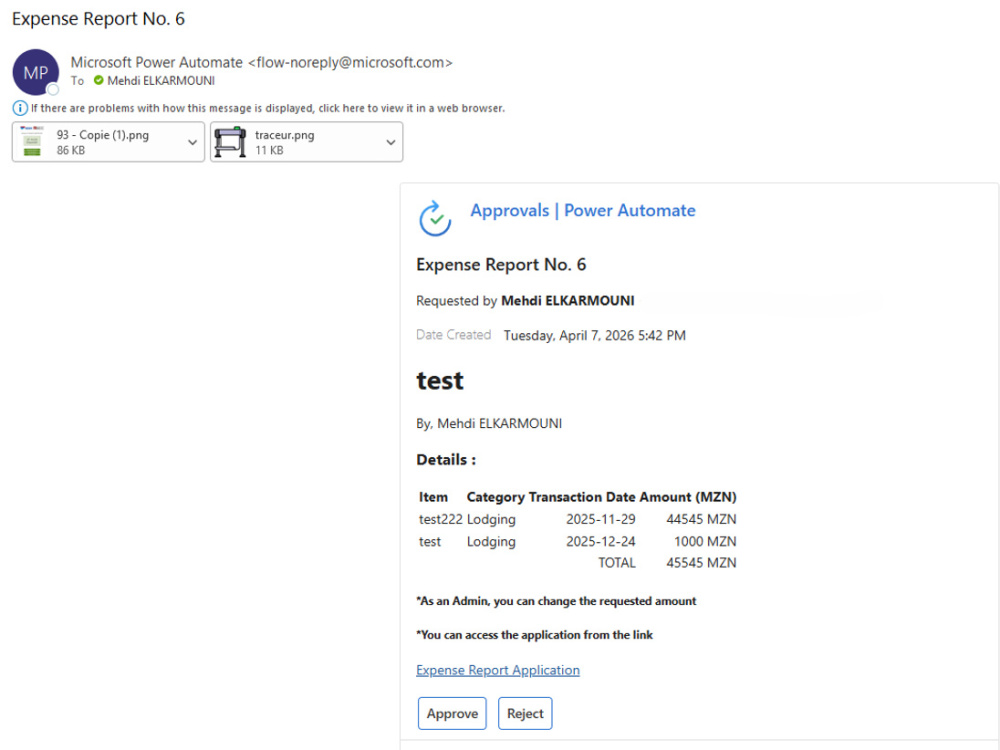
• Direct approval from Teams and Outlook, without opening the application
• Works on desktop, Microsoft Teams, and Tablet
Because I'm installing a proven system rather than building from zero, delivery is fast and reliable and you can see exactly what you're getting before you order (screenshots attached to this gig are the real app).
Higher tiers add deeper customization: your own expense categories, multi-level approval chains, and full Teams/Outlook integration
Message me your Microsoft 365 setup and expense process, and I'll confirm what's possible before you order.
You get a real, working app, not a demo:
• Multi-screen Power Apps interface (dashboard, new report, report details)
• SharePoint list structure to store and organize all expense data with the attachements
• Power Automate approval workflow with status tracking update
• Direct approval from Teams and Outlook, without opening the application
• Works on desktop, Microsoft Teams, and Tablet
Because I'm installing a proven system rather than building from zero, delivery is fast and reliable and you can see exactly what you're getting before you order (screenshots attached to this gig are the real app).
Higher tiers add deeper customization: your own expense categories, multi-level approval chains, and full Teams/Outlook integration
Message me your Microsoft 365 setup and expense process, and I'll confirm what's possible before you order.
What's included
| Service Tiers |
Starter
$100
|
Standard
$250
|
Advanced
$500
|
|---|---|---|---|
| Delivery Time | 7 days | 12 days | 15 days |
Number of Revisions | 3 | 5 | 9 |
Number of Pages | 10 | 10 | 10 |
Design Customization | - | ||
Content Upload | - | ||
Responsive Design | - | - | - |
Source Code | - |
Optional add-ons
You can add these on the next page.
Fast Delivery
+$50
Additional Revision
+$30Frequently asked questions
About Mehdi
Microsoft 365 & Power Platform | Networks & Systems | IT Support
Temara, Morocco - 12:48 am local time
IT professional with experience since 2022 in technical support, incident management, and systems & network administration. I help businesses keep their IT infrastructure running smoothly while also building smart automation solutions to save time and reduce manual work.
My core strength is Microsoft Power Platform — I design and deploy custom Power Apps and Power Automate workflows that streamline internal processes (such as leave requests, approval flows, and document management), along with SharePoint solutions tailored to organizational needs.
On the support side, I provide reliable troubleshooting for hardware and software issues, manage IT equipment and infrastructure, and collaborate effectively with cross-functional and international teams — including experience working directly with an IT department based in Brussels.
I'm known for my rigor, responsiveness, and strong service mindset. Whether you need ongoing IT support, a Power Platform automation solution, or help optimizing your systems and network setup, I'm committed to delivering results efficiently and reliably.
Let's discuss how I can help improve your IT operations.
Steps for completing your project
After purchasing the project, send requirements so Mehdi can start the project.
Delivery time starts when Mehdi receives requirements from you.
Mehdi works on your project following the steps below.
Revisions may occur after the delivery date.
Requirements review
Review all information provided (users, admins, approval order, customization requests) and confirm tenant access is in place before starting.
SharePoint site / Teams channel configuration
Create and configure the SharePoint lists (or Teams channel) that will store the expense report data.